






 Laptop Computers
 Desktop Computers
 Printers

 Network
 Software
 Laptop Accessories
 Laptop Components
 Office
 Desktop peripherals
 Server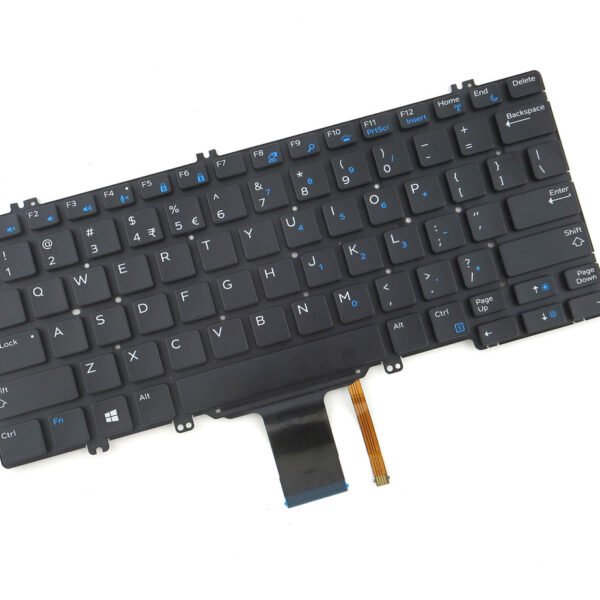
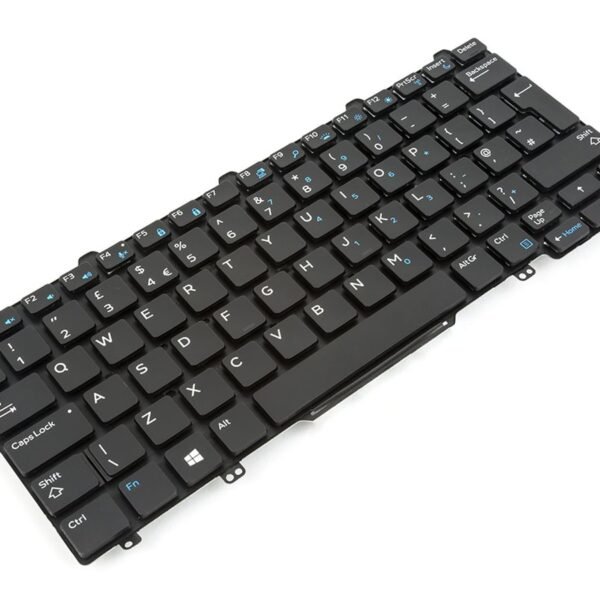
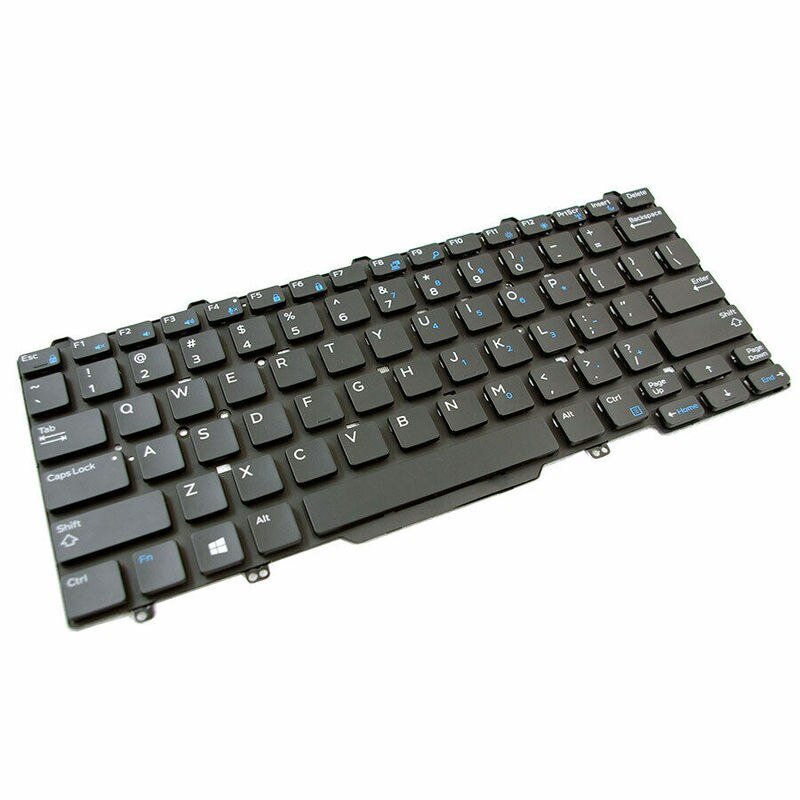
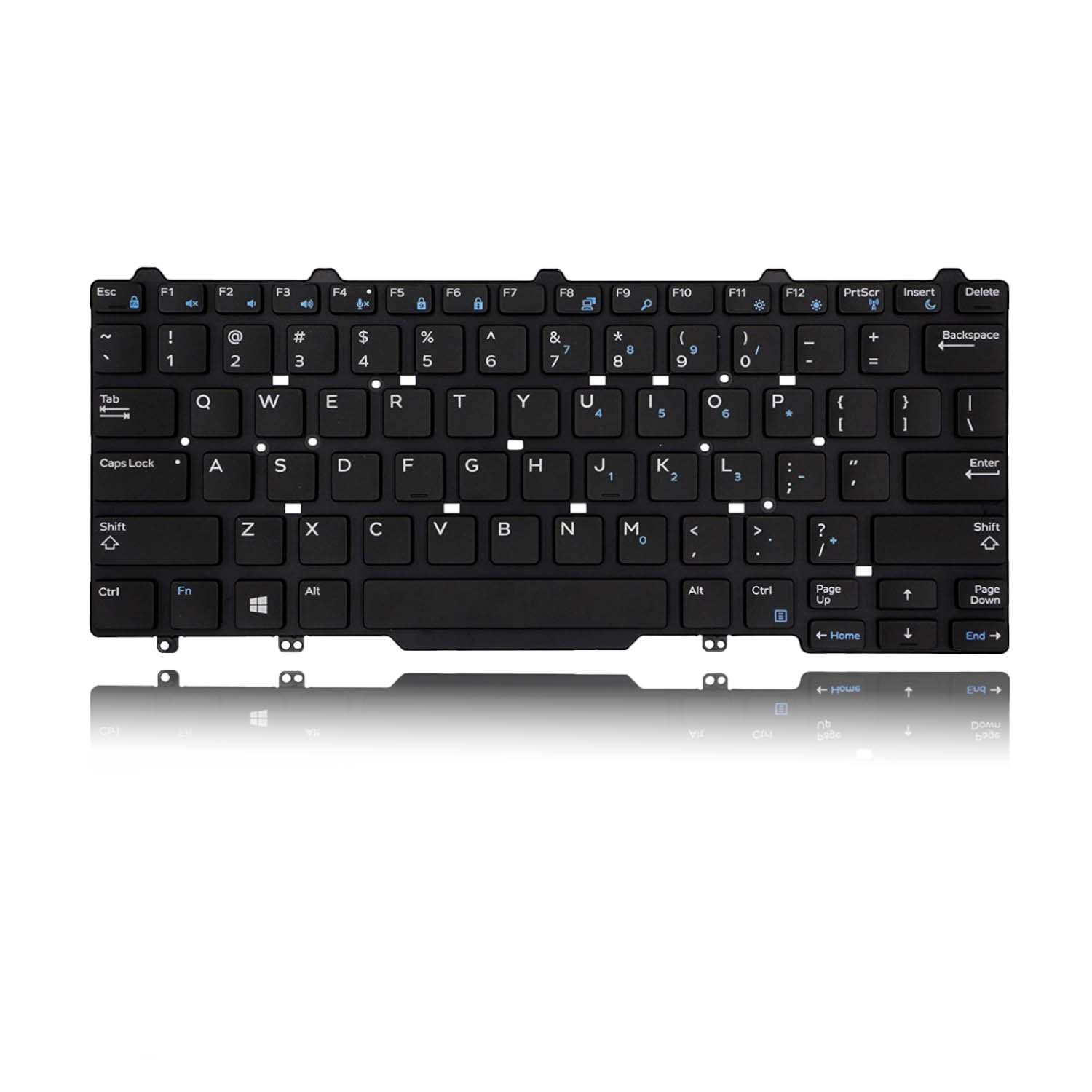
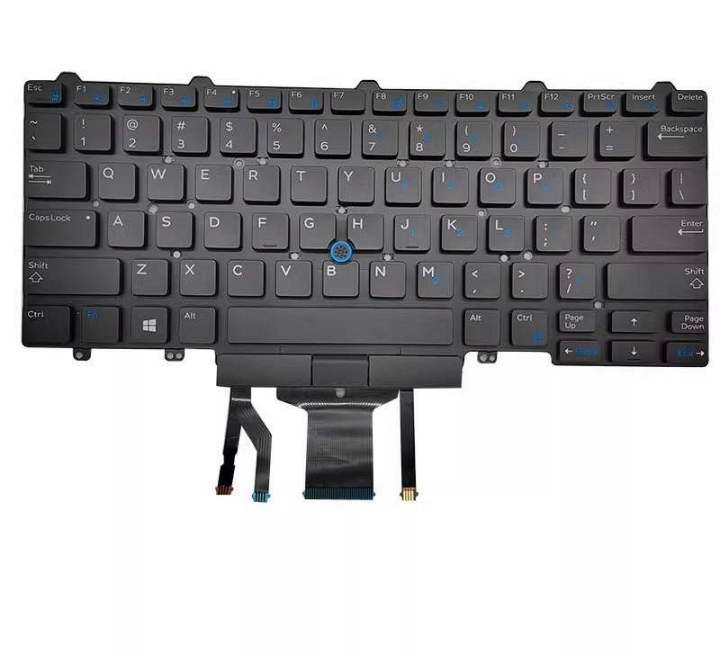
Compatible Models: E5450, E7250, E7450, 3340
Layout: US Standard QWERTY
Color: Black
Condition: Brand New – Genuine Dell Part
Features:
Smooth, quiet keys for focused typing
Seamless fit with Dell chassis
Durable construction for daily use
Quick response with comfortable feel
Ideal for business, students, and developers

Hurry and get discounts on all Apple devices up to 20%
Sale_coupon_15
KSh2,000.00 excl. VAT
Payment Methods:

At Lansotech Solutions, we provide premium Dell laptop repairs and genuine keyboard replacements tailored for business-class users, developers, and remote workers. If your Dell Latitude E5450, E7250, E7450, or 3340 keyboard is unresponsive, damaged, or missing keys, our US layout keyboard replacement will restore its functionality and professional appearance.
A faulty keyboard not only affects productivity but can also impact your typing experience and accuracy. With our original Dell keyboard replacements, you’ll benefit from:
Perfect compatibility with Dell Latitude E5450, E7250, E7450, and 3340 models
Responsive keys with smooth tactile feedback and quiet operation
Durable materials designed for everyday professional and student use
Seamless integration with your laptop’s original frame and design
✔ Dell Latitude E5450
✔ Dell Latitude E7250
✔ Dell Latitude E7450
✔ Dell Latitude 3340
Layout: US Standard QWERTY
Color: Black
Backlit Option: Available based on your model
Condition: Brand New – Original Dell Replacement
We follow a detailed and secure replacement procedure to ensure your laptop is handled with care and returned in pristine condition:
Step 1 – Keyboard Diagnosis
We confirm keyboard failure through quick testing to eliminate software or connection issues.
Step 2 – Professional Disassembly
Our technicians use Dell-specific tools to safely open your laptop, protecting internal components.
Step 3 – Faulty Keyboard Removal
We carefully disconnect and remove your old keyboard while preserving all motherboard connections.
Step 4 – Precision Installation
We install the new keyboard with a perfect fit, ensuring full compatibility with backlight and function keys (if applicable).
Step 5 – Testing & Final Touches
Every key is tested for responsiveness, and your device is cleaned and checked before handover.
Clean regularly with compressed air to remove dust
Use a soft microfiber cloth with alcohol to wipe keys gently
Avoid eating or drinking near your laptop
Use a keyboard cover in outdoor or dusty environments
Type with moderate pressure to maintain key switch durability
✔ Skilled, Dell-experienced technicians
✔ We use only genuine Dell replacement parts
✔ Affordable pricing and fast turnaround
✔ Warranty provided on every keyboard installation
✔ Trusted by schools, developers, offices, and freelancers

No account yet?
Create an Account











 ASUS
ASUS



