






 Laptop Computers
 Desktop Computers
 Printers
 Network
 Software
 Laptop Accessories
 Laptop Components
 Office
 Desktop peripherals
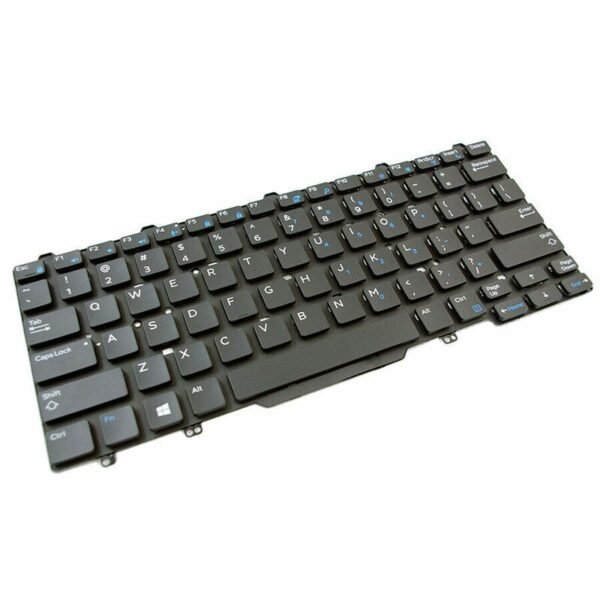
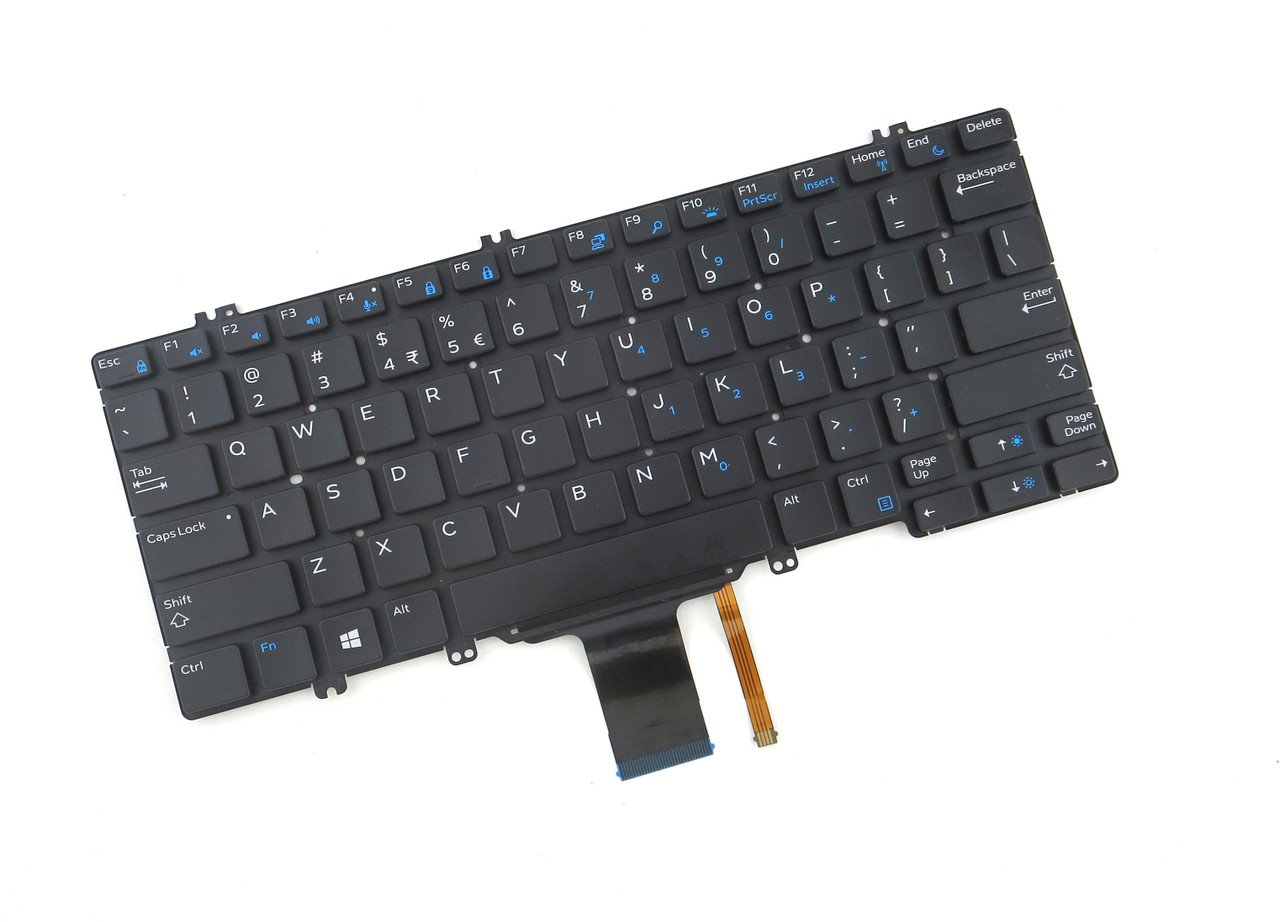
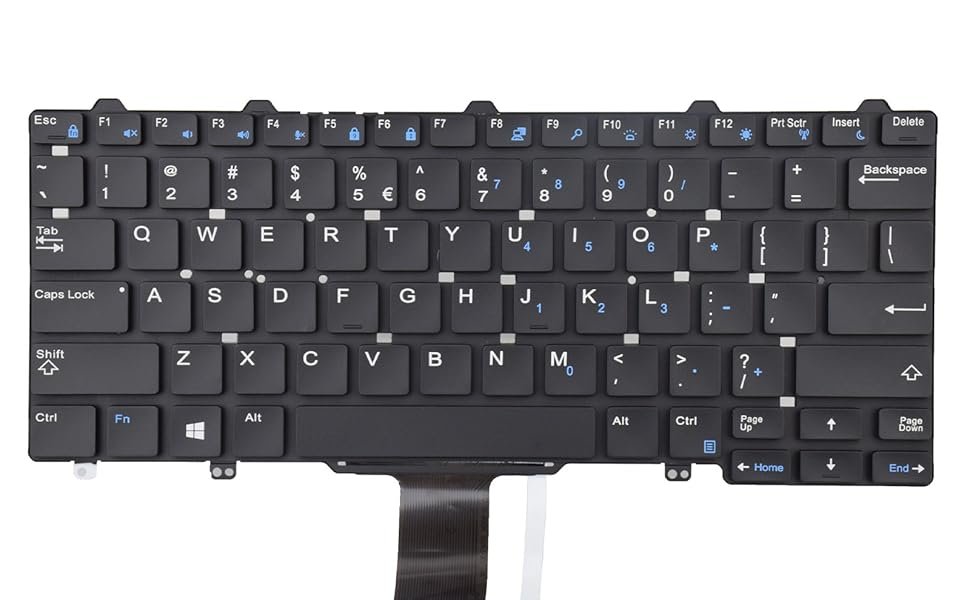
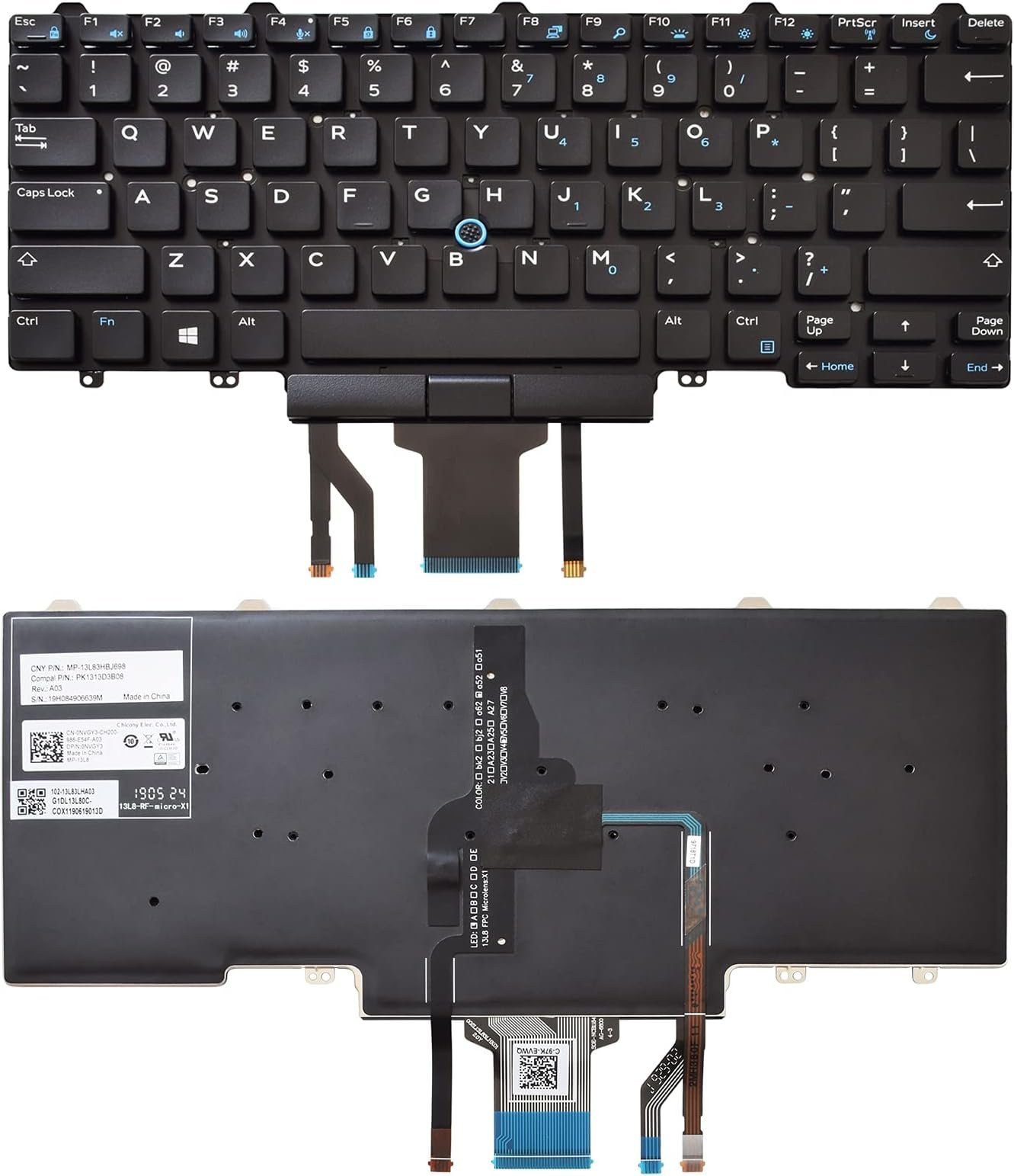
Compatible Models: Dell Latitude 5290, 5280, 5288, 5289, 7280, 7290, 7389, 7390
Layout: US QWERTY
Color: Black
Condition: Brand New – Original Dell Keyboard
Features:
Precise typing with quiet keys
Durable build for long-term use
100% model compatibility

Hurry and get discounts on all Apple devices up to 20%
Sale_coupon_15
KSh3,200.00 excl. VAT
Payment Methods:

At Lansotech Solutions, we specialize in authentic laptop parts that deliver premium quality and performance. This genuine Dell keyboard (Model PK131S53B010) is tailored for a wide range of Dell Latitude models across the 5000 and 7000 series. Whether you’re replacing a damaged keyboard or upgrading for better typing comfort, this keyboard offers precise compatibility, excellent responsiveness, and a professional-grade finish.
It’s the ideal solution for students, developers, office professionals, and anyone who needs a dependable typing experience.
Why Choose the Dell PK131S53B010 Keyboard
✅ 100% Original Dell Component – Ensures perfect fit and optimal performance.
✅ US Standard QWERTY Layout – Comfortable and efficient for all-day typing.
✅ Smooth Typing Experience – Quiet, responsive keys designed for productivity.
✅ Durable and Reliable – Built to withstand heavy daily use.
✅ Exact Model Fit – No compatibility issues—plug and type.
Compatible Dell Latitude Models
✔ Latitude 5290
✔ Latitude 5280 / 5288 / 5289
✔ Latitude 7280 / 7290
✔ Latitude 7389 / 7390
Layout: US QWERTY
Color: Black
Condition: Brand New – Genuine Dell Part
Backlight Support: Depends on system (port present for backlight connection)
Professional Installation Process
Step 1 – Diagnosis
We verify that the keyboard is the source of the issue.
Step 2 – Secure Disassembly
Using static-safe tools, we open your laptop with care.
Step 3 – Keyboard Removal
We detach the faulty keyboard safely without damaging other parts.
Step 4 – New Keyboard Installation
We install the new PK131S53B010 keyboard, ensuring a factory-aligned fit.
Step 5 – Full Testing & Cleaning
All keys are tested for responsiveness, and your laptop is cleaned and polished.
Maintenance Tips for Longevity
Use compressed air to remove dust between keys
Clean gently with a microfiber cloth and alcohol
Avoid food and drinks near the keyboard
Use a keyboard protector in dusty areas
Type lightly to extend keyboard life
Why Clients Trust Lansotech Solutions
✔ Expert Dell service team
✔ Original spare parts only
✔ Fast and clean installations
✔ Warranty provided on every keyboard
✔ Serving professionals, institutions, and developers across Nairobi
 Laptop Computers
 Desktop Computers
 Desktop peripherals
 Laptop Accessories
 Laptop Components
 Network
 Printers
 Server
 Software
No account yet?
Create an Account






