






 Laptop Computers
 Desktop Computers
 Printers
 Network
 Software
 Laptop Accessories
 Laptop Components
 Office
 Desktop peripherals

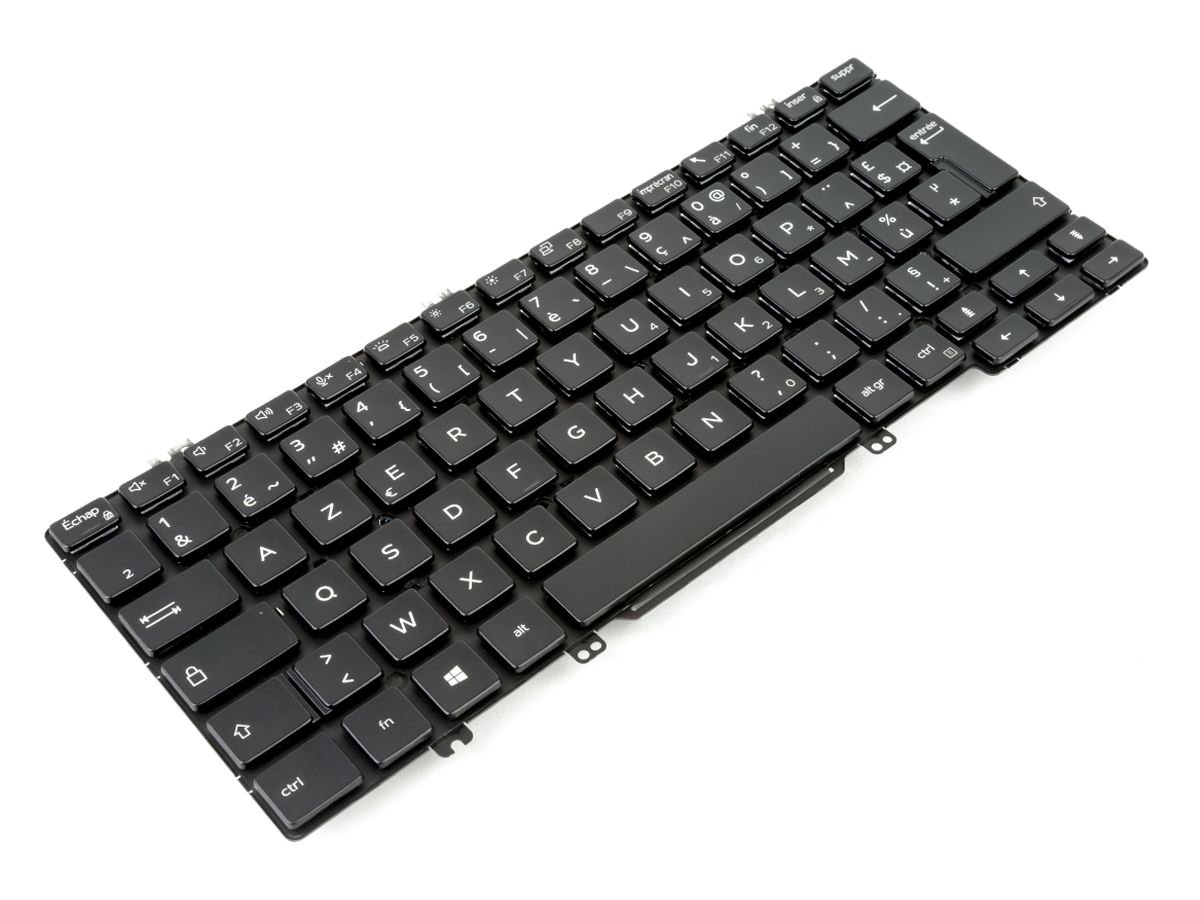
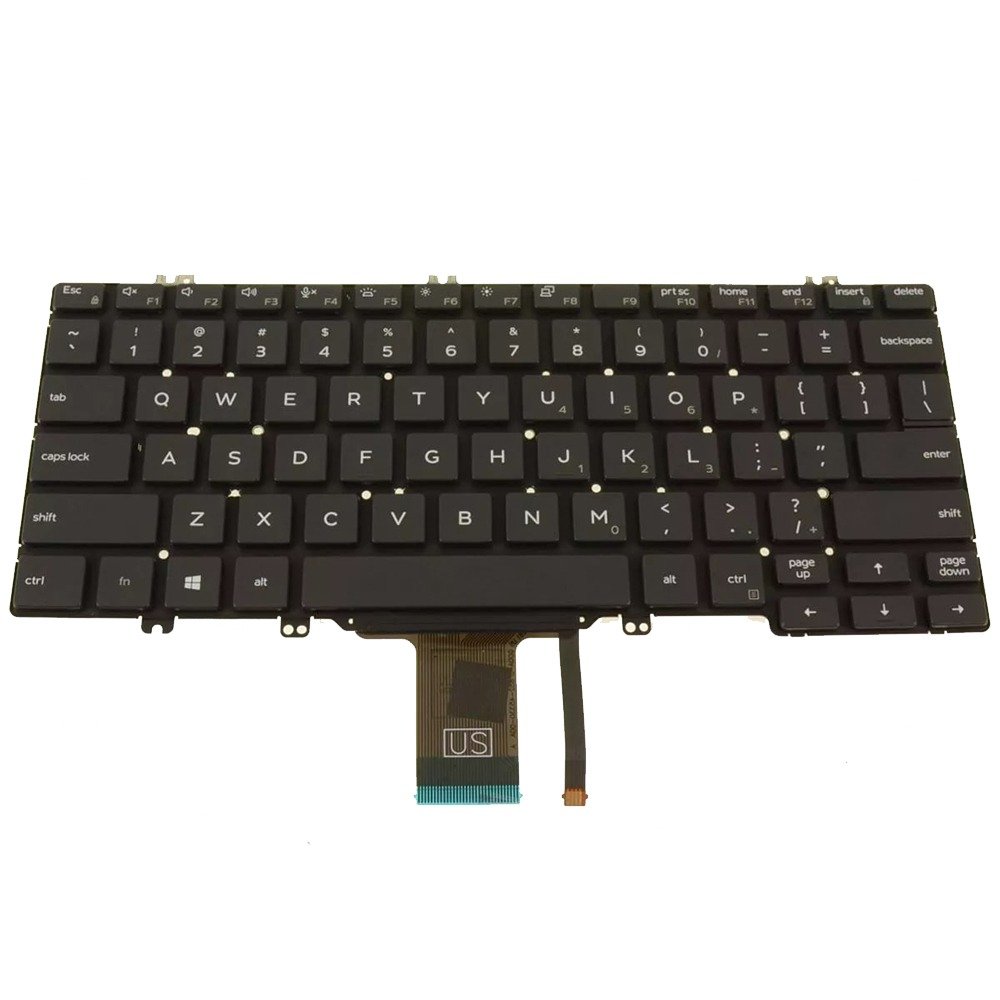
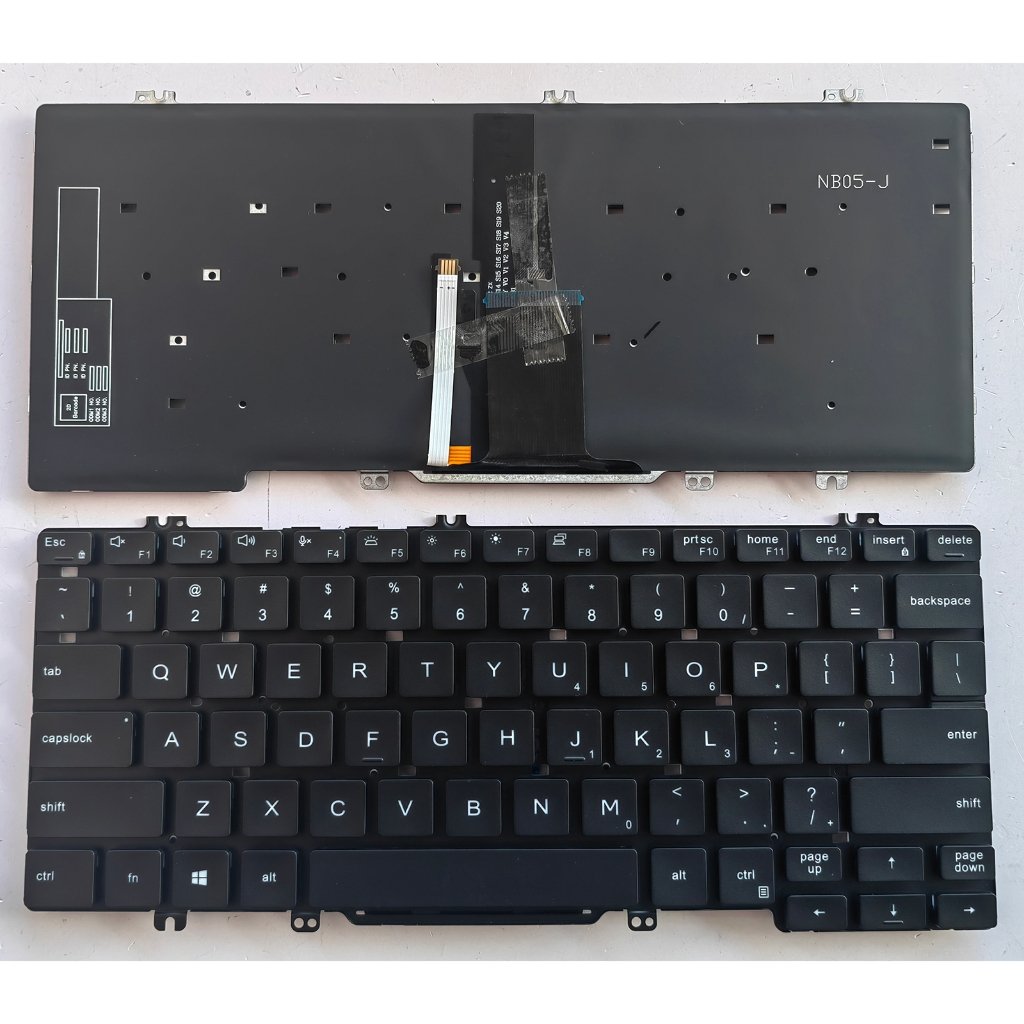
Compatible Models: Latitude 7300, 5300, 5310
Layout: US Standard QWERTY
Color: Black
Condition: Brand New – Genuine Dell Part
Features:
Backlit keyboard for low-light environments
Precision-engineered for Latitude fit
Durable and responsive for heavy typing
Smooth, professional typing experience
OEM Dell quality guaranteed

Hurry and get discounts on all Apple devices up to 20%
Sale_coupon_15
KSh3,500.00 excl. VAT
Payment Methods:

At Lansotech Solutions, we offer high-quality, original Dell keyboard replacements for professionals, businesses, and students using Dell Latitude laptops. If your current keyboard is damaged, unresponsive, or missing keys, our replacement for the Latitude 7300, 5300, and 5310 delivers the ideal solution—ensuring smooth typing, accurate feedback, and long-lasting durability.
Whether you’re a writer, developer, or business user, this keyboard gives you the comfort and performance you need to stay productive.
✅ Exact fit for Dell Latitude 7300, 5300, and 5310 models
✅ Responsive, low-profile keys for smooth typing
✅ Backlit option available for better visibility in low-light workspaces
✅ Built to OEM specifications to maintain your laptop’s professional look
✅ Durable construction tested for thousands of keystrokes
✔ Dell Latitude 7300
✔ Dell Latitude 5300
✔ Dell Latitude 5310
Layout: US Standard QWERTY
Backlit: Yes (check model variant)
Color: Black
Condition: Brand New – Original Dell Part
Diagnosis & Confirmation
Ensure your keyboard is the actual problem and not a software or driver issue.
Safe Disassembly
Carefully remove the bottom case and disconnect the battery.
Remove Faulty Keyboard
Unscrew and disconnect the damaged unit.
Install New Keyboard
Position and reconnect the new keyboard, aligning it to factory standards.
Test & Clean
Run a full key test and gently clean the device before use.
Avoid moisture, food, and dust around your laptop
Use compressed air regularly to clean between keys
Type gently to preserve spring mechanisms
Use a keyboard cover when traveling or working outdoors
✔ Certified Dell repair technicians
✔ Genuine Dell laptop parts, not generic replacements
✔ Fast service & support for individuals and institutions
✔ Fair pricing and warranty included
✔ Trusted by tech professionals across Kenya
 Laptop Computers
 Desktop Computers
 Desktop peripherals
 Laptop Accessories
 Laptop Components
 Network
 Printers
 Server
 Software
No account yet?
Create an Account






