






 Laptop Computers
 Desktop Computers
 Printers
 Network
 Software
 Laptop Accessories
 Laptop Components
 Office
 Desktop peripherals
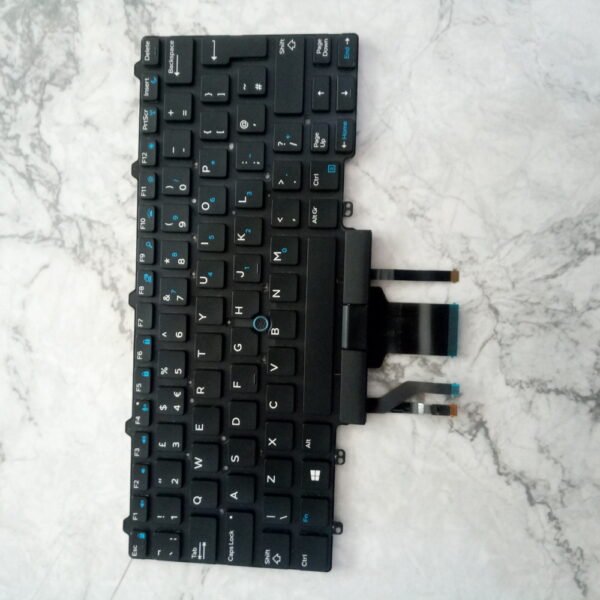
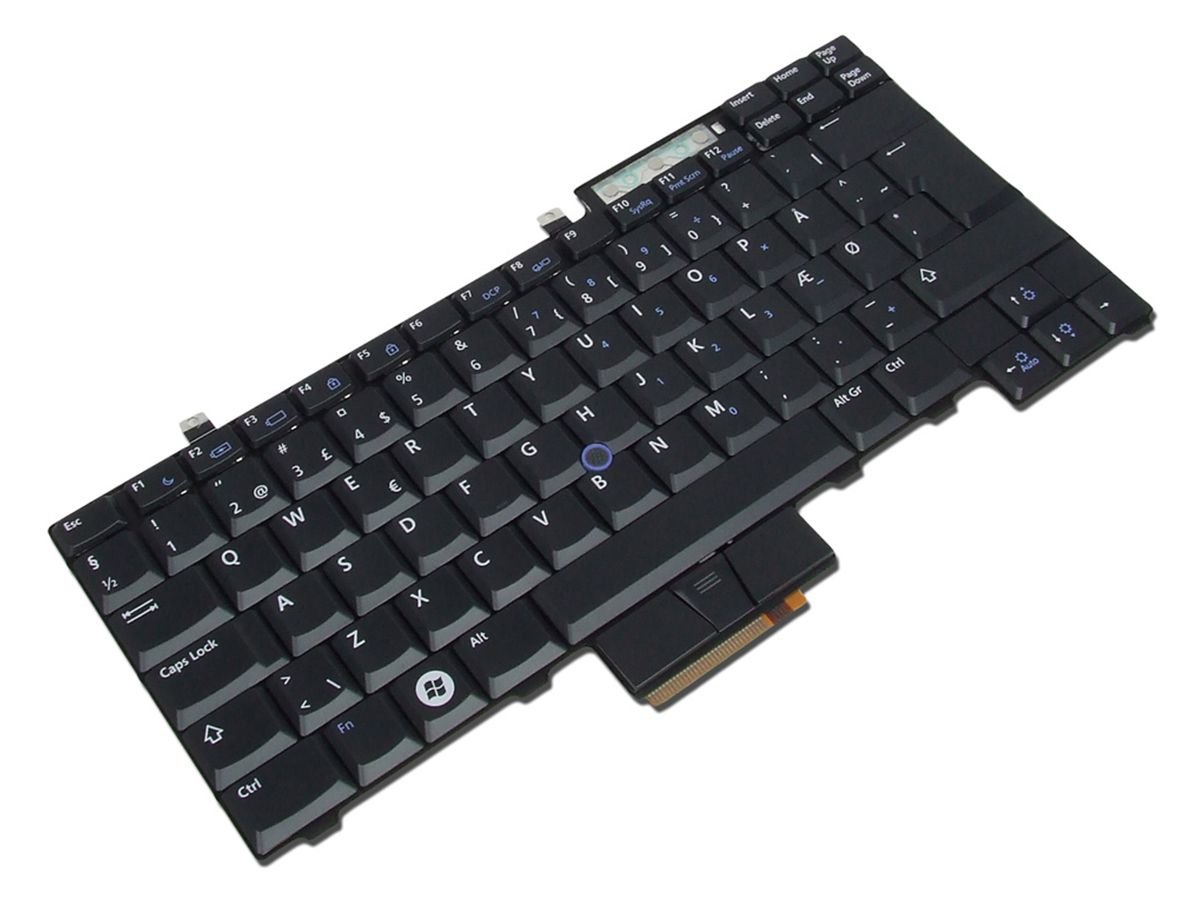
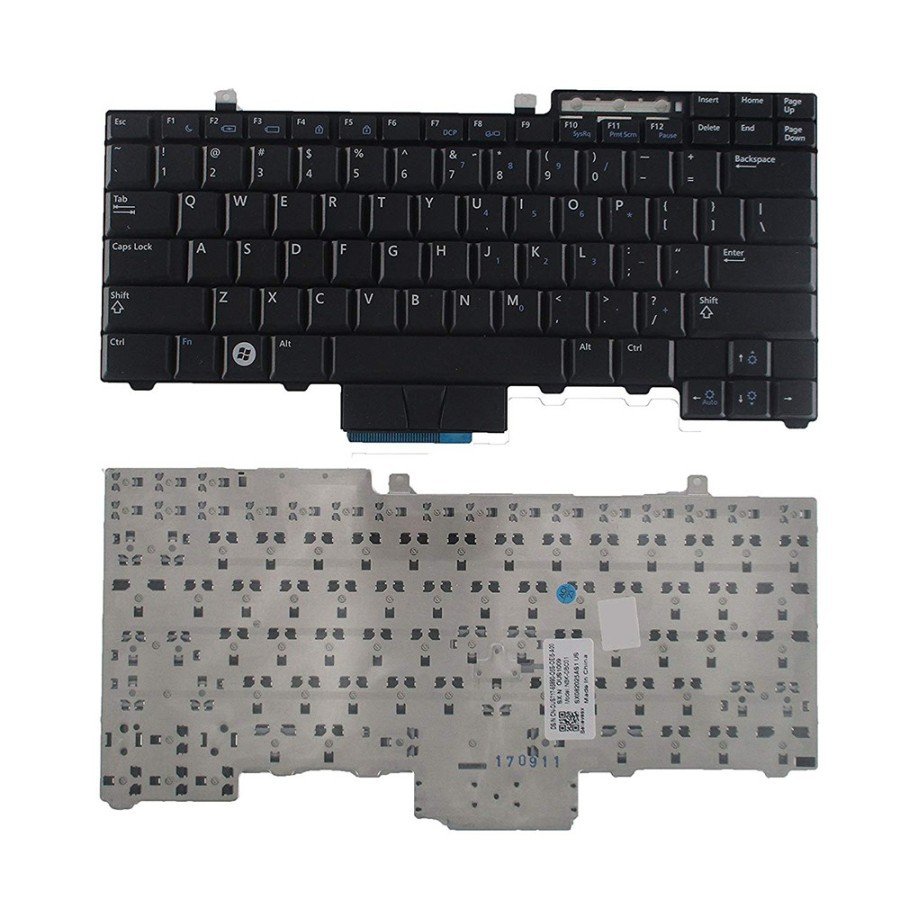
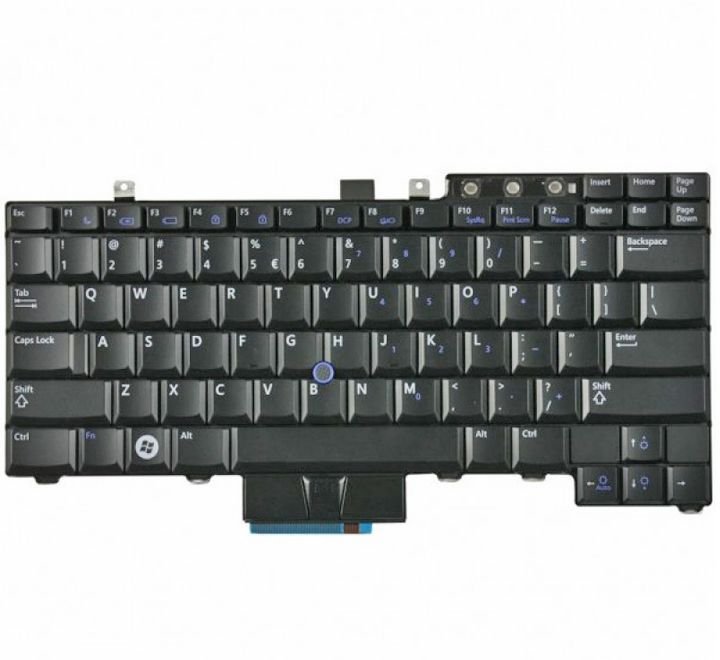
Compatible Models: Dell Latitude E5500, E5510, E5410
Layout: US Standard QWERTY
Color: Black
Condition: Brand New – Original Dell Part
Features:
Comfortable, silent keystrokes for everyday use
Durable OEM construction for long service life
Perfect fit for legacy Dell Latitude laptops

Hurry and get discounts on all Apple devices up to 20%
Sale_coupon_15
KSh1,800.00 excl. VAT
Payment Methods:

At Lansotech Solutions, we offer high-quality Dell Latitude keyboards for users seeking a dependable typing solution without the need for full replacement services. Whether your current keyboard is worn out, unresponsive, or missing keys, our genuine Dell US layout keyboards restore your laptop’s functionality and feel like new.
Designed for seamless integration into the Dell Latitude E5 and E54 series chassis, this keyboard is ideal for writers, students, IT professionals, and anyone who values a smooth typing experience with long-lasting durability.
Why Choose This Dell Latitude Keyboard
✅ Compatible with Dell Latitude E5500, E5510, and E5410 models
✅ Responsive, quiet keys ideal for daily use
✅ Factory-grade OEM build ensures proper fit and finish
✅ Great for DIY laptop refurbishment or repair projects
✅ Backed by Lansotech’s service support if installation help is needed
Compatible Dell Models
✔ Latitude E5500
✔ Latitude E5510
✔ Latitude E5410
Layout: US Standard QWERTY
Color: Black
Backlight: Not Applicable
Condition: Brand New – Original Dell Keyboard
Simple Installation Guidance (DIY-Friendly)
This keyboard is plug-and-play compatible for most users with basic installation knowledge:
Power off and remove your laptop battery
Unscrew the back panel and keyboard locking screws
Carefully detach the old keyboard ribbon and remove
Insert and lock in the new keyboard ribbon
Reassemble and test for full functionality
Note: If you prefer professional installation, Lansotech technicians can handle it for you with care and speed.
Tips to Keep Your New Keyboard in Top Condition
Keep food and liquids away from your laptop
Clean regularly with a microfiber cloth
Use compressed air to remove trapped dust
Avoid pressing keys too hard to maintain longevity
Why Buy From Lansotech Solutions
✔ Expert support and fast delivery in Nairobi and across Kenya
✔ Quality assurance with each part tested before dispatch
✔ Reliable after-sale support and optional professional installation
✔ Trusted supplier for developers, schools, and businesses
 Laptop Computers
 Desktop Computers
 Desktop peripherals
 Laptop Accessories
 Laptop Components
 Network
 Printers
 Server
 Software
No account yet?
Create an Account






