














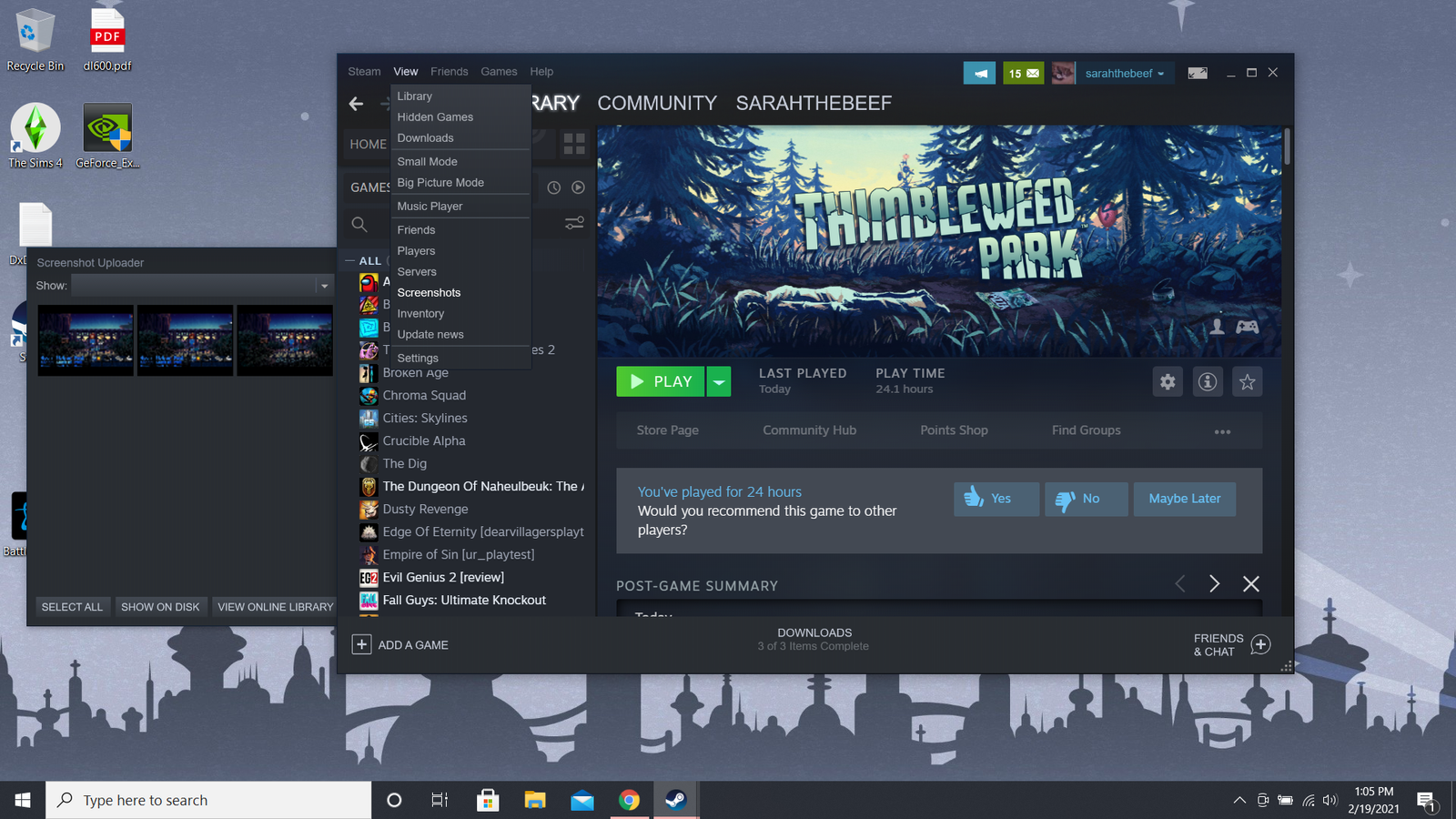
In today’s digital-first environment, software solutions power virtually every aspect of professional and personal life. From flashing Android phones to data analysis, and from graphic design to customer service, the right software can define efficiency, productivity, and success. This comprehensive guide dives deep into the most used and most effective software tools across multiple domains, ensuring you make informed decisions for your business, career, or tech projects.
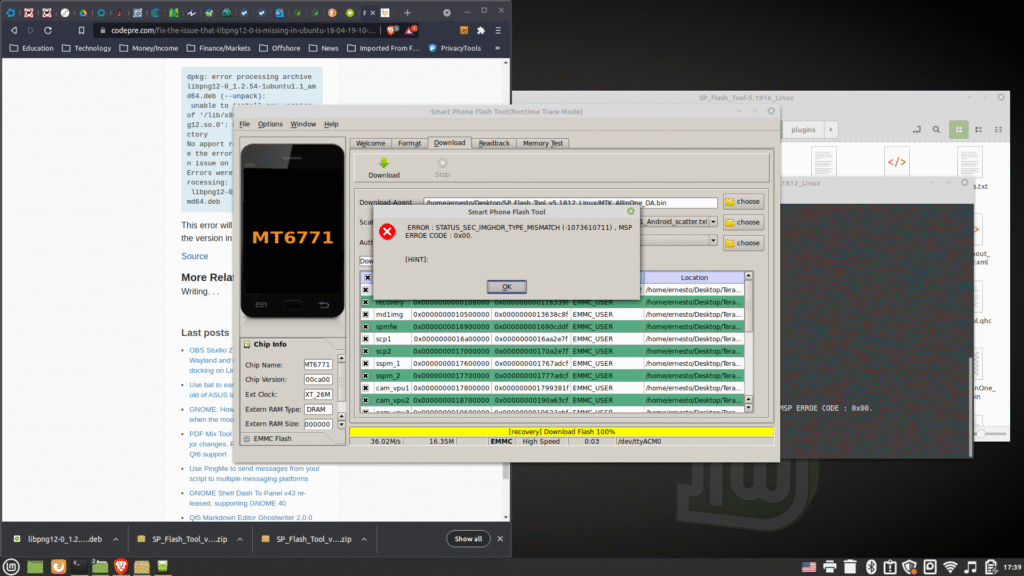
Software for Flashing Android Phones
Flashing Android devices requires specialized tools that allow users to update or reinstall their operating systems. Flashing software is especially useful for unbricking devices or installing custom ROMs.
Top Flashing Tools:
- SP Flash Tool – Ideal for MediaTek devices, used widely for firmware flashing. read more>>
- Odin Tool – Samsung-exclusive tool for flashing stock firmware. read more>>
- Xiaomi Mi Flash Tool – Designed for Xiaomi smartphones. read more>>
- LG Flash Tool – Used to flash KDZ firmware files on LG devices. read more>>
- QFIL (Qualcomm Flash Image Loader) – Works with Qualcomm-based smartphones. read more>>
These tools require USB debugging, proper drivers, and system compatibility. Always back up your data before flashing.
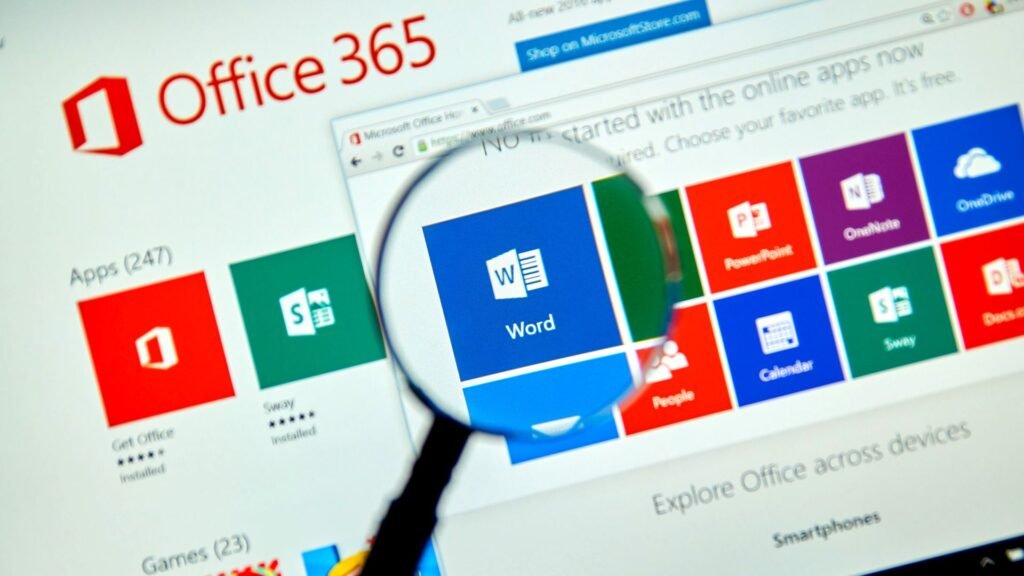
Essential Computer Software
Every computer user needs a set of foundational software to carry out everyday tasks efficiently.
Core Computer Software:
- Microsoft Office Suite – Includes Word, Excel, and PowerPoint. read more>>
- Google Chrome – Fast, secure web browsing. read more>>
- WinRAR/7-Zip – File compression and decompression. read more>>
- Antivirus Software (e.g., Bitdefender, Norton) – Ensures system security. read more>>
- Adobe Acrobat Reader – For reading and annotating PDF files. read more>>
These tools improve your daily digital experience, whether for personal or professional use.
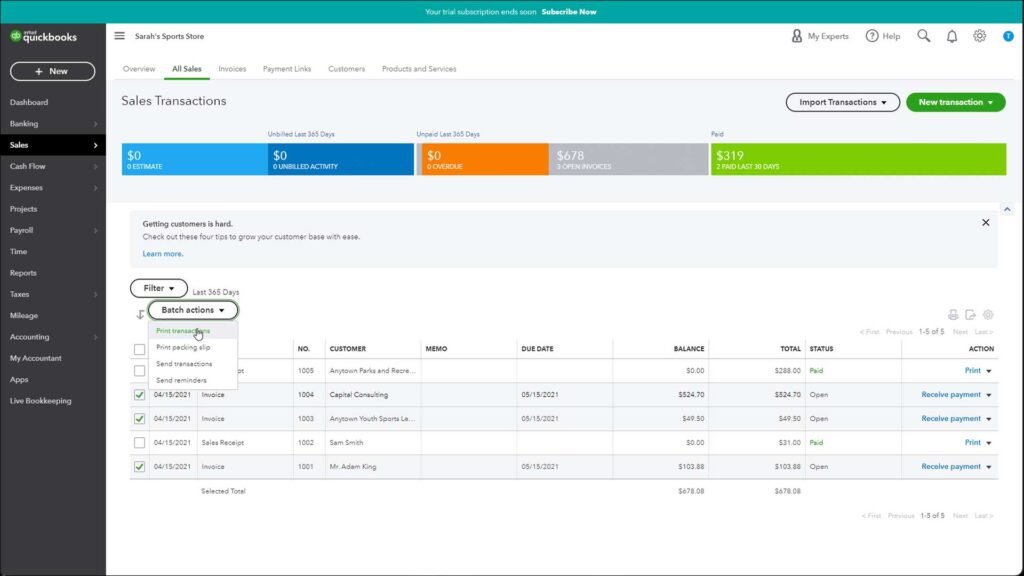
Accounting Software
Modern accounting is powered by automation and precision. These software tools help track income, expenses, payroll, and taxes.
Popular Accounting Software:
- QuickBooks – Great for small to medium businesses. read more>>
- Xero – Cloud-based with powerful integrations. read more>>
- Zoho Books – Simple UI with robust features. read more>>
- FreshBooks – Ideal for freelancers and consultants. read more>>
- Sage 50cloud – Strong reporting and forecasting features. read more>>
These platforms reduce manual error and enhance financial transparency.
Graphic Design Software
For creativity and brand visual identity, graphic design tools are indispensable.
Best Software for Graphic Design:
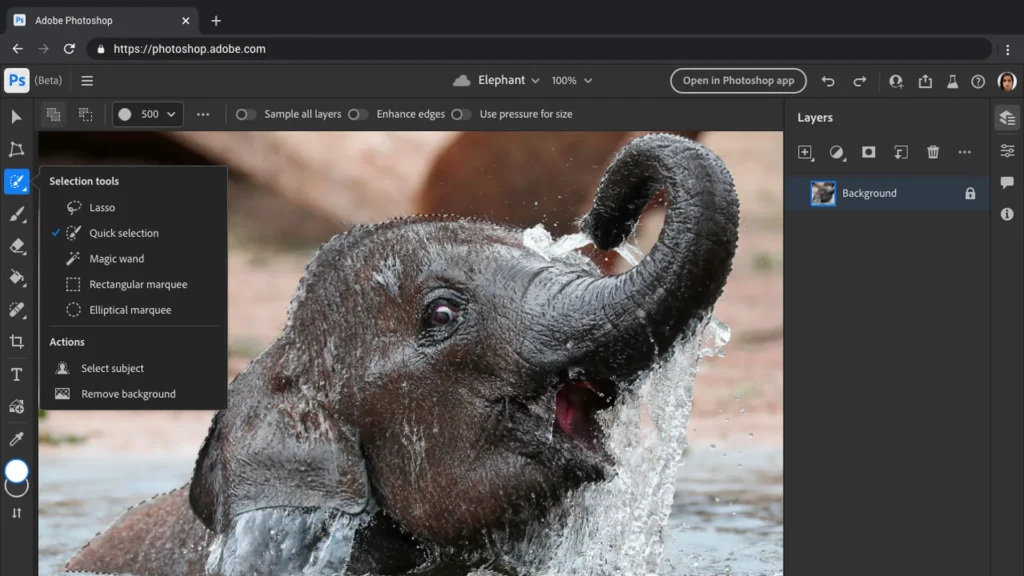
- Adobe Photoshop – Industry standard for photo manipulation and design. read more>>
- Adobe Illustrator – Vector graphic design and illustration. read more>>
- CorelDRAW – A long-standing alternative for professional design. read more>>
- Canva – Web-based tool ideal for beginners and social media content. read more>>
- Affinity Designer – Affordable and professional-grade. read more>>
These platforms offer intuitive interfaces, support various formats, and provide extensive libraries and effects.
Data Analysis Software
Data-driven decision-making is key in modern business. These tools help in managing, analyzing, and visualizing data.
Top Data Analysis Software:
- Microsoft Excel – Advanced formulas and pivot tables.
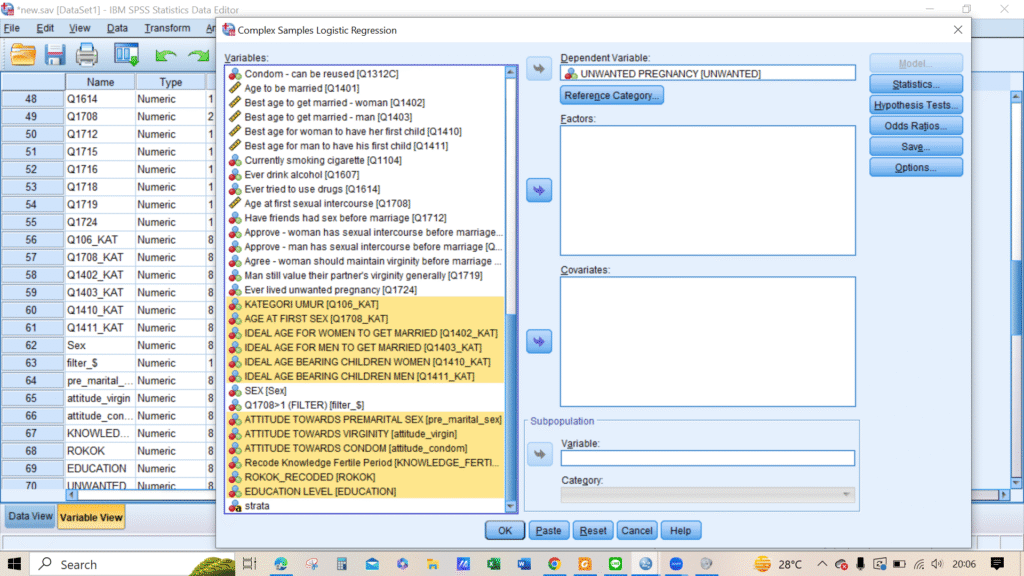
- IBM SPSS – Ideal for statistical data analysis. read more>>
- Tableau – For stunning data visualizations. read more>>
- Power BI – Microsoft’s powerful business analytics tool. read more>>
- RStudio – Best for statistical computing with R language. read more>>
These tools help in drawing actionable insights from raw data.
Photo Editing Software
Image editing is no longer exclusive to professionals. From casual use to commercial needs, these tools offer everything.
Recommended Photo Editing Software:
- Adobe Lightroom – Photography-focused, non-destructive editing.
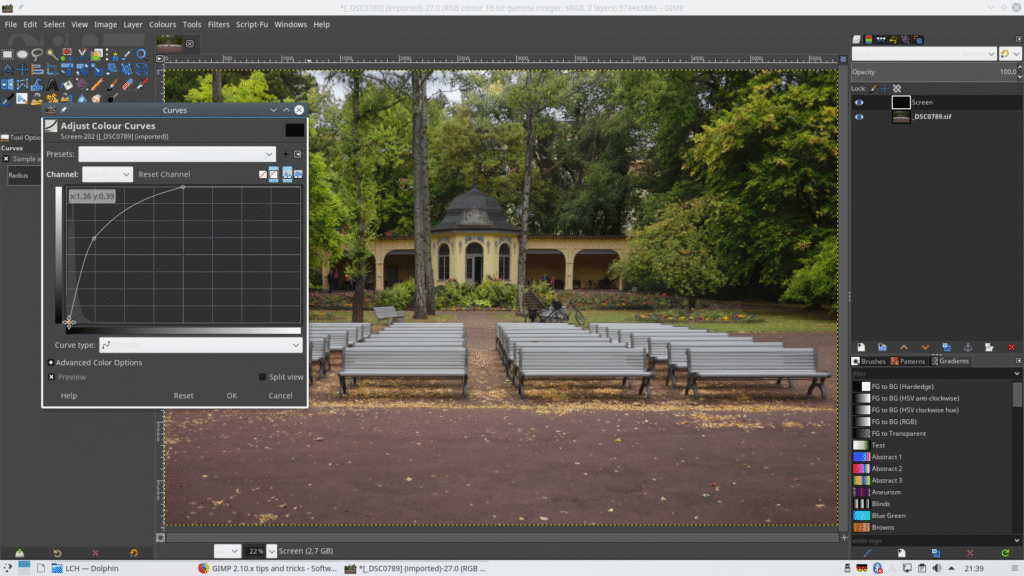
- GIMP – Open-source alternative to Photoshop. read more>>
- Fotor – Web-based, quick editing. read more>>
- Pixlr – User-friendly, accessible from any browser. read more>>
- Capture One – Advanced raw image editor. read more>>
These software solutions allow color correction, image enhancement, and batch editing.
Mapping Software
Mapping tools are widely used in logistics, urban planning, environmental studies, navigation systems and more.
Popular Mapping Software:
- ArcGIS – Comprehensive GIS tool for spatial analysis. read more>>
- Google Earth Pro – Satellite imagery and geographic information. read more>>
- QGIS – Open-source GIS software. read more>>
- MapInfo Pro – Designed for detailed spatial data visualization. read more>>
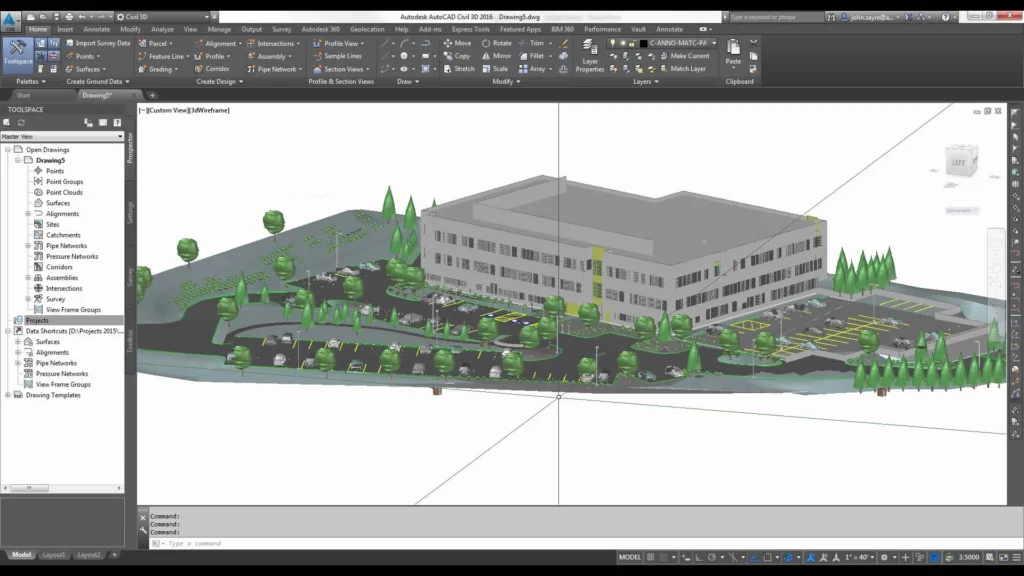
- AutoCAD Map 3D – Geospatial and mapping data modeling. read more>>
These tools integrate with GPS data and topographic information systems.
Procurement Software
Procurement software simplifies supply chain and purchasing workflows. These are some of the software used in this field.
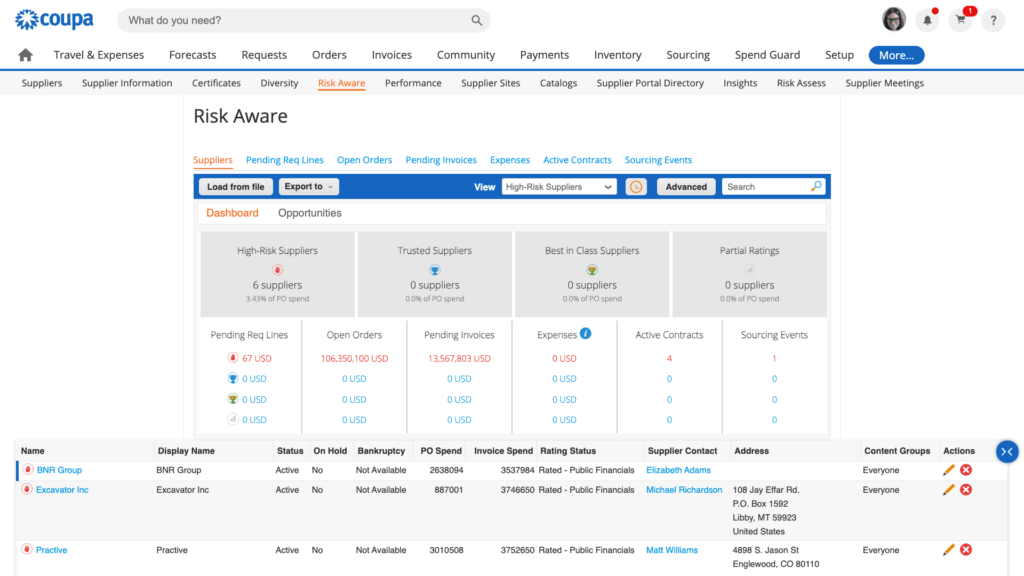
Leading Procurement Software:
- SAP Ariba – Comprehensive procurement and sourcing solution. read more>>
- Coupa – Cloud-based spend management. read more>>
- Oracle Procurement Cloud – Offers advanced automation. read more>>
- ProcurementExpress.com – Streamlined and user-friendly. read more>>
- Jaggaer – Customizable procurement management platform. read more>>
These platforms provide budget tracking, approval workflows, and supplier management.
Software for Coding
Programming environments are crucial for developers. From web development to app creation, these are the top IDEs.
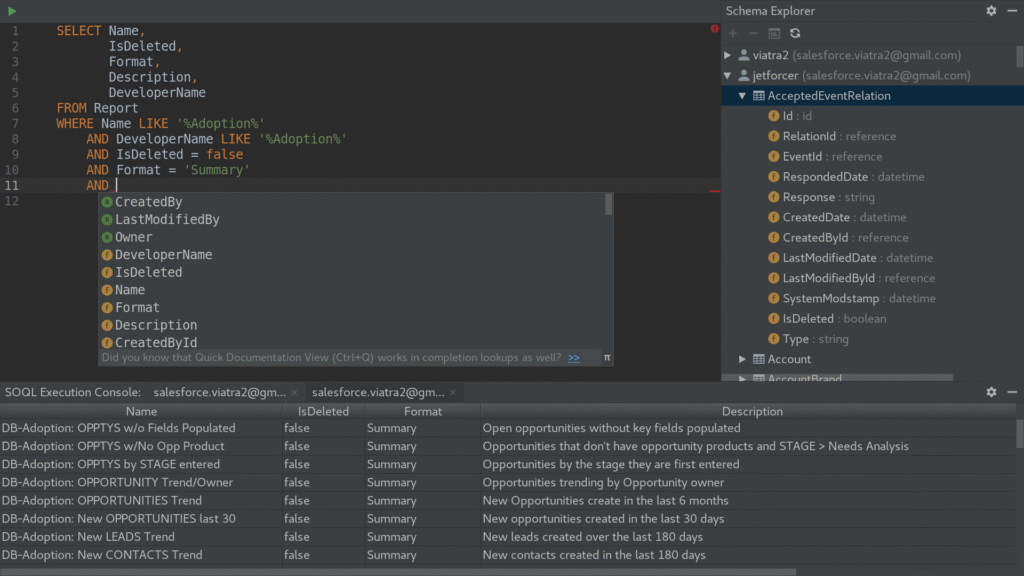
Popular Coding Software:
- Visual Studio Code – Lightweight, extensible, and free. read more>>
- JetBrains IntelliJ IDEA – Best for Java and enterprise applications. read more>>
- Sublime Text – Minimalist and fast. read more>>
- Eclipse – Especially for Java, scalable for other languages. read more>>
- Atom – GitHub-developed, highly customizable. read more>>
Most support syntax highlighting, debugging, and version control.
Download Management Software (Like IDM)
Downloading large files reliably requires a download manager.
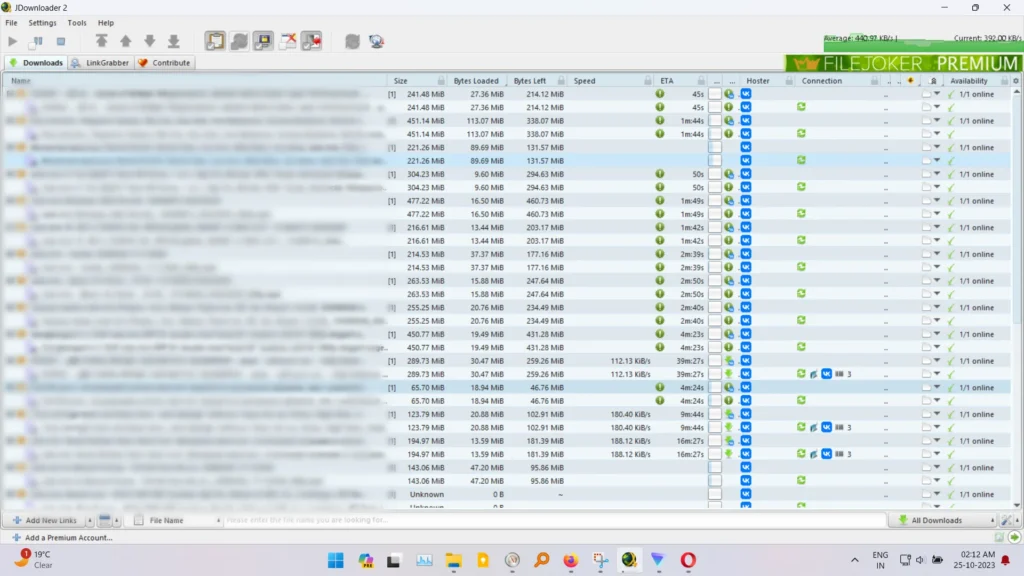
Best Alternatives to IDM:
- Free Download Manager (FDM) – Lightweight and fast. read more>>
- JDownloader – Open-source, supports multiple platforms. read more>>
- EagleGet – Integrates well with browsers. read more>>
- Internet Download Accelerator – Resume support and speed optimization. read more>>
- uGet – Open-source with batch download capabilities. read more>>
They support pause/resume, download acceleration, and media file handling.
Engineering Software
Engineering tasks—from CAD to simulations—require precision tools.
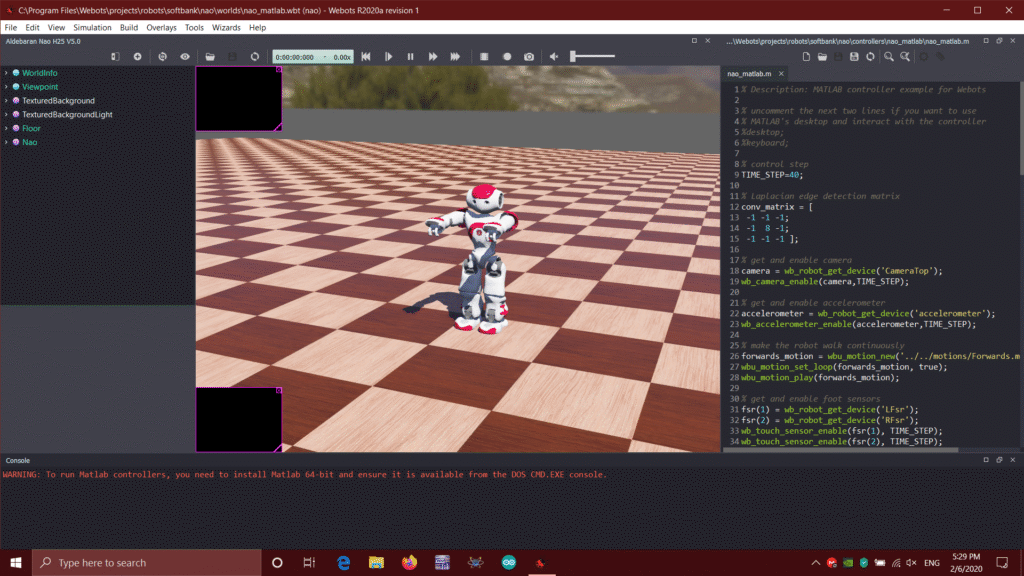
Top Engineering Software:
- AutoCAD – Essential for drafting and design. read more>>
- MATLAB – Numerical computation and visualization. read more>>
- SolidWorks – Mechanical design and simulation. read more>>
- ANSYS – Engineering simulation software. read more>>
- CATIA – Multi-platform CAD/CAM/CAE solution. read more>>
These tools are central to civil, mechanical, electrical, and aerospace engineering.
Customer Service Software
Enhancing customer relationships depends on robust communication and support platforms.
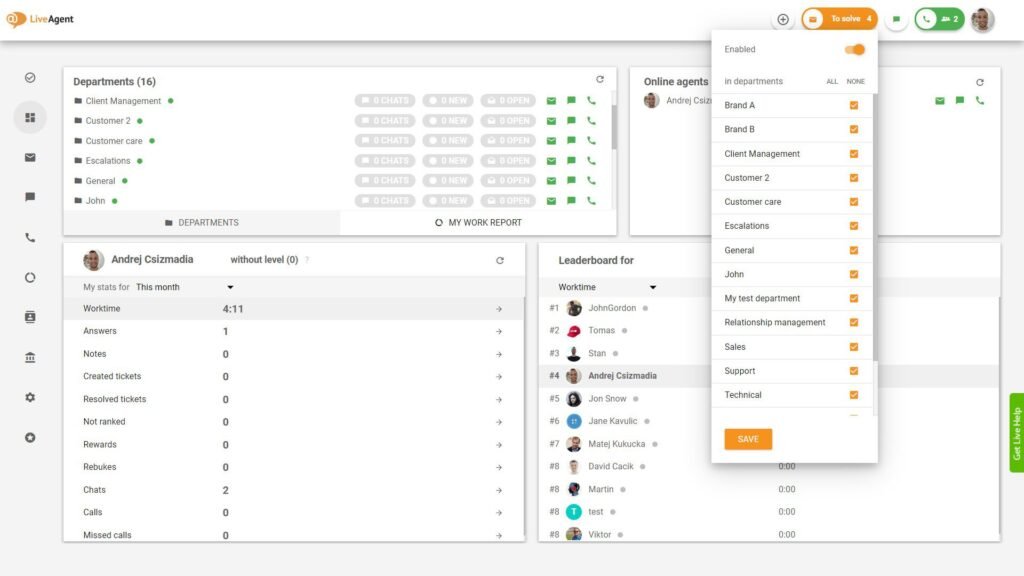
Best Customer Service Software:
- Zendesk – Multi-channel customer support. read more>>
- Freshdesk – Intuitive ticketing system. read more>>
- LiveAgent – Real-time live chat and support. read more>>
- HubSpot Service Hub – Integrated CRM support. read more>>
- Zoho Desk – Context-aware help desk solution. read more>>
These tools enable faster resolution times, customer feedback tracking, and automated responses.
PC Software Must-Haves
Every PC user needs essential software for smooth functioning.
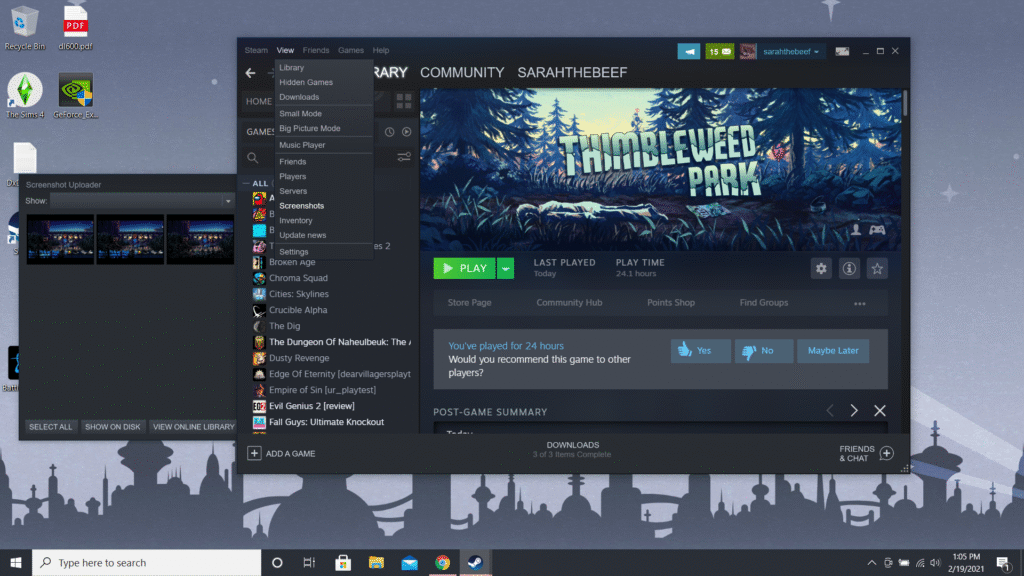
Essential Software for PC:
- Windows Defender/Avast – Basic security. read more>>
- LibreOffice – Free alternative to Microsoft Office. read more>>
- VLC Media Player – Multimedia playback. read more>>
- Notepad++ – Enhanced text editing. read more>>
- Steam – For gamers, digital game library and store. read more>>
These applications are staples for both beginners and power users.
Software Used in Data Entry
Efficiency in data entry tasks comes down to reliability and speed.
Common Data Entry Software:
- Microsoft Excel – Still the most used tool.
- Google Sheets – Real-time collaboration and cloud storage. read more>>
- FormTools – Data collection and entry. read more>>
- Zoho Forms – Integrated with Zoho ecosystem. read more>>
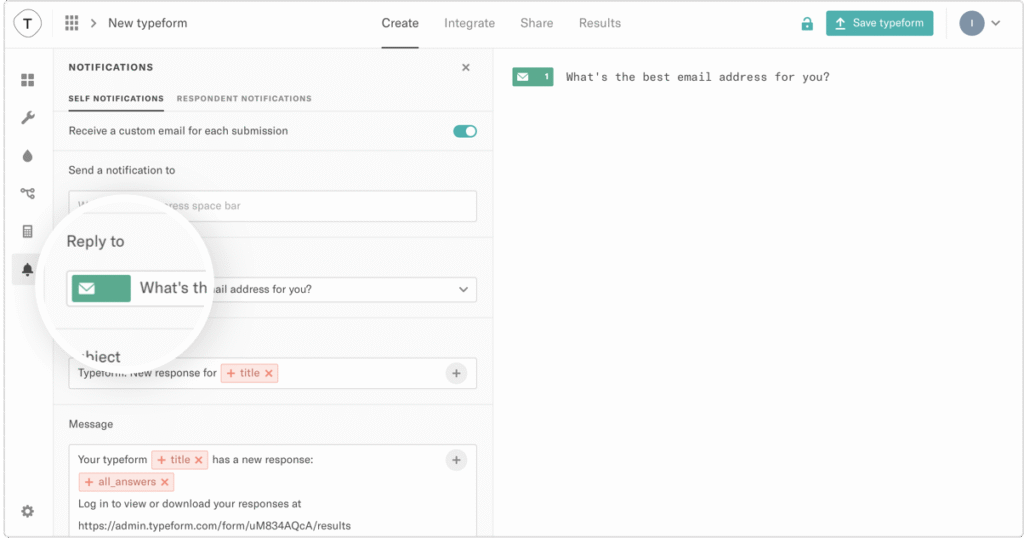
- Typeform – Interactive and user-friendly forms. read more>>
These help streamline the entry, validation, and processing of data.
Frequently Asked Questions
1. What is the most used software in the world?
Microsoft Office and Google Chrome are among the most widely used software globally.
2. Which software is best for beginners in graphic design?
Canva is ideal for beginners due to its drag-and-drop interface.
3. Can I flash my Android phone without a PC?
Yes, but using a PC with tools like SP Flash Tool is safer and more reliable.
4. Is open-source software reliable?
Yes. Open-source platforms like GIMP, QGIS, and LibreOffice are widely trusted and maintained.
5. What software is essential for remote work?
Zoom, Slack, Microsoft Teams, Google Workspace, and cloud storage platforms are essential.
About US: Lansotech Solutions,
Call/WhatsApp 0791-833-529 Start WhatsApp Chat>>
Visit us: Portal Place House, at the Muindi Mbingu/Banda Street Junction, 2nd Floor Shop 207,
website Click Here>>

















