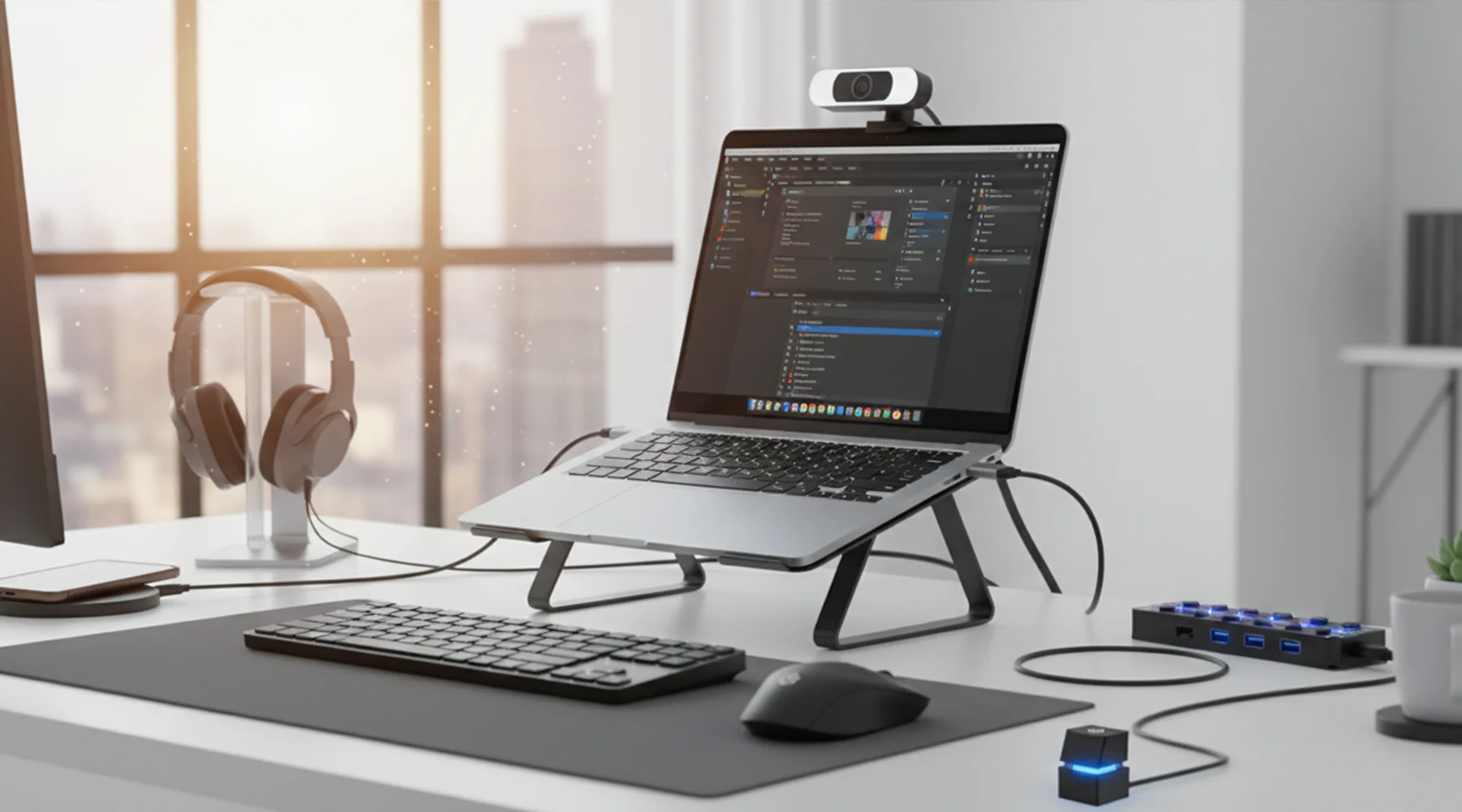
In 2026, owning a laptop is no longer enough. The real difference between a basic setup and a high-performance workstation lies in the accessories you pair with your device. Whether you are a student, remote worker, creative professional, or business owner, the right accessories directly impact your productivity, comfort, data security, and device longevity.However, most users either overspend on unnecessary gadgets or overlook essential tools that would significantly improve their workflow. The key is not to buy more—it is to choose strategically.
This guide breaks down the essential laptop accessories you actually need, based on real-world use, efficiency, and long-term value.
Why Laptop Accessories Matter More Than Ever
Modern laptops are designed to be portable and minimal, but that often comes with trade-offs:
- Limited ports
- Smaller screens
- Compact keyboards
- Reduced cooling capacity
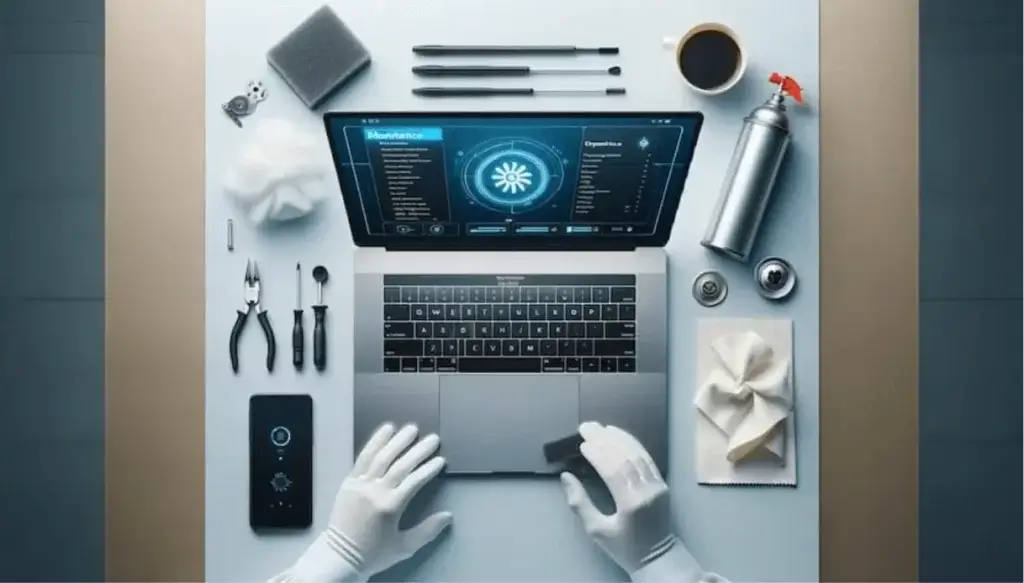
Accessories solve these limitations by transforming a laptop into a complete, efficient workstation. The right setup improves:
Overall user experience
Speed and multitasking
Ergonomics and comfort
Device protection
Power and Charging: The Foundation of Reliability
A reliable power setup is the first priority. Battery limitations and inconsistent power supply—especially in regions with occasional outages—make this critical.
A high-quality charger is non-negotiable. Always use original or certified adapters to avoid voltage instability that can damage internal components.
For mobility, a portable power bank designed for laptops adds flexibility, allowing you to work without being tied to a wall socket. This is particularly valuable for students and professionals on the move.
A surge protector or UPS (Uninterruptible Power Supply) is equally important. It protects your laptop from power spikes and sudden shutdowns, which can corrupt data and reduce hardware lifespan.
Cooling and Performance: Protecting Your Investment
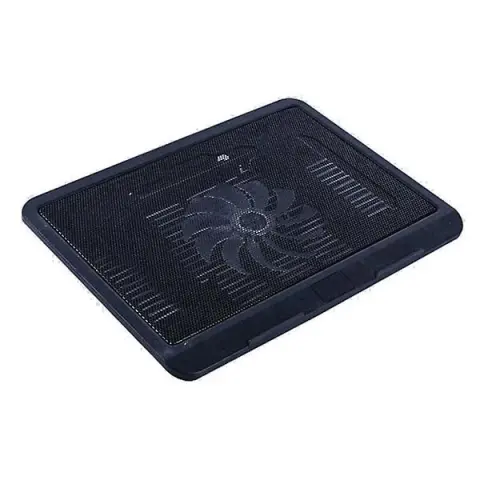
Heat is one of the biggest threats to laptop performance and longevity. Without proper cooling, your device will throttle performance and degrade faster.
A cooling pad improves airflow, reducing internal temperatures during heavy use such as:
- Gaming
- Video editing
- Programming
This not only enhances performance but also extends the life of critical components like the CPU and battery.
Storage and Backup: Securing Your Data
In 2026, data is one of the most valuable assets you own. Relying solely on internal storage is risky.
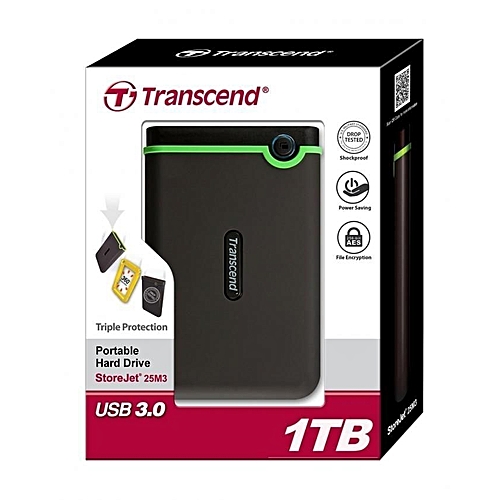
An external SSD is essential for:
- Backups
- File transfers
- Expanding storage capacity
Compared to traditional hard drives, SSDs offer faster speeds, durability, and reliability.
Cloud storage is also important, but physical backup remains critical for offline access and redundancy.
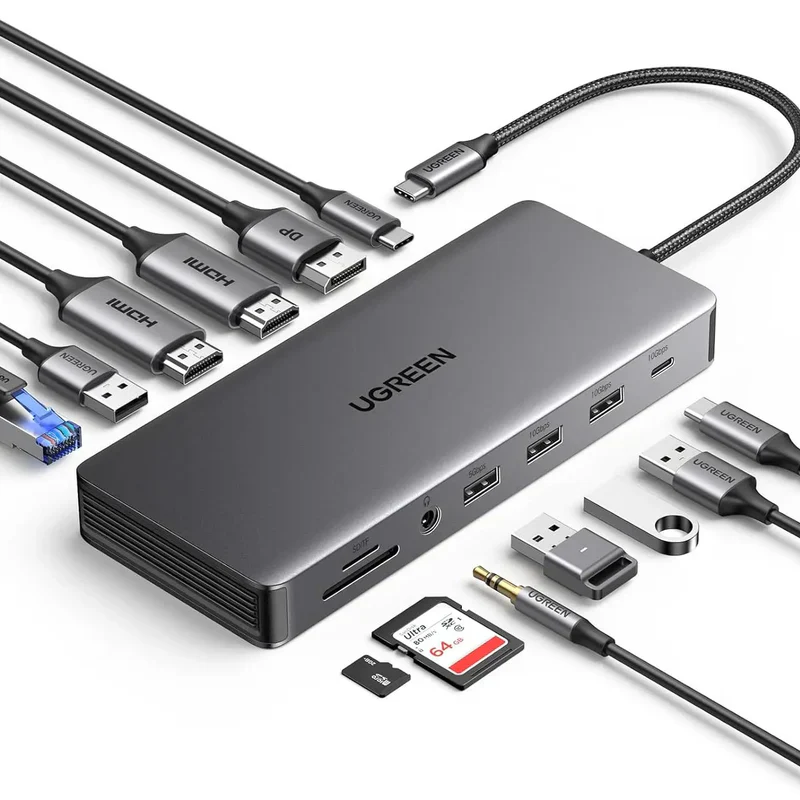
Connectivity: Expanding Your Laptop’s Capabilities
Modern laptops often sacrifice ports for slim designs, making connectivity accessories essential.
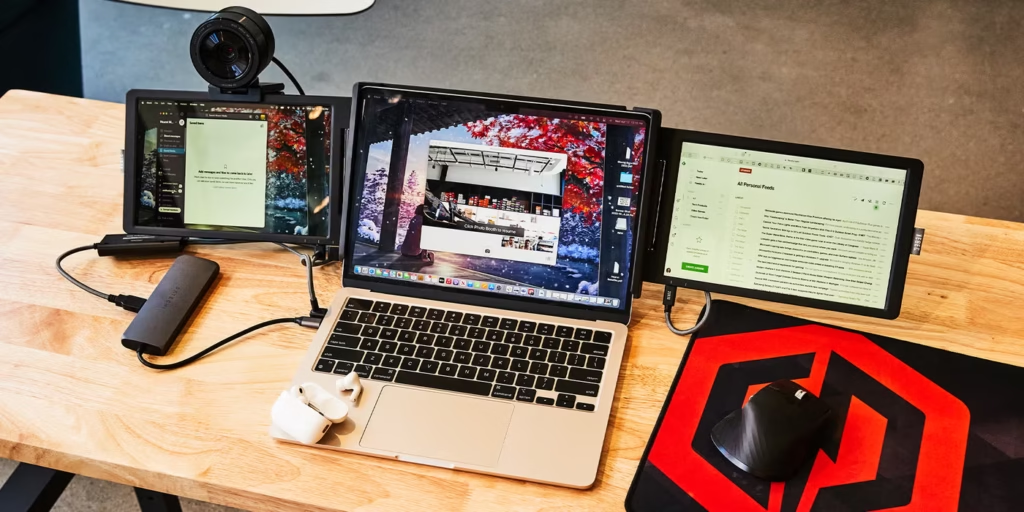
A USB-C hub or docking station allows you to connect:
- External monitors
- USB devices
- Ethernet cables
- SD cards
This transforms your laptop into a desktop-like workstation, especially useful for office setups and multitasking environments.
Display and Productivity: Working Smarter
A single laptop screen can limit productivity, especially for professionals handling multiple tasks.
An external monitor provides:
- More screen space
- Better resolution
- Improved multitasking
For students and professionals alike, this dramatically enhances efficiency when working with documents, spreadsheets, or design tools.
Input Devices: Comfort and Efficiency
While laptop keyboards and trackpads are functional, they are not ideal for long-term use.
An external keyboard and mouse improve:
- Typing speed and accuracy
- Ergonomic comfort
- Overall productivity
For extended work sessions, these accessories reduce strain and make your setup more comfortable.
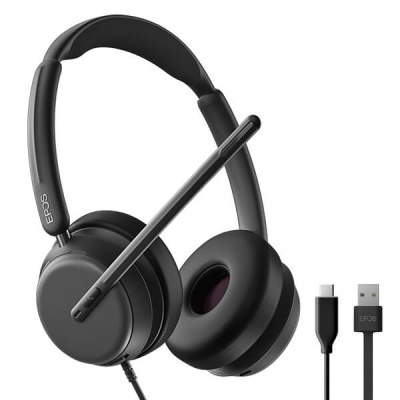
Audio and Communication: Clarity Matters
With remote work and online learning now standard, clear communication is essential.
A good pair of headphones or earphones ensures:
- Better audio quality
- Reduced background noise
- Improved focus
For video calls, an external webcam may also be necessary if your laptop’s built-in camera is low quality.
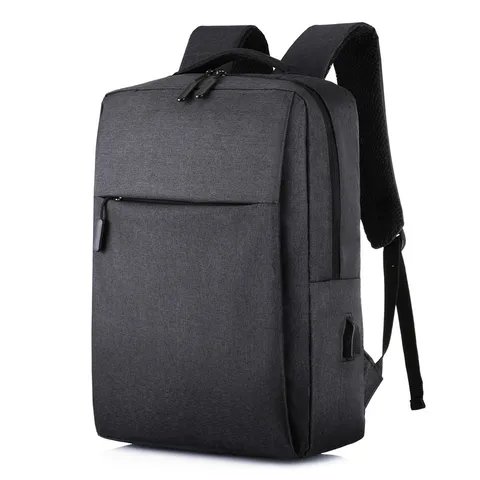
Protection and Portability: Extending Device Lifespan
Protecting your laptop physically is just as important as maintaining its internal components.
A durable laptop bag or sleeve prevents:
- Scratches
- Impact damage
- Dust accumulation
For users who travel frequently, investing in a high-quality bag ensures both safety and convenience.
A keyboard cover and screen protector add an extra layer of defense against spills and wear.
Security Accessories: Safeguarding Your Device
With increasing cases of theft and data breaches, security accessories are no longer optional.
A laptop lock (Kensington lock) is essential in shared environments such as:
- Offices
- Libraries
- Co-working spaces
Additionally, using encrypted storage devices and secure authentication tools enhances data protection.
Internet and Networking: Staying Connected
Reliable internet access is crucial for productivity.
A portable Wi-Fi router or hotspot device ensures connectivity in areas with unstable networks. For businesses and remote workers, this can mean the difference between meeting deadlines or facing disruptions.
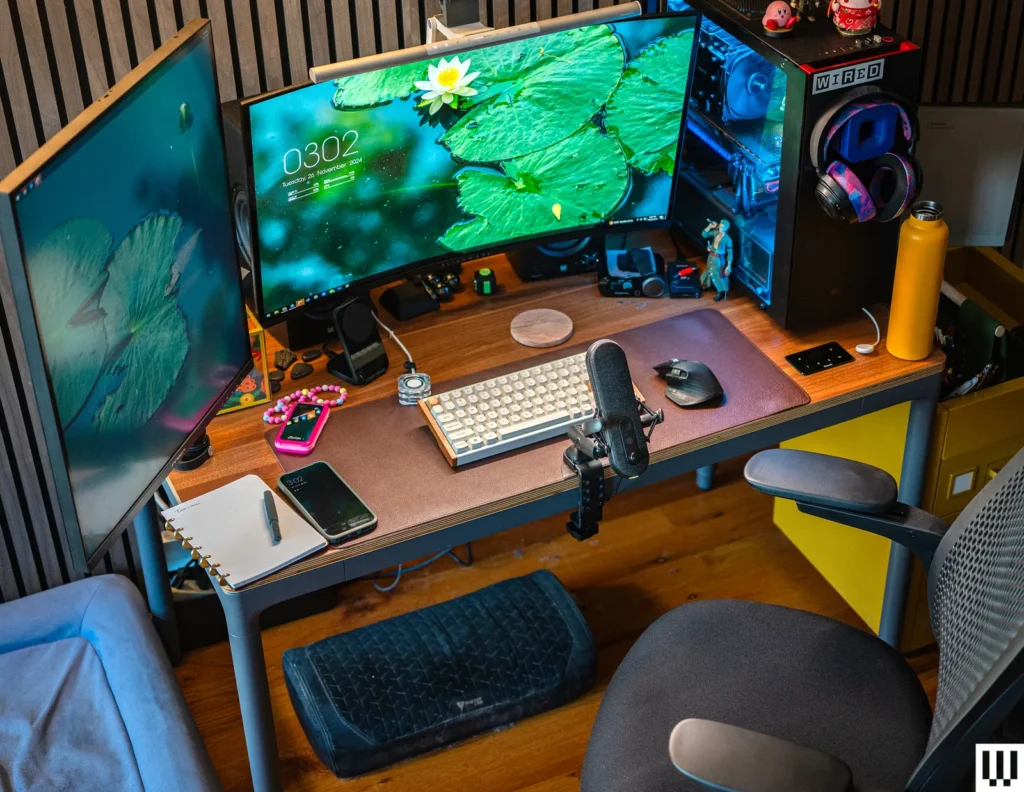
Building the Ideal Setup in 2026
The best laptop setup is not defined by how many accessories you own—it is defined by how well they support your workflow.
A practical setup includes:
- Reliable power solution
- Cooling support
- External storage
- Connectivity hub
- Ergonomic input devices
This combination transforms your laptop into a powerful, flexible workstation capable of handling modern demands.
Final Thoughts
Laptop accessories are not luxuries—they are productivity multipliers. The right tools enhance performance, protect your device, and improve your overall experience.In 2026, the smartest users are those who invest in accessories that solve real problems, not just add convenience.
By focusing on what truly matters, you create a setup that is:
- Efficient
- Reliable
- Built for long-term use
That is the difference between simply owning a laptop—and maximizing its full potential.