Random Access Memory (RAM) is one of the most critical components of any computer. It temporarily stores data that your system needs to access quickly, helping applications run smoothly and efficiently. However, like any hardware component, RAM can fail over time.
A failing RAM module can cause frustrating problems, from random crashes to data corruption and poor performance. Knowing the warning signs early can help you prevent costly downtime and avoid losing important work.
In this guide, we’ll explore the most common symptoms of RAM failure and what you can do about them
10 Signs Your RAM May Be Failing
1. Frequent Blue Screens or System Crashes
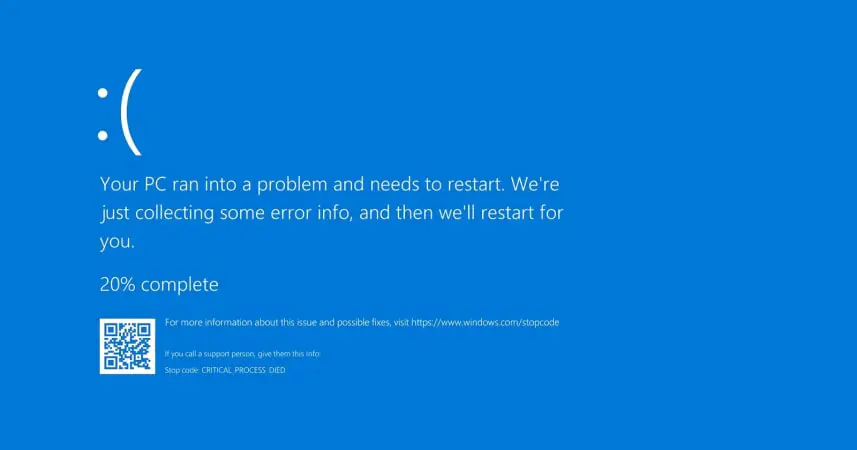
One of the most common indicators of RAM failure is unexpected system crashes. If your computer frequently displays blue screen errors or suddenly restarts without warning, faulty RAM could be the cause.
2. Random Freezing and Lockups
Does your computer freeze while browsing, working on documents, or using applications? Faulty memory can prevent your system from processing information correctly, causing random lockups.
3. Applications Crash Unexpectedly
If programs frequently close on their own or display memory-related errors, your RAM may be unable to reliably store and retrieve data.
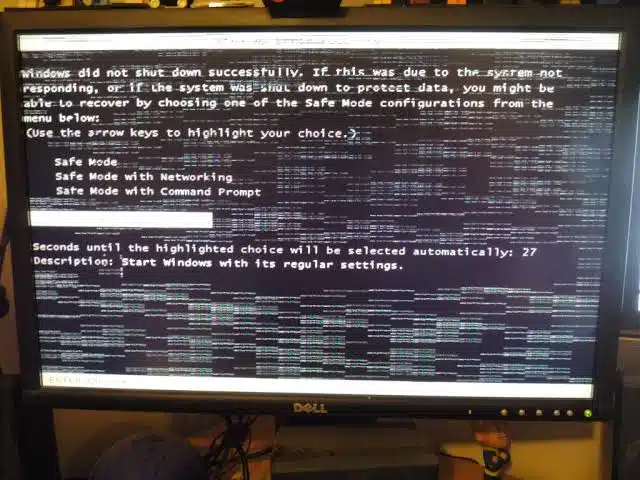
4. Slow Performance Despite Adequate Specifications
A computer with decent specifications should not struggle with basic tasks. If your machine has become unusually slow and other causes have been ruled out, failing RAM may be affecting performance.
5. Corrupted Files and Data
Damaged or corrupted files can sometimes indicate memory problems. Since RAM temporarily stores data being processed, errors in memory can lead to file corruption.
6. Your Computer Fails to Boot
In severe cases, faulty RAM can prevent a computer from starting altogether. You may hear warning beeps during startup or encounter a blank screen.
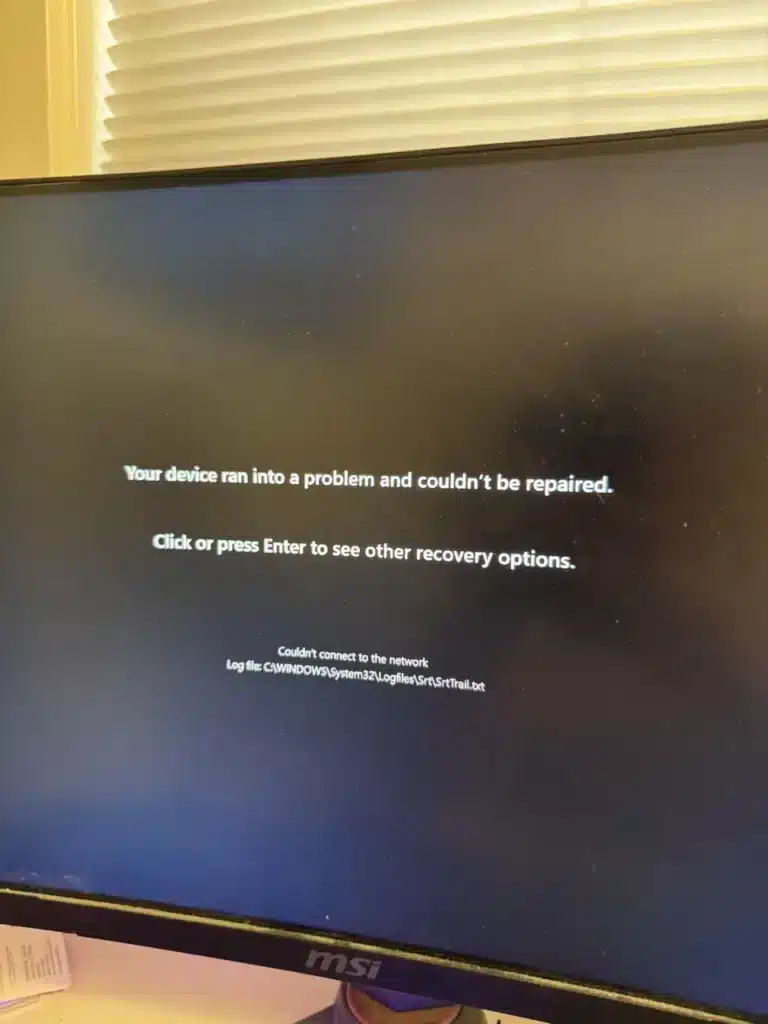
7. Strange Error Messages
Memory-related error messages, especially during software installation or while opening applications, can indicate RAM issues.
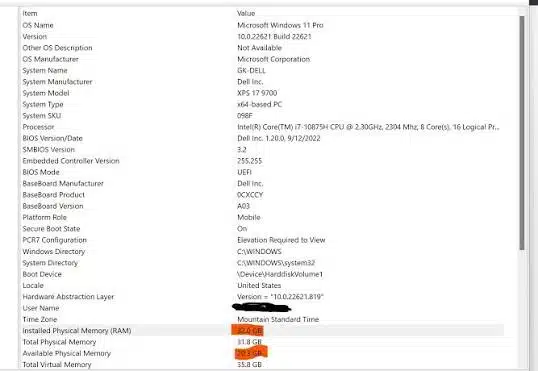
8. The System Detects Less RAM Than Installed
If your computer suddenly reports less memory than physically installed, one or more RAM modules may be failing.
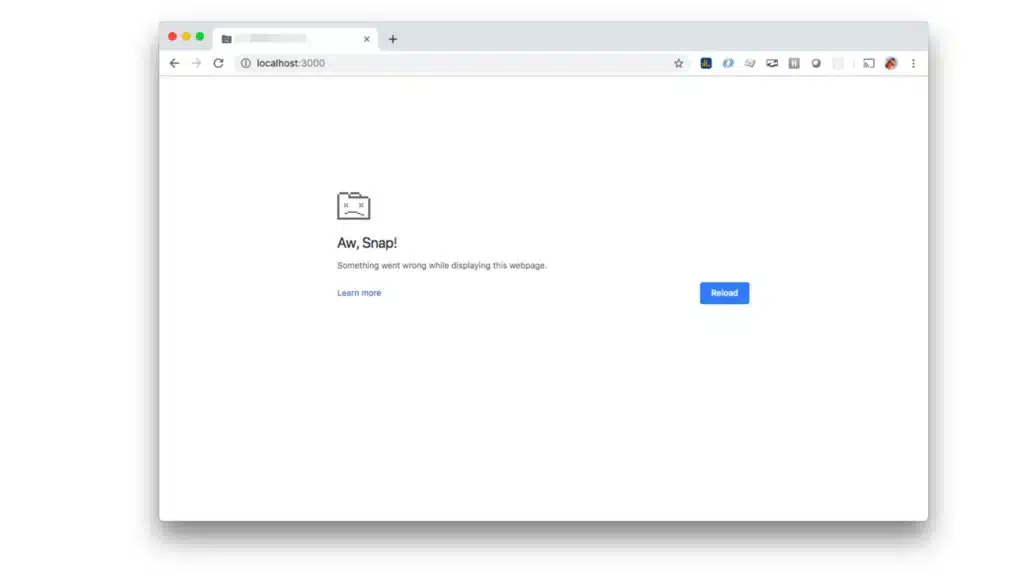
9. Frequent Browser Crashes
Modern web browsers consume significant amounts of memory. If browser tabs constantly crash or display memory errors, faulty RAM may be the underlying problem.
10. Overheating and Hardware Instability
Although RAM itself does not generate extreme heat, damaged modules can contribute to system instability and unusual hardware behavior
How to Test for RAM Failure
If you suspect a RAM issue, try the following:
Run a Memory Diagnostic Tool
Most operating systems include built-in memory testing tools that can identify RAM errors.
Reseat the RAM Modules
Power off the computer, remove the RAM sticks, and reinstall them securely. Loose modules can sometimes mimic RAM failure symptoms.
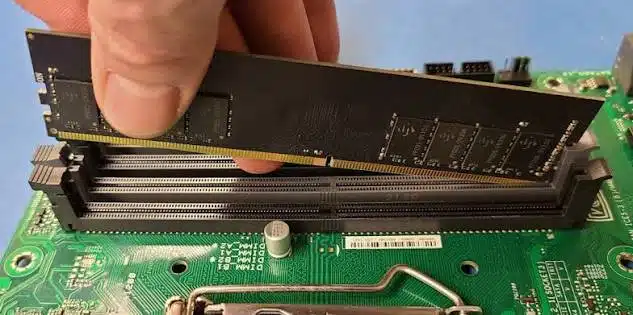
Test One Module at a Time
If multiple RAM sticks are installed, test them individually to identify a faulty module.
Check for Physical Damage
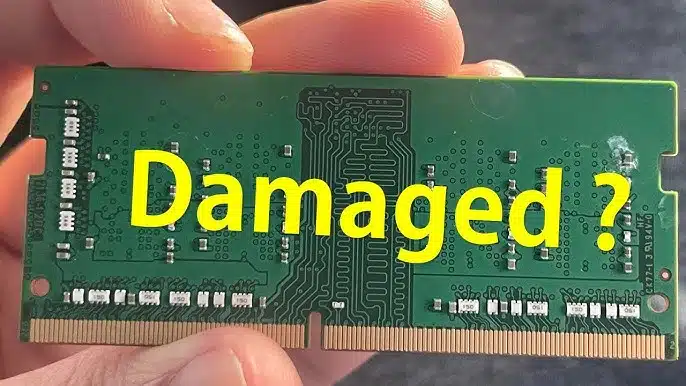
Inspect RAM modules for signs of corrosion, burnt contacts, or physical damage.
Can Faulty RAM Be Repaired?
In most cases, RAM cannot be repaired economically. The best solution is to replace the faulty module with a compatible replacement. Fortunately, upgrading RAM can also improve your system’s overall performance.
If you’ve identified a faulty memory module, Lansotech has you covered. We stock high-quality DDR2 and DDR3 RAM solutions for desktops, laptops, workstations, and legacy systems.
Whether you’re replacing a failed RAM stick or upgrading your machine for better performance, our team can help you find the right memory solution for your device.https://lansotechsolutions.co.ke/?s=ram&post_type=product