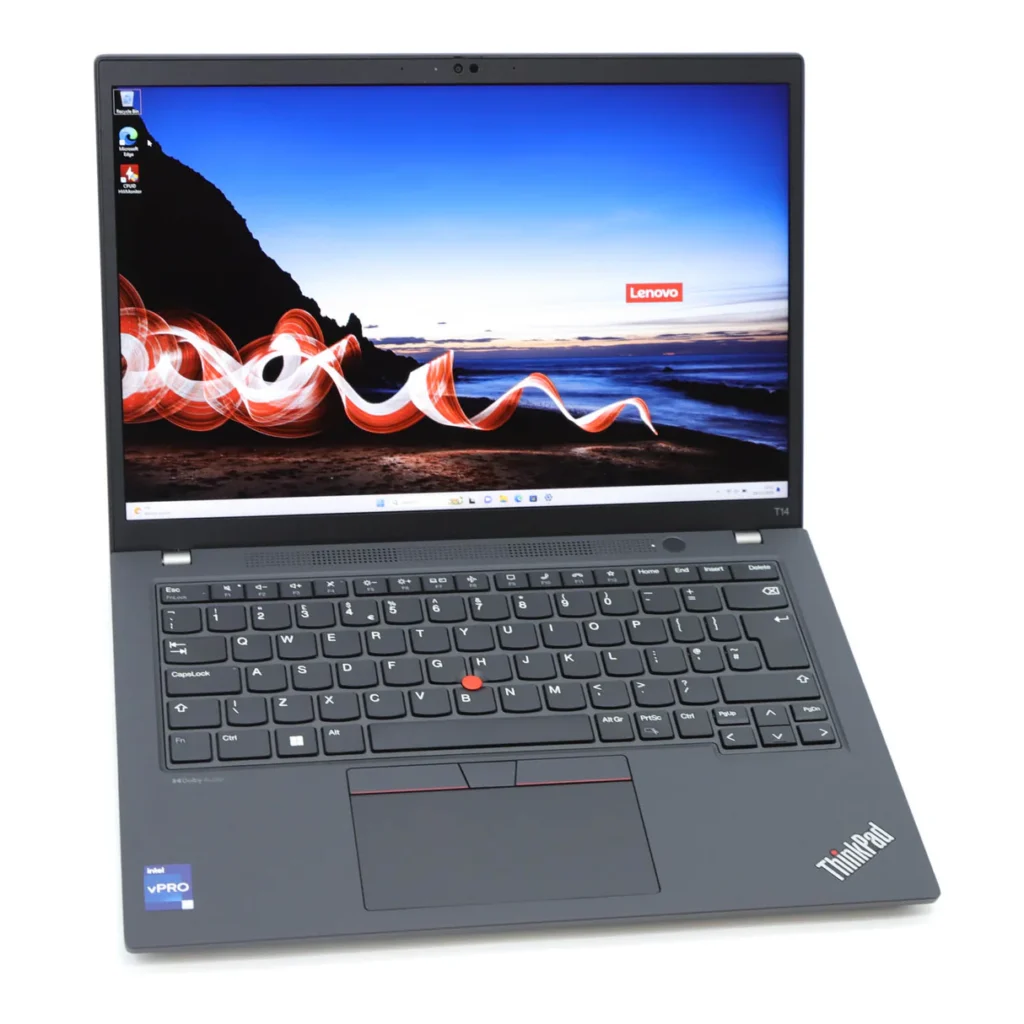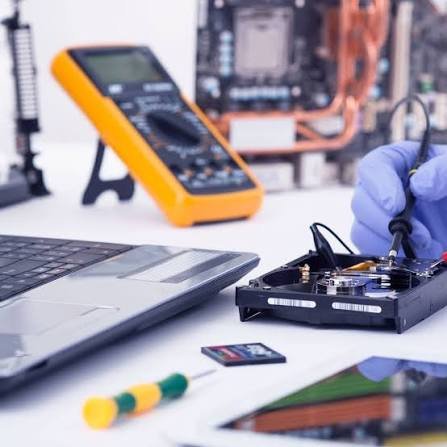
Is your laptop taking forever to start, freezing while you work, or struggling to run everyday applications? Before you spend money on a brand-new computer, you may be surprised to learn that there are several cost-effective ways to improve your laptop’s performance.
Whether you use your laptop for work, school, business, or entertainment, a few simple upgrades and maintenance steps can make it feel faster and more responsive. In this guide, we’ll show you how to speed up your old laptop and explain when it’s worth seeking professional help from Lansotech Solutions.
Why Do Laptops Slow Down Over Time?
As laptops age, their performance naturally declines due to software updates, accumulated files, and hardware limitations. Common reasons include:
- Low available storage space
- Too many startup programs
- Aging hard drives
- Insufficient RAM
- Malware or viruses
- Outdated operating systems
- Dust buildup causing overheating
Fortunately, most of these issues can be resolved without replacing your laptop
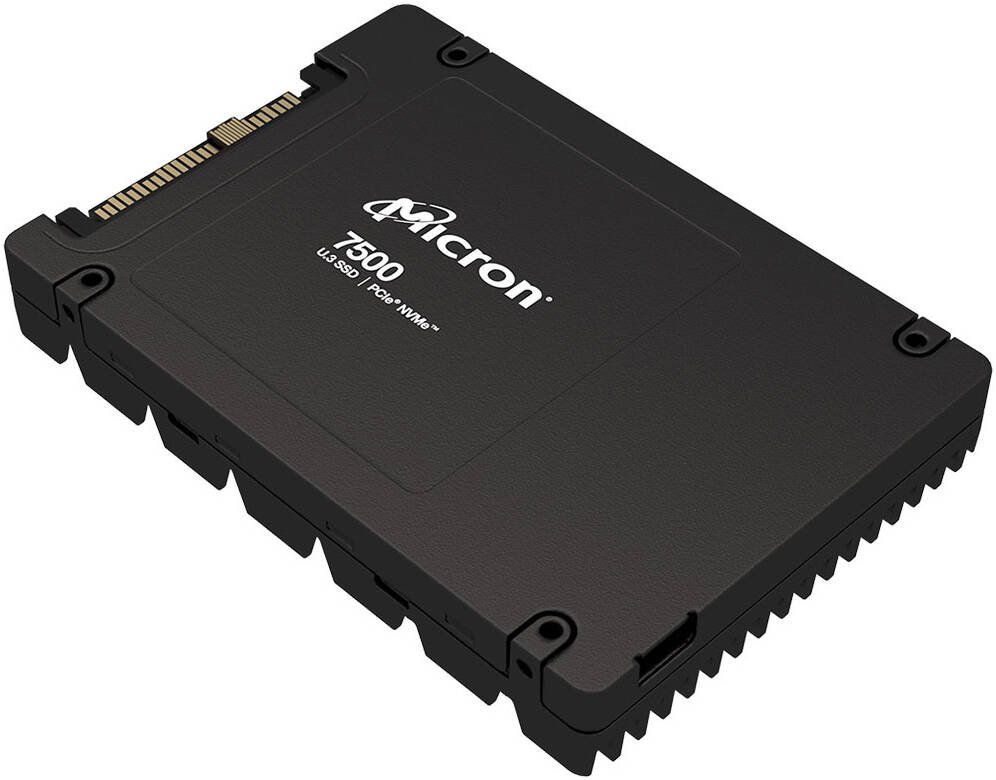
1. Upgrade to a Solid State Drive (SSD)
One of the most effective ways to improve laptop performance is by replacing a traditional Hard Disk Drive (HDD) with a Solid State Drive (SSD).
Benefits of an SSD
- Faster boot times
- Quicker application loading
- Improved multitasking
- Better reliability
- Lower power consumption
- Faster file transfers
Many users notice a dramatic improvement in speed immediately after upgrading to an SSD.
2.Increase Your RAM
RAM Upgrades
Need better multitasking? Increasing your laptop’s memory allows you to run more applications smoothly and improves overall system performance.
3. Remove Unnecessary Startup Programs
Many applications launch automatically when your laptop starts, increasing boot time and consuming valuable system resources.
Review your startup programs and disable apps you don’t use regularly to help your laptop start faster.
4. Free Up Storage Space
A nearly full hard drive can slow your laptop considerably.
Delete or move:
- Temporary files
- Duplicate files
- Old downloads
- Unused applications
- Large videos you no longer need
Using cloud storage or an external drive can also help free up space.
5. Scan for Viruses and Malware
Malware can consume system resources, cause crashes, and slow down your laptop.
Keep your antivirus software updated and perform regular scans to remove threats and improve performance.
6. Keep Windows Updated
Installing the latest Windows updates ensures your laptop benefits from security improvements, bug fixes, and performance enhancements.
Always restart your laptop after installing updates to complete the process.
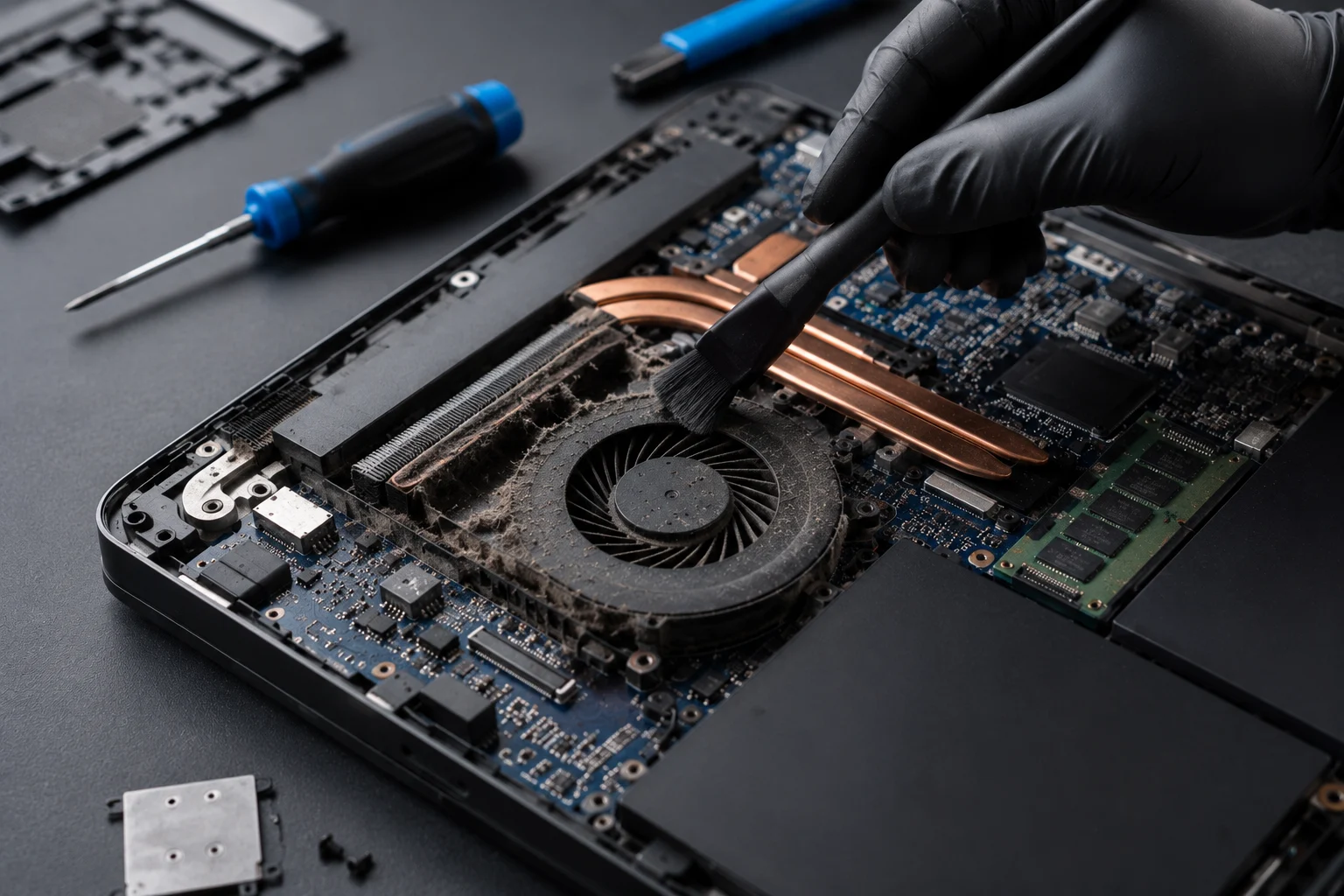
7.Clean Your Laptop Internally
Dust accumulation inside your laptop can block airflow, causing the processor to overheat and reduce performance.
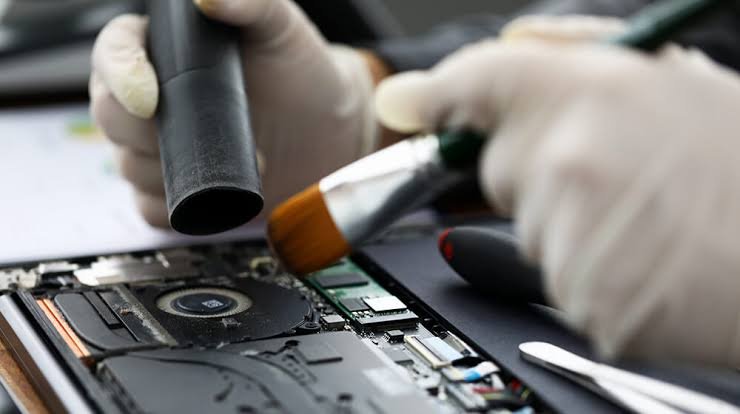
Professional internal cleaning can :
-Improve cooling
-Reduce fan noise
-Prevent overheating
-Extend hardware lifespan
8. Replace the Thermal Paste
Over time, the thermal paste between the processor and cooling system can dry out, reducing its ability to transfer heat.
Replacing old thermal paste helps maintain lower temperatures and improves system stability.
When Should You Upgrade Instead of Replace?
You don’t always need a new laptop. In many cases, upgrading key components can extend your laptop’s life by several years.
An upgrade is often worthwhile if:
- Your laptop is less than 7 years old.
- It supports SSD and RAM upgrades.
- The processor still meets your everyday needs.
- The motherboard is functioning properly.
Replacing a laptop should generally be considered only when repairs or upgrades are no longer cost-effective.
Final Thoughts
A slow laptop doesn’t always mean it’s time to buy a new one. Simple upgrades like installing an SSD, increasing RAM, removing unnecessary software, and performing regular maintenance can dramatically improve speed and reliability.
If you’re unsure which upgrade is right for your laptop, the experts at Lansotech Solutions are here to help. We’ll assess your device, recommend the most cost-effective improvements, and restore your laptop to its best possible performance.
Don’t replace your laptop before exploring your upgrade options you could save money while enjoying a faster, more responsive computer.
Frequently Asked Questions
What is the fastest way to speed up an old laptop?
Upgrading from a hard disk drive (HDD) to a solid-state drive (SSD) is one of the most effective ways to improve overall performance.
Is upgrading RAM worth it?
Yes. If your laptop supports additional memory, upgrading to 8GB or 16GB of RAM can significantly improve multitasking and everyday performance.
How often should I clean my laptop?
A professional internal cleaning every 12–18 months is recommended, especially if you use your laptop daily or in dusty environments.
Can an old laptop be made fast again?
In many cases, yes. SSD upgrades, RAM upgrades, software optimization, and routine maintenance can dramatically improve the performance of older laptops.
Where can I upgrade my laptop in Nairobi?
Lansotech Solutions offers professional SSD upgrades, RAM upgrades, laptop servicing, Windows installation, and performance optimization for all major laptop brands.
Contact Lansotech Solutions today:
Email: sales@lansotechsolutions.co.ke
Call/WhatsApp 0791-833-529 Start WhatsApp Chat>>