














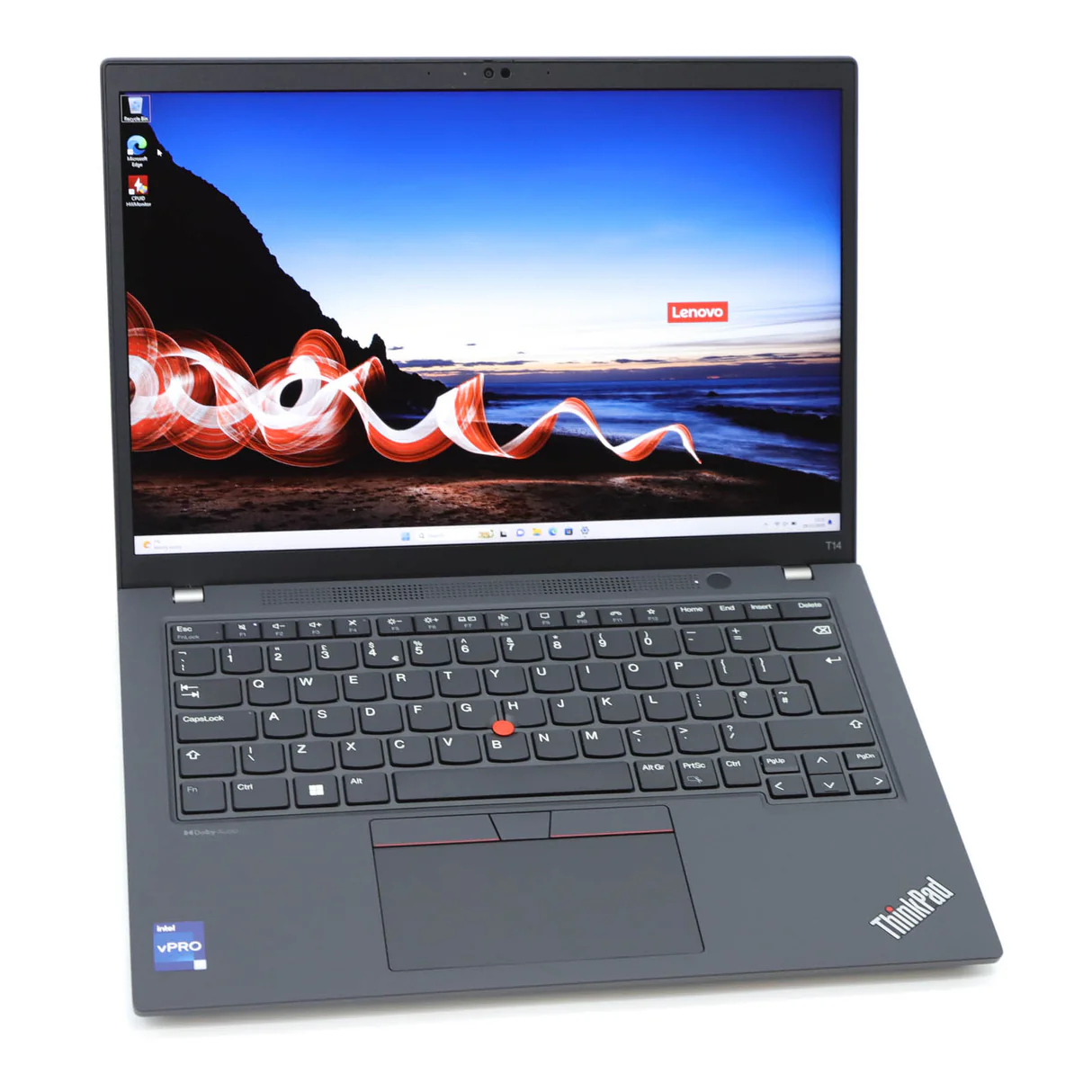
Buying a laptop is a significant investment, whether you’re a student, business professional, content creator, gamer, or entrepreneur. With so many brands, processors, and specifications available, choosing the right laptop can feel overwhelming.
Many buyers focus only on price or brand, only to discover later that the laptop doesn’t meet their needs. The key is understanding what you’ll use the laptop for and selecting specifications that match your workload.
In this guide, we’ll explain everything you need to know before buying a laptop in Kenya, helping you make an informed decision and get the best value for your mone
Step 1: Understand What You’ll Use Your Laptop For
Before comparing brands or specifications, ask yourself one question:
What will I primarily use this laptop for?
Different users have different requirements.
Students
Students typically need a lightweight, reliable laptop with good battery life for research, assignments, online classes, and presentations.
Recommended Specifications
14-inch Full HD display
Intel Core i5 or AMD Ryzen 5
8GB RAM
256GB or 512GB SSD
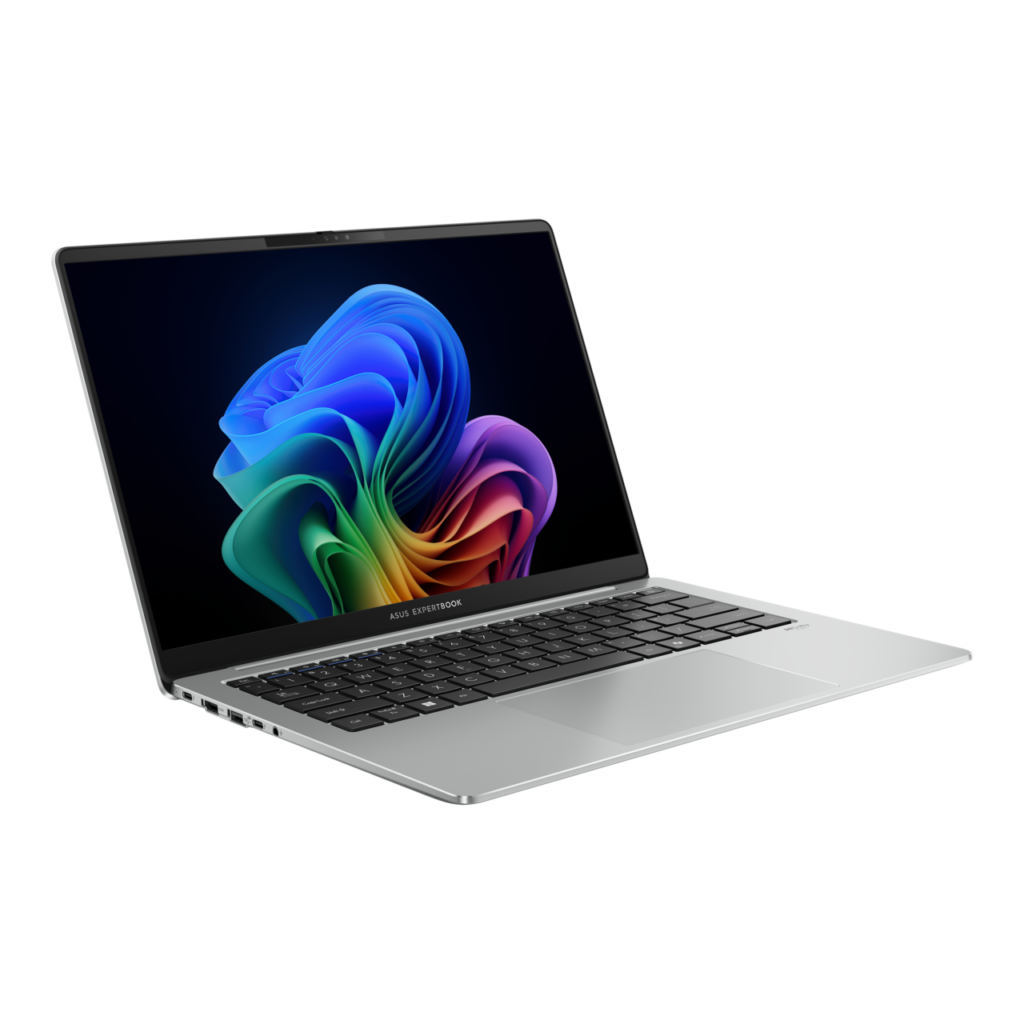
Business Professionals
Business users need performance, durability, and security.
Recommended models include:
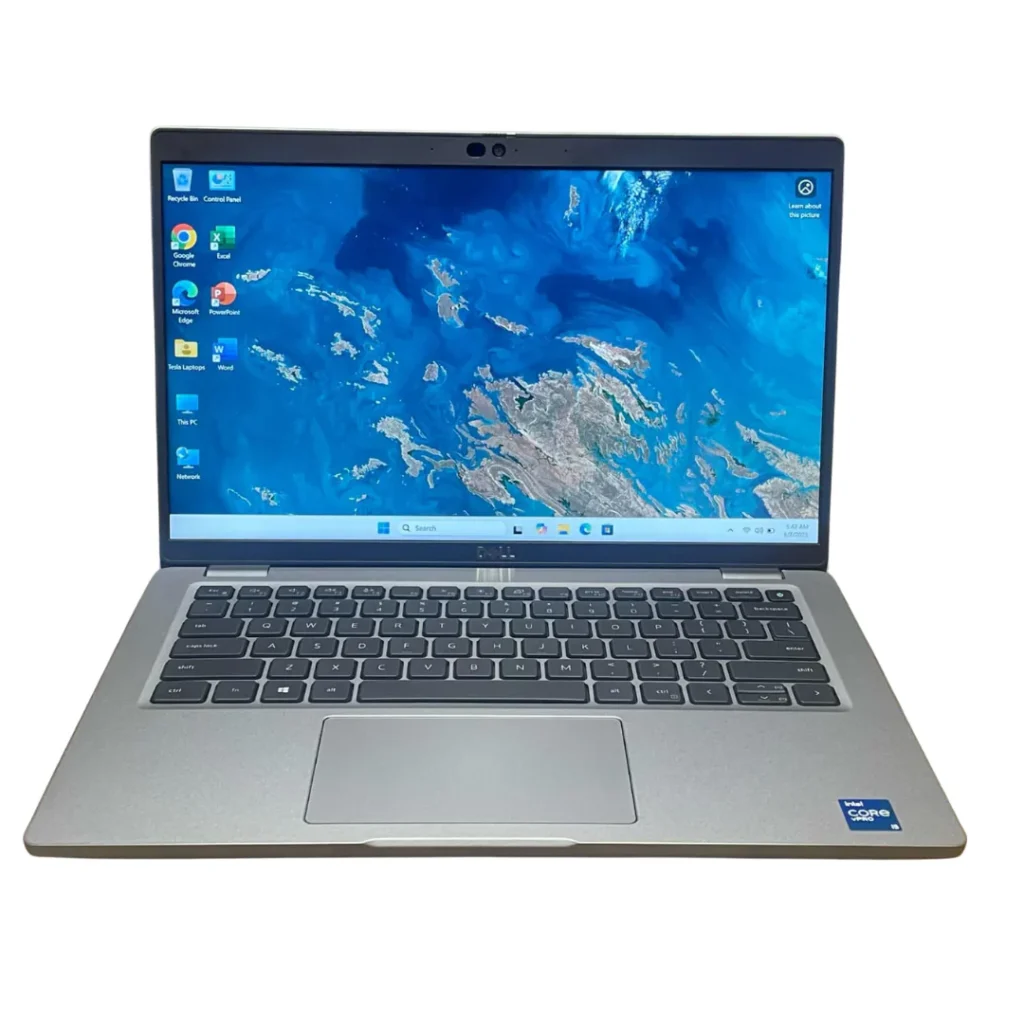
- Lenovo ThinkPad
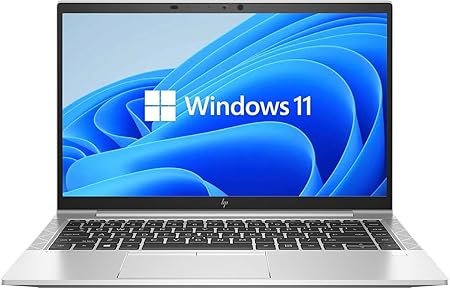
- HP EliteBook
- Dell Latitude
Look for features such as fingerprint readers, TPM security, and long battery life.D.
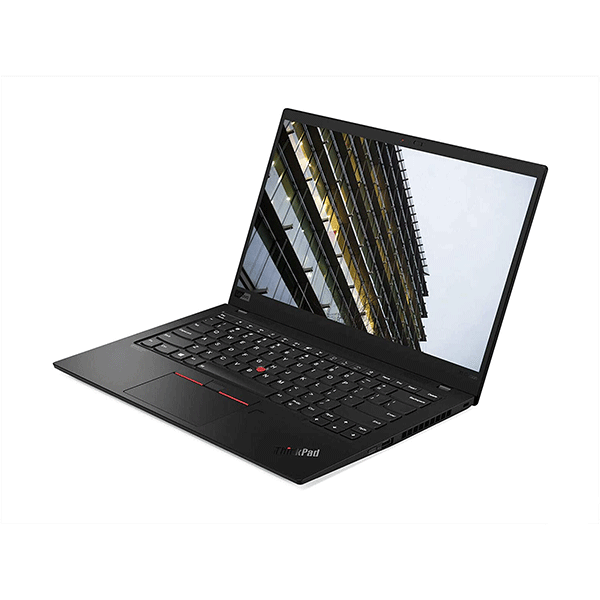
Graphic Designers and Video Editors
Creative professionals require more powerful hardware.
Recommended specifications:
- Intel Core Ultra 7 or Intel Core i7
- AMD Ryzen 7 AI
- 16GB–32GB RAM
- Dedicated graphics card
- 1TB SSD
- High-resolution IPS display
Gamers
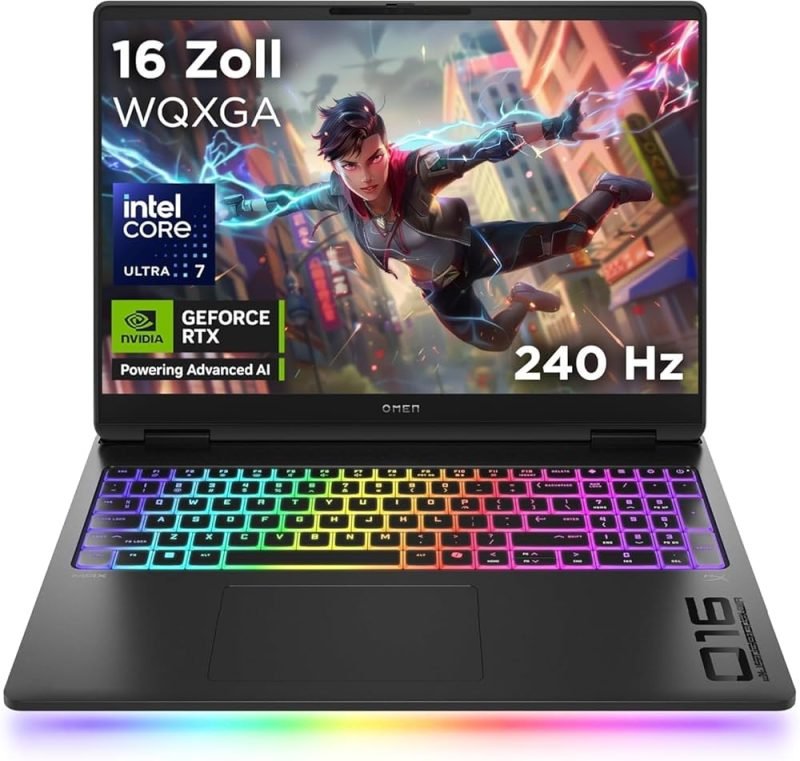
Gaming laptops should include:
- NVIDIA RTX graphics
- Intel Core i7/Core Ultra
- AMD Ryzen 7
- 16GB RAM or more
- 144Hz or higher display
- Advanced cooling system
Step 2: Choose the Right Processor
The processor is the brain of your laptop.
Intel Core i3
Ideal for:
- Basic office work
- Web browsing
- Microsoft Office
Intel Core i5
Perfect for:
- Students
- Business users
- Everyday multitasking
Intel Core i7 / Intel Core Ultra
Recommended for:
- Video editing
- Programming
- Virtual machines
- Engineering software
- Heavy multitasking
AMD Ryzen Processors
Ryzen 5 and Ryzen 7 processors offer excellent performance and are often a great value for productivity and creative workloads.
Step 3: How Much RAM Do You Need?
RAM determines how many applications your laptop can run smoothly.
| RAM | Best For |
|---|---|
| 8GB | Students and everyday users |
| 16GB | Business professionals and creators |
| 32GB+ | Video editing, CAD, AI, and engineering |
For most buyers in 2026, 16GB RAM offers the best balance of performance and future-proofing.
Step 4: SSD vs HDD
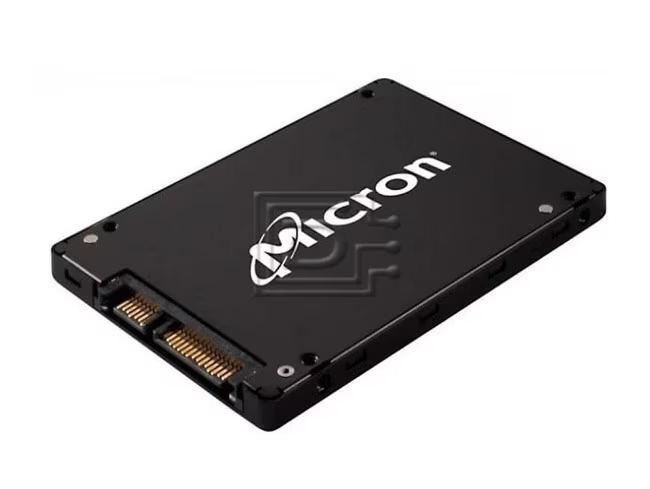
One of the biggest performance upgrades is choosing an SSD instead of an HDD.
SSD Advantages
- Faster startup
- Faster application loading
- Quieter operation
- Better durability
- Lower power consumption
A 512GB SSD is a great choice for most users, while professionals working with large files may prefer 1TB or more.
Step 5: Display Size Matters
Choose a screen size based on your lifestyle.
- 13–14 inches: Best for portability and travel.
- 15.6 inches: Ideal for work, study, and everyday use.
- 16–17 inches: Great for gaming, design, and multitasking.
For better image quality, choose a Full HD IPS display whenever possible.
Step 6: Battery Life
If you’re often away from a power outlet, look for a laptop that offers at least 8–10 hours of battery life under normal use. Business-class laptops like the Lenovo ThinkPad, HP EliteBook, and Dell Latitude are known for their excellent battery efficiency.
Step 7: Ports and Connectivity
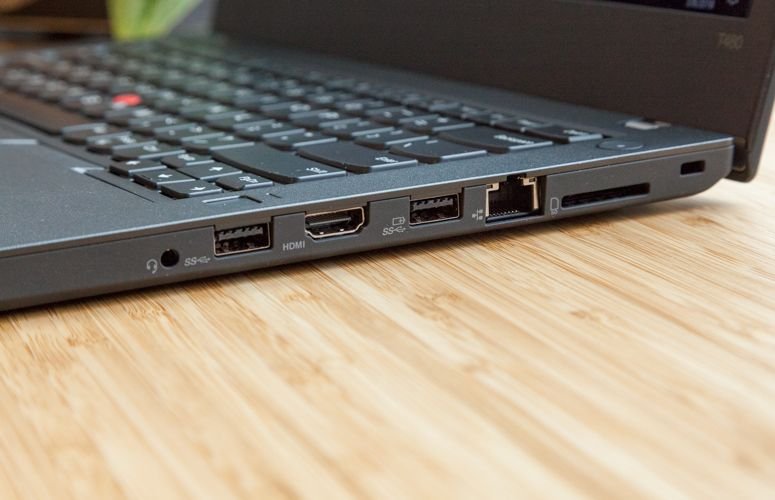
Make sure your laptop has the ports you need:
- USB-A
- USB-C
- HDMI
- Audio jack
- Wi-Fi 6 or Wi-Fi 6E
- Bluetooth 5.2 or newer
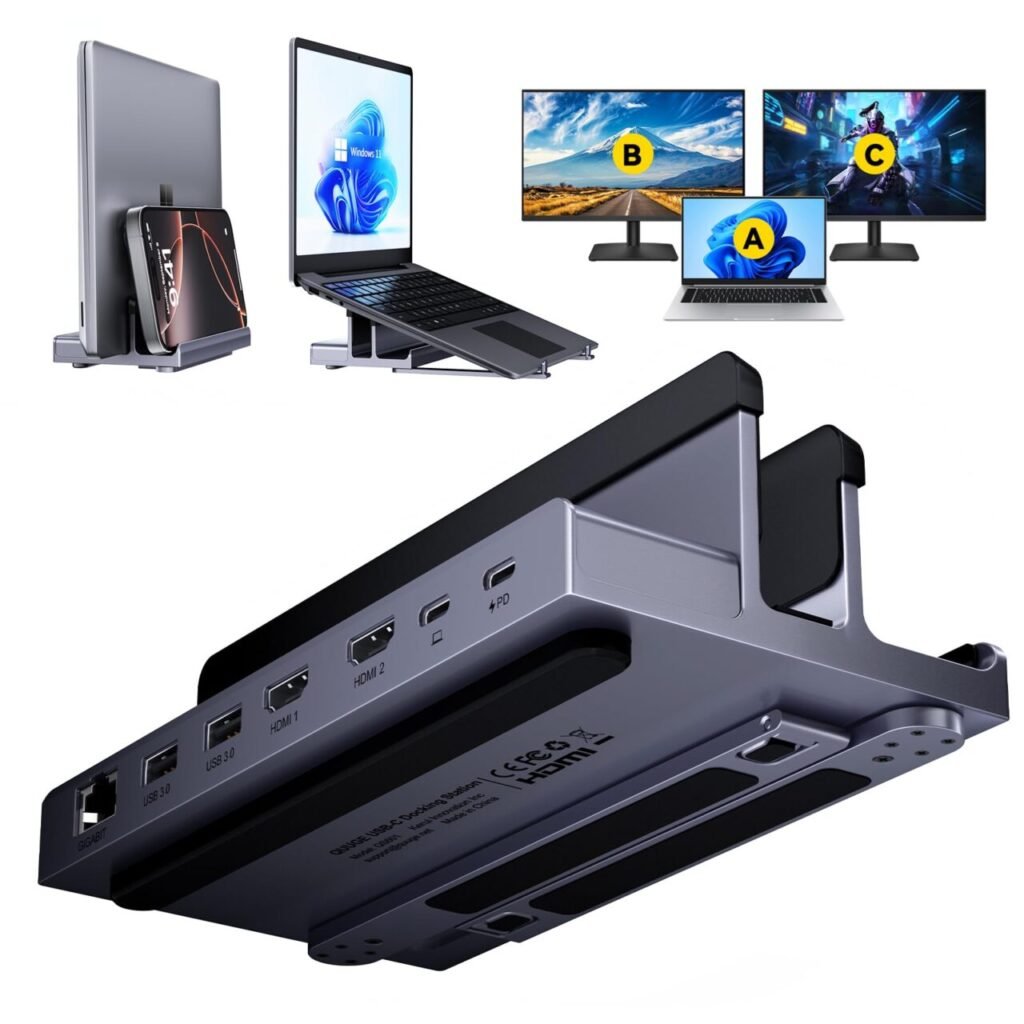
These features improve compatibility with monitors, projectors, docking stations, and other accessories.
Step 8: New vs Refurbished Laptops
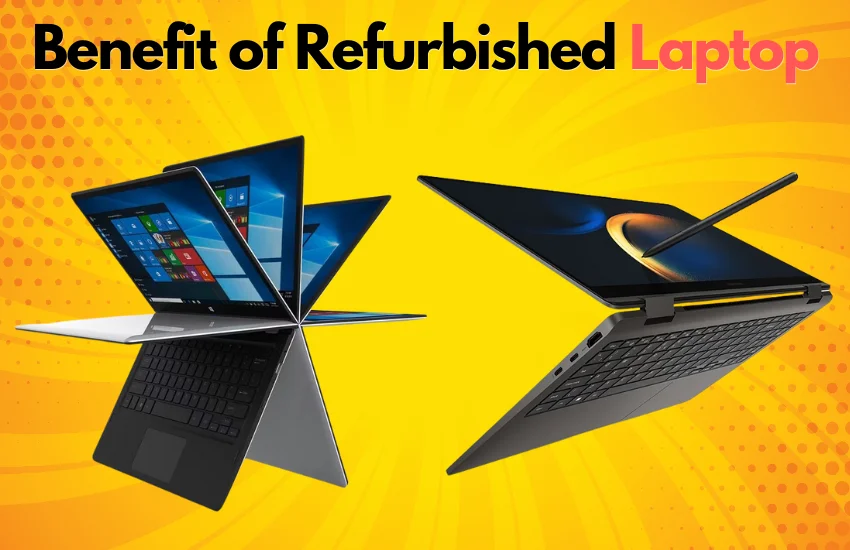
Refurbished business laptops can offer exceptional value.
Benefits of Refurbished Laptops
- Lower cost
- Premium build quality
- Reliable performance
- Ideal for students and businesses
- Better specifications for the price
When purchased from a trusted supplier, refurbished laptops are an excellent choice for budget-conscious buyers.
Why Buy from Lansotech Solutions?
Lansotech Solutions offers a carefully selected range of new and refurbished laptops from leading brands. Whether you’re looking for a business laptop, student laptop, gaming machine, or workstation, our team can help you choose a model that matches your budget and performance requirements.
We also provide:
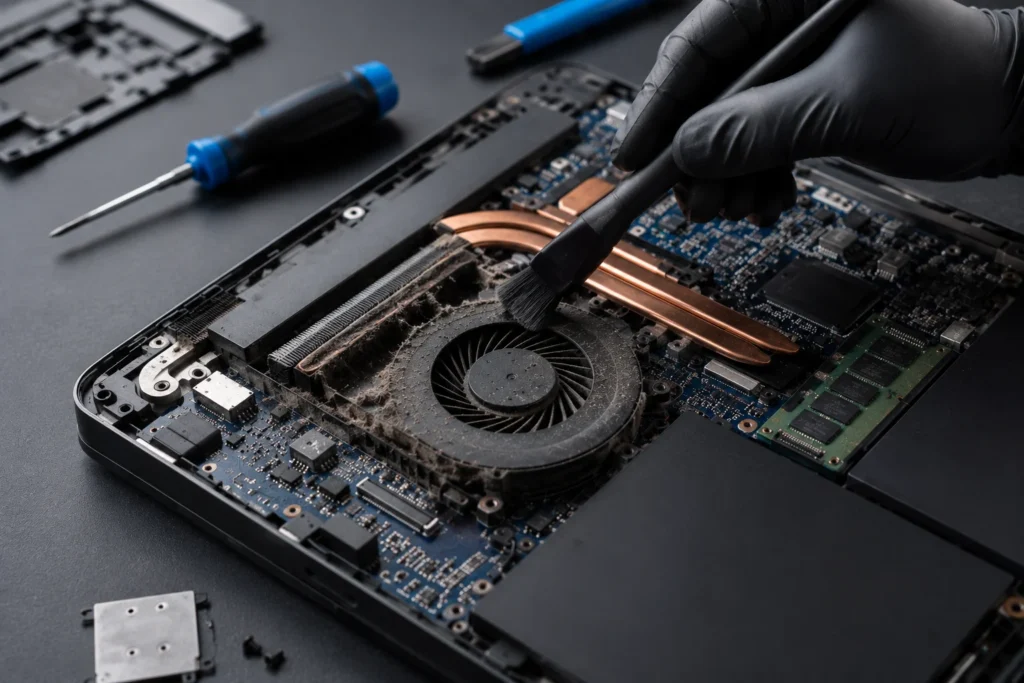
- Laptop upgrades
- SSD installation
- RAM upgrades
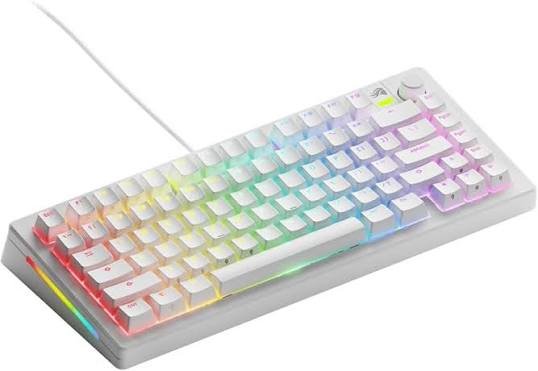
- Laptop accessories
- Technical support
- Professional advice before you buy
Final Thoughts
Choosing the right laptop doesn’t have to be complicated. By understanding your needs and focusing on the right processor, memory, storage, display, and battery life, you can invest in a laptop that will serve you well for years.
If you’re still unsure which laptop is right for you, visit Lansotech Solutions. Our experts can recommend the best laptop based on your work, studies, or business requirements, ensuring you get the best performance and value for your investment.
Contact Lansotech Solutions today:
Email: sales@lansotechsolutions.co.ke
Call/WhatsApp 0791-833-529 Start WhatsApp Chat>>










 ASUS
ASUS






