Have you ever noticed that your internet works perfectly in the living room but becomes painfully slow in your bedroom? Or perhaps your video calls keep dropping even though you’re paying for a high-speed fibre package.
If so, you’re not alone.
One of the biggest misconceptions is that a faster internet package automatically means better WiFi coverage. In reality, internet speed and WiFi coverage are two different things. You could have a 100 Mbps fibre connection, but if your router can’t distribute that signal effectively throughout your home, you’ll still experience buffering, lag, and frustrating dead zones.
For many homeowners in Kenya, the real issue isn’t the internet provider it’s the network setup inside the home.
In this comprehensive guide, you’ll learn why WiFi signals weaken, how to extend your WiFi range effectively, and which networking solutions are best for different home sizes. Whether you use Safaricom Home Fibre, Airtel, Faiba, or another provider, these tips will help you enjoy stronger, more reliable wireless coverage.
Why Your WiFi Doesn’t Reach Every Room
WiFi uses radio waves to transmit data. Like any radio signal, these waves weaken as they travel through obstacles and over long distances.
Several factors commonly reduce WiFi coverage in Kenyan homes:
1. Thick Concrete Walls
Many modern apartments and houses are built with reinforced concrete, which blocks wireless signals more than wooden or drywall partitions.
2. Large Houses
The farther a device is from the router, the weaker the signal becomes. In multi-bedroom homes, rooms at the opposite end of the house often receive poor coverage.
3. Metal Objects
Metal doors, cabinets, refrigerators, and roofing materials can reflect or absorb WiFi signals, reducing their strength.
4. Electronic Interference
Microwave ovens, cordless phones, Bluetooth devices, and baby monitors often operate on the same frequencies as WiFi, creating interference.
5. Too Many Connected Devices
Smart TVs, laptops, smartphones, CCTV cameras, gaming consoles, smart speakers, and IoT devices all compete for bandwidth. Older routers struggle to manage many simultaneous connections.k.
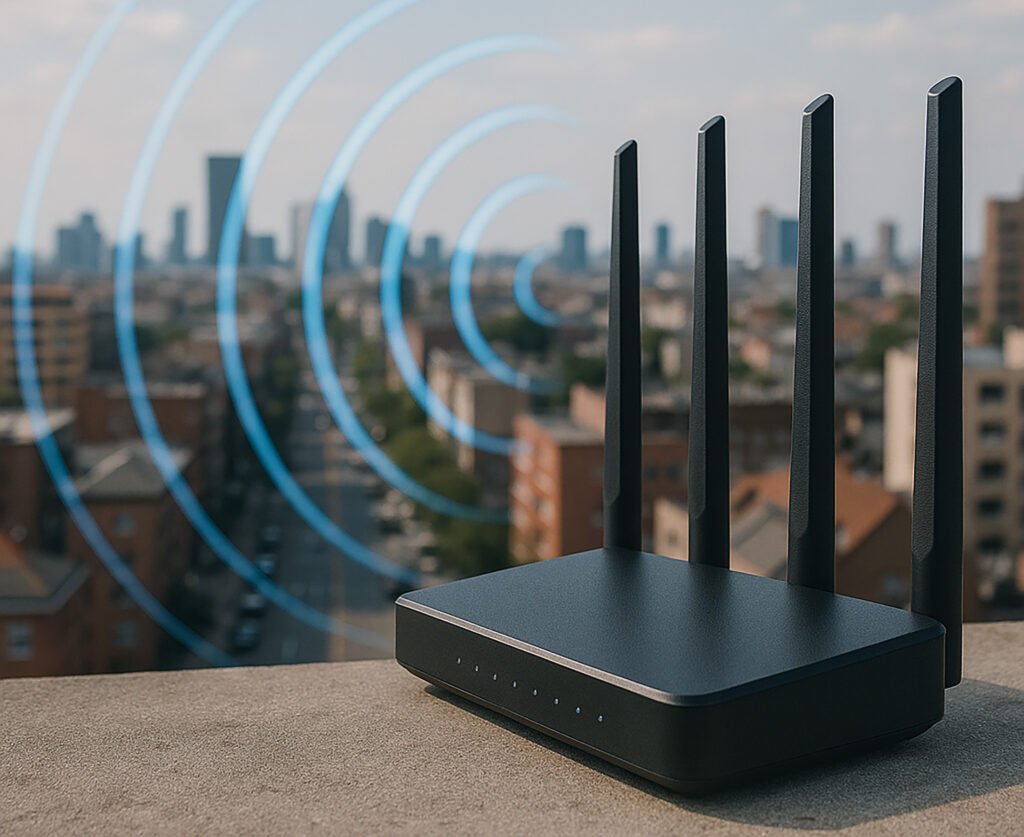
Internet Speed vs WiFi Coverage
This is where many people get confused. Imagine water flowing through a pipe:
- Internet speed is the amount of water entering your house.
- WiFi coverage is how effectively that water reaches every room.
Buying a faster fibre package won’t solve weak WiFi if your router can’t distribute the signal properly. Before upgrading your internet plan, evaluate your home network.
Understanding Modern WiFi Technology
Choosing the right router starts with understanding the technology behind it.
WiFi 4 (802.11n)
- Older technology
- Suitable for basic browsing
- Lower speeds
- Best for a few connected devices
WiFi 5 (802.11ac)
- Faster than WiFi 4
- Supports HD and 4K streaming
- Better for medium-sized homes
- Handles multiple devices more efficiently
WiFi 6 (802.11ax)
- The latest mainstream standard
- Designed for smart homes
- Better efficiency with many connected devices
- Lower latency for gaming and video calls
- Improved performance in crowded networks
If you’re buying a new router in 2026, WiFi 6 is a smart long-term investment.
4. Install a Mesh WiFi System
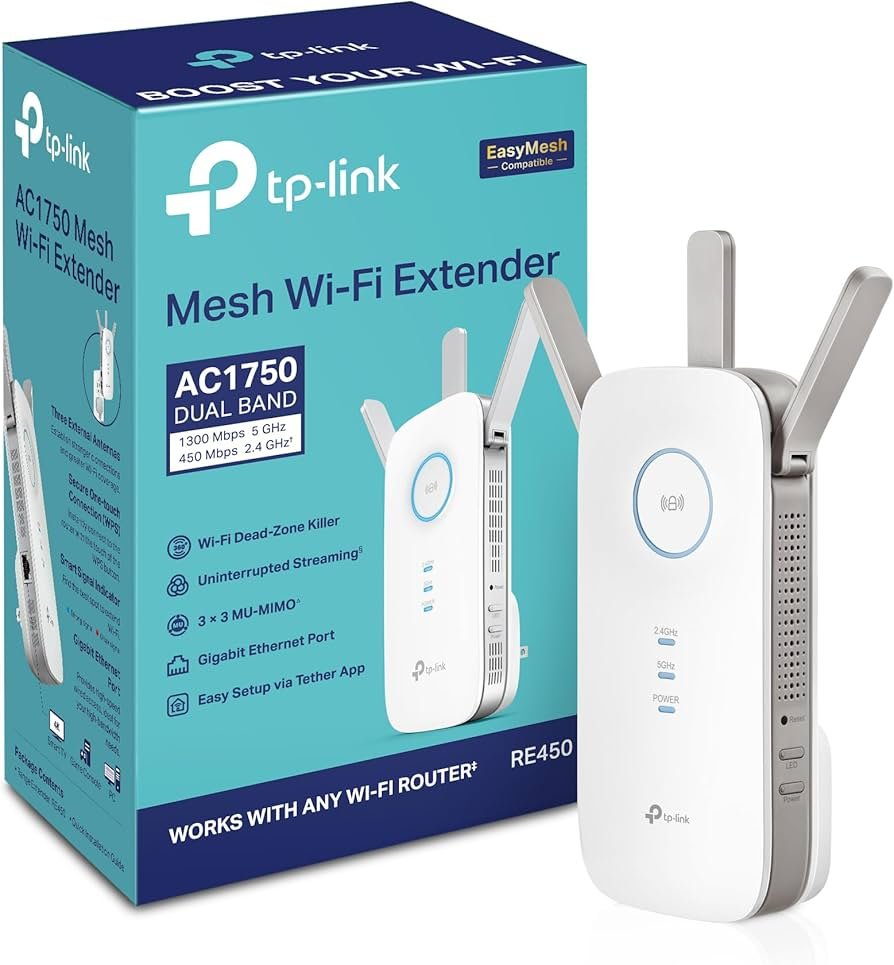
For larger homes, a mesh WiFi system provides seamless coverage using multiple interconnected devices.
Benefits include:
- Strong signal in every room
- Seamless roaming
- Easy management through mobile apps
- Better performance than traditional extenders
Mesh systems are perfect for modern smart homes.
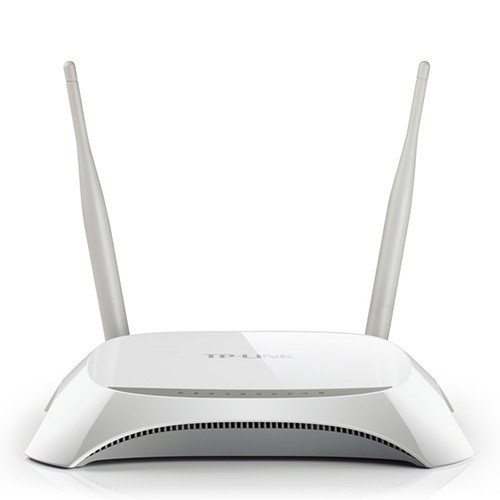
Avoid these common mistakes:
- Hiding the router inside a TV cabinet
- Placing it on the floor
- Installing it behind furniture
- Positioning it next to a microwave
- Keeping it in one corner of the house
- Mounting it behind a metal cabinet
Instead:
- Place it near the centre of your home.
- Position it at least 1.5 metres above the floor.
- Keep it in an open area.
- Ensure the antennas are positioned correctly.
A well-placed router can improve coverage without spending a single shilling.
WiFi Extender vs Mesh WiFi: Which One Is Better?
Many people assume a WiFi extender is always the best solution, but that’s not necessarily true.
| Feature | WiFi Extender | Mesh WiFi |
|---|---|---|
| Cost | Lower | Higher |
| Installation | Easy | Easy |
| Coverage | Good | Excellent |
| Roaming | No | Yes |
| Performance | Moderate | Outstanding |
| Large Homes | Limited | Excellent |
| Gaming | Fair | Excellent |
Best Networking Equipment for Different Home Sizes
One-Bedroom Apartment
A dual-band WiFi 5 router is usually sufficient for everyday browsing, streaming, and online classes.
Two to Three-Bedroom House
A WiFi 6 router offers stronger coverage and better performance for multiple users and devices.
Multi-Storey Home
A mesh WiFi system is the best choice, providing consistent signal strength across different floors.
Home Office
Choose a business-grade router with advanced security, stable performance, and support for multiple simultaneous connections.
Why Buy Networking Equipment from Lansotech Solutions?
At Lansotech Solutions, we understand that every home has different networking requirements. That’s why we stock a wide range of networking solutions, including WiFi routers, mesh WiFi systems, access points, network switches, and accessories from leading brands.
Whether you’re upgrading your home network, setting up a new office, or extending WiFi coverage across a larger property, our team can help you choose equipment that matches your internet speed, home size, and budget.
We also provide expert guidance to ensure you invest in a solution that delivers reliable performance today and supports your future connectivity needs.
Final Verdict
If you’re struggling with weak WiFi, don’t assume you need a more expensive internet package. In many cases, better router placement, a modern WiFi 6 router, or a mesh WiFi system will make a far bigger difference.
For smaller homes, a quality dual-band router may be all you need. Larger homes and households with many connected devices will benefit from WiFi 6 technology or a mesh networking system.
If you’re unsure which option is right for your home or office, the team at Lansotech Solutions can help you select the ideal networking equipment for reliable, high-speed internet throughout your property.
Frequently Asked Questions
Does upgrading my internet package improve WiFi coverage?
No. A faster internet package increases the speed coming into your home, but it won’t improve wireless coverage if your router is outdated or poorly positioned.
Is a WiFi extender worth buying?
Yes, for small homes or apartments with one or two weak spots. For larger homes, a mesh WiFi system is usually a better investment.
How often should I replace my router?
Most routers should be upgraded every four to six years to benefit from newer technologies, improved security, and better performance.
Can concrete walls affect WiFi signals?
Yes. Concrete, brick, and metal structures can weaken WiFi signals, reducing coverage in distant rooms.
Where can I buy quality WiFi routers and networking equipment in Kenya?
Lansotech Solutions offers a wide range of WiFi routers, mesh systems, access points, switches, and networking accessories for homes and businesses across Kenya.
Contact Lansotech Solutions today:
Email: sales@lansotechsolutions.co.ke
Call/WhatsApp 0791-833-529 Start WhatsApp Chat>>