






 Laptop Computers
 Desktop Computers
 Printers
 Network
 Software
 Laptop Accessories
 Laptop Components
 Office
 Desktop peripherals
Model Compatibility: HP EliteDesk 800 G1 Small Form Factor (SFF)
Form Factor: Proprietary SFF PSU
Power Output: 240W or 320W (depending on model variant)
Input Voltage: 100–240V AC, 50/60Hz
Output Connectors: 6-pin mainboard connector, SATA power connectors, and fan connector
Cooling: Internal temperature-controlled fan
Efficiency Rating: 80 PLUS Bronze certified

Hurry and get discounts on all Apple devices up to 20%
Sale_coupon_15
KSh2,500.00 excl. VAT
Payment Methods:

The HP EliteDesk 800 G1 Small Form Factor (SFF) desktop is a trusted business-class computer known for its reliability, speed, and compact design. However, like any desktop system, the power supply unit (PSU) plays a crucial role in maintaining system stability and performance. Choosing the right HP EliteDesk 800 G1 SFF power supply ensures long-lasting operation, safe power delivery, and full compatibility with your motherboard and components.
In this guide, we’ll explore everything you need to know about the HP EliteDesk 800 G1 SFF power supply—including specifications, compatible models, replacement procedures, troubleshooting tips, and where to buy the best replacement units in Kenya and beyond.
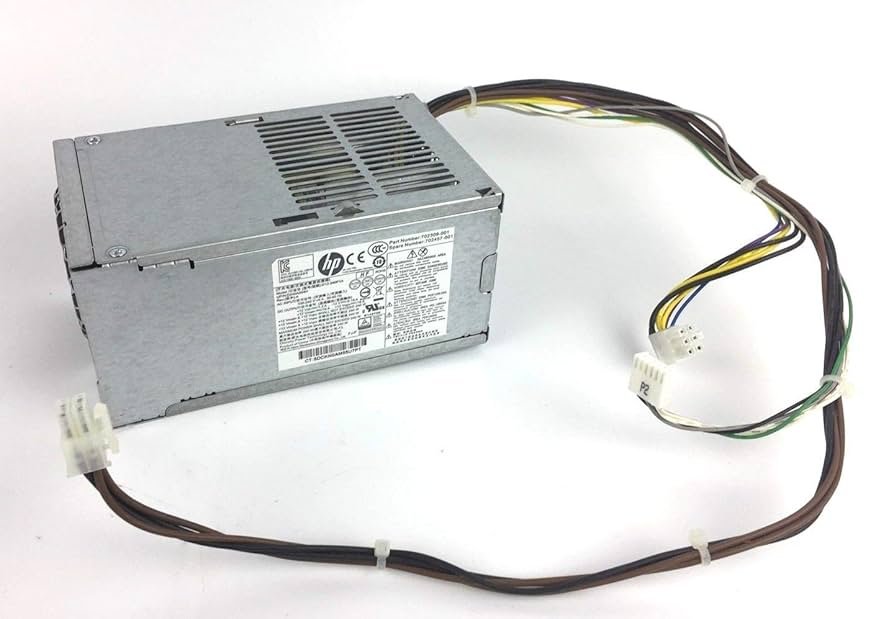
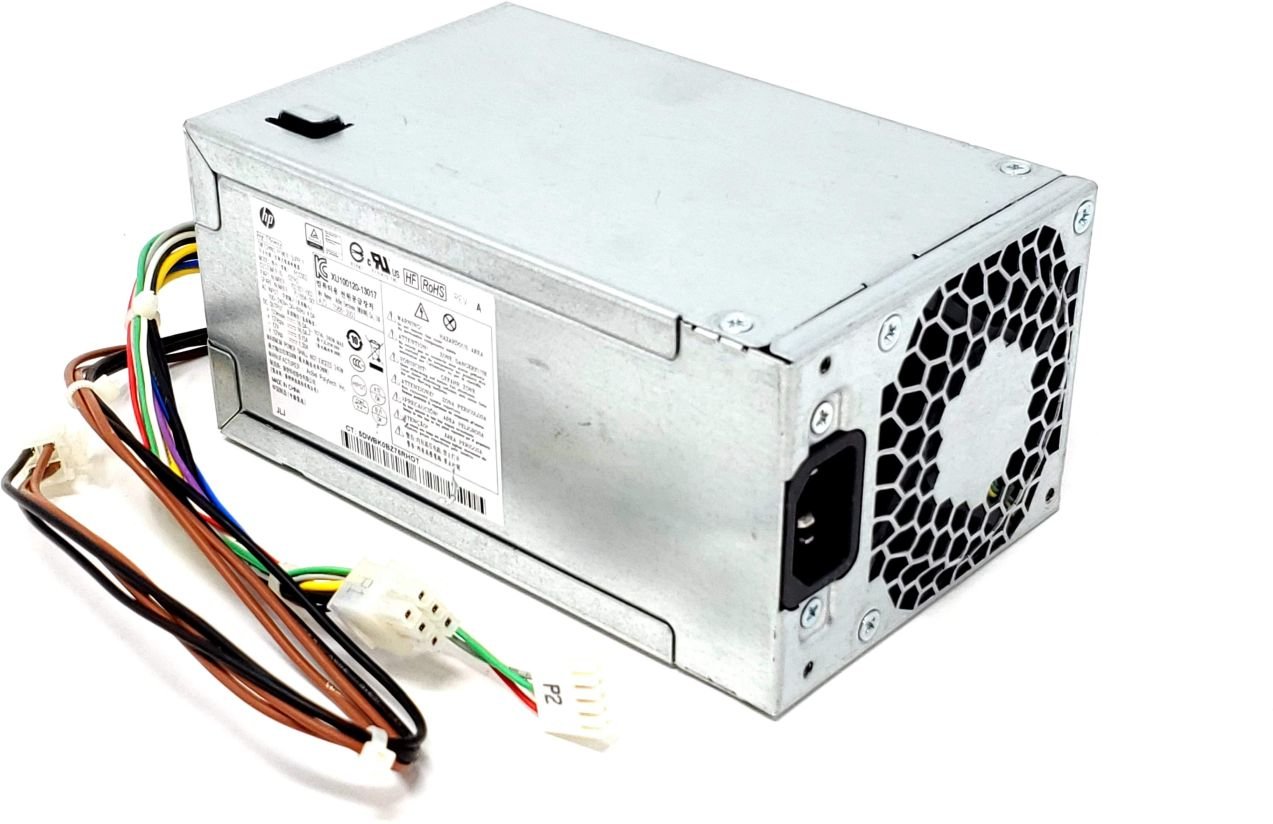
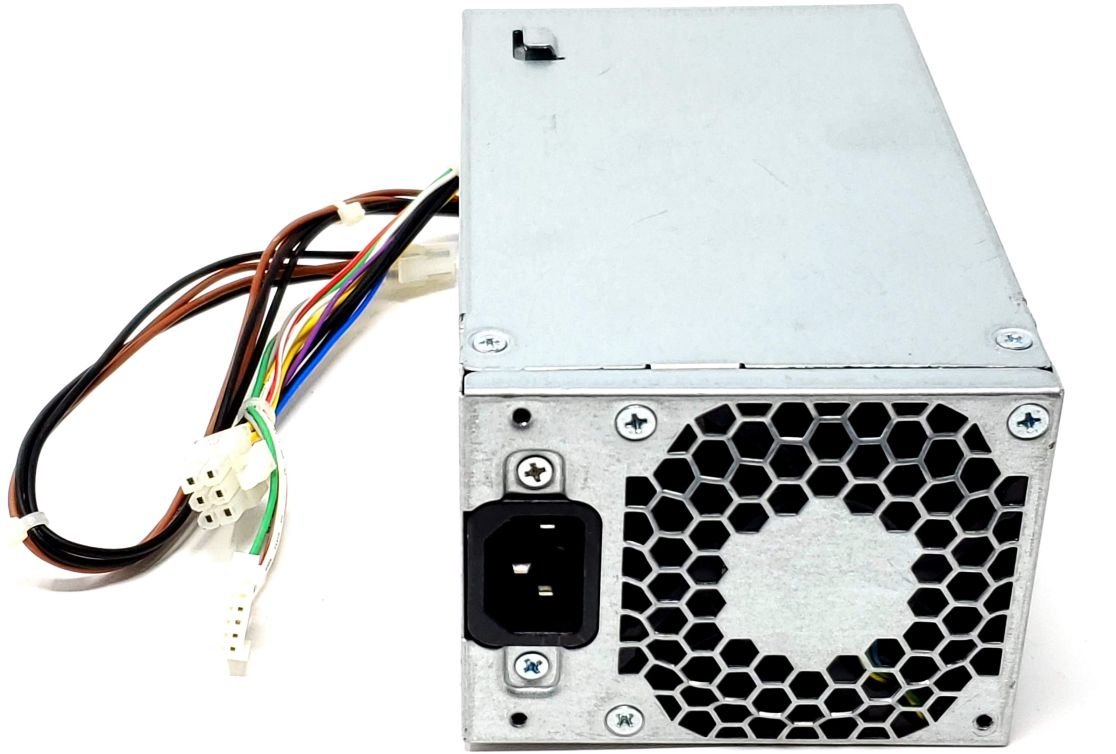
The HP EliteDesk 800 G1 SFF PSU is a compact yet efficient unit designed to fit perfectly in the small form factor (SFF) chassis. Unlike standard ATX power supplies, this model is uniquely built for the smaller HP EliteDesk casing and connects to the proprietary HP motherboard using custom connectors.
Model Compatibility: HP EliteDesk 800 G1 Small Form Factor (SFF)
Form Factor: Proprietary SFF PSU
Power Output: 240W or 320W (depending on model variant)
Input Voltage: 100–240V AC, 50/60Hz
Output Connectors: 6-pin mainboard connector, SATA power connectors, and fan connector
Cooling: Internal temperature-controlled fan
Efficiency Rating: 80 PLUS Bronze certified
This power supply is optimized for energy efficiency, meaning it reduces power wastage and helps maintain lower system temperatures. It is ideal for business users who require stability and energy savings.
The HP EliteDesk 800 G1 SFF power supply is used across multiple HP desktop lines with similar chassis designs. Some of the compatible models include:
HP ProDesk 600 G1 SFF
HP Compaq 6000 Pro SFF
HP EliteDesk 705 G1 SFF
HP EliteDesk 600 G2 SFF (with certain adapter cables)
Always verify the part number before purchasing a replacement. Common compatible part numbers include:
702309-001
702457-001
DPS-240AB-5 A
PS-6241-02
These part numbers are typically printed on the PSU label. Make sure to match the wattage and connector type to avoid compatibility issues.
Over time, your power supply may wear out or fail due to age, overheating, or electrical surges. Watch for the following warning signs:
PC does not power on at all
Intermittent restarts or random shutdowns
Burning smell or electrical noise from PSU
No power to motherboard or fans
Visible bulging capacitors or corrosion
If you experience any of these issues, it’s time to replace the power supply to avoid further damage to your motherboard or data loss.
Replacing the HP EliteDesk 800 G1 SFF PSU is a straightforward process if you follow these steps carefully.
Shut down the computer and unplug the AC power cord.
Disconnect all peripherals and external devices.
Press the power button for a few seconds to discharge residual current.
Lay the PC on a flat surface.
Slide and lift off the side cover.
Locate the power supply unit at the rear top section of the chassis.
Unplug the main 6-pin power connector from the motherboard.
Disconnect SATA power cables from storage drives.
Unplug any additional fan or peripheral connectors.
Unscrew the PSU mounting screws at the back of the chassis.
Slide out the power supply carefully.
Keep screws safely for reuse.
Slide the new PSU into the same position.
Secure it with screws.
Reconnect all power cables firmly (main connector, SATA, and fan power).
Reassemble the case and reconnect power.
After installation, power on the system to ensure all fans spin and the system boots normally.
When buying a replacement HP EliteDesk 800 G1 SFF power supply, always check these factors:
Wattage: Choose a PSU with the same or higher wattage (240W–320W).
Connector Type: Ensure the 6-pin motherboard connector and SATA cables are compatible.
Certification: Prefer 80 PLUS Bronze or better for efficiency.
Warranty: Go for units with at least a 6–12 month warranty.
Vendor Reputation: Buy from trusted sellers or HP-certified service centers.
If you are in Nairobi, Kenya, you can get original and high-quality HP EliteDesk 800 G1 SFF PSUs from reputable shops such as Lansotech Solutions and Native Drive, both known for offering genuine HP spare parts and expert installation services.
To keep your PSU running efficiently for years:
Regular Cleaning: Dust buildup can block ventilation. Clean your PC every few months.
Use a UPS: Protect against power surges and blackouts.
Ensure Proper Ventilation: Avoid placing your PC near heat sources.
Check Fan Function: If your PSU fan stops spinning, replace it immediately.
Avoid Overloading: Don’t connect excessive devices that exceed power limits.
These simple maintenance steps can extend the lifespan of your power supply and prevent premature failure.
If you’re looking for reliable, original, or refurbished HP EliteDesk 800 G1 SFF power supplies, we recommend sourcing from professional IT suppliers such as:
Lansotech Solutions – Trusted for computer parts, power supplies, and repair services in Nairobi.
Native Drive Kenya – Specialized in refurbished and new computer components with nationwide delivery.
HP Authorized Resellers – For genuine OEM replacements with full warranty coverage.
These suppliers offer both new and tested used power supplies for HP EliteDesk desktops at competitive prices, with installation support available.
 Laptop Computers
 Desktop Computers
 Desktop peripherals
 Laptop Accessories
 Laptop Components
 Network
 Printers
 Server
 Software
No account yet?
Create an Account






