






 Laptop Computers
 Desktop Computers
 Printers
 Network
 Software
 Laptop Accessories
 Laptop Components
 Office
 Desktop peripherals

Hurry and get discounts on all Apple devices up to 20%
Sale_coupon_15
KSh38,000.00 excl. VAT
Payment Methods:

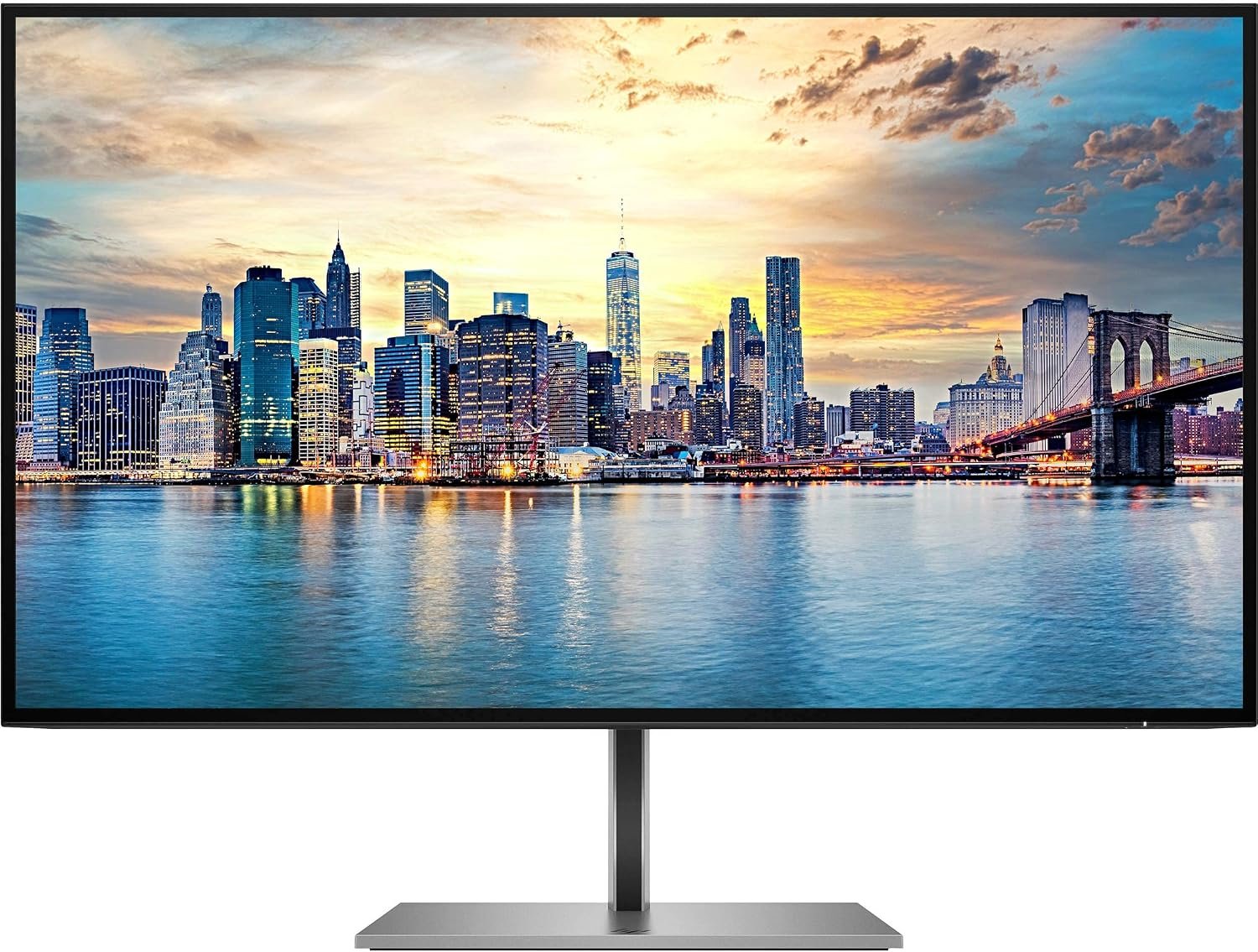
The HP Z27q G3 27-inch QHD IPS Monitor is designed for professionals, business users, content creators, and home-office users who need clear visuals, accurate colours, and a comfortable working environment. With its Quad HD resolution, IPS panel technology, adjustable stand, and modern connectivity, this monitor delivers a practical display solution for demanding everyday tasks.
Its 27-inch screen provides generous workspace for working with spreadsheets, editing documents, managing multiple windows, designing graphics, and viewing detailed content. The 2560 × 1440 resolution offers more screen space than Full HD, helping users organise their work efficiently without requiring multiple displays.
Whether you are upgrading an office workstation or creating a professional home setup, the HP Z27q G3 combines an elegant design with features that support productivity and visual comfort.
The HP Z27q G3 features a 27-inch display with QHD resolution of 2560 × 1440 pixels. This resolution provides sharper text, detailed images, and additional desktop space compared with a standard Full HD monitor.
The larger workspace is particularly useful for professionals who frequently work with multiple applications. You can keep documents, browser windows, spreadsheets, and communication tools visible at the same time, reducing the need to switch repeatedly between windows.
For designers and content creators, the extra resolution makes it easier to inspect images, review layouts, and work with detailed visual elements. Business users can also benefit from clearer charts, reports, and presentations.
The monitor uses In-Plane Switching (IPS) technology, which delivers consistent colour reproduction and wide viewing angles. Its 178-degree horizontal and vertical viewing angles help maintain image clarity when viewing the screen from different positions.
This makes the HP Z27q G3 suitable for collaborative workplaces where colleagues may need to view the same content. It is also useful for office applications, graphic design, photo review, and general multimedia use.
The display supports 99% sRGB colour coverage and factory colour calibration with a Delta E of 2 or less, making it a suitable option for colour-conscious professional workflows. For highly specialised colour-critical work, the final result should still be checked against the requirements of the particular production workflow.
With 350 nits of brightness and a 1000:1 static contrast ratio, the HP Z27q G3 is designed to deliver clear, balanced visuals in typical office environments.
The anti-glare screen treatment helps reduce distracting reflections from ambient lighting. This is especially helpful in offices with overhead lights or near windows, where reflections can affect screen visibility.
The monitor also includes flicker-free technology and HP Eye Ease low-blue-light features designed to support viewing comfort during extended work sessions. Appropriate room lighting, regular breaks, and a comfortable screen position remain important when using a computer throughout the day.
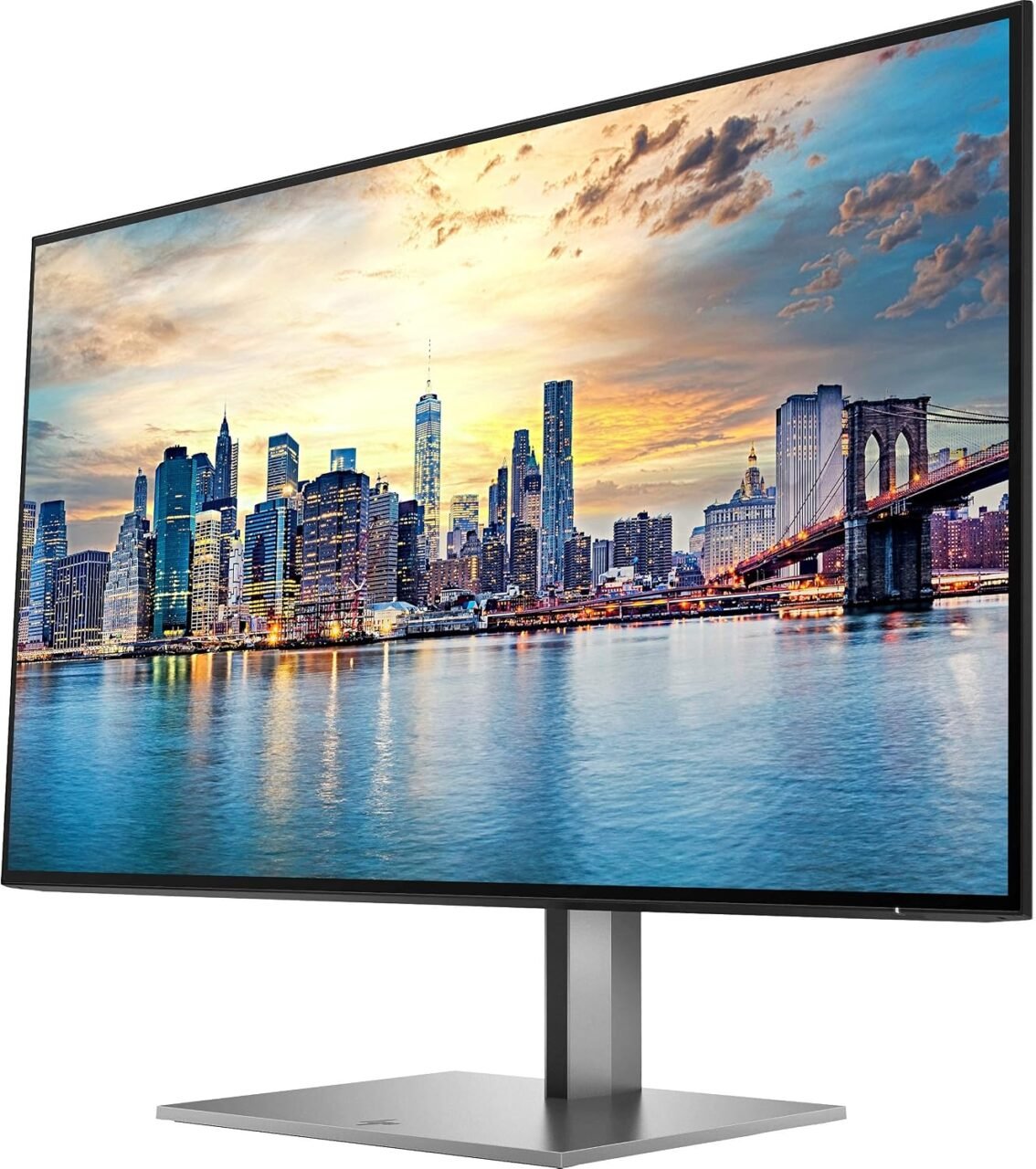
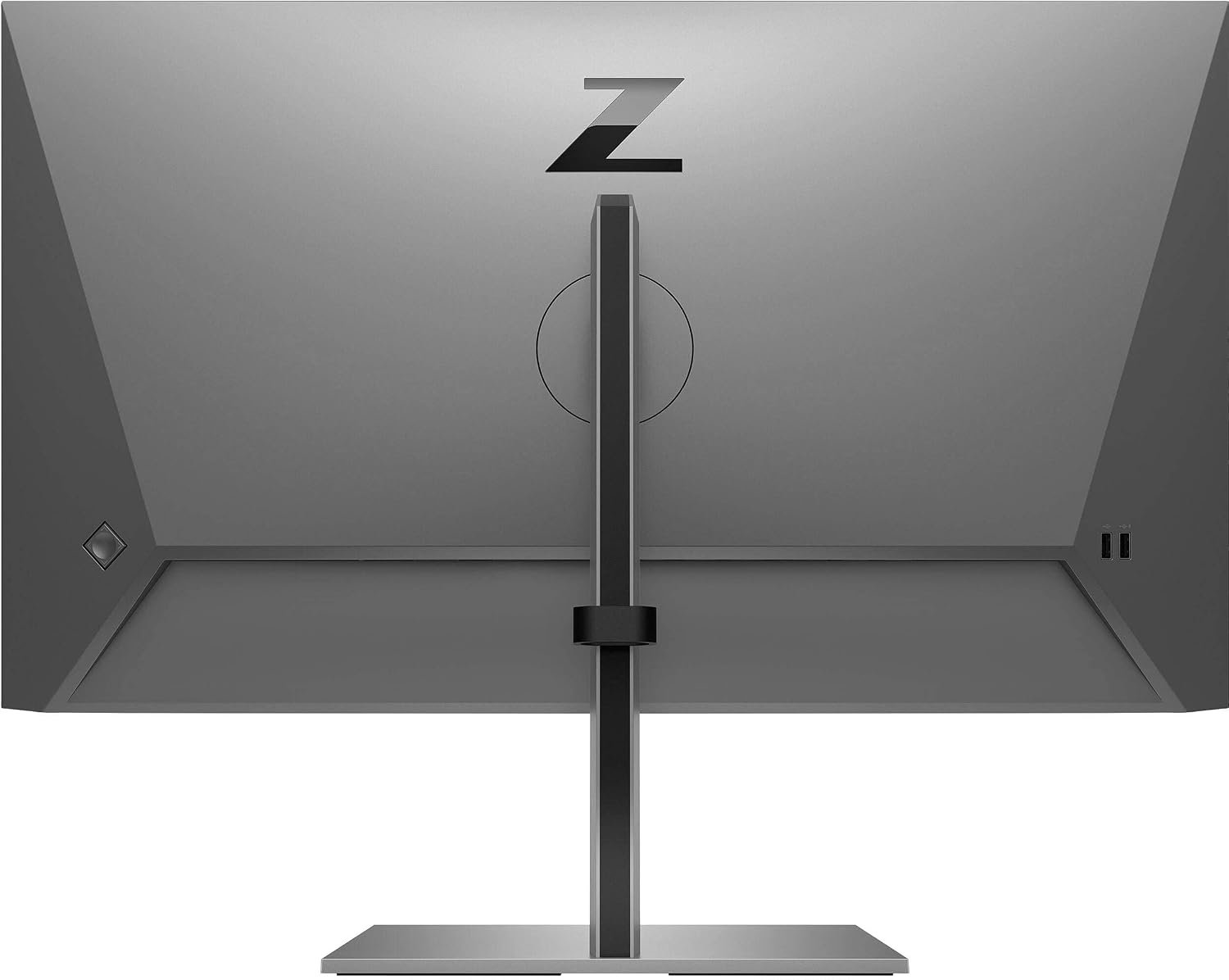
A comfortable workstation involves more than display quality. The HP Z27q G3 includes an adjustable stand that allows users to adapt the screen to their preferred working position.
Its ergonomic adjustments include:
Portrait mode can be useful for reviewing long documents, reading code, working with lengthy webpages, and editing vertically oriented content. Landscape mode remains ideal for spreadsheets, presentations, video, and everyday office applications.
The monitor also supports 100 × 100 mm VESA mounting, providing the option to use a compatible monitor arm or wall-mount solution.
The HP Z27q G3 offers a selection of connections for compatible computers and workplace accessories. Its ports support flexible integration into a professional desktop setup.
Key connectivity options include:
The DisplayPort output can help simplify a multi-monitor workstation when the computer, cables, and connected displays support the required daisy-chain configuration.
Before purchasing, check the ports available on your computer and confirm that you have the appropriate cable for your preferred connection.
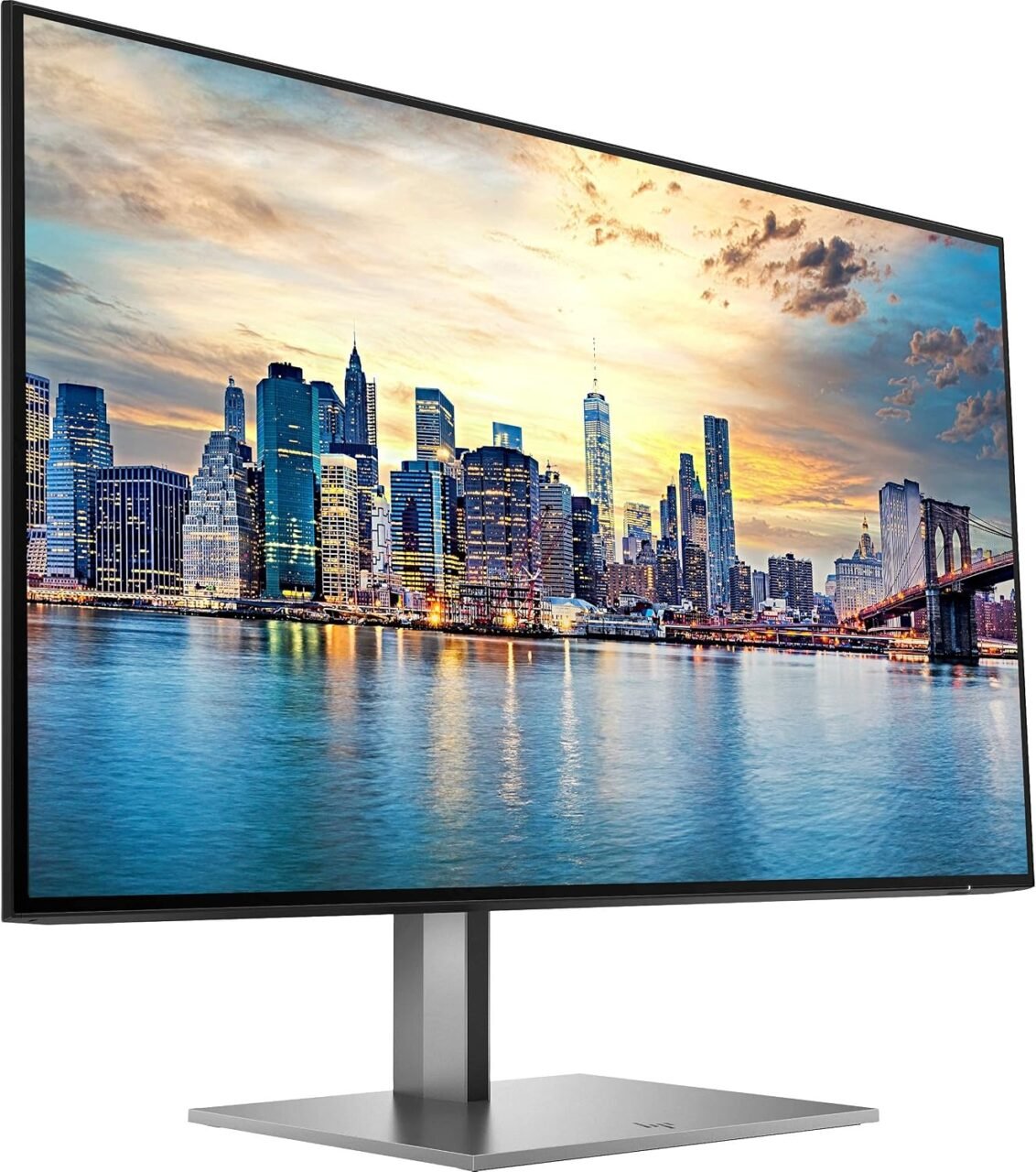
The HP Z27q G3 features a professional silver finish and a four-sided micro-edge design. Its slim bezels create a clean appearance and make the monitor suitable for contemporary office environments.
The narrow borders are particularly beneficial when arranging two displays side by side, helping create a more continuous viewing area. Its understated appearance also fits well into corporate offices, reception desks, meeting rooms, and home workspaces.
The stand is detachable, giving users additional flexibility when setting up a compatible mounting solution.
The HP Z27q G3 is designed for a broad range of professional uses.
Office productivity: The QHD resolution and 27-inch screen provide room for spreadsheets, presentations, email, and document editing.
Graphic design: IPS technology, sRGB colour coverage, and factory calibration support colour-conscious design and image-review tasks.
Programming: The high-resolution display offers space for code editors, terminals, documentation, and browser windows. Portrait orientation can be particularly helpful when reviewing long files.
Data analysis: Users can view larger spreadsheets, dashboards, and reports with less need to scroll or switch between windows.
Remote work: The adjustable stand and versatile connectivity make it a practical choice for a home-office workstation.
Multi-monitor setups: Slim bezels and DisplayPort output support compatible multi-display configurations.
Although the monitor can handle general multimedia viewing, it is primarily a professional productivity display rather than a high-refresh-rate gaming monitor.
If you need a 27-inch QHD IPS monitor for professional work, the HP Z27q G3 is worth considering for its combination of resolution, colour performance, ergonomic flexibility, and connectivity.
Its 2560 × 1440 resolution provides a useful balance between screen size and detail, while the IPS panel supports consistent visuals across wide viewing angles. The adjustable stand helps users create a more comfortable workstation, and the built-in USB hub offers convenient access to supported peripherals.
The monitor is especially attractive to professionals who spend significant time working with documents, applications, visual content, or complex information. Rather than focusing on gaming-oriented features, it prioritises workplace usability, display clarity, and a refined design.
For businesses upgrading office equipment, the HP Z27q G3 offers a capable display for daily productivity and collaborative work.
Choosing the right monitor can improve how efficiently you work, particularly when your tasks involve detailed information or multiple applications. The HP Z27q G3 combines a generous screen, QHD resolution, IPS technology, ergonomic adjustments, and practical connectivity in a professional design.
From office administration and data analysis to programming and graphic design, it provides features that suit a variety of modern workstation requirements. Its anti-glare screen, low-blue-light technology, and flexible positioning options further support a more adaptable work environment.
If you are looking for a reliable professional display with more workspace than Full HD, the HP Z27q G3 27-inch QHD IPS Monitor is a strong option to consider for your office or home workstation.
 Laptop Computers
 Desktop Computers
 Desktop peripherals
 Laptop Accessories
 Laptop Components
 Network
 Printers
 Server
 Software
No account yet?
Create an Account






