






 Laptop Computers
 Desktop Computers
 Printers
 Network
 Software
 Laptop Accessories
 Laptop Components
 Office
 Desktop peripherals

Hurry and get discounts on all Apple devices up to 20%
Sale_coupon_15
KSh3,500.00 excl. VAT
Payment Methods:

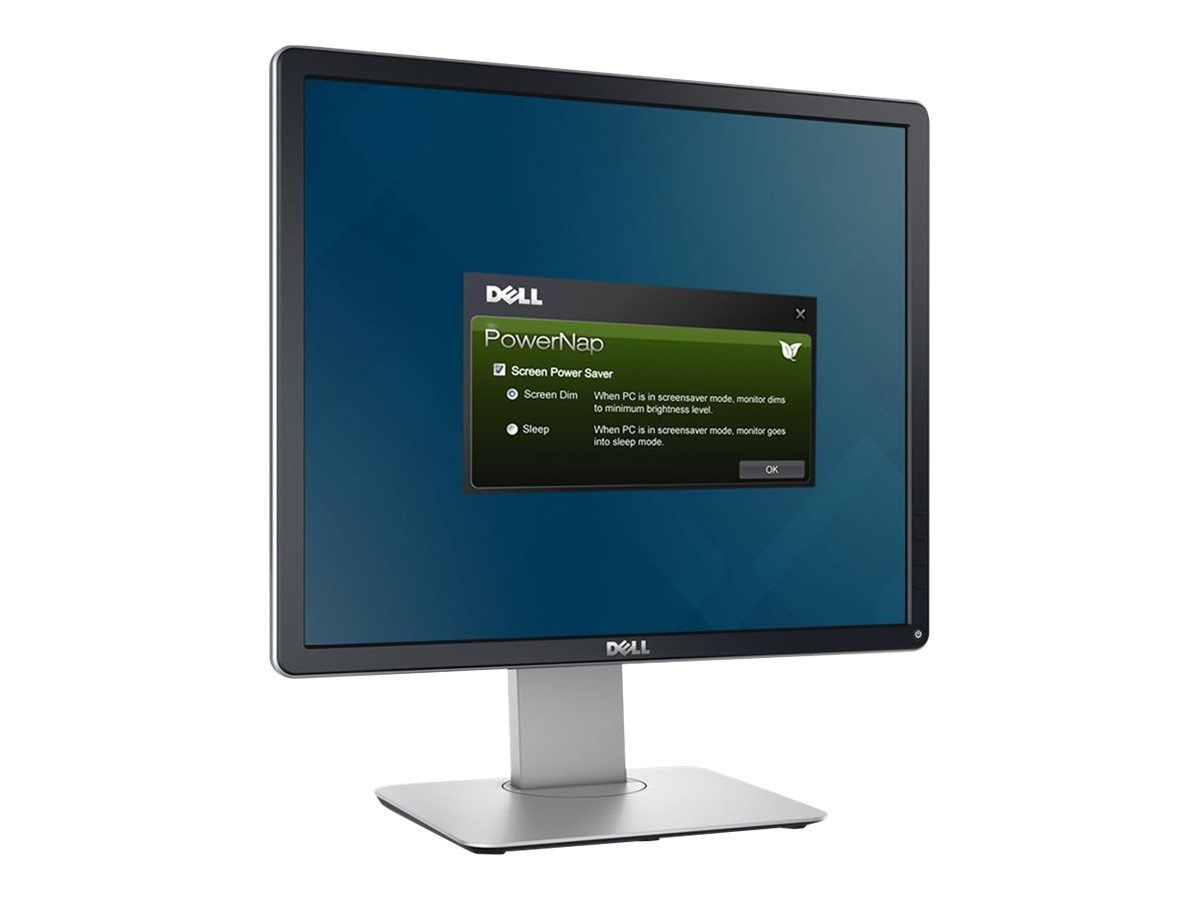
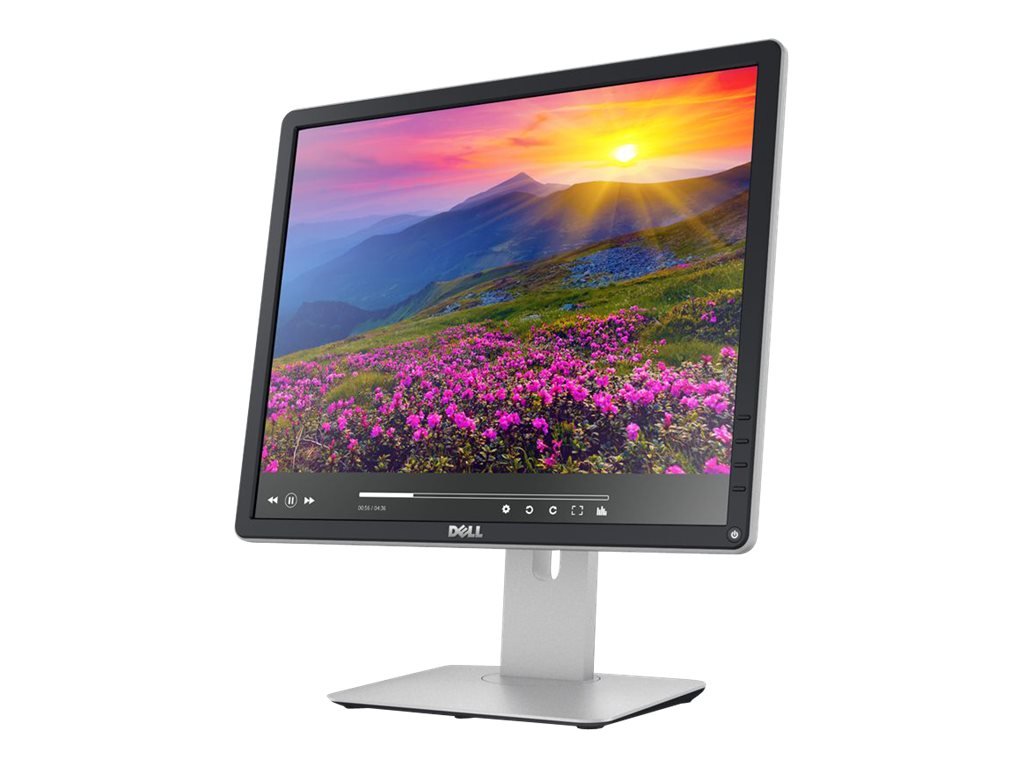
The Dell P1914S 19-inch LED Monitor is a practical business display designed for office work, administration, education, and everyday computer use. With its 1280 × 1024 resolution, IPS panel technology, and ergonomic stand, it offers dependable performance for users who need a compact monitor for professional and home workstations.
Unlike modern widescreen displays, the Dell P1914S uses a 5:4 aspect ratio. This format provides a nearly square viewing area that can be useful for spreadsheets, business applications, point-of-sale systems, document management, and other software designed around traditional desktop displays.
The monitor features LED backlighting and an IPS panel that supports consistent image quality and wide viewing angles. Its 60Hz refresh rate is suitable for routine computing tasks, including typing documents, managing records, browsing websites, and viewing business applications.
The Dell P1914S also offers multiple video connections, USB connectivity, and a fully adjustable stand. These features make it a useful choice for businesses and users who prioritise functionality, comfort, and compatibility over large screen sizes or high refresh rates.
The Dell P1914S is a good monitor for office users who need a compact, reliable display with practical connectivity and ergonomic flexibility. Its IPS panel delivers wide viewing angles, while the 1280 × 1024 resolution provides a suitable workspace for traditional office applications and everyday computing.
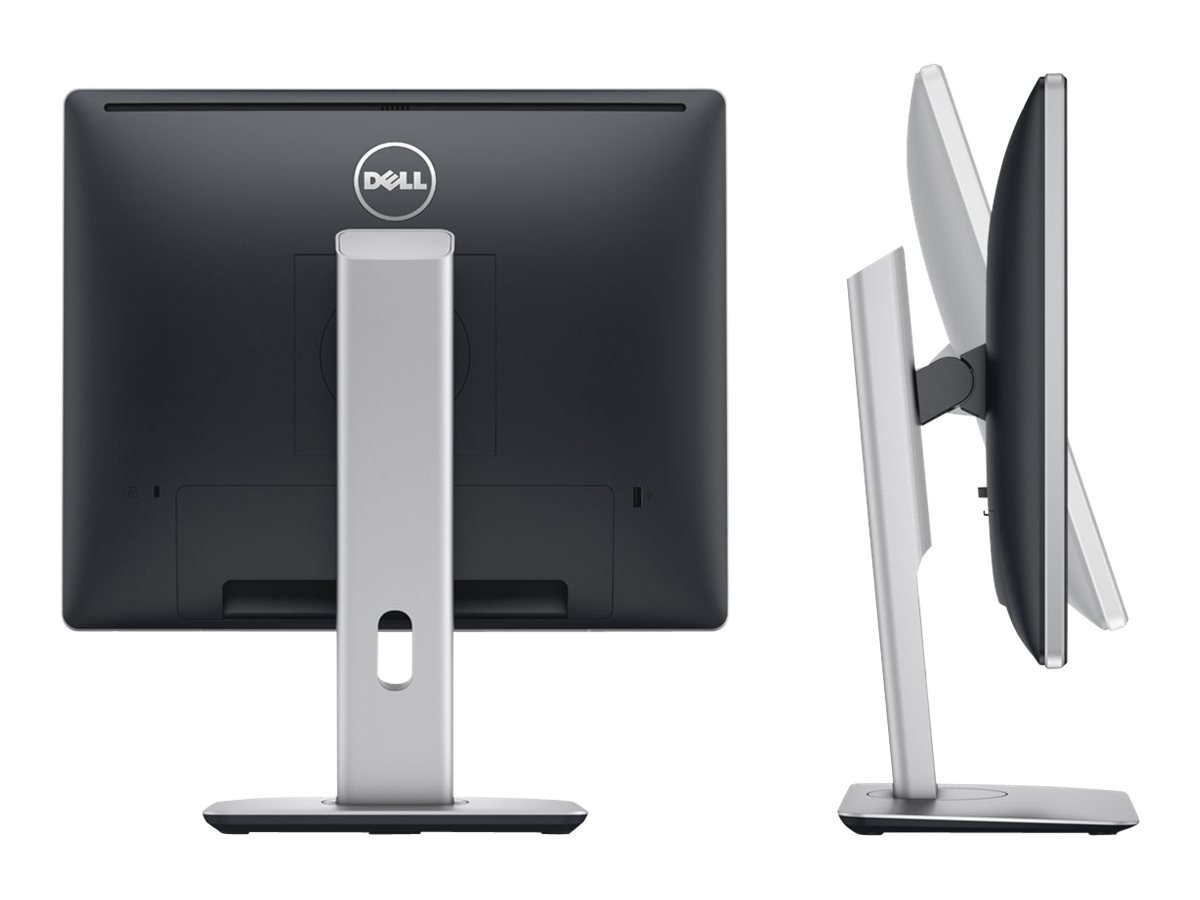
One of its key advantages is the adjustable stand. Users can change the screen height, tilt, swivel, and pivot orientation to find a comfortable viewing position. This is particularly useful in workplaces where employees spend several hours working with documents, spreadsheets, and business software.
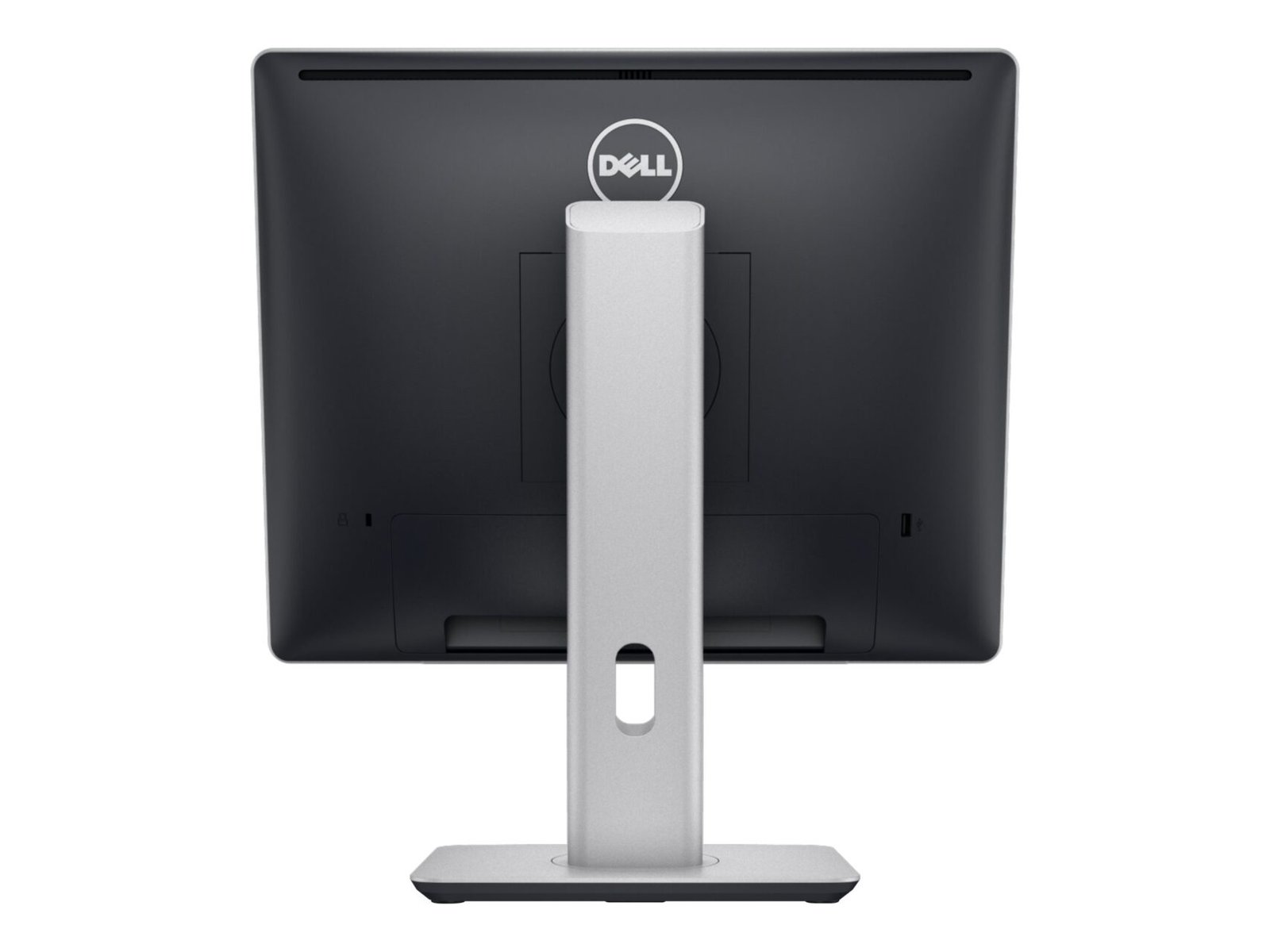
The monitor also includes DisplayPort, DVI, and VGA inputs, allowing it to connect to a range of desktop computers and compatible laptops. Its USB hub provides additional convenience for supported peripherals, making it easier to organise a workstation.
Although its resolution and aspect ratio are older than those of modern Full HD monitors, the Dell P1914S remains a practical option for basic computing, legacy systems, and space-conscious office environments.
The Dell P1914S features a 19-inch display with a native resolution of 1280 × 1024 pixels. Its 5:4 aspect ratio offers a more square-shaped workspace than a typical 16:9 widescreen monitor.
This format can be helpful for applications that display tables, records, forms, and vertical documents. It is suitable for routine office tasks such as data entry, inventory management, email, and word processing.
The resolution is lower than Full HD, so users who frequently work with multiple side-by-side windows or high-resolution media may benefit from a larger widescreen display.
The monitor uses an IPS panel designed to provide consistent colours and wide viewing angles. Its approximately 178-degree horizontal and vertical viewing angles allow the display to remain viewable from different positions.
This is useful in office environments where colleagues may need to view the same screen during discussions or presentations. The IPS technology also supports clear text and consistent visuals for everyday productivity.
LED backlighting provides illumination across the display while supporting a slim monitor design. The Dell P1914S has a typical brightness rating of 250 cd/m², making it suitable for most standard indoor office environments.
Its anti-glare screen helps reduce distracting reflections from overhead lights and windows. Adjusting the brightness to match the room can further improve viewing comfort.
The Dell P1914S operates at a 60Hz refresh rate, which is suitable for office applications, browsing, document editing, and general computer use.
Its typical response time is approximately 8ms grey-to-grey. This is adequate for routine productivity tasks and standard video playback, but the monitor is not intended for high-speed competitive gaming.
The monitor supports several connection types, making it useful for older and newer computer setups that provide compatible ports.
These connections make the Dell P1914S useful for businesses that need to keep existing computers operational or integrate monitors into established office systems.
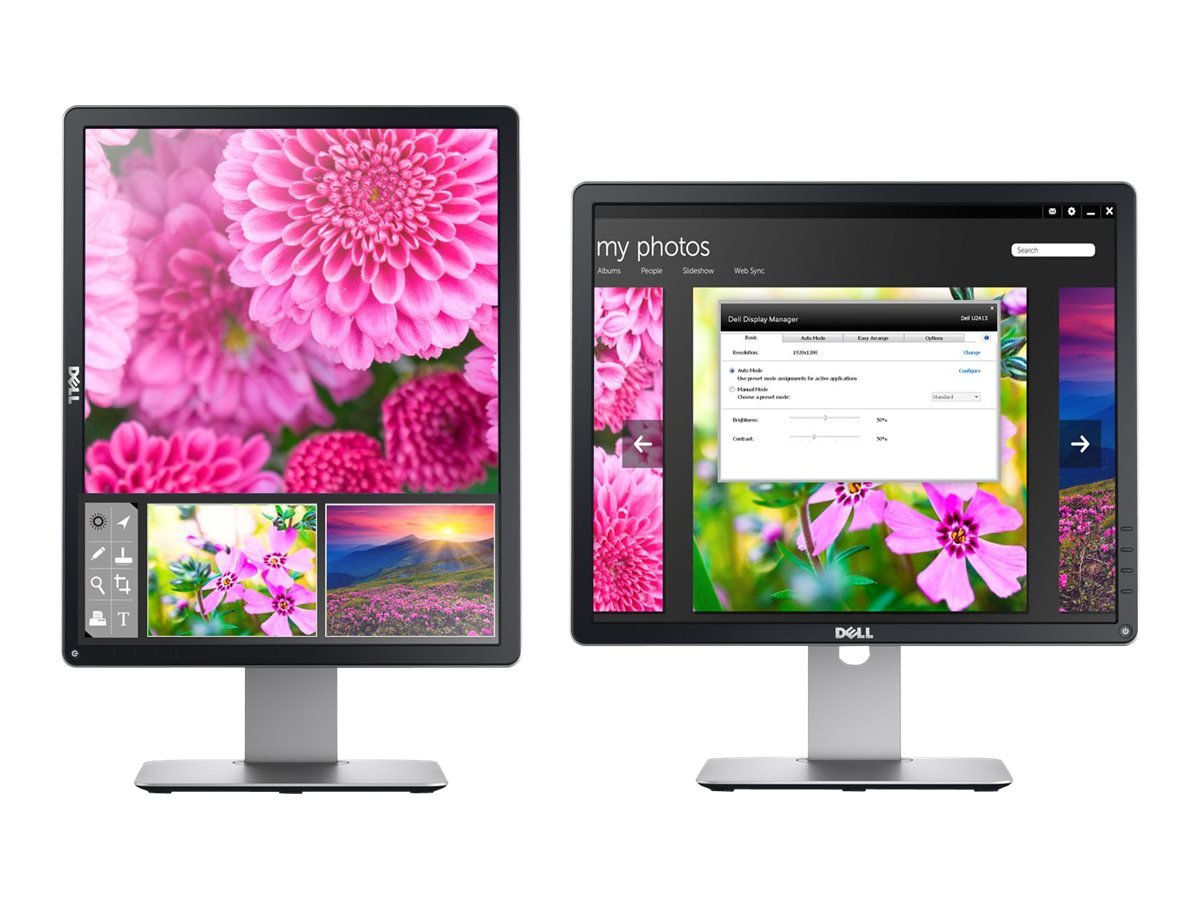
The Dell P1914S includes an adjustable stand that supports height adjustment, tilt, swivel, and pivot rotation. These features allow users to position the monitor according to their desk layout and preferred viewing angle.
Pivot rotation is particularly useful for viewing long documents or vertically oriented content. Height adjustment can also help users position the display more comfortably during extended work sessions.
The monitor supports VESA-compatible mounting, allowing it to be installed on a compatible monitor arm or mounting bracket. This can help free up desk space and create a more organised workstation.
Businesses using multiple monitors may also benefit from the mounting flexibility when designing office layouts.
The Dell P1914S is suitable for:
Users who need Full HD resolution, widescreen multitasking, modern USB-C docking, or advanced gaming performance should consider a newer monitor.
If you need a compact IPS monitor for office productivity, administrative systems, or everyday computing, the Dell P1914S offers practical connectivity and ergonomic adjustment in a space-saving design.
 Laptop Computers
 Desktop Computers
 Desktop peripherals
 Laptop Accessories
 Laptop Components
 Network
 Printers
 Server
 Software
No account yet?
Create an Account






