






 Laptop Computers
 Desktop Computers
 Printers
 Network
 Software
 Laptop Accessories
 Laptop Components
 Office
 Desktop peripherals

Hurry and get discounts on all Apple devices up to 20%
Sale_coupon_15
KSh24,000.00 excl. VAT
Payment Methods:

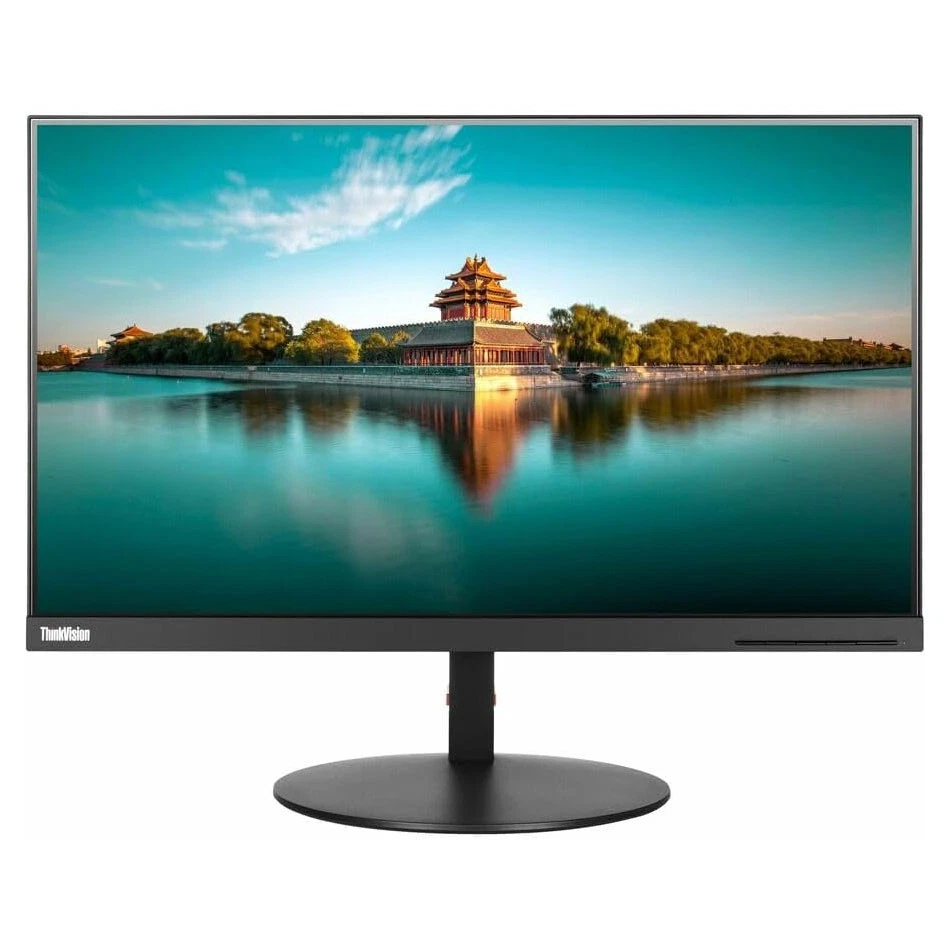
The Lenovo ThinkVision P24h-10 is a 23.8-inch business monitor that combines a Wide Quad HD (WQHD) resolution with an IPS panel and versatile USB Type-C connectivity. With a resolution of 2560 × 1440 pixels, it delivers detailed images and additional workspace for spreadsheets, documents, web browsing, programming, and multitasking.
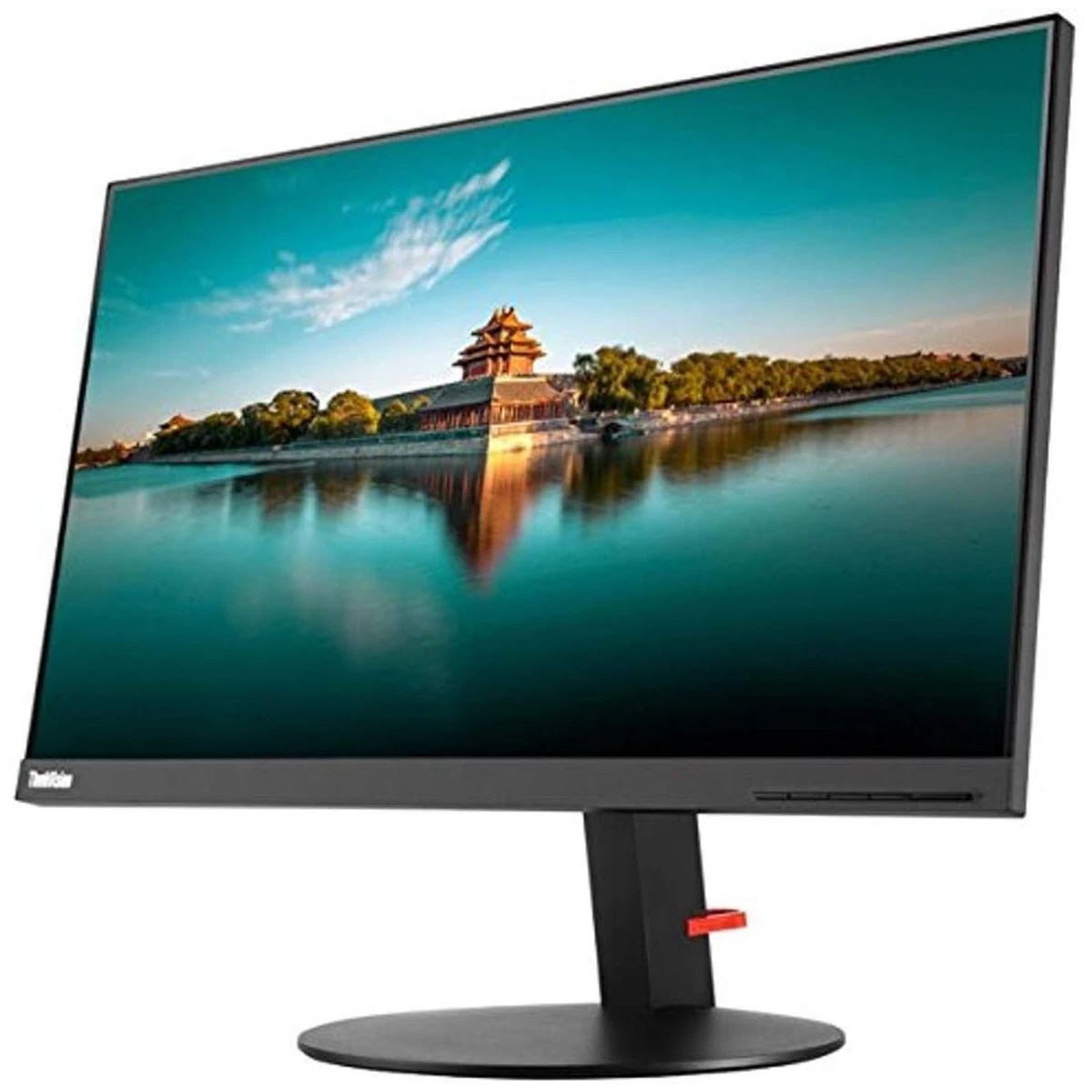
Its slim-bezel design gives it a clean, modern appearance suitable for corporate offices, home offices, and professional workstations. The monitor also features a fully adjustable stand, multiple video inputs, and a USB hub to help create a more organised and comfortable working environment.
The Lenovo ThinkVision P24h-10 is a strong choice for users who prioritise productivity, display clarity, and connectivity. Its QHD resolution provides approximately 1.78 times as many pixels as Full HD, allowing more content to fit on the screen while maintaining clear text and detailed visuals.
The IPS panel supports wide viewing angles and consistent colour reproduction. Lenovo specifies 99% sRGB colour gamut coverage, making the monitor suitable for general design work, presentations, photo viewing, and other colour-conscious office tasks.
USB Type-C connectivity is another important advantage. With a compatible laptop, a single cable can carry video, data, and power, reducing cable clutter. The monitor also supports multiple display connections and DisplayPort daisy-chaining for compatible multi-monitor setups.
The 23.8-inch screen features a resolution of 2560 × 1440 pixels. This higher pixel count gives users more room for side-by-side applications, detailed documents, large spreadsheets, and creative projects. The 16:9 aspect ratio is well suited to everyday productivity and multimedia viewing.
The In-Plane Switching (IPS) panel offers viewing angles of up to 178 degrees horizontally and vertically. This helps maintain image consistency when viewing the screen from different positions. With 99% sRGB coverage and factory calibration, the monitor is useful for office graphics, presentations, and entry-level creative workflows.
USB Type-C helps simplify the connection between the monitor and compatible laptops. It supports video, data transfer, and power delivery through one cable, depending on the connected device and its capabilities. This feature is particularly useful for modern workstations where fewer cables create a tidier desk.
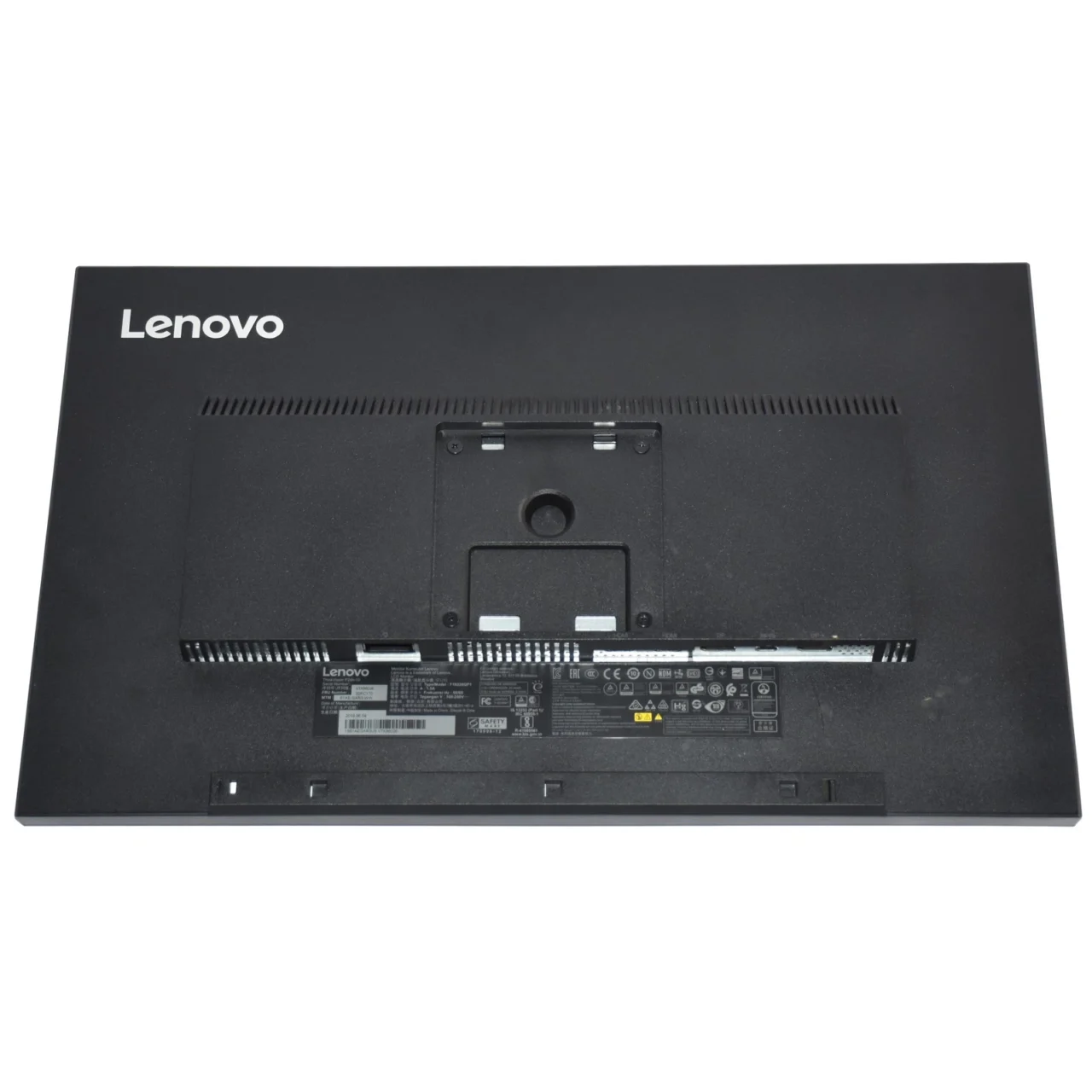
The ThinkVision P24h-10 includes two HDMI 1.4 inputs, a DisplayPort 1.2 input, USB Type-C, and a DisplayPort output. These options make it easier to connect compatible computers and other devices. The DisplayPort output also supports daisy-chaining compatible monitors, helping users expand their workspace.
Four USB 3.0 ports allow users to connect compatible peripherals such as keyboards, mice, flash drives, and other accessories. One port supports BC 1.2 charging functionality for compatible devices. The monitor also has an audio output for connecting external audio equipment.
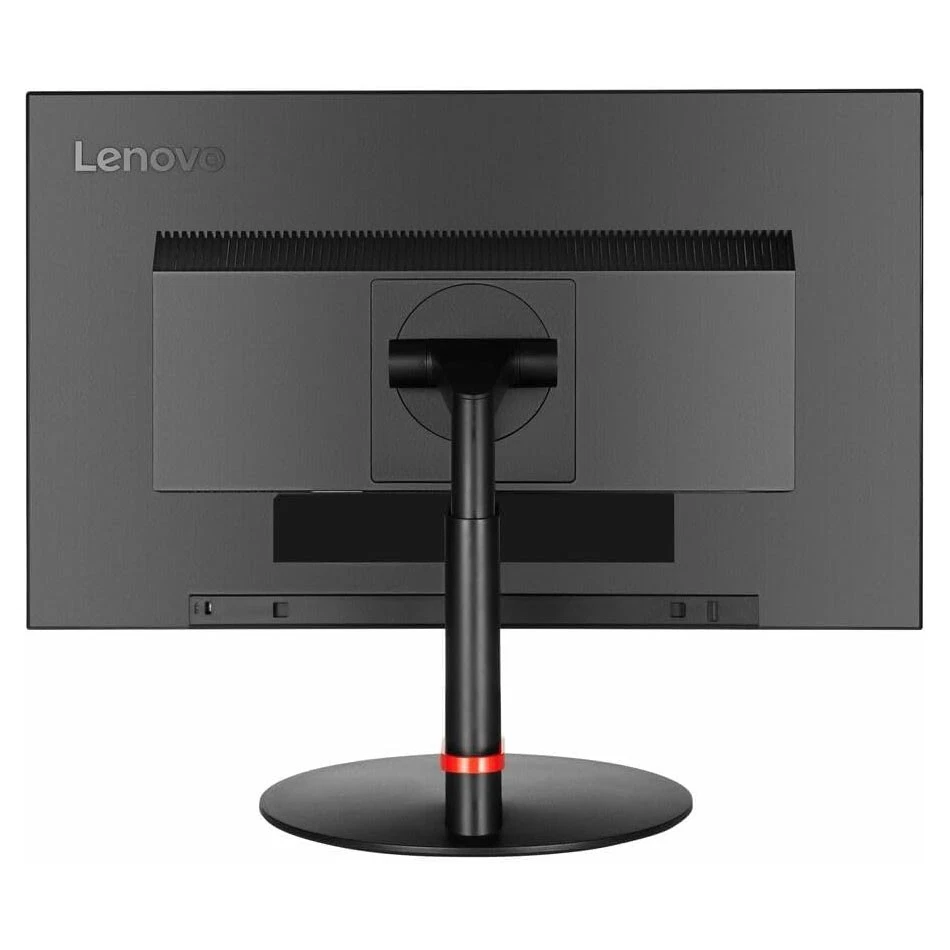
The adjustable stand supports height adjustment, tilt, swivel, and pivot. Users can position the display to suit their desk setup and preferred working posture. Pivot functionality is especially useful when viewing long documents or code. VESA 100 × 100 mm mounting compatibility provides another option for supported monitor arms and wall mounts.
The monitor includes an anti-glare screen, flicker-free display technology, and TÜV Eye Comfort certification. These features can help make extended work sessions more comfortable, although regular breaks and suitable screen positioning remain important. Lenovo also lists Energy Star 7.0 and EPEAT Gold among its environmental credentials.
The Lenovo ThinkVision P24h-10 is suitable for:
Although it can handle everyday multimedia and casual gaming, this model is primarily designed for professional productivity rather than high-refresh-rate competitive gaming.
 Laptop Computers
 Desktop Computers
 Desktop peripherals
 Laptop Accessories
 Laptop Components
 Network
 Printers
 Server
 Software
No account yet?
Create an Account






