






 Laptop Computers
 Desktop Computers
 Printers
 Network
 Software
 Laptop Accessories
 Laptop Components
 Office
 Desktop peripherals

Hurry and get discounts on all Apple devices up to 20%
Sale_coupon_15
KSh18,000.00 excl. VAT
Payment Methods:

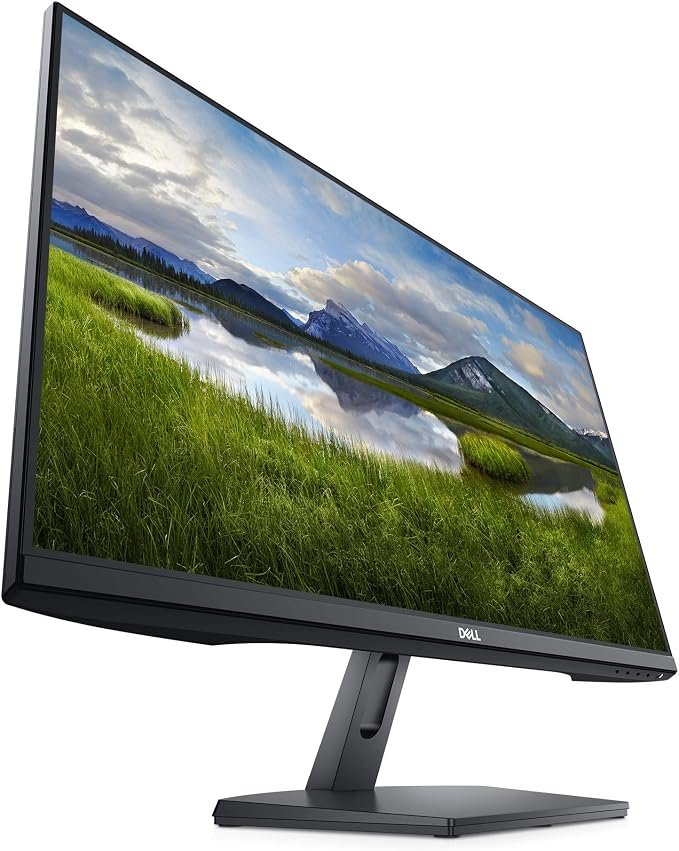
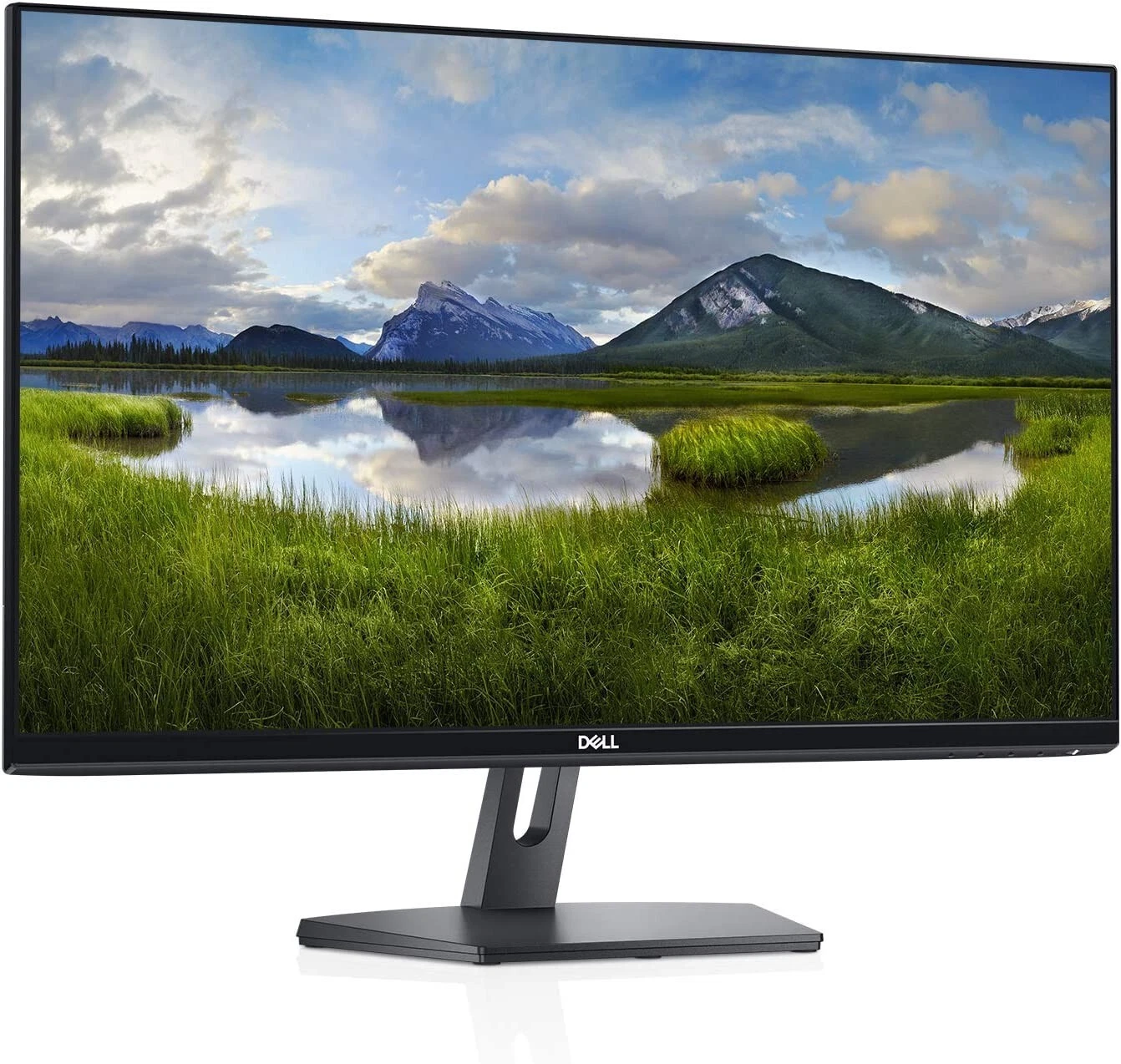
The Dell SE2719H 27-Inch LED Backlit LCD Monitor is a practical display designed for everyday computing, office productivity, home entertainment, and educational use. Featuring a 27-inch Full HD IPS panel, LED backlighting, and a modern slim-bezel design, this monitor provides a spacious viewing area for business applications, documents, presentations, and multimedia content.
With its 1920 × 1080 resolution, the Dell SE2719H delivers clear visuals for routine desktop tasks. IPS technology provides wide viewing angles, while the anti-glare screen helps reduce distracting reflections in typical indoor environments. Its compact stand and clean design also make it suitable for desks where a professional appearance and efficient use of space are important.
Whether you are upgrading your home office, equipping a workstation, or looking for a dependable monitor for everyday use, the Dell SE2719H offers a straightforward combination of screen size, visual clarity, and practical functionality.
The Dell SE2719H features a 27-inch widescreen display with a resolution of 1920 × 1080 pixels. Its 16:9 aspect ratio is suitable for business documents, spreadsheets, presentations, web browsing, and video playback.
The large screen provides a generous viewing area for everyday productivity. Users can work across application windows, review documents, and enjoy multimedia content without needing a smaller laptop display as their primary screen.
Full HD remains a common resolution for general computing and office applications. However, because the resolution is spread across a 27-inch panel, the pixel density is lower than that of a similarly sized QHD display. Users who prioritise very sharp text or detailed creative work may wish to compare higher-resolution alternatives.
The monitor uses In-Plane Switching (IPS) technology to deliver viewing angles of up to 178 degrees horizontally and vertically. This helps maintain consistent-looking images when the screen is viewed from different positions.
Wide viewing angles are useful when sharing presentations with colleagues, reviewing information with family members, or watching videos with others.
The IPS panel also supports consistent colour presentation for everyday office applications, web content, and multimedia use. It is suitable for general productivity, although professionals who require advanced colour accuracy for specialist photography or design work should consider a monitor designed for colour-critical applications.
The Dell SE2719H uses LED backlighting to illuminate its LCD panel. This technology supports a slim monitor design and is commonly used in modern desktop displays.
With a typical brightness of 300 cd/m² and a 1000:1 contrast ratio, the monitor is designed for ordinary indoor environments such as offices, study rooms, and home workstations.
The display’s anti-glare surface helps minimise reflections from overhead lighting and nearby windows. Users can further improve viewing comfort by adjusting brightness to match the room’s lighting conditions.
The SE2719H has a standard 60Hz refresh rate, making it suitable for routine computer activities such as document editing, email, online research, presentations, and video streaming.
For everyday business use, this refresh rate is adequate for most conventional applications. It is not designed as a high-refresh-rate gaming monitor, so users who prioritise very smooth motion in competitive games may prefer a display with a higher refresh rate.
The Dell SE2719H features a slim-bezel design that gives the monitor a clean, contemporary appearance. Its understated styling fits well into professional offices, reception desks, study areas, and home workstations.
The compact stand helps keep the monitor footprint manageable relative to its screen size. For users who want a coordinated desktop arrangement, the design can complement other Dell peripherals and modern computer systems.
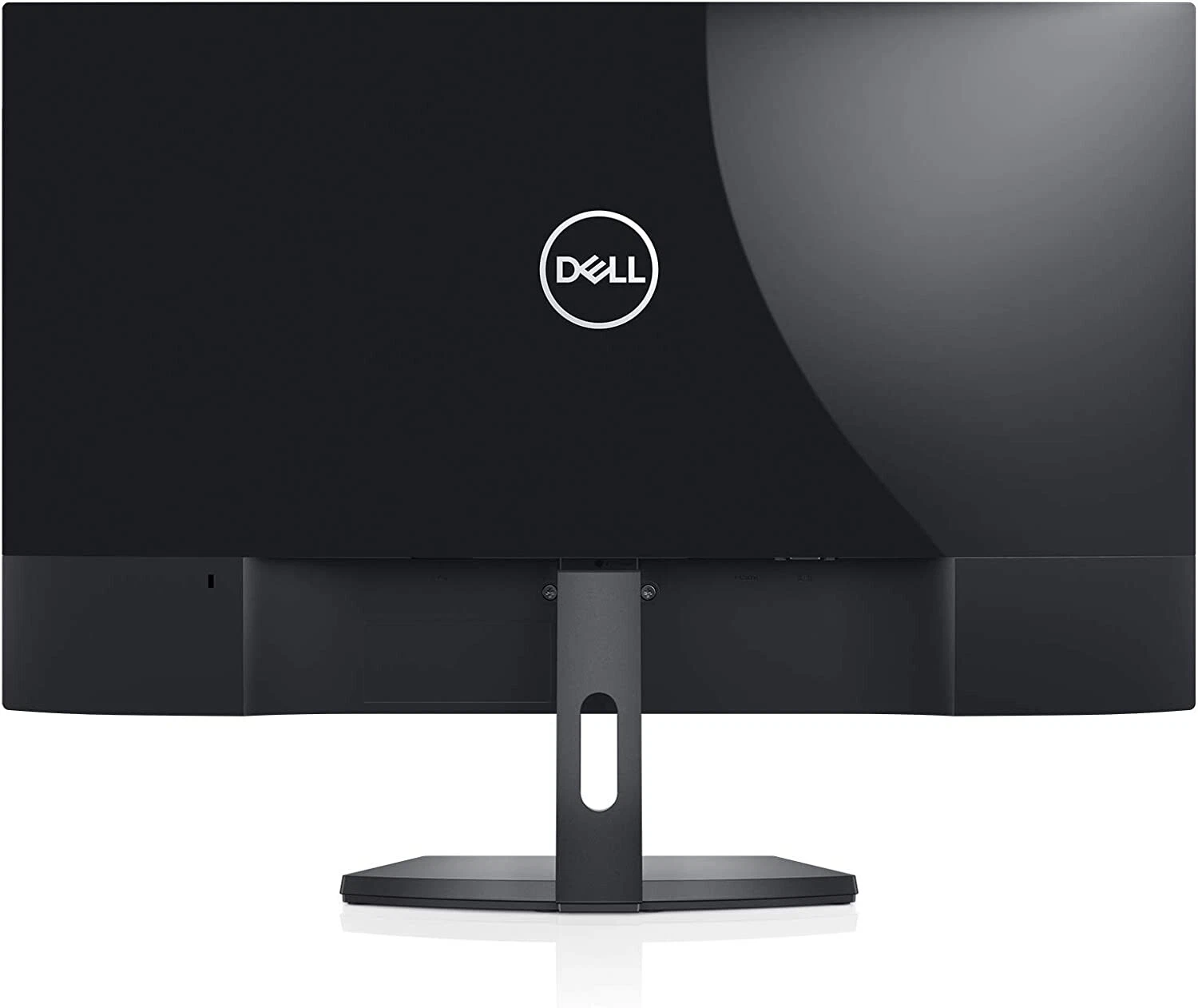
The monitor provides HDMI and VGA inputs for connecting compatible computers and other supported video sources.
Having both connection types can be useful in workplaces that operate a mixture of newer and legacy hardware. Users should check the video outputs available on their computer before purchasing and use a compatible adapter if necessary.
The SE2719H does not include a USB hub, DisplayPort input, or USB-C video connectivity, so users requiring these features should compare it with other monitors.
The anti-glare screen helps reduce distracting reflections, making the monitor practical for workspaces with overhead lights or nearby windows.
This is useful when reading documents, working with spreadsheets, browsing websites, or viewing presentations for extended periods. The display’s brightness and contrast are intended for normal indoor use rather than specialist outdoor or high-brightness environments.
For a more comfortable setup, position the monitor to minimise reflections, adjust the screen brightness to the room, and take regular breaks during prolonged computer sessions.
When choosing monitors for an organisation, businesses often need to balance screen size, ease of installation, compatibility, and cost. The Dell SE2719H provides a straightforward set of features for general office workloads.
The 27-inch Full HD display offers ample space for email, word processing, spreadsheets, online platforms, and presentations. It is suitable for employees who primarily use standard business applications rather than specialised high-resolution software.
HDMI and VGA connectivity allow the monitor to connect to many compatible desktop computers and laptops. This flexibility can be useful for organisations that are upgrading equipment gradually and still have legacy computers in service.
IT teams should confirm compatibility with their existing devices before standardising on this model.
The slim-bezel design and simple finish suit corporate offices, administrative departments, reception areas, and shared workstations. The monitor’s appearance can help maintain a consistent look across a group of desks.
A 27-inch screen provides a larger viewing area than many compact office monitors. This can be useful for employees who spend much of their working day reviewing documents, entering information, or switching between applications.
Organisations should consider desk depth and viewing distance when selecting a 27-inch display to ensure it fits comfortably into the intended workspace.
The monitor’s conventional connectivity and simple design make it suitable for basic desktop installations. However, businesses that require USB-C laptop docking, integrated Ethernet, multiple USB ports, height adjustment, or advanced display features should compare alternatives before making a bulk purchase.
The Dell SE2719H may be suitable for:
Users who require a sharper QHD or 4K image, a high refresh rate, USB-C connectivity, or a fully adjustable ergonomic stand should compare the SE2719H with monitors that provide those features.
Before purchasing the Dell SE2719H, confirm that your computer supports HDMI or VGA output. Newer laptops may require a compatible adapter if they do not provide either connection directly.
The monitor’s stand offers limited positioning flexibility compared with models that provide height, swivel, and pivot adjustments. If precise screen positioning is important, consider a suitable monitor riser or verify mounting compatibility before purchasing an alternative mounting solution.
For organisations, it is also worth checking warranty coverage, package contents, cable availability, and the condition of the unit. These considerations are particularly important when buying several monitors for an office.
The Dell SE2719H 27-Inch LED Backlit LCD Monitor is a straightforward display for everyday office productivity, home computing, education, and multimedia use. Its Full HD IPS panel provides wide viewing angles, while LED backlighting, an anti-glare surface, and a slim-bezel design support a practical desktop setup.
The monitor’s HDMI and VGA inputs provide useful compatibility with a range of computers, making it worth considering for standard workstations and home offices.
Its main limitations are the Full HD resolution on a 27-inch screen, standard 60Hz refresh rate, and lack of USB-C, DisplayPort, a USB hub, and extensive ergonomic adjustments. Users who need these features should compare it with more advanced alternatives.
Overall, the Dell SE2719H is a practical option for users who want a large Full HD display for conventional computing tasks without requiring specialist gaming or professional creative features.
No account yet?
Create an Account







 ASUS
ASUS






