






 Laptop Computers
 Desktop Computers
 Printers
 Network
 Software
 Laptop Accessories
 Laptop Components
 Office
 Desktop peripherals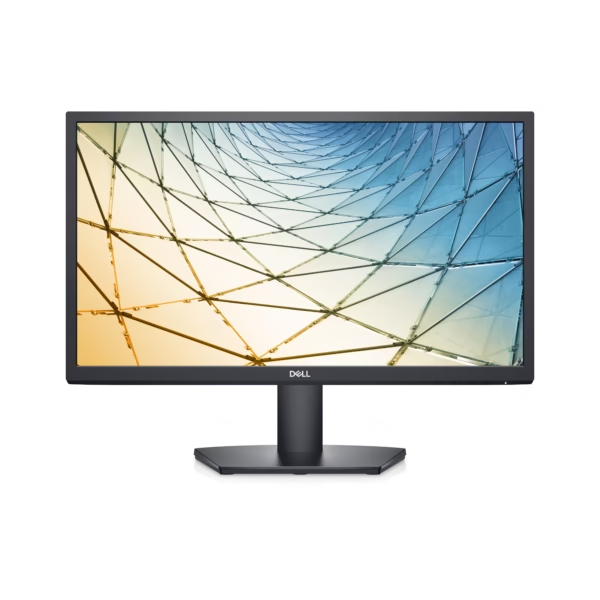

Hurry and get discounts on all Apple devices up to 20%
Sale_coupon_15
KSh35,000.00 excl. VAT
Payment Methods:

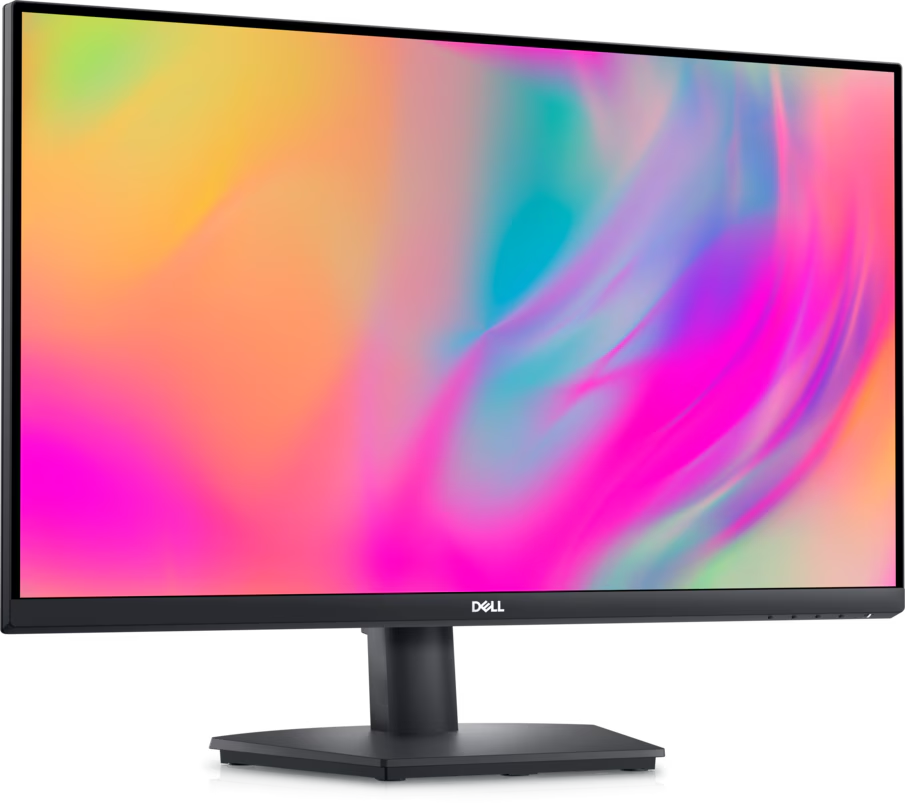
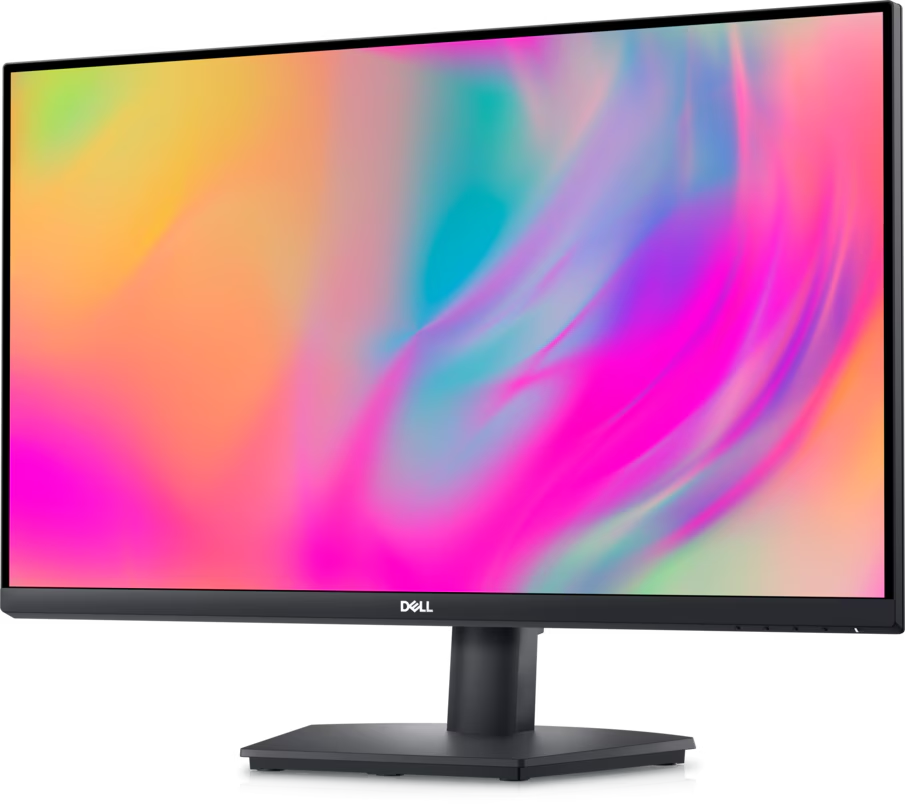
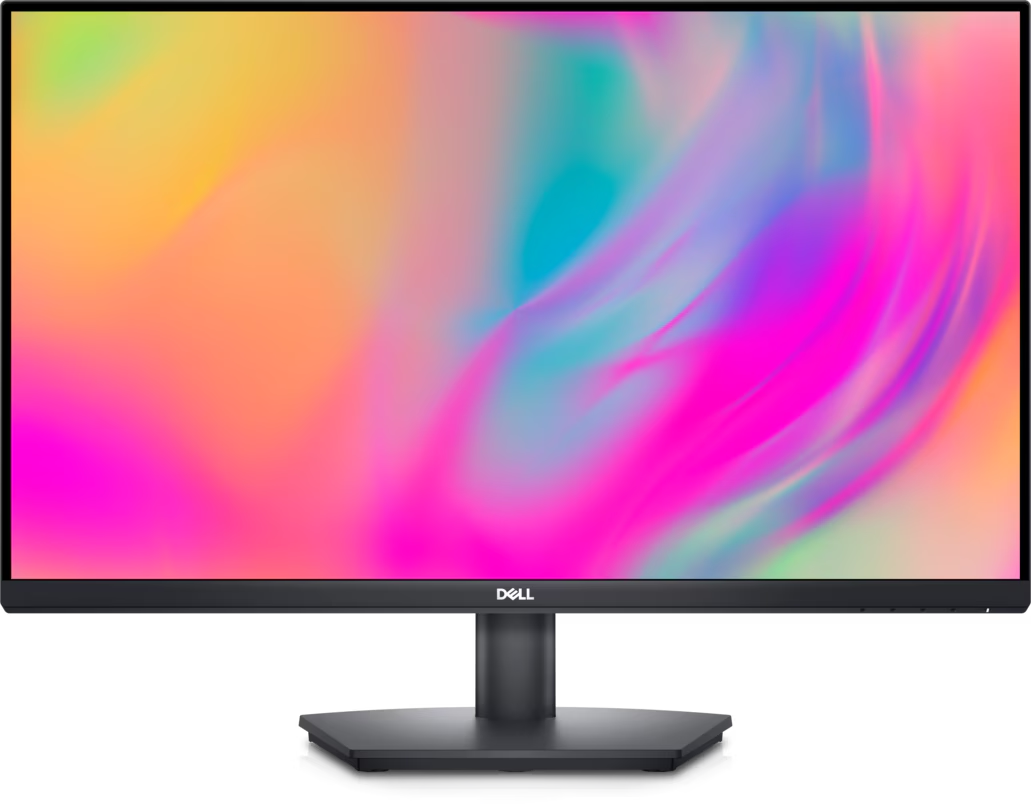
The Dell SE2723DS 27-inch QHD Monitor is a productivity-focused display designed for professional workspaces, software development and everyday business computing. Featuring a 2560 × 1440 Quad HD resolution, IPS panel technology and a 75Hz refresh rate, it delivers detailed visuals and a spacious desktop for multitasking.
With its 350 cd/m² brightness, 99% sRGB colour coverage, AMD FreeSync support and ergonomic stand, the Dell SE2723DS is suitable for developers, office professionals, students and organisations seeking a versatile monitor for daily use.
The Dell SE2723DS features a 27-inch display with a native resolution of 2560 × 1440 pixels. This QHD resolution provides more workspace than Full HD, allowing users to arrange multiple windows, documents and applications side by side.
For developers and office professionals, the additional screen space is useful for working with code editors, spreadsheets, browser windows and technical documentation without frequently switching between applications.
The monitor uses In-Plane Switching (IPS) technology to provide consistent image quality and wide viewing angles of up to 178 degrees horizontally and vertically.
This makes it suitable for collaborative office environments, presentations and everyday productivity tasks. Its anti-glare screen with a 3H hard coating also helps reduce reflections in brightly lit workspaces.
The Dell SE2723DS supports a refresh rate of up to 75Hz at its native QHD resolution. Compared with a standard 60Hz display, this can provide slightly smoother scrolling and desktop movement.
AMD FreeSync technology helps synchronise the monitor’s refresh rate with compatible graphics hardware to reduce screen tearing in supported applications. The monitor is suitable for general entertainment and casual gaming, although it is primarily designed for productivity rather than competitive gaming.
With a typical brightness of 350 cd/m² and 99% sRGB colour-gamut coverage, the Dell SE2723DS delivers clear visuals and suitable colour reproduction for everyday professional applications.
These characteristics support web design, presentations, document creation, online learning and general image viewing. However, the monitor is not positioned as a specialist colour-calibrated display for demanding print-production or professional HDR workflows.
Dell ComfortView Plus is designed to reduce potentially harmful blue-light emissions while maintaining colour performance. The monitor also features flicker-free screen technology to support comfortable viewing during extended computer sessions.
These features can be useful for people who spend significant time working at a desk. Proper brightness adjustment, suitable viewing distance and regular breaks remain important.
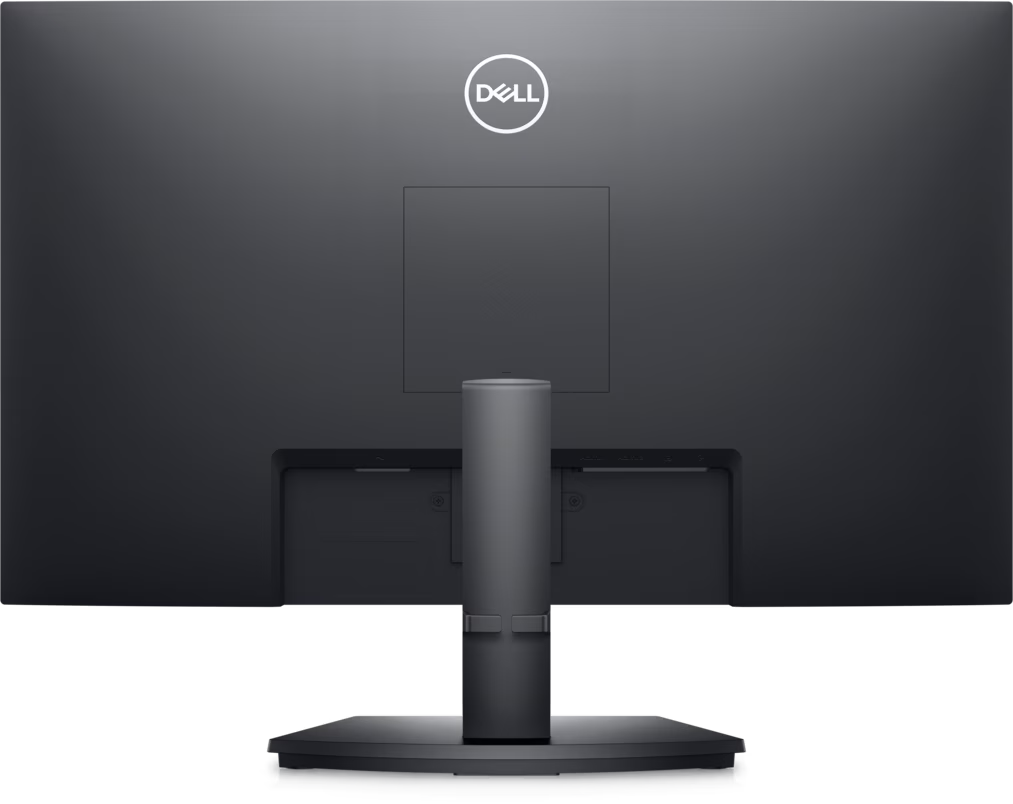
The Dell SE2723DS provides a practical selection of connections for compatible computers and devices:
The multiple video inputs make it convenient to connect more than one source device. The monitor does not include built-in speakers or a USB hub, so users who need those functions should plan for separate accessories.
The supplied stand supports height adjustment of up to 100mm and tilt adjustment from approximately -5 to +21 degrees. These adjustments help users position the screen according to their desk setup and viewing preferences.
The monitor also supports VESA 100 × 100mm mounting, allowing installation on compatible monitor arms or wall mounts. Its three-sided narrow-border design can complement multi-monitor workstations.
The Dell SE2723DS is a good monitor for developers because its 27-inch QHD display offers a practical balance between screen size, resolution and everyday usability. Developers can view code editors, terminals, browser previews, debugging tools and documentation within one workspace.
The 2560 × 1440 resolution provides more desktop space than Full HD, making it easier to manage complex development environments. Its IPS panel supports clear text and consistent visuals, while the 75Hz refresh rate makes scrolling through long files and web pages feel somewhat smoother than on a 60Hz display.
The monitor’s HDMI and DisplayPort connections also make it suitable for a range of desktop computers and compatible laptops. Developers who use multiple computers can connect more than one video source and switch between them as needed.
For web developers and interface designers, 99% sRGB coverage supports everyday web-oriented colour work. However, professionals who require advanced colour calibration, USB-C docking or integrated laptop charging may prefer a more specialised monitor.
The Dell SE2723DS is a good monitor for organisations seeking a practical display for office productivity, administration and technical work. Its QHD resolution allows employees to view more information at once, which can be beneficial when working with reports, spreadsheets, customer-management systems and business applications.
The adjustable stand supports flexible workstation arrangements, while ComfortView Plus provides an additional display-comfort feature for employees who work at computers for extended periods.
Its multiple video inputs help organisations integrate the monitor with compatible existing equipment. The 27-inch screen is also suitable for shared office desks, administrative departments and general business workstations.
For IT teams, the SE2723DS provides a useful combination of resolution, connectivity and ergonomic functionality without requiring the advanced colour-management features of a premium professional monitor. Organisations should confirm regional warranty terms and current stock availability before purchasing multiple units.
The Dell SE2723DS is suitable for:
Users who need high-refresh-rate gaming, USB-C docking, integrated speakers or advanced HDR features may wish to consider a different monitor category.
The Dell SE2723DS connects to compatible desktop computers and laptops using HDMI 1.4 or DisplayPort 1.2. For the best results, ensure the graphics hardware and connection support 2560 × 1440 resolution at 75Hz.
After connecting the monitor, select its native resolution and preferred refresh rate in the computer’s display settings. Use the stand’s height and tilt adjustments to position the screen comfortably, or install a compatible VESA 100 × 100mm mounting system if required.
External speakers or headphones can be connected through a compatible audio setup, as the monitor does not contain built-in speakers.
The Dell 27-Inch QHD Monitor SE2723DS is a versatile productivity display that combines QHD resolution, IPS technology, a 75Hz refresh rate and ergonomic adjustments. Its generous workspace makes it particularly useful for developers who manage several applications and organisations that need clear, practical displays for daily business tasks.
With 99% sRGB coverage, ComfortView Plus and flexible video inputs, it provides a useful balance of visual quality and everyday functionality. Before purchasing, confirm the available configuration, warranty and compatibility with your computer.
No account yet?
Create an Account







 ASUS
ASUS






