






 Laptop Computers
 Desktop Computers
 Printers
 Network
 Software
 Laptop Accessories
 Laptop Components
 Office
 Desktop peripherals

Hurry and get discounts on all Apple devices up to 20%
Sale_coupon_15
KSh33,000.00 excl. VAT
Payment Methods:

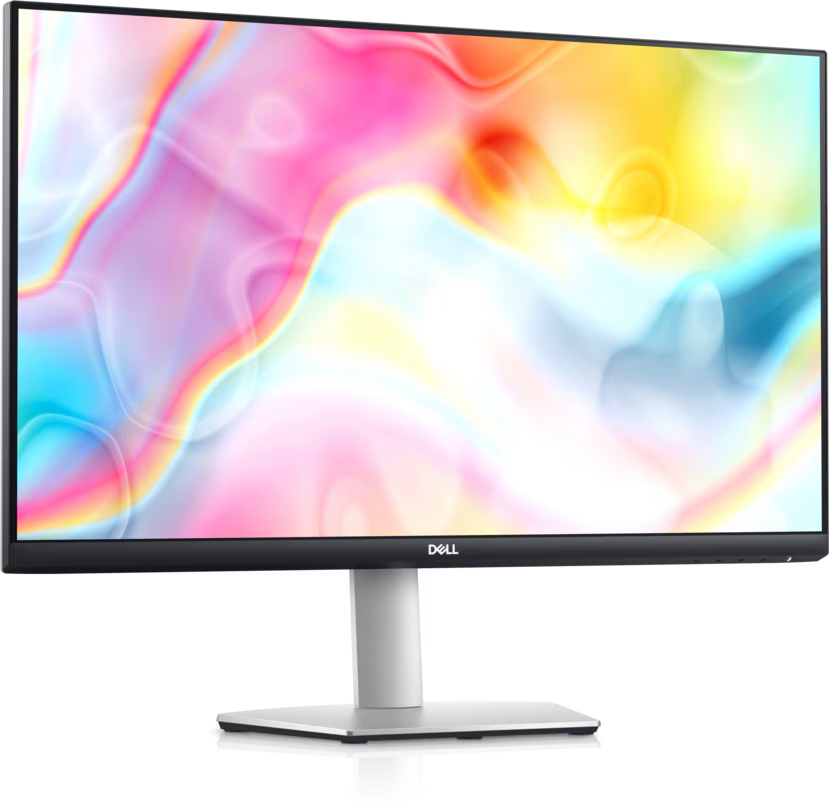
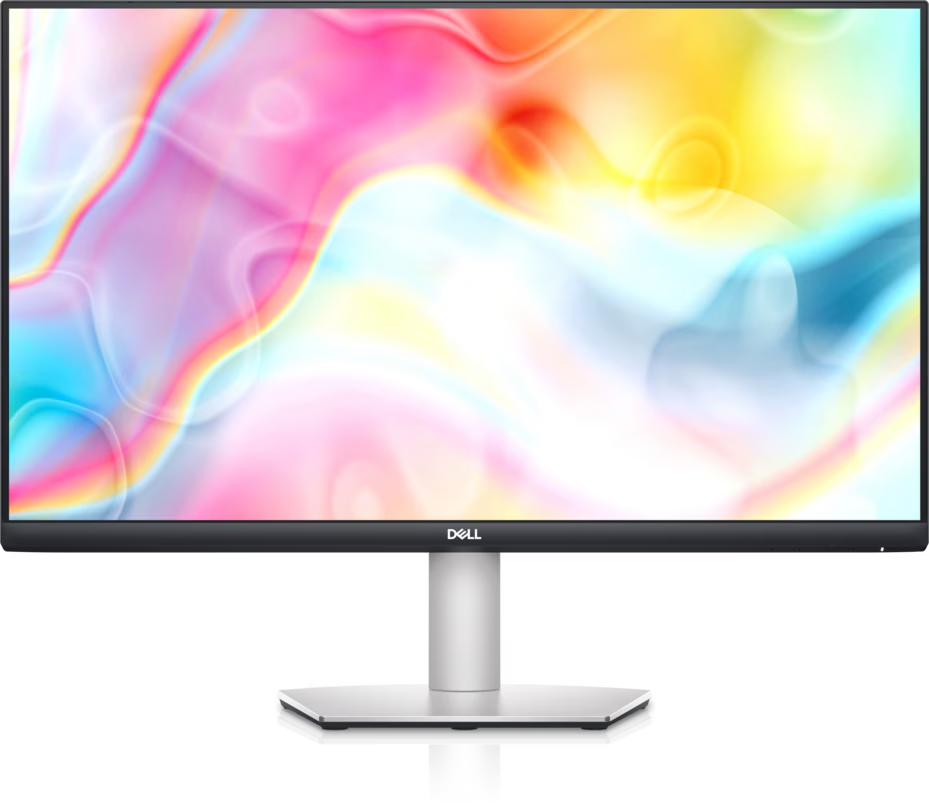
The Dell S2722DC 27-Inch QHD USB-C Monitor is designed for users who need a spacious display, reliable connectivity, and comfortable viewing for everyday productivity. With a 2560 × 1440 QHD resolution, IPS panel technology, a 75Hz refresh rate, and USB-C connectivity with power delivery up to 65W, this monitor is suitable for home offices, business workstations, software development, and general multimedia use.
Its 27-inch screen provides room for multitasking, while the adjustable stand makes it easier to create a comfortable workspace. Built-in stereo speakers, an integrated USB hub, and support for AMD FreeSync add further convenience for work and entertainment.
The Dell S2722DC features a 27-inch display with a native resolution of 2560 × 1440 pixels. This QHD resolution delivers detailed images and provides more desktop space than a conventional Full HD monitor.
Users can comfortably arrange multiple windows, review documents, work with spreadsheets, and navigate complex applications. The 16:9 aspect ratio also makes the monitor suitable for video streaming, online meetings, and everyday multimedia activities.
The monitor uses In-Plane Switching (IPS) technology, providing viewing angles of up to 178 degrees horizontally and vertically. This helps maintain consistent image quality when viewing the display from different positions.
IPS technology is useful in shared workspaces, where colleagues may need to view presentations or documents together. It also supports clear text and balanced colours for everyday office tasks.
The Dell S2722DC supports a refresh rate of up to 75Hz at its native QHD resolution. This provides smooth everyday desktop navigation and a modest improvement in motion fluidity over standard 60Hz displays.
AMD FreeSync helps synchronise the monitor’s refresh rate with compatible graphics hardware to reduce screen tearing in supported applications and games. The monitor’s response time is specified as low as 4ms in its extreme mode.
Although these features are useful for casual gaming and multimedia, the S2722DC is primarily a productivity monitor rather than a high-refresh-rate gaming display.
One of the monitor’s main advantages is its USB-C connection. With a compatible laptop, a single cable can transmit video and data while delivering up to 65W of power.
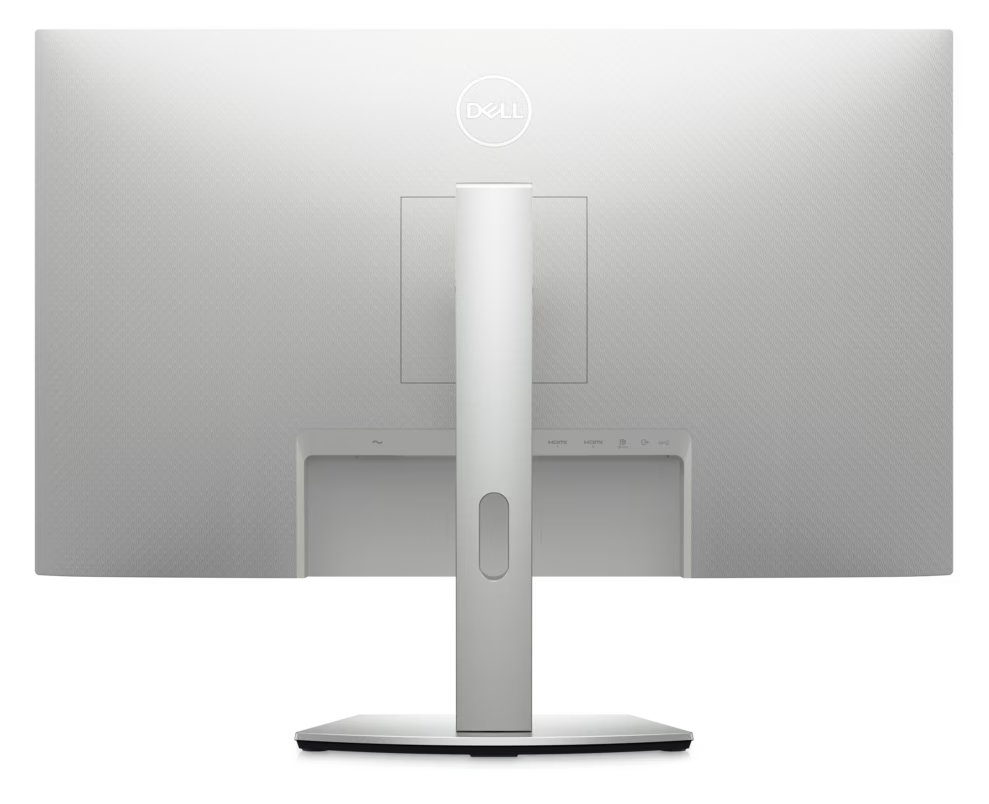
This arrangement helps reduce cable clutter and simplifies laptop-based workstations. The monitor also includes two HDMI inputs, USB downstream ports, and an audio line-out connection.
The USB hub is useful for connecting compatible peripherals such as a keyboard, mouse, or other USB accessories. To use the hub, the monitor must be connected to the computer through its USB-C upstream connection.
Users should check their laptop’s USB-C video output and charging requirements before choosing this monitor for a single-cable workstation.
The Dell S2722DC includes integrated stereo speakers rated at 3W per channel. These speakers are convenient for video calls, online lessons, system notifications, and casual media playback without requiring a separate speaker system.
For music production, immersive entertainment, or more demanding audio work, dedicated external speakers or headphones may provide a better experience.
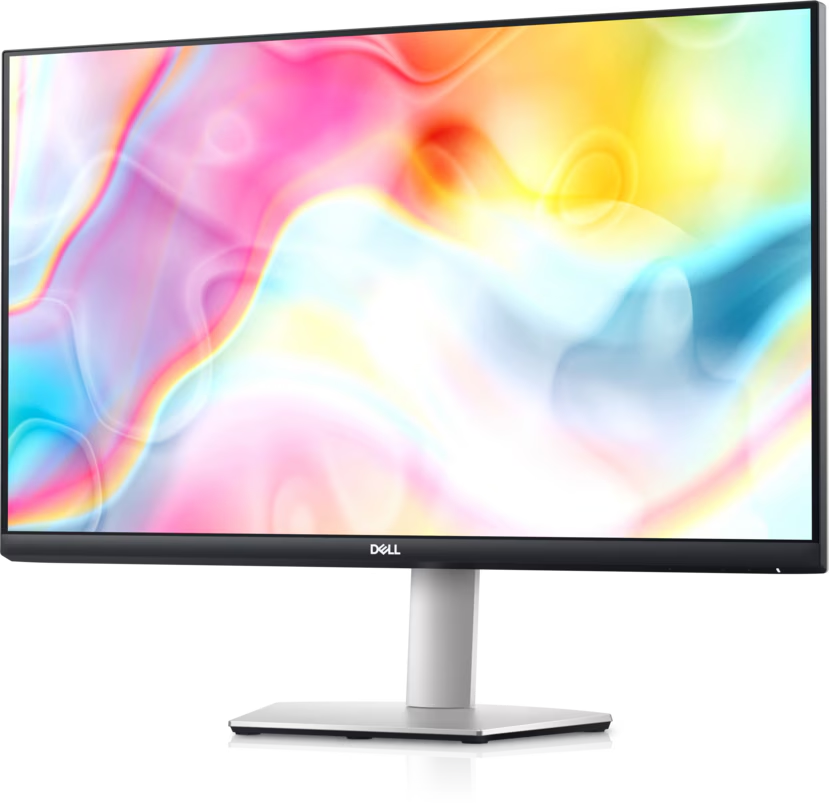
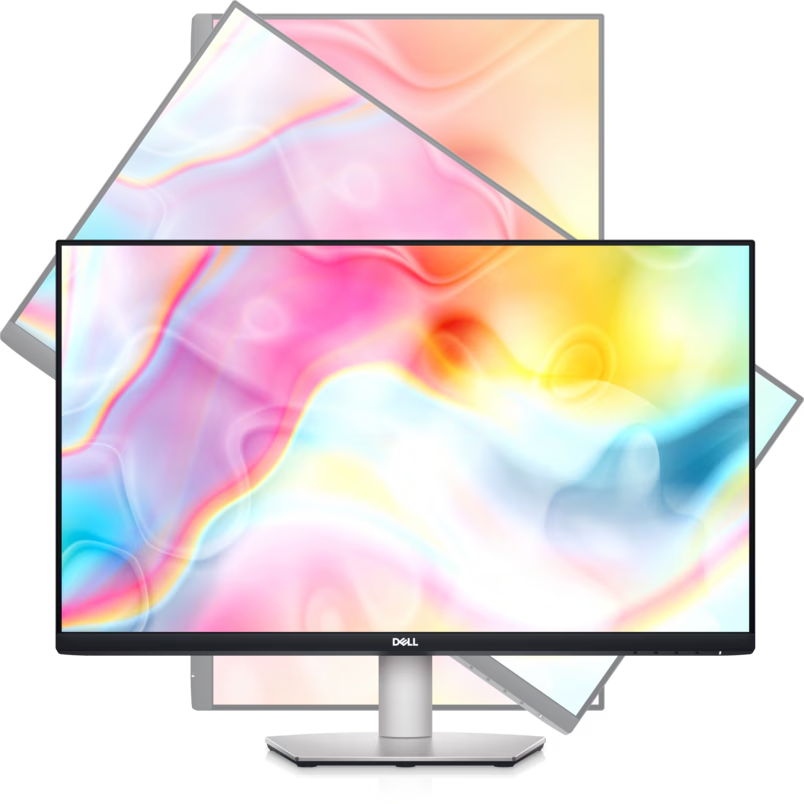
The monitor comes with an adjustable stand that supports height adjustment, tilt, swivel, and pivot rotation. Users can raise or lower the screen, angle it for comfortable viewing, or rotate it into portrait orientation.
Portrait mode can be useful for reading long documents, viewing code, and reviewing vertically oriented content. VESA 100 × 100 mm mounting support also allows installation on a compatible monitor arm.
These adjustments help users organise their desks and position the screen according to their working preferences.
Dell ComfortView Plus is designed to reduce blue-light emissions while maintaining colour performance. The monitor also features an anti-glare screen coating that helps minimise distracting reflections in many indoor environments.
These features can improve viewing comfort during everyday work. Appropriate room lighting, regular breaks, and a suitable screen position remain important when using a monitor for extended periods.
The Dell S2722DC combines a large QHD display with practical connectivity and ergonomic features. Its main benefits include:
Together, these features make the monitor a practical choice for users who want an all-round display for work, study, and home entertainment.
Software developers often need to view code editors, terminals, browser windows, documentation, and debugging tools simultaneously. The Dell S2722DC’s 27-inch QHD display provides additional workspace for organising these applications without relying entirely on multiple monitors.
Its IPS panel supports clear text and wide viewing angles, while the adjustable stand helps developers customise their screen position. Portrait rotation can also be useful when reviewing lengthy source files, logs, or documentation.
USB-C connectivity is particularly convenient for developers who work with compatible laptops. A single cable can provide the display connection, access to the monitor’s USB hub, and up to 65W of charging power.
For development teams and home offices, the combination of QHD resolution, flexible positioning, and practical connectivity makes the S2722DC a useful everyday productivity display.
Organisations require displays that support efficient workflows, reliable connectivity, and comfortable daily use. The Dell S2722DC offers a practical combination of features for offices, educational environments, remote teams, and small businesses.
Its 27-inch QHD screen is well suited to spreadsheets, reports, business applications, presentations, and document management. The adjustable stand helps employees position the display for their workspace, while the USB-C connection can simplify desk setups for compatible laptops.
Built-in speakers are useful for online meetings and training sessions, and the USB hub provides convenient access to supported peripherals. The monitor’s HDMI connections also make it suitable for a variety of desktop computers and other compatible devices.
Before purchasing multiple units, organisations should verify laptop charging requirements, connection compatibility, warranty coverage, and local product availability.
The Dell S2722DC is suitable for a range of users:
Users who require 4K resolution, advanced professional colour calibration, or refresh rates substantially above 75Hz may prefer a monitor designed specifically for those needs.
Installing the Dell S2722DC is straightforward when using compatible equipment.
If the monitor is connected through HDMI, the USB hub’s upstream data connection may require a separate compatible USB connection, depending on the computer and setup.
The Dell S2722DC 27-Inch QHD USB-C Monitor is a versatile display for office productivity, software development, home working, and everyday entertainment. Its QHD resolution, IPS panel, 75Hz refresh rate, and 99% sRGB colour coverage provide a strong foundation for general computing and visual tasks.
USB-C connectivity with up to 65W power delivery simplifies compatible laptop setups, while built-in speakers, an integrated USB hub, and an ergonomic stand add convenience. Although it is not a specialised gaming or professional colour-grading monitor, it offers a well-rounded feature set for everyday use.
Overall, the Dell S2722DC is worth considering for users who want a spacious 27-inch display with flexible connectivity and ergonomic adjustments.
No account yet?
Create an Account







 ASUS
ASUS






