






 Laptop Computers
 Desktop Computers
 Printers
 Network
 Software
 Laptop Accessories
 Laptop Components
 Office
 Desktop peripherals
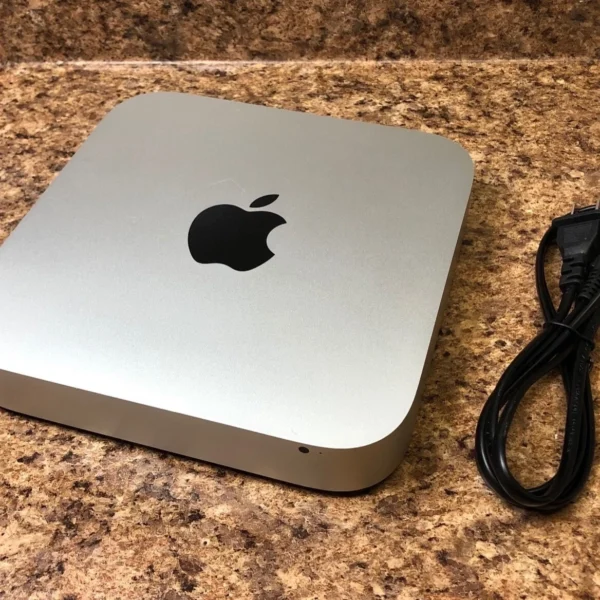
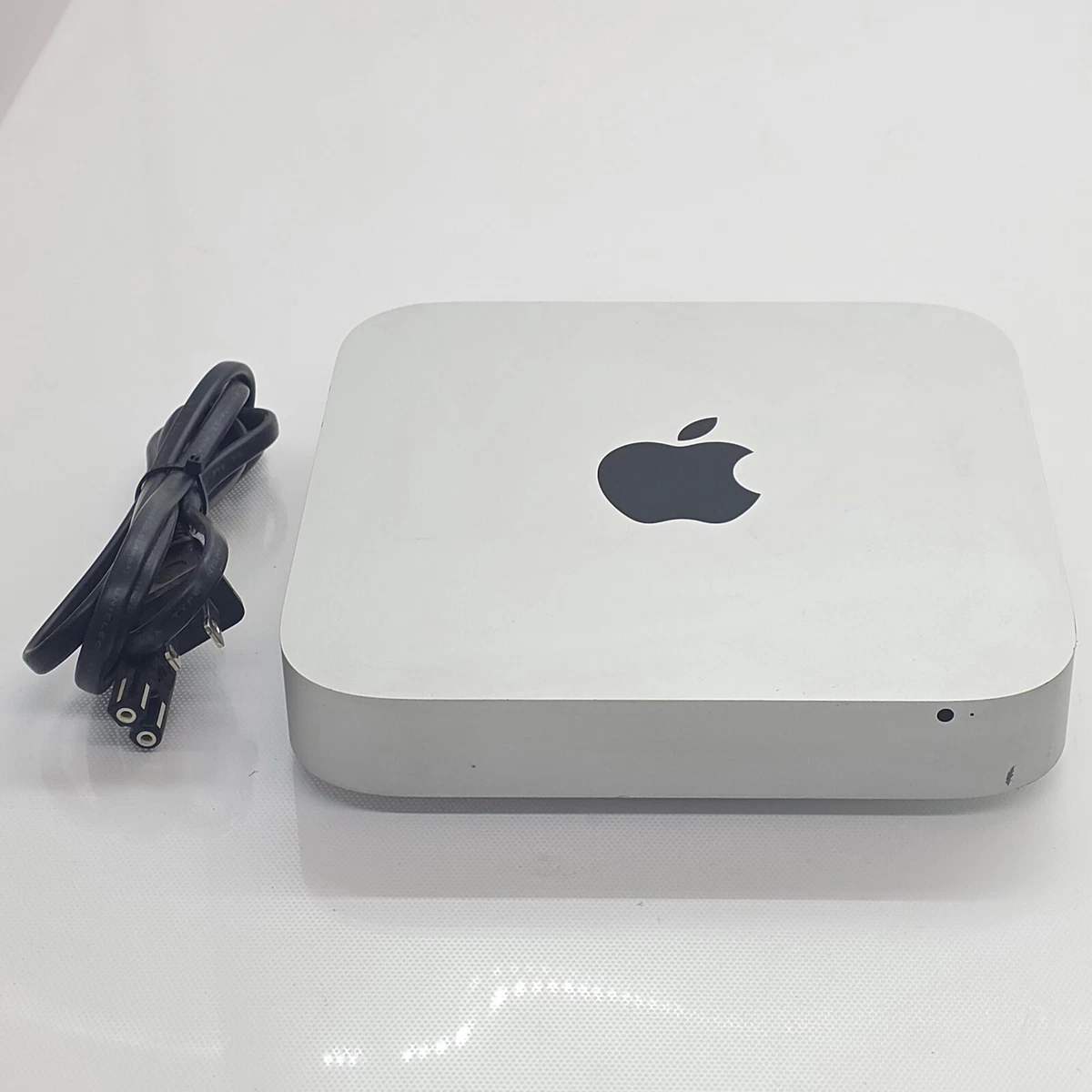
Model: Mac Mini A1347
Release: Late-2012
Processor: Intel Core i5 2.5GHz Dual-Core
Memory: 8GB RAM
Storage: 480GB SSD
Graphics: Intel HD Graphics 4000
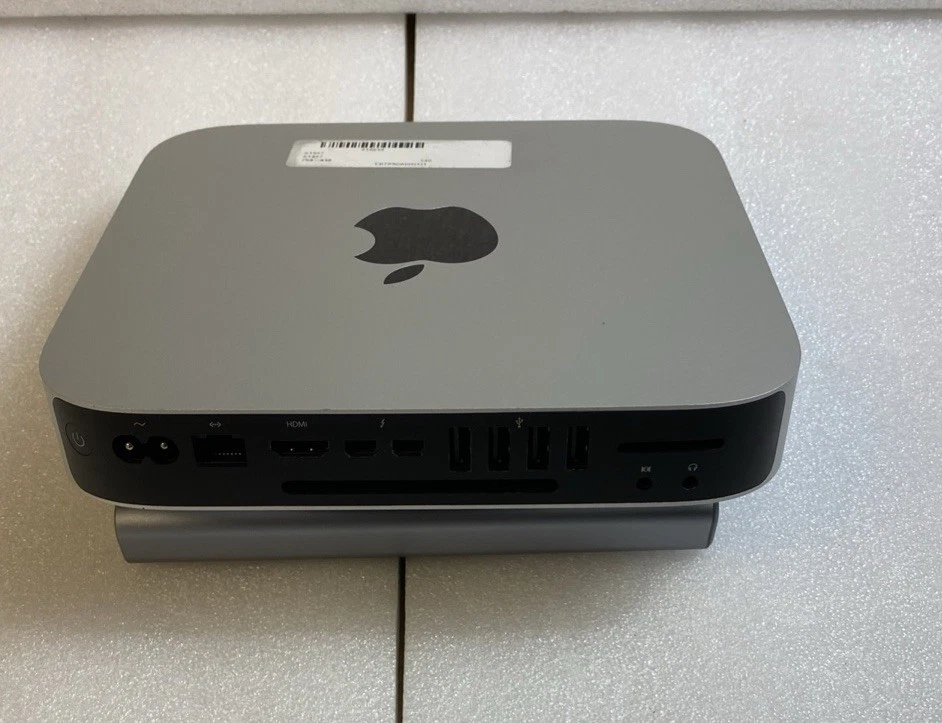
Ports: Thunderbolt, HDMI, USB 3.0, SD Card Slot
Networking: Gigabit Ethernet, Wi-Fi, Bluetooth
Form Factor: Compact Aluminum Desktop
Operating System: Compatible with supported macOS versions

Hurry and get discounts on all Apple devices up to 20%
Sale_coupon_15
KSh17,000.00 excl. VAT
Payment Methods:

We supply professional Apple desktop solutions across Kenya, and the Apple Mac Mini (A1347) Late-2012 Intel Core i5 2.5GHz with 8GB RAM and 480GB SSD remains one of the most reliable and versatile compact Macs ever produced. Known for its strong performance, upgrade flexibility, and durable aluminum unibody design, this Mac Mini is ideal for office productivity, creative tasks, business applications, and home use.
With 8GB RAM and a fast 480GB SSD, this configuration delivers excellent responsiveness, fast boot times, and smooth multitasking performance.
The Late-2012 model is highly regarded because it supports memory and storage upgrades while maintaining excellent macOS compatibility. Powered by an Intel Core i5 2.5GHz processor, it delivers dependable performance for modern computing needs.
Key advantages include:
Intel Core i5 2.5GHz dual-core processor
8GB RAM for efficient multitasking
480GB SSD for fast storage performance
Compact and durable aluminum design
Reliable daily performance for professional environments
This makes it suitable for small businesses, schools, offices, and home workstations.
The Intel Core i5 2.5GHz processor offers stable and efficient computing power, capable of handling demanding tasks beyond basic productivity.
Performance benefits:
Smooth operation of office and accounting software
Reliable multitasking without slowdowns
Stable web browsing with multiple tabs
Capable of light photo and media editing
Efficient performance for remote work and online meetings
This processor ensures consistent system performance for business and personal use.
With 8GB of RAM, this Mac Mini handles multiple applications efficiently.
Memory advantages:
Faster switching between programs
Improved application responsiveness
Stable performance under moderate workload
Reduced system lag during extended use
This configuration supports productivity tools, browsers, and communication applications simultaneously.
The upgraded 480GB Solid State Drive (SSD) significantly enhances overall system speed compared to traditional hard drives.
SSD benefits:
Rapid system startup
Faster file access and data transfers
Silent and energy-efficient operation
Greater durability with no moving parts
Improved overall user experience
With 480GB capacity, users can store business documents, creative projects, applications, and media comfortably.
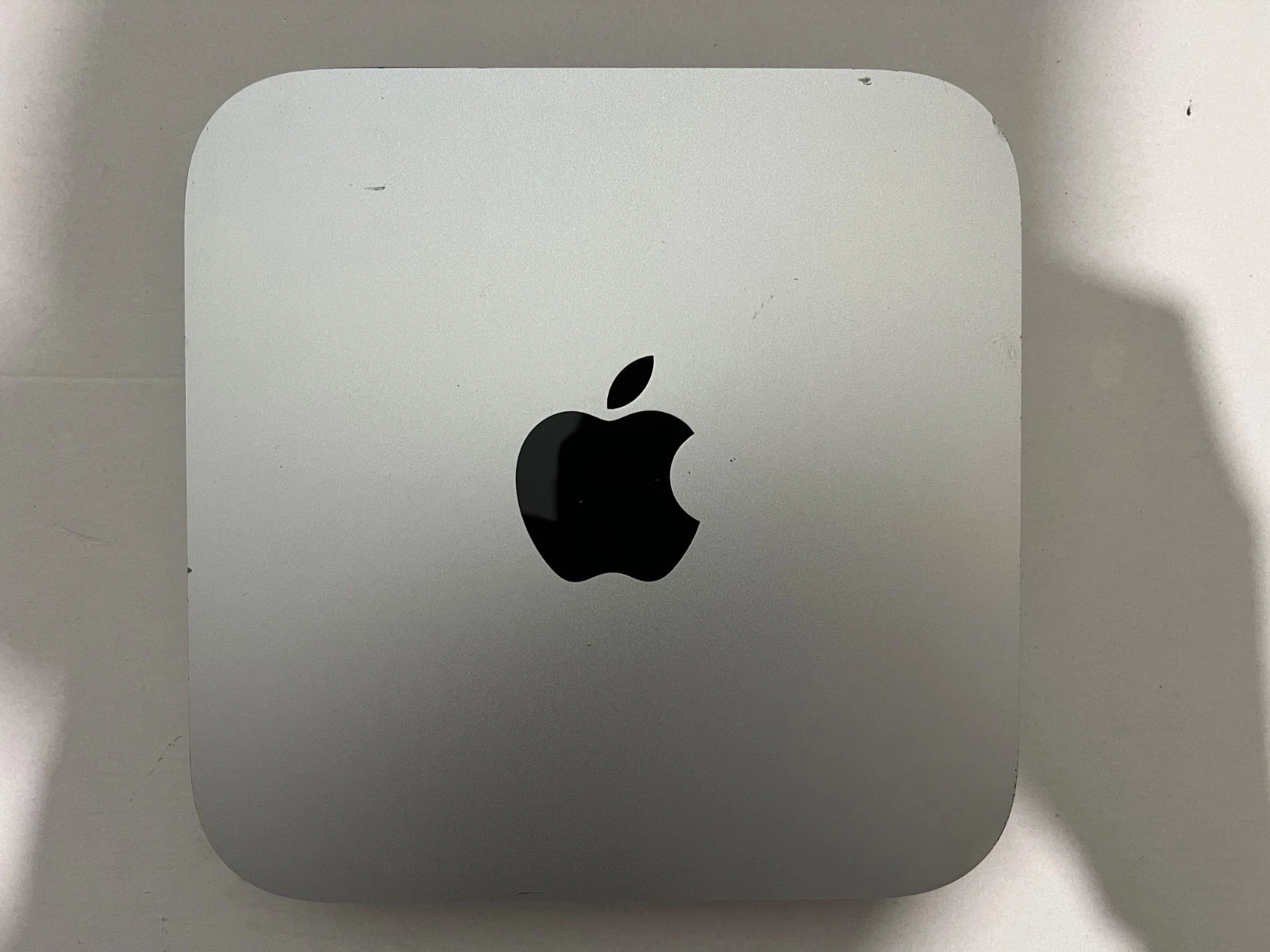
The Mac Mini A1347 features Apple’s well-known precision aluminum unibody chassis, offering durability and professional aesthetics.
Design highlights:
Compact size ideal for limited desk space
Lightweight and easy to relocate
Professional appearance suitable for office settings
Efficient cooling system design
Its compact footprint makes it suitable for desks, reception counters, and studio setups.
The Late-2012 Mac Mini offers versatile connectivity options for modern setups.
Connectivity features include:
Thunderbolt port for high-speed data and external displays
HDMI output for monitor connection
USB 3.0 ports for faster peripheral connectivity
Gigabit Ethernet for reliable wired networking
SD card slot for media access
Built-in Wi-Fi and Bluetooth
These ports provide flexibility for business and creative workflows.
Proper maintenance ensures long-term performance and durability. Understanding how to care for Mac Mini device helps extend its lifespan and maintain efficiency.
Regularly dust the exterior and surrounding workspace
Ensure ventilation areas are not blocked
Avoid placing the Mac Mini in dusty environments
Place the device on a flat, stable surface
Avoid stacking other devices directly on top
Ensure adequate airflow around the rear vent
Use a surge protector to prevent electrical damage
Avoid frequent abrupt shutdowns
Keep power cables in good condition
Install supported macOS updates
Regularly update security patches
Remove unnecessary applications
Keep at least 20% of SSD storage free
Use disk utility tools for system maintenance
Back up important data regularly
Following these best practices ensures optimal performance and longevity.
The Apple Mac Mini Late-2012 is widely used in:
Small business offices
Accounting and POS systems
Educational institutions
Media streaming setups
Creative workspaces
Home office environments
Its reliability and performance make it a cost-effective desktop solution.
No account yet?
Create an Account







 ASUS
ASUS






