






 Laptop Computers
 Desktop Computers
 Printers
 Network
 Software
 Laptop Accessories
 Laptop Components
 Office
 Desktop peripherals

Hurry and get discounts on all Apple devices up to 20%
Sale_coupon_15
KSh22,000.00 excl. VAT
Payment Methods:

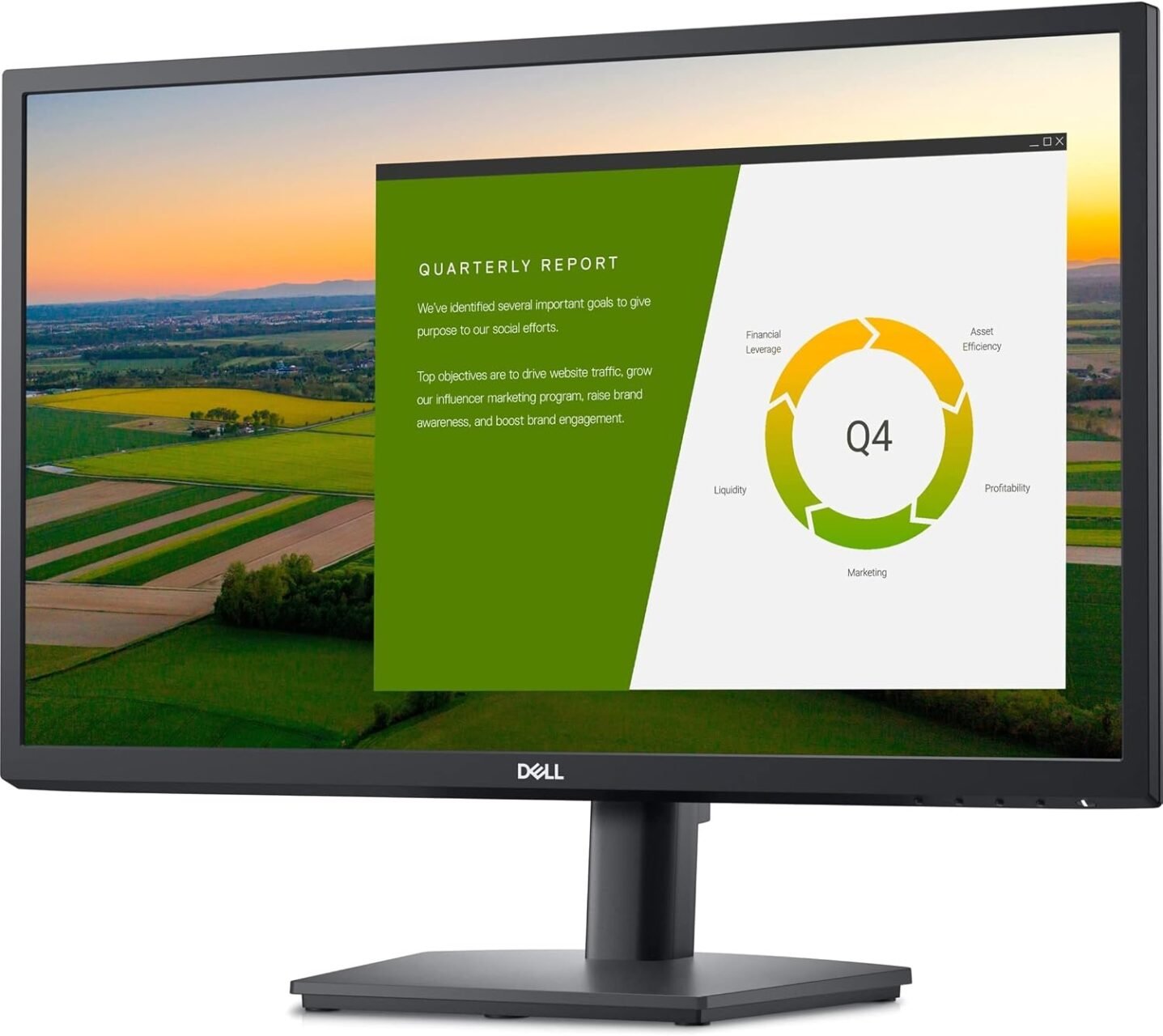
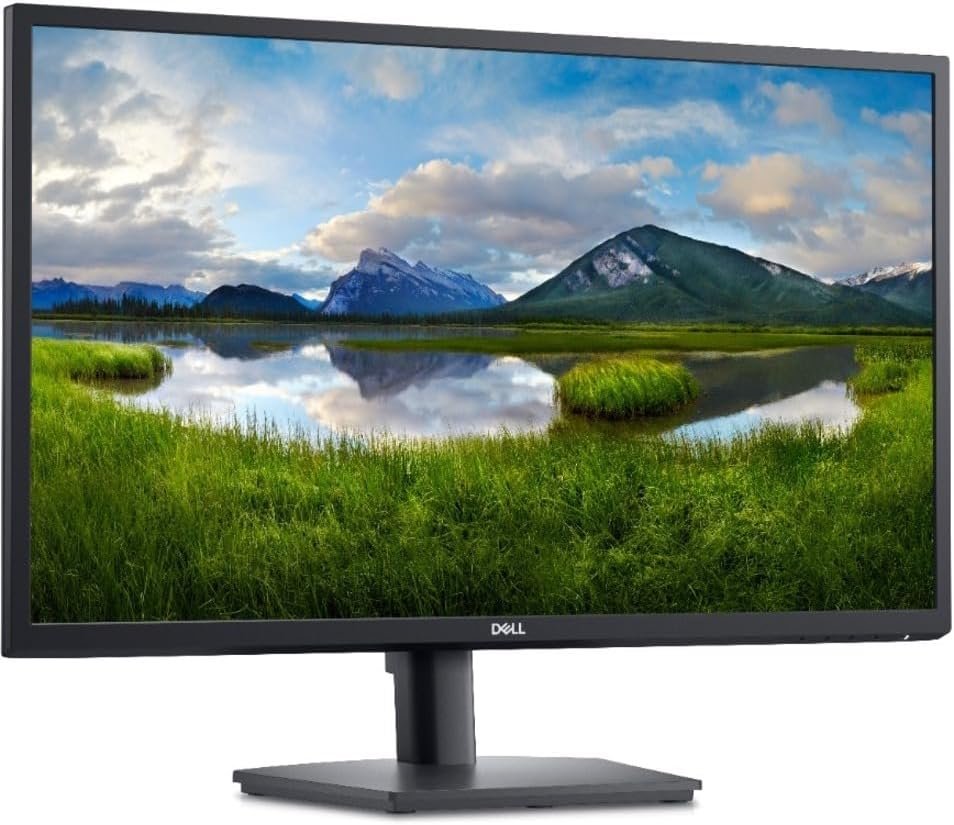
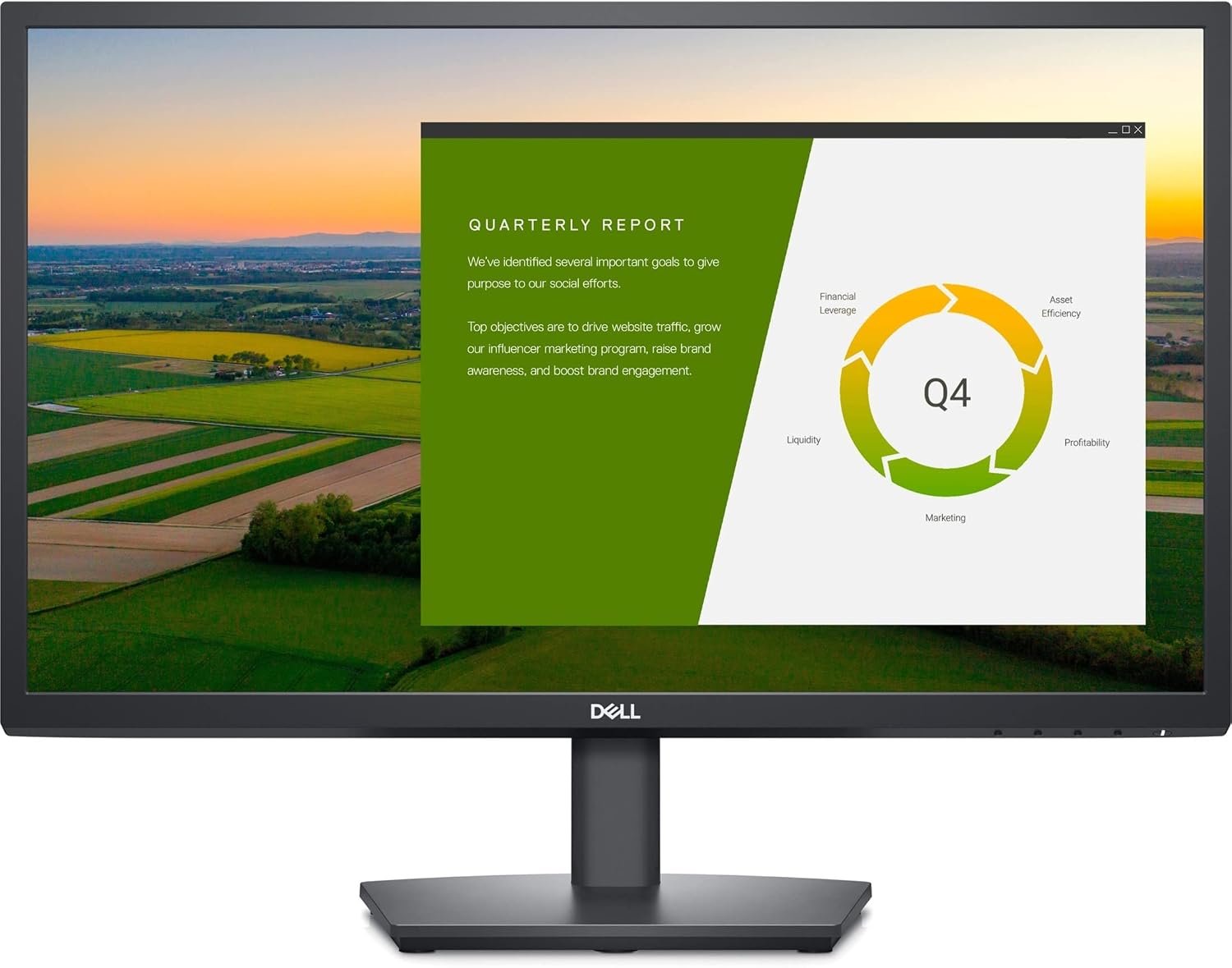
The Dell E2422HS Monitor is a 23.8-inch Full HD monitor designed for office work, home offices, education, and everyday computing. Featuring an IPS display with a 1920 × 1080 resolution and a 60Hz refresh rate, it delivers clear text, detailed images, and consistent colours for daily productivity tasks.
Its 16:9 widescreen format provides a practical viewing area for working with documents, spreadsheets, presentations, websites, and video content. The monitor’s professional design fits comfortably into business environments, while its integrated speakers and versatile connectivity make it a convenient choice for users who want a straightforward desktop display.
Whether you are upgrading an office workstation or setting up a home computer, the Dell E2422HS offers essential display features with the reliability and practical design associated with Dell’s business monitor range.
The Dell E2422HS is a good option for users looking for a dependable monitor for everyday productivity. Its Full HD resolution provides sufficient detail for routine office applications, while IPS technology helps maintain consistent image quality when viewing the screen from different angles.
The 23.8-inch screen offers a useful balance between workspace and desk space. It is suitable for employees who regularly use office software, students attending online classes, and home users who need a monitor for browsing, email, and multimedia.
Another advantage is its integrated speaker system, which reduces the need for separate desktop speakers for basic audio tasks. Its DisplayPort, HDMI, and VGA connections also make it compatible with a range of desktop computers and other supported devices.
The monitor features a 23.8-inch screen with a native resolution of 1920 × 1080 pixels. Full HD resolution provides clear text and detailed visuals for documents, spreadsheets, presentations, online research, and video playback.
Its 16:9 widescreen aspect ratio is suitable for modern applications and multimedia content. The screen size also provides a comfortable viewing area for everyday desktop work without requiring an especially large desk.
The In-Plane Switching (IPS) panel offers wide viewing angles of up to 178 degrees horizontally and vertically. This helps maintain colour and image consistency when the screen is viewed from different positions.
IPS technology is useful in shared office environments, where colleagues may need to view information on the same display. It also supports comfortable everyday use for reading, working with documents, and viewing photographs.
With a 60Hz refresh rate, the Dell E2422HS is designed for routine computing tasks such as browsing, office applications, online learning, and video playback. It provides a standard display experience for business and home use.
Although it is not designed as a high-refresh-rate gaming monitor, its 60Hz performance is suitable for users whose main priority is productivity rather than competitive gaming.
The Dell E2422HS includes built-in speakers for basic audio playback. This allows users to listen to system notifications, online meetings, educational content, and other everyday audio without immediately needing external speakers.
For users who require louder sound or richer audio quality, a dedicated headset or external speaker system may still be preferable.
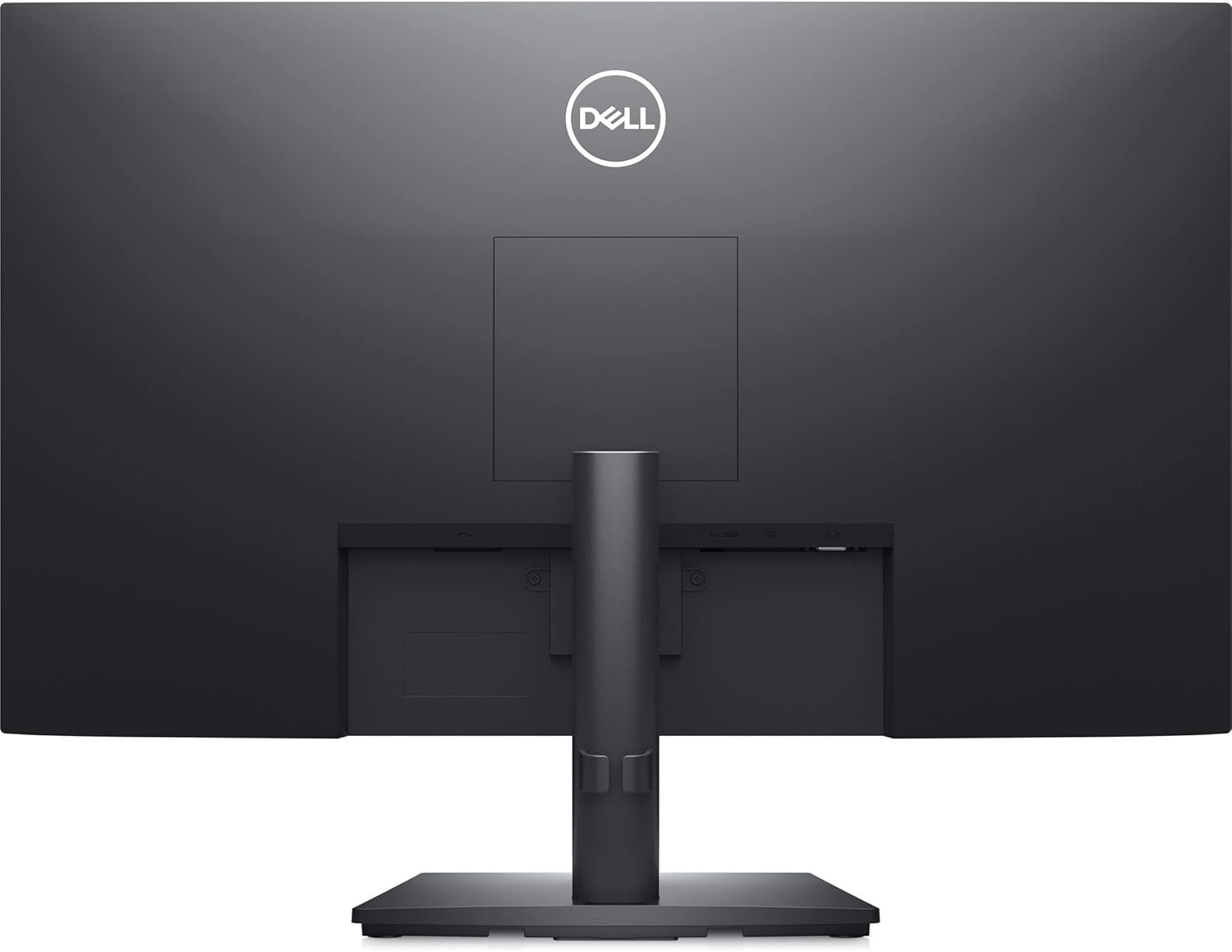
The monitor offers HDMI, DisplayPort, and VGA connectivity. These options allow it to connect to many modern and older computers, depending on the available output ports.
HDMI and DisplayPort are convenient for compatible digital connections, while VGA can be useful when working with older systems. Before purchasing, check the output ports on your computer and ensure you have the correct cable for your setup.
The Dell E2422HS features a professional design that suits corporate offices, reception areas, schools, and home workstations. Its straightforward appearance makes it easy to integrate into different working environments.
The monitor supports VESA mounting, allowing it to be attached to a compatible monitor arm or wall mount. This can help users organise their desks and adjust the display arrangement to suit their workspace.
The monitor includes an anti-glare screen to help reduce reflections from surrounding light sources. It also supports Dell’s ComfortView feature, designed to reduce blue-light emissions.
These features can contribute to a more comfortable viewing experience during extended work sessions. However, users should still take regular breaks, adjust screen brightness to suit the room, and position the monitor appropriately.
The Dell E2422HS is suitable for several types of users:
This monitor is best suited to everyday productivity. Users who need higher resolutions, advanced colour performance, or refresh rates above 60Hz may prefer a more specialised model.
 Laptop Computers
 Desktop Computers
 Desktop peripherals
 Laptop Accessories
 Laptop Components
 Network
 Printers
 Server
 Software
No account yet?
Create an Account






