






 Laptop Computers
 Desktop Computers
 Printers
 Network
 Software
 Laptop Accessories
 Laptop Components
 Office
 Desktop peripherals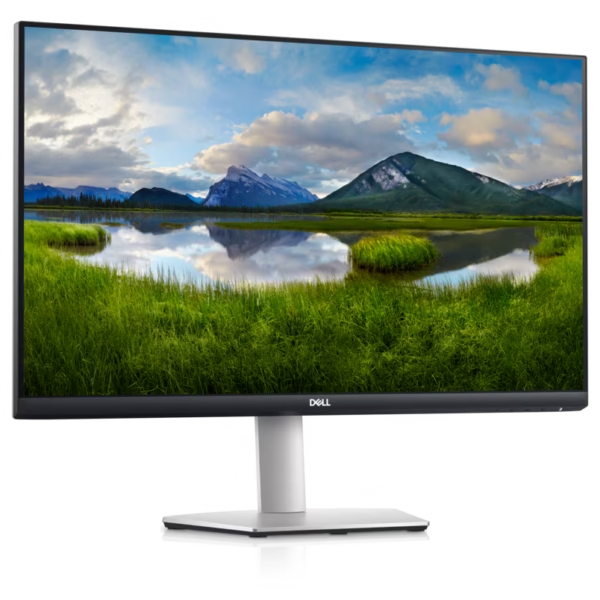

Hurry and get discounts on all Apple devices up to 20%
Sale_coupon_15
KSh52,000.00 excl. VAT
Payment Methods:

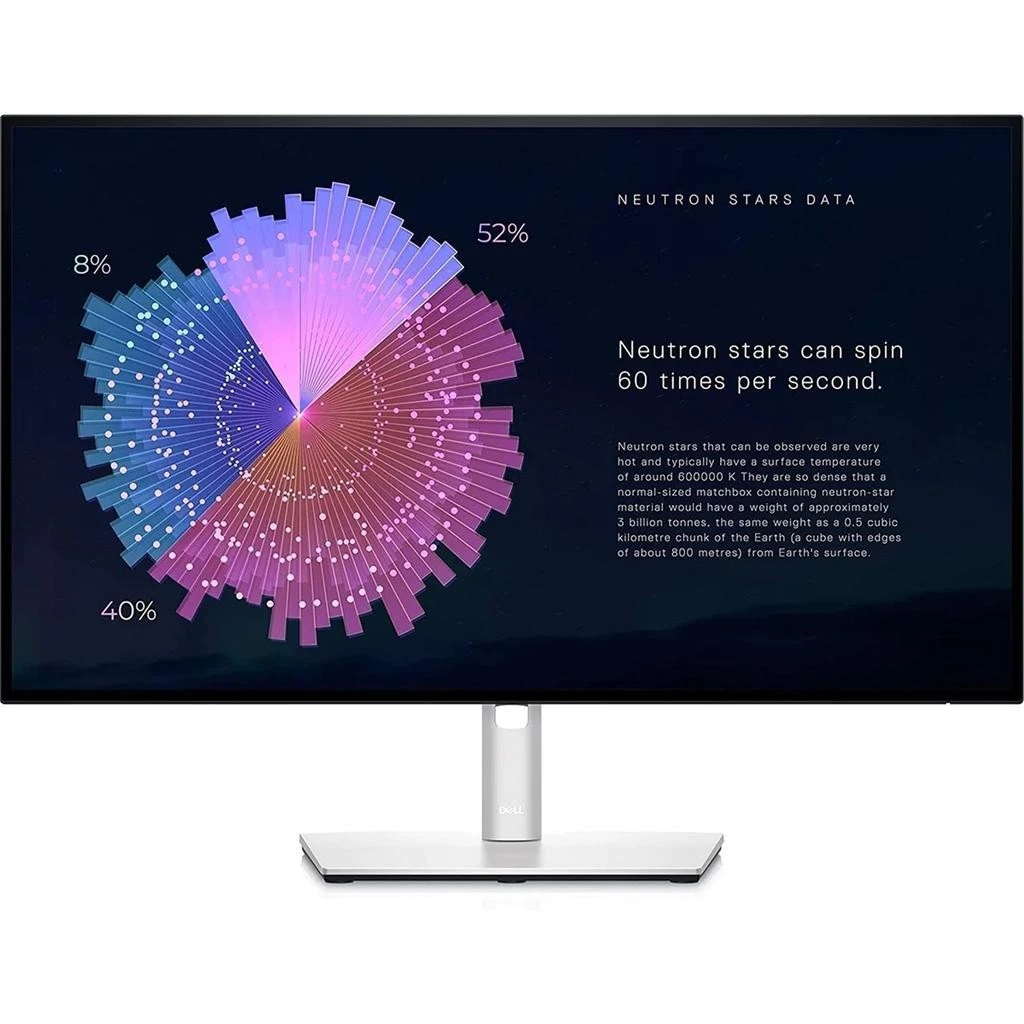
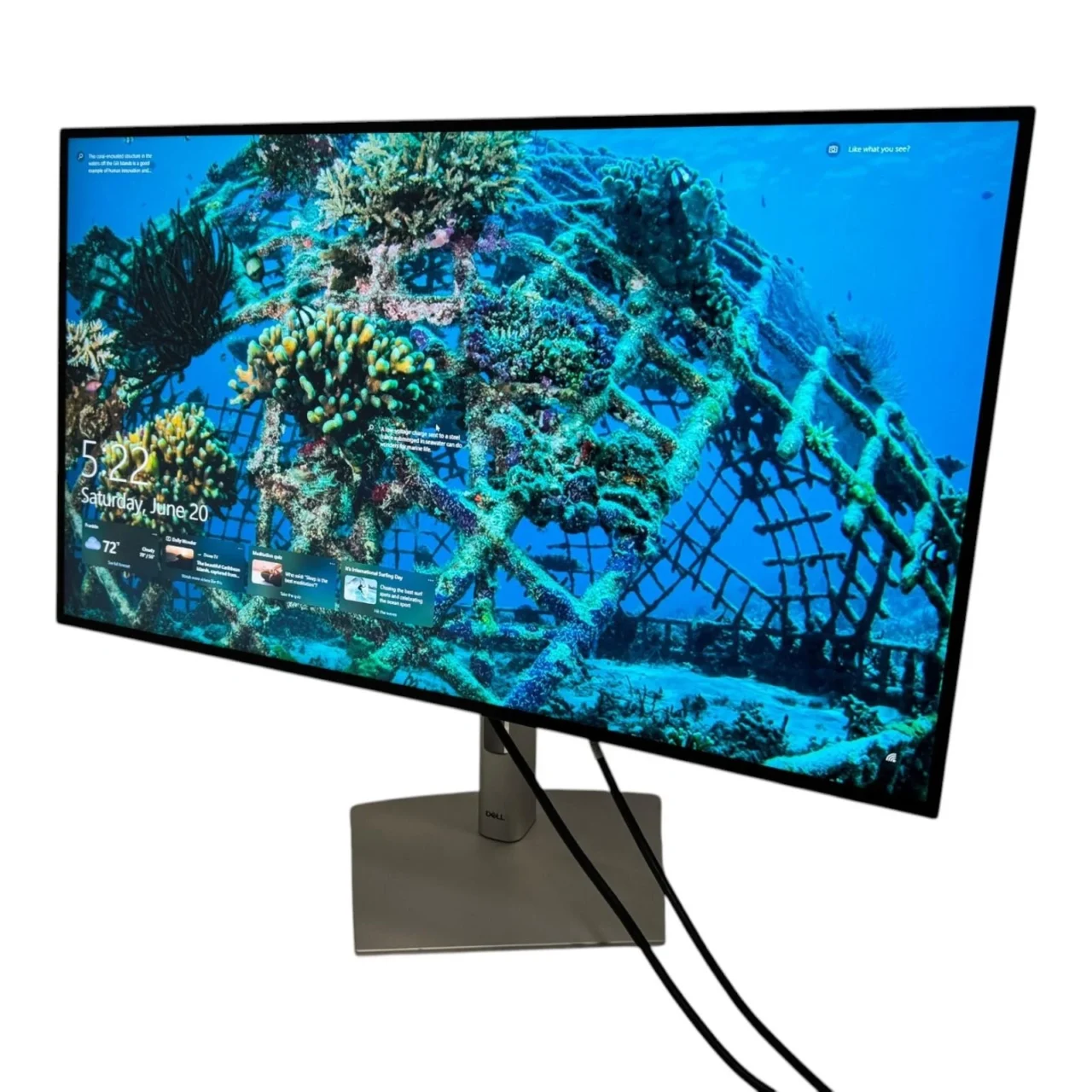
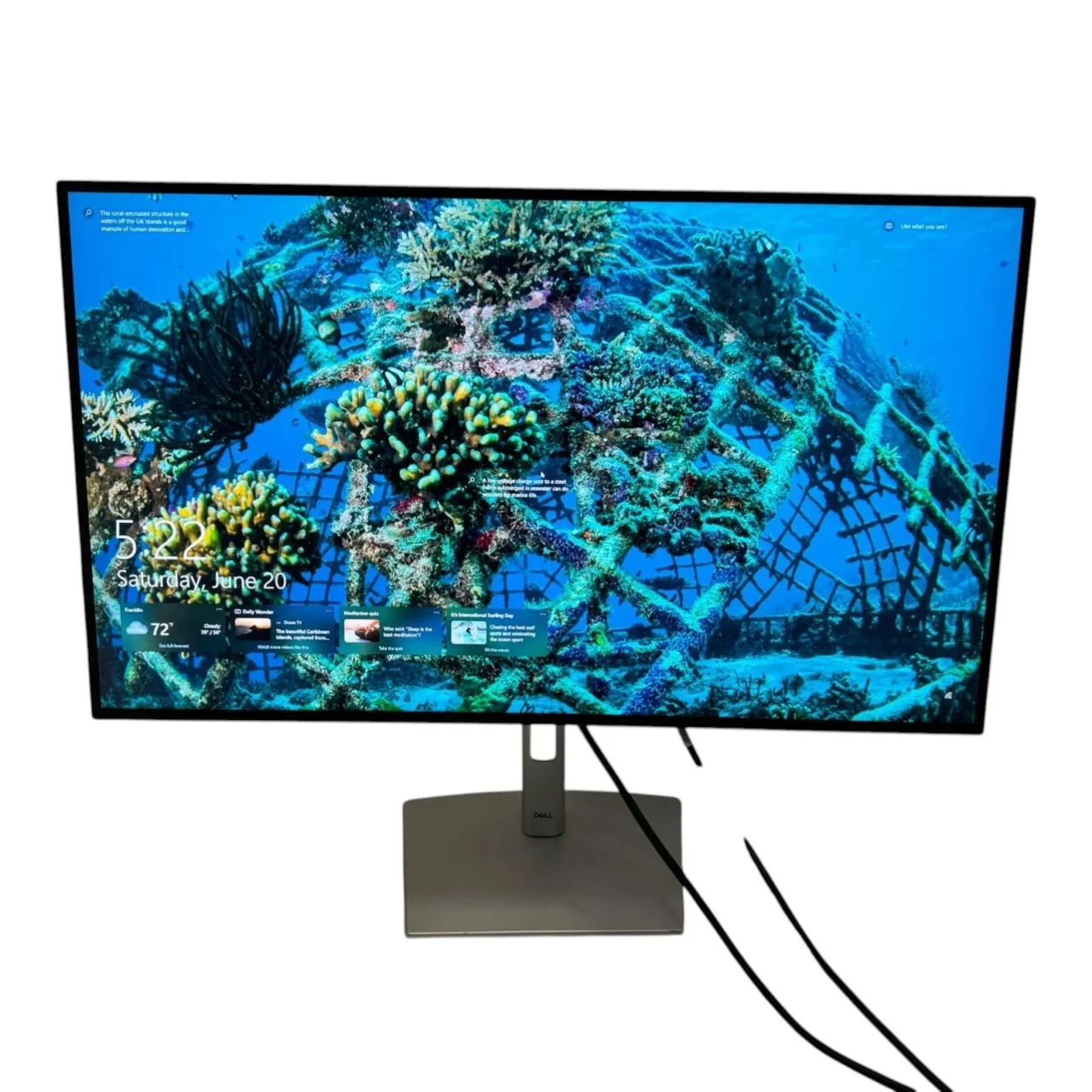
The Dell UltraSharp U2722DE 27-Inch USB-C Hub Monitor is a professional display designed for productivity, business workstations, software development, and creative applications. It combines a 2560 × 1440 QHD resolution, IPS panel technology, extensive connectivity, and USB-C power delivery of up to 90W in a versatile desktop monitor.
Its 27-inch screen provides ample workspace for multitasking, spreadsheets, documents, and professional software. With 100% sRGB coverage, 95% DCI-P3 coverage, an integrated USB hub, Gigabit Ethernet, and an ergonomic stand, the U2722DE is particularly suitable for users who want to simplify their workstation without compromising display quality.
The Dell U2722DE features a 27-inch display with a native resolution of 2560 × 1440 pixels. This QHD resolution provides more desktop space than Full HD, making it easier to organise multiple application windows and work with detailed documents.
The 16:9 aspect ratio supports a wide range of professional applications, including spreadsheets, presentations, software development tools, and video conferencing. Its approximately 109 pixels per inch provides clear text and detailed images for everyday professional work.
The monitor uses In-Plane Switching (IPS) technology, providing viewing angles of up to 178 degrees horizontally and vertically. This helps maintain consistent image appearance when the screen is viewed from different positions.
IPS technology is useful for collaborative work, presentations, and professional environments where several people may need to view the same information. It also provides reliable colour reproduction for general business and creative applications.
The Dell U2722DE offers broad colour coverage, including 100% sRGB, 100% Rec. 709, and 95% DCI-P3. This makes it suitable for web graphics, presentations, photography workflows, video content, and other applications that benefit from accurate colour reproduction.
Dell specifies an average Delta E value below 2 for supported factory-calibrated colour modes, helping users achieve consistent results without immediately requiring additional calibration.
For professionals working with digital media, these colour capabilities provide an advantage over standard office monitors with narrower colour gamuts.
One of the monitor’s key advantages is its USB-C connection with power delivery of up to 90W. With a compatible laptop, one USB-C cable can carry the video signal, transfer data, and supply power.
This reduces cable clutter and simplifies laptop-based workstations. It is especially useful for professionals who move between home and office environments or regularly connect different compatible computers.
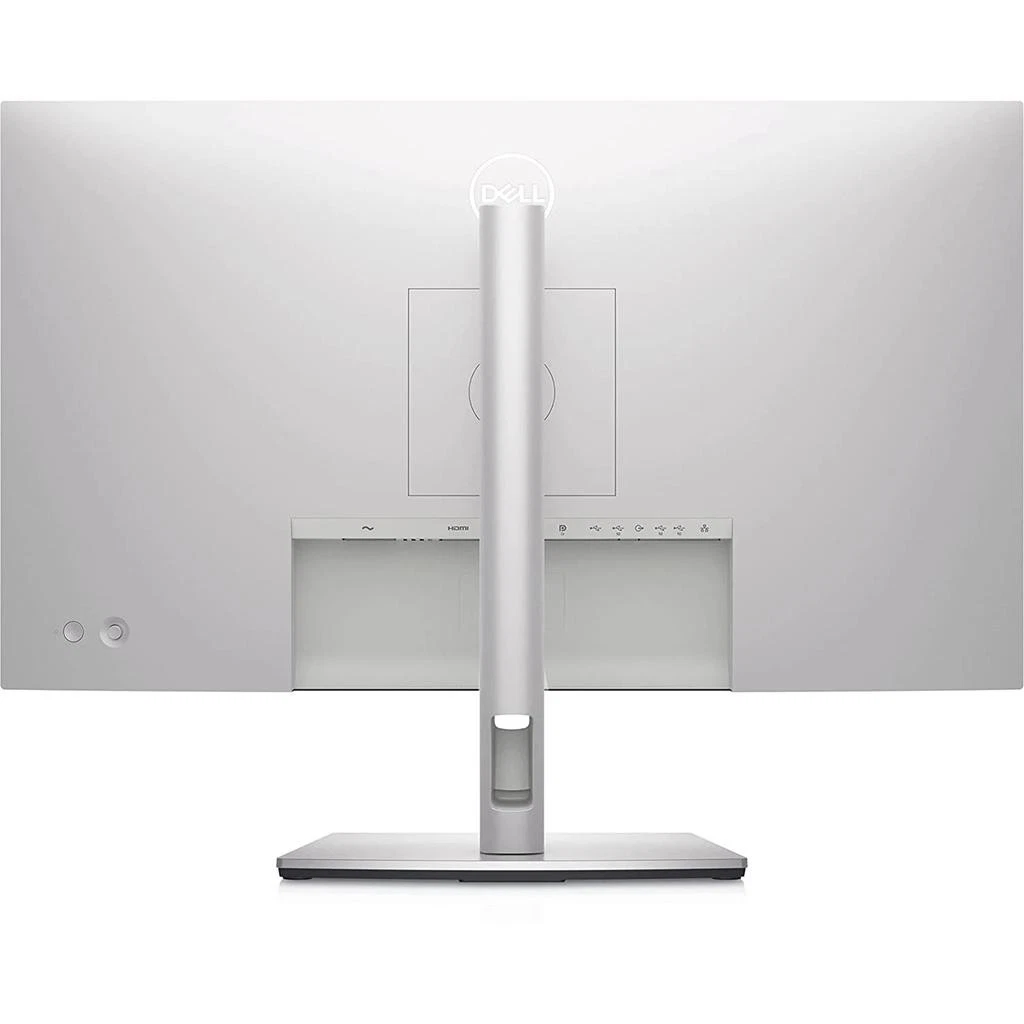
The monitor also includes HDMI, DisplayPort, DisplayPort output for Multi-Stream Transport (MST), and multiple USB downstream ports.
Users should confirm that their laptop supports DisplayPort video output over USB-C and that its charging requirements are compatible with the monitor’s 90W power delivery.
The Dell U2722DE functions as a connectivity hub as well as a display. Its USB ports allow users to connect compatible keyboards, mice, storage devices, and other peripherals.
The integrated RJ45 Gigabit Ethernet port supports wired network connectivity through the monitor when connected to a compatible computer using the appropriate upstream connection.
These features can reduce the need for a separate docking station in supported setups. They are particularly useful for businesses that want cleaner desks and more consistent workstation configurations.
The U2722DE includes a DisplayPort output that supports Multi-Stream Transport (MST). This feature can allow compatible computers to drive an additional display through a supported daisy-chain configuration.
MST can help reduce cable clutter in multi-monitor workstations. The number of supported displays and achievable resolutions depends on the computer’s graphics hardware, connection standards, and display configuration.
This feature is valuable for developers, analysts, and professionals who benefit from a larger combined desktop workspace.
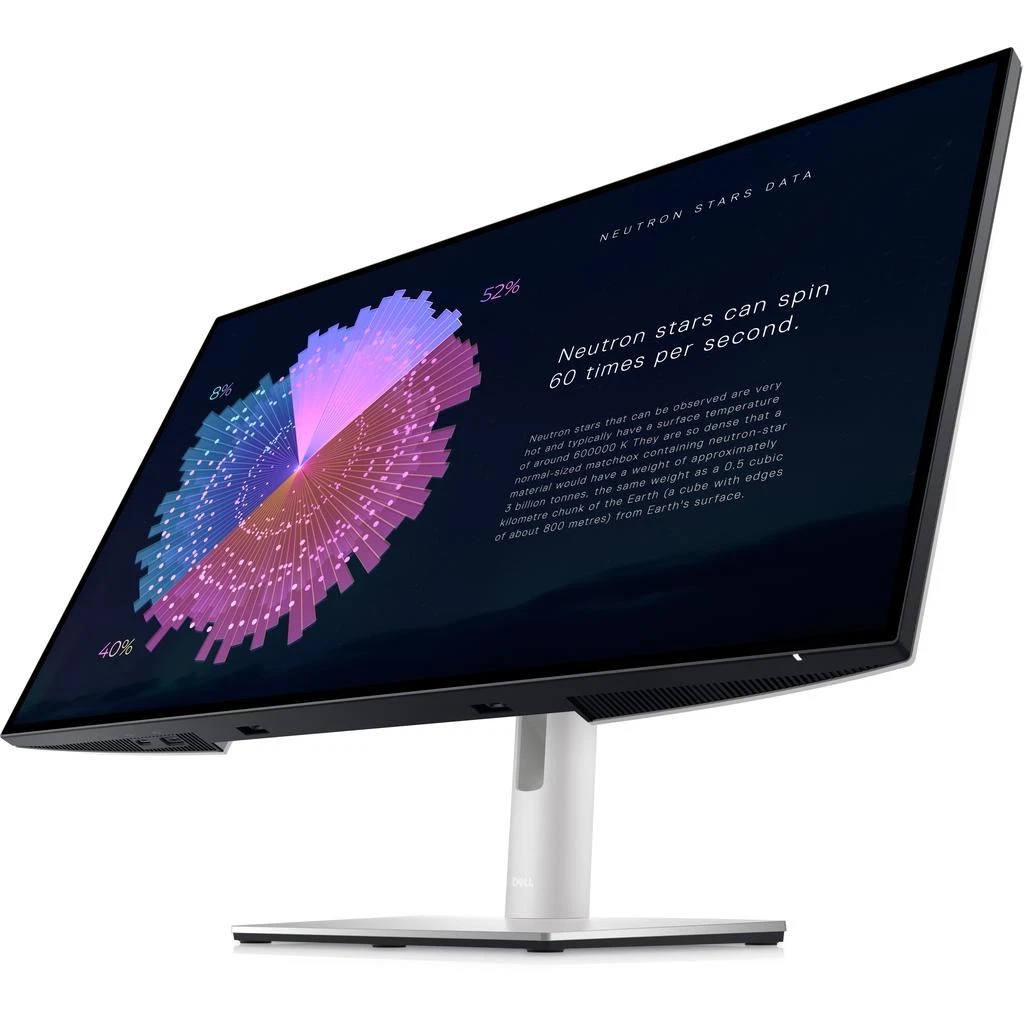
The monitor includes an adjustable stand that supports height adjustment, tilt, swivel, and pivot rotation. Users can raise or lower the display, adjust the viewing angle, turn the screen horizontally, or rotate it into portrait orientation.
Portrait mode can be useful for reviewing long documents, source code, reports, and vertically arranged content.
The U2722DE also supports VESA 100 × 100 mm mounting, making it compatible with suitable monitor arms and mounting solutions.
Dell ComfortView Plus is designed to reduce blue-light emissions while maintaining colour performance. The monitor also uses an anti-glare screen coating to help reduce distracting reflections.
These features can support comfortable viewing during extended work sessions. Users should also adjust brightness appropriately, maintain suitable room lighting, and take regular breaks when working at a computer for long periods.
The U2722DE features a three-sided narrow-bezel design that provides a clean, professional appearance. The reduced bezel width is particularly useful for multi-monitor arrangements, where it can make adjacent displays feel more continuous.
This design suits modern office environments, home workstations, and professional desks where space and appearance matter.
The Dell UltraSharp U2722DE combines display quality, connectivity, and ergonomic flexibility in one professional monitor.
Its main benefits include:
These features make the U2722DE a strong option for users who want more than a basic display and need a monitor that supports an efficient desktop workflow.
Software developers often work with code editors, terminal windows, browser tools, debugging applications, and technical documentation simultaneously. The Dell U2722DE’s 27-inch QHD display provides a practical amount of screen space for organising these applications.
Its IPS panel supports clear text and wide viewing angles, while the adjustable stand allows developers to customise their viewing position. Portrait rotation is particularly useful for reviewing long source files, logs, and documentation.
USB-C connectivity simplifies compatible laptop setups by combining display output, data transfer, and charging through one cable. The integrated USB hub and Ethernet connection also support a more organised development workstation.
For developers who use multiple monitors, DisplayPort MST provides an additional expansion option when supported by the computer and display configuration.
Overall, the U2722DE is well suited to developers who prioritise productivity, connectivity, and colour quality rather than high-refresh-rate gaming.
Businesses need monitors that support productivity, flexible workstation configurations, and reliable connectivity. The Dell U2722DE offers a useful combination of features for offices, corporate departments, educational institutions, and professional workspaces.
Its QHD resolution is suitable for business applications, reports, spreadsheets, presentations, and document management. The IPS panel supports collaborative viewing, while the adjustable stand allows employees to position the screen according to their needs.
USB-C power delivery can simplify laptop connections, and the integrated USB hub reduces the need to connect peripherals directly to the computer. The Ethernet port provides a convenient wired networking option in compatible setups.
For organisations managing multiple workstations, DisplayPort MST may also help simplify multi-monitor installations. Before purchasing in bulk, IT teams should verify computer compatibility, network requirements, warranty coverage, and local availability.
The Dell U2722DE is suitable for several categories of users:
Users who require 4K resolution, a refresh rate above 60Hz, or built-in speakers may prefer a different model tailored to those requirements.
Setting up the Dell U2722DE is straightforward when using compatible hardware and cables.
For a multi-monitor daisy-chain configuration, verify that the computer supports DisplayPort MST and that the required resolutions and refresh rates are compatible with the graphics hardware.
The Dell UltraSharp U2722DE 27-Inch USB-C Hub Monitor is a professional display that combines QHD resolution, IPS technology, broad colour coverage, and extensive connectivity.
Its 90W USB-C power delivery, integrated USB hub, Gigabit Ethernet, ergonomic stand, and DisplayPort MST support make it especially useful for developers, office professionals, creative users, and organisations seeking an efficient workstation.
Although its 60Hz refresh rate and QHD resolution may not suit every gaming or high-resolution production requirement, the U2722DE offers a well-rounded feature set for productivity-focused environments.
Overall, it is a strong choice for users who want a reliable professional monitor with flexible connectivity and useful workstation-management features.
No account yet?
Create an Account







 ASUS
ASUS






