






 Laptop Computers
 Desktop Computers
 Printers
 Network
 Software
 Laptop Accessories
 Laptop Components
 Office
 Desktop peripherals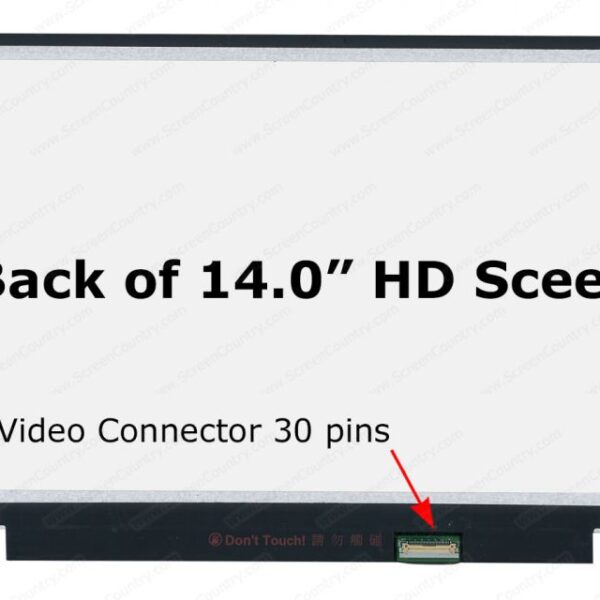

Hurry and get discounts on all Apple devices up to 20%
Sale_coupon_15
KSh4,000.00 excl. VAT
Payment Methods:

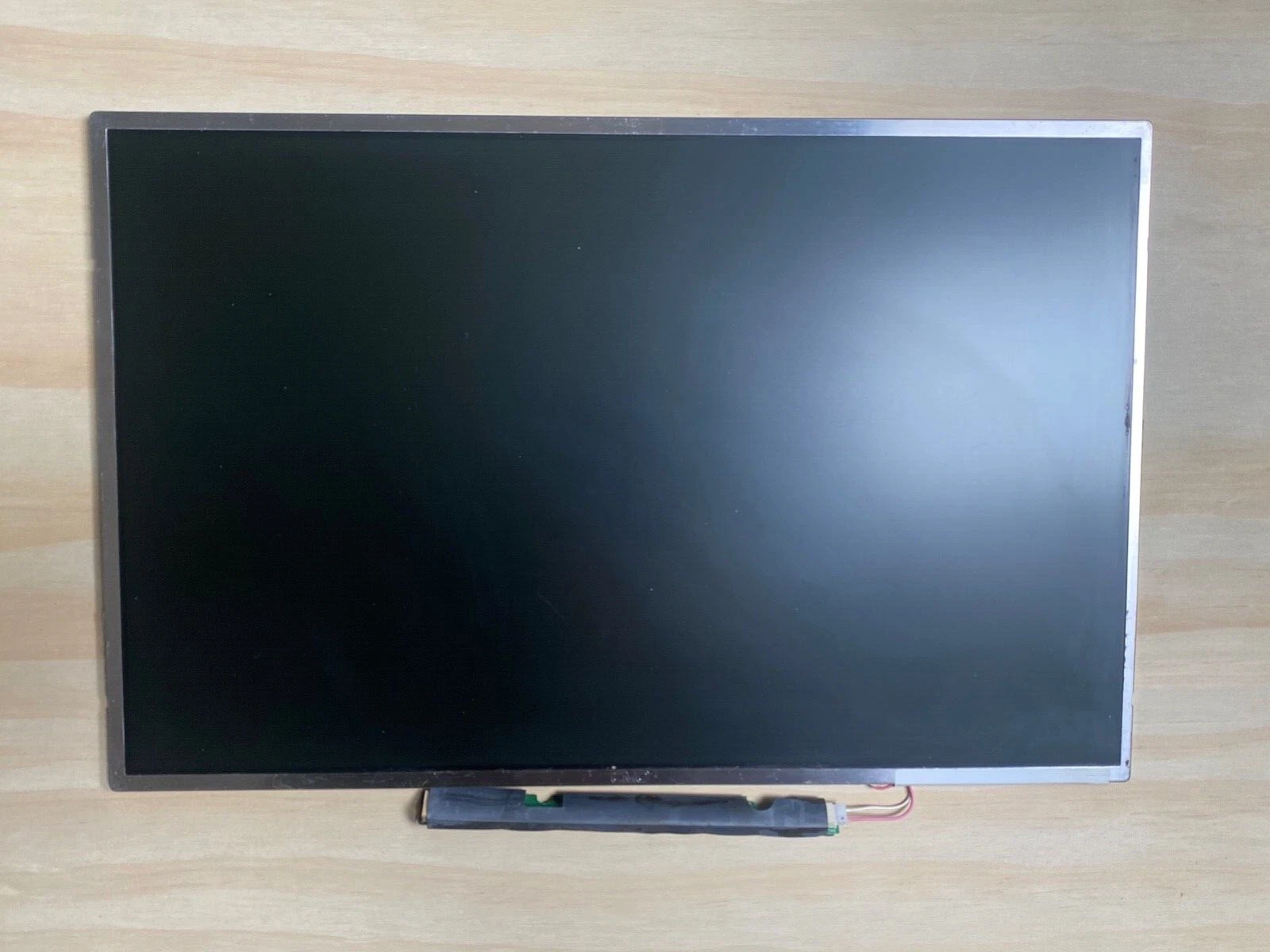
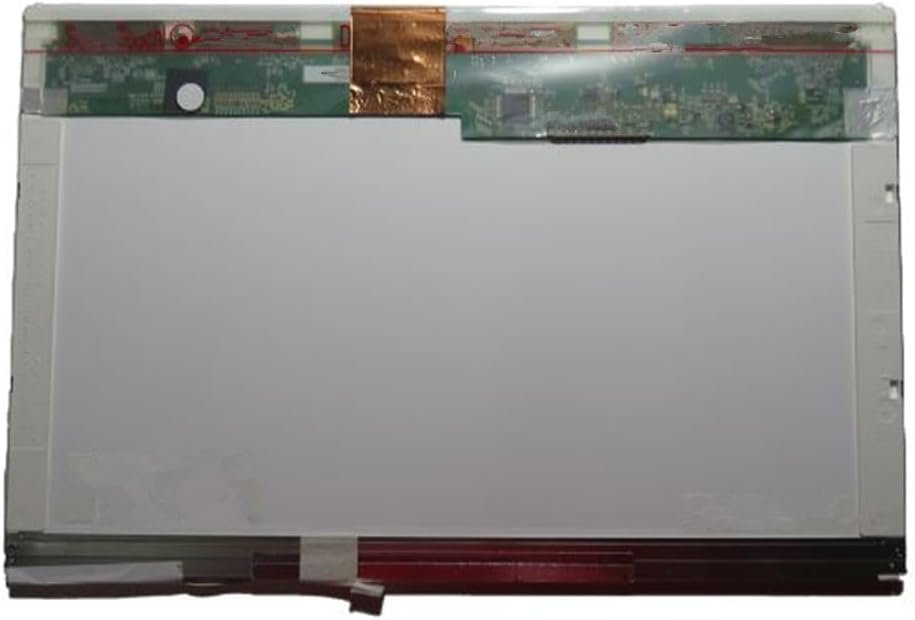
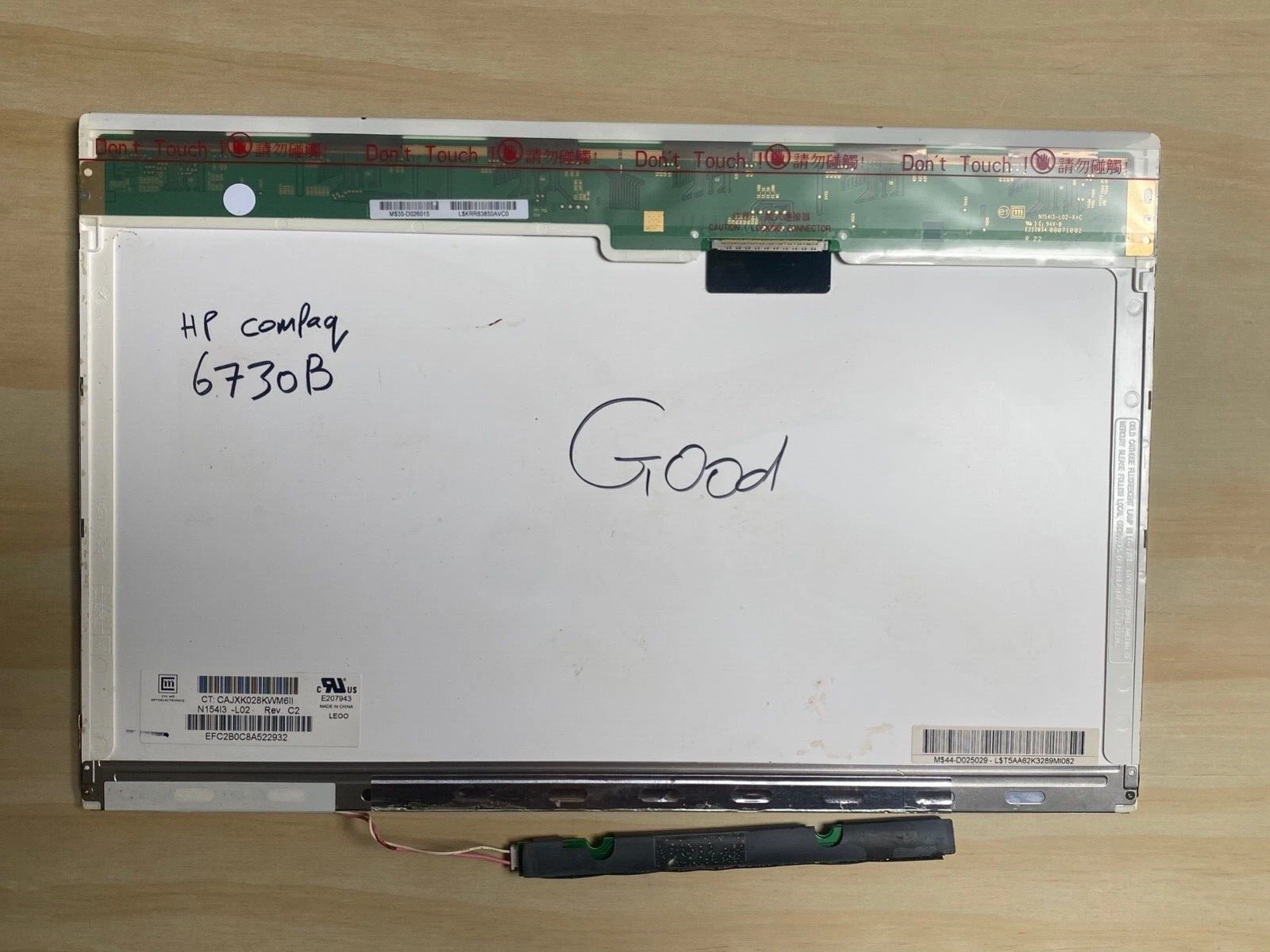
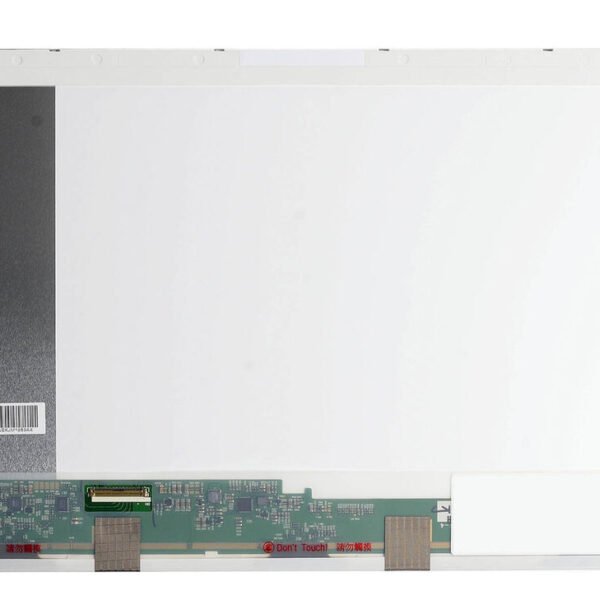
Replacing a broken, cracked, flickering, or blank screen on your HP 6730b laptop is one of the most effective ways to restore normal visual performance. Whether your display is damaged from impact, wear, or panel failure, this guide explains what to check, which screen type is compatible, and how replacement works.
You may need a screen replacement if your laptop shows any of the following:
Cracked or physically damaged display
Lines or horizontal/vertical stripes
Flickering or unstable image
Dim or uneven brightness
No image but power is on
Color distortion or dead pixels
These symptoms usually indicate the LCD panel or its internal components have failed and need replacing.
The HP 6730b typically uses a 14.1-inch LCD panel with an XGA (1024 × 768) resolution. Replacement options include:
Resolution: 1024 × 768
Same quality as original
Affordable and reliable
Brighter screen
Lower power consumption
Better energy efficiency than CCFL
Slightly more expensive, but preferred if compatible
Before starting a screen replacement, prepare:
Small Phillips screwdriver
Plastic pry tool (non-metal)
Tweezers
Anti-static wrist strap (optional)
Clean microfiber cloth
No soldering is needed — the screen is connected using screws and ribbon cables.
Important: Always power off the laptop, unplug it, and remove the battery before beginning any repair.
Shut down the laptop fully.
Unplug the power adapter.
Remove the battery to prevent electrical damage.
Use a plastic pry tool to gently release the screen bezel (the plastic frame around the display).
Work slowly to avoid cracking the plastic.
Once the bezel is removed, you’ll see screws holding the screen to the metal mounting brackets.
Remove these screws from both sides.
Tilt the screen forward.
Carefully disconnect the ribbon cable at the back of the LCD panel.
Do not pull on the cable itself—pull from a reinforced section or use tweezers if needed.
Align the new screen in the same position.
Connect the display ribbon cable securely.
Re-attach the mounting screws.
Snap the bezel back into place gently.
Reinsert the laptop battery.
Boot the laptop and verify that the new screen displays properly — check brightness, color, and viewing angles.
✔ Confirm the screen size (usually 14.1 inches)
Check the resolution (most HP 6730b screens are XGA 1024 × 768)
✔ Verify whether the screen is CCFL or LED backlit
✔ Check the connector type and position (commonly a 30-pin connector for this model)
If you replace a CCFL screen with an LED version, make sure your laptop supports LED backlighting, as power and inverter requirements differ.
Forcing the bezel off
Pulling on ribbon cables instead of connectors
Using an incompatible screen panel
Touching LCD surface with bare fingers
Not checking backlight type
Avoiding these errors ensures a successful installation.
The cost of screen replacement depends on:
Screen panel type (Standard vs LED backlit)
Whether you install it yourself or hire a technician
Shipping or part sourcing fees
LED backlit replacements are usually more expensive but more energy-efficient and brighter.
Choose professional help if:
You are not familiar with laptop hardware
You want warranty or guarantee on the repair
You need verification of compatible parts
You want a faster or more precise installation
Technicians can also test display cables and motherboard connections to ensure no other parts are damaged.
Replacing the screen on your HP 6730b can make your laptop clear, usable, and productive again. A correct screen replacement restores sharp visuals, eliminates flickering or distortion, and extends the useful life of your laptop.
Get the HP 6730b service from Lansotech Solutions now!

No account yet?
Create an Account








 ASUS
ASUS






