














Choosing between an ultrawide monitor and dual monitors can significantly impact your productivity, gaming experience, and workspace. Both setups offer more screen area than a standard monitor, but each has unique advantages depending on how you use your computer.
In this guide, we’ll compare ultrawide vs. dual monitors to help you decide which setup is the best fit for your needs.
What Is an Ultrawide Monitor?
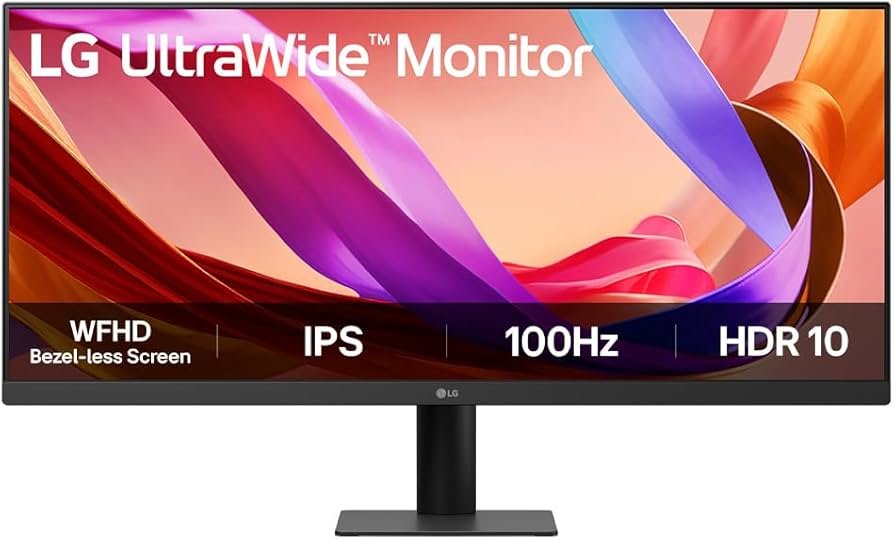
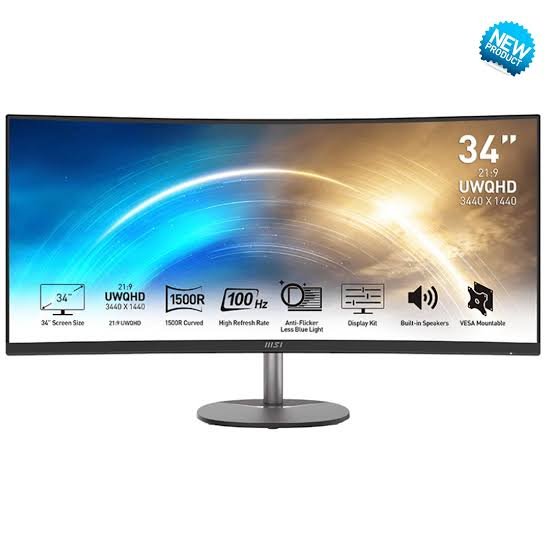
An ultrawide monitor features a wider aspect ratio, typically 21:9 or 32:9, giving you the equivalent workspace of two monitors without a bezel in the middle.
Pros of an Ultrawide Monitor
- Seamless display with no bezels
- Excellent for multitasking
- Immersive gaming experience
- Better for video editing and timeline-based work
- Cleaner, minimalist desk setup
- Fewer cables and easier cable management
Cons of an Ultrawide Monitor
If the monitor fails, you lose your entire display
Usually more expensive
Requires a larger desk
Some older software and games may not fully support ultrawide resolutions
What Are Dual Monitors?
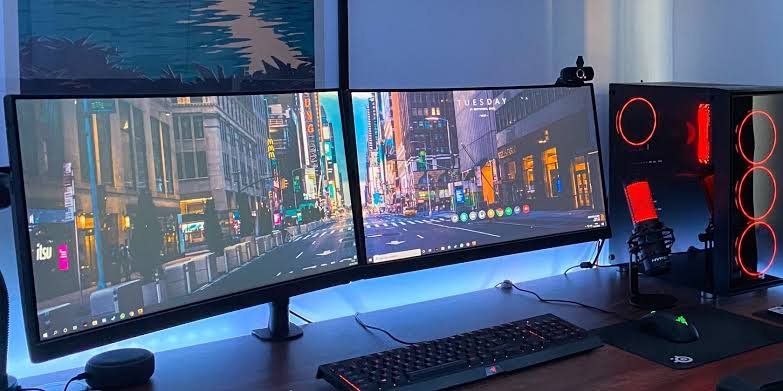
A dual-monitor setup uses two separate displays connected to one computer. This has long been the preferred choice for professionals who frequently switch between multiple applications.
- Pros of Dual Monitors
- More flexibility in arranging windows
- Easy to dedicate one screen to specific tasks
- More affordable if you already own one monitor
- Easier to replace one monitor if needed
- Different monitor sizes or orientations can be used
- Cons of Dual Monitors
- Bezels interrupt the viewing experience
- More cables and desk clutter
- Higher power consumption
- Can require more desk space depending on the setup
Ultrawide vs. Dual Monitors Comparison
| Feature | Ultrawide Monitor | Dual Monitors |
|---|
| Productivity | Excellent | Excellent |
| Gaming | Outstanding | Good |
| Video Editing | Excellent | Very Good |
| Programming | Excellent | Excellent |
| Spreadsheet Work | Very Good | Excellent |
| Desk Appearance | Clean and modern | Functional |
| Cable Management | Simple | More complex |
| Cost | Higher upfront | Often more affordable |
| Multitasking | Seamless | Highly flexible |
Which Is Better for Productivity?
For professionals working with multiple applications, both options are excellent.
Choose an ultrawide monitor if you:
- Prefer a single, uninterrupted workspace
- Frequently work with large spreadsheets
- Edit videos or photos
- Want a clean desktop setup
Choose dual monitors if you:
- Constantly switch between apps
- Need one screen dedicated to communication tools
- Compare documents side by side
- Prefer separate displays for different workflows
Keyboard and Typing Experience
Which Is Better for Gaming?
Ultrawide monitors provide a more immersive gaming experience thanks to their wider field of view. Many modern games support ultrawide resolutions, creating a cinematic feel.
Dual monitors are useful if you like keeping game guides, chats, or streaming software on the second screen while playing.
Winner: Ultrawide Monitor

Which Laptop Is Best?
Cost Comparison
Generally:
- Entry-level dual-monitor setups are more affordable.
- Premium ultrawide monitors cost more but provide a cleaner, more integrated experience.
If you already own one monitor, adding a second display is usually the most budget-friendly upgrade.
Choose an ultrawide monitor if you value an immersive display, streamlined cable management, and a modern desk setup. It’s especially well suited for gaming, video editing, and creative work.
Choose dual monitors if flexibility, cost-effectiveness, and managing multiple applications are your top priorities. They remain a fantastic option for office work, programming, and general productivity.
Whichever setup you choose, upgrading from a single monitor can significantly improve your workflow and overall computing experience
Lansotech Solutions,
Call/WhatsApp 0791-833-529 Start WhatsApp Chat>>
Visit us: Portal Place House, at the Muindi Mbingu/Banda Street Junction, 2nd Floor Shop 207,
















