






 Laptop Computers
 Desktop Computers
 Printers
 Network
 Software
 Laptop Accessories
 Laptop Components
 Office
 Desktop peripherals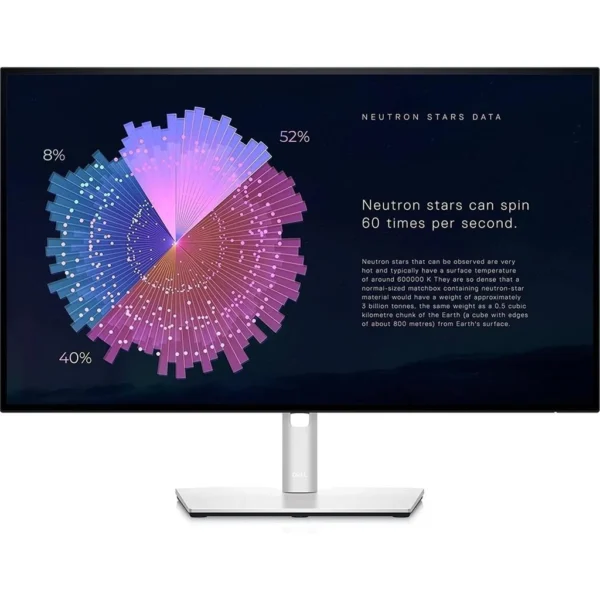

Hurry and get discounts on all Apple devices up to 20%
Sale_coupon_15
KSh26,000.00 excl. VAT
Payment Methods:

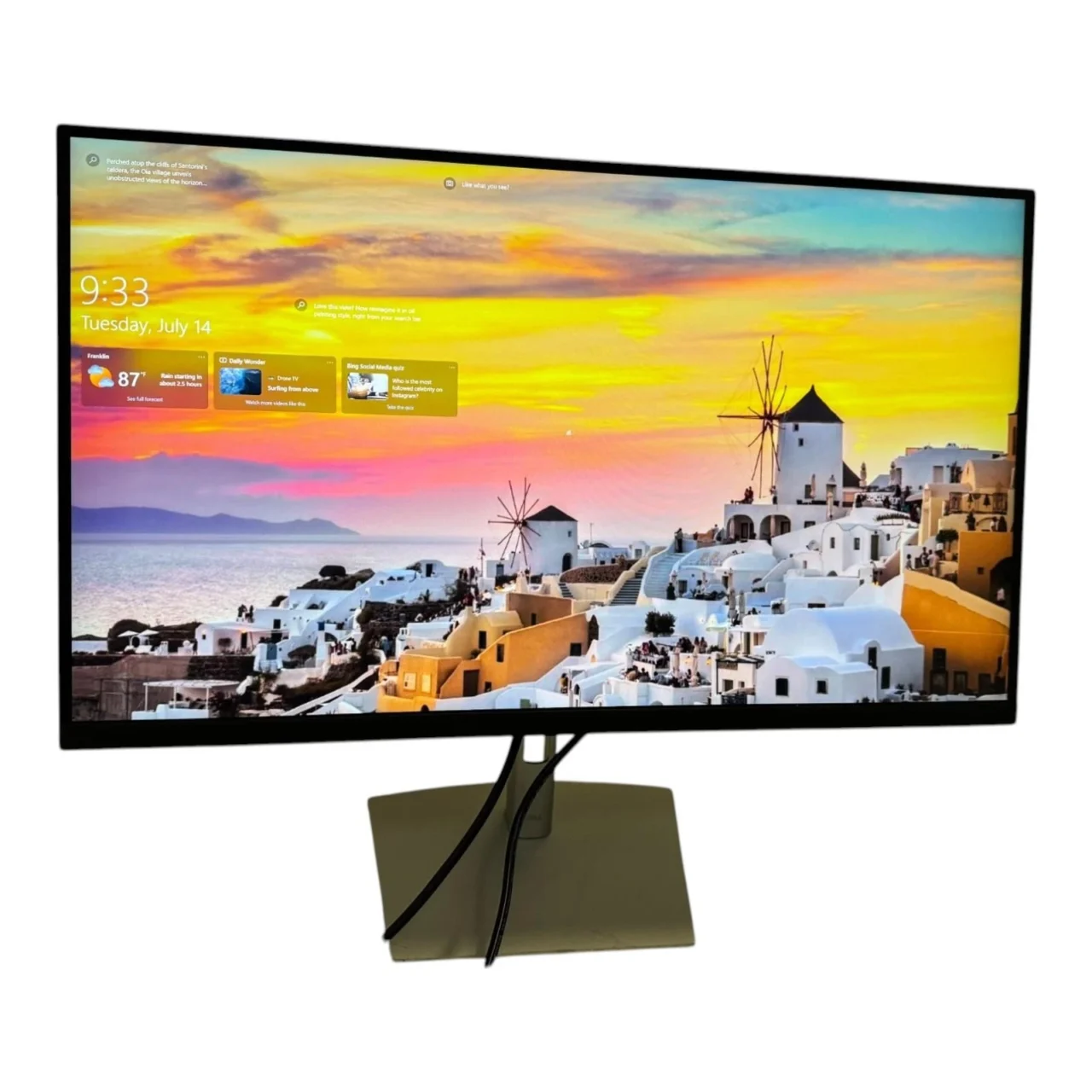
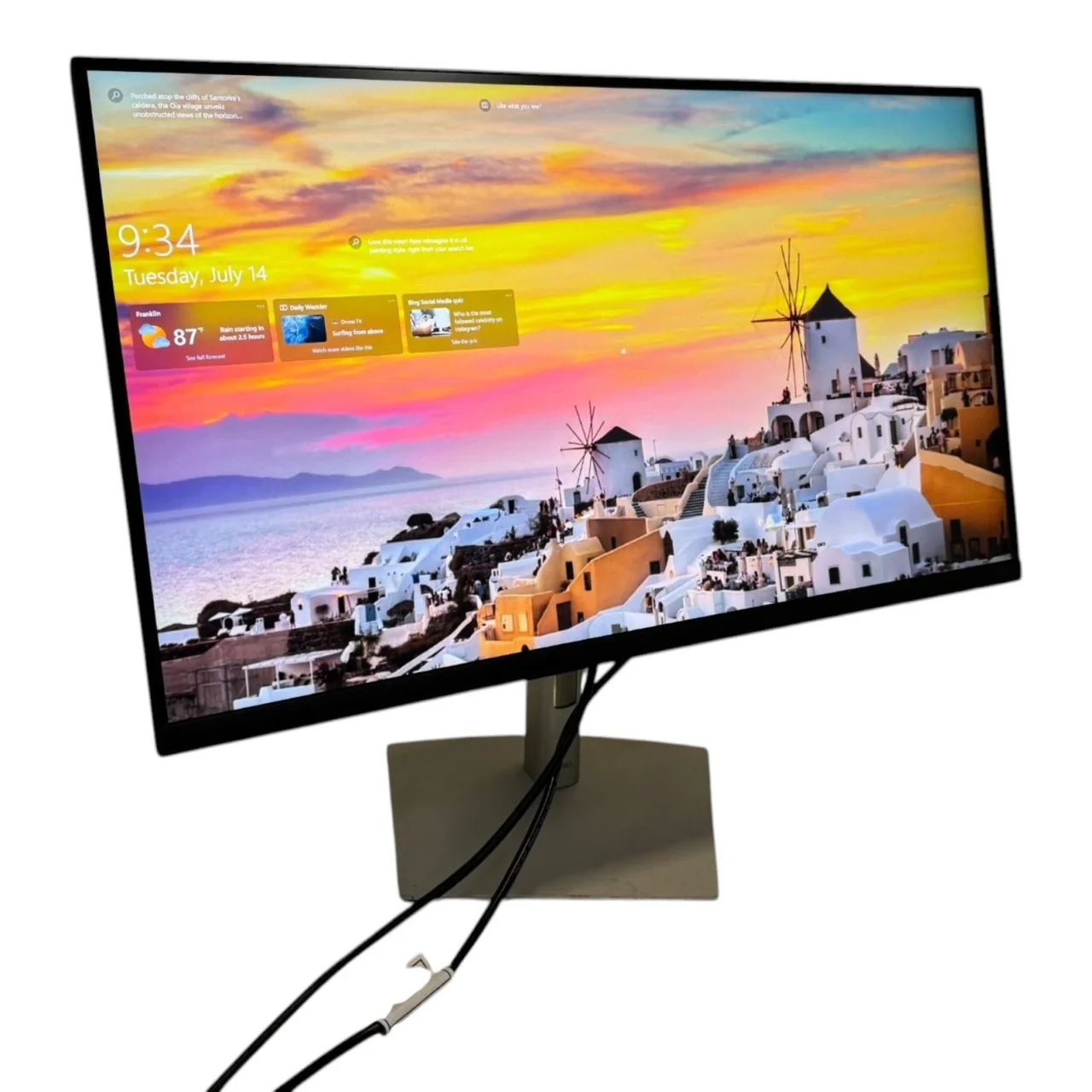
The Dell P2721Q 27-Inch 4K USB-C Monitor is a professional display designed for office productivity, business workstations, software development, and everyday creative tasks. It combines a 3840 × 2160 4K UHD resolution, IPS panel technology, USB-C connectivity with up to 65W power delivery, and an ergonomic stand.
Its 27-inch screen delivers detailed visuals and ample workspace for documents, spreadsheets, presentations, and multiple applications. With 99% sRGB colour coverage, a built-in USB hub, and flexible connectivity, the P2721Q is a practical choice for professionals who need a high-resolution display and a streamlined desk setup.
The Dell P2721Q features a 27-inch screen with a native resolution of 3840 × 2160 pixels. This 4K UHD resolution provides four times the pixel count of Full HD, delivering sharp text, detailed images, and additional workspace.
The high pixel density is useful for viewing complex spreadsheets, editing documents, examining diagrams, and arranging multiple application windows. Its 16:9 aspect ratio also supports video conferencing, presentations, and general multimedia use.
The monitor uses In-Plane Switching (IPS) technology, offering viewing angles of up to 178 degrees horizontally and vertically. This helps maintain consistent image appearance when viewing the screen from different positions.
IPS technology is suitable for office environments, collaborative tasks, and applications that benefit from consistent colour reproduction. It also provides a clear viewing experience for everyday professional computing.
The Dell P2721Q supports 99% sRGB colour coverage and displays up to 1.07 billion colours. This makes it suitable for web graphics, presentations, photography viewing, digital documents, and other applications that use the sRGB colour space.
Its typical brightness of 350 cd/m² and contrast ratio of 1000:1 provide practical performance for standard indoor work environments.
While the monitor offers useful colour reproduction for everyday creative work, professionals requiring a wider colour gamut, hardware calibration, or specialised colour-management features may prefer a dedicated professional graphics display.
One of the main advantages of the Dell P2721Q is its USB-C connection with power delivery of up to 65W. When paired with a compatible laptop, a single USB-C cable can transmit video and data while charging the computer.
This reduces cable clutter and simplifies laptop-based workstations. It is particularly convenient for remote workers and professionals who regularly connect their laptops to an external display.
The monitor also includes HDMI 2.0, DisplayPort 1.2, and USB downstream ports for connecting compatible devices and peripherals.
Users should verify that their laptop supports video output over USB-C and that 65W power delivery is sufficient for its charging requirements.
The Dell P2721Q includes four USB downstream ports: two USB 2.0 ports and two SuperSpeed USB ports supporting data transfer speeds of up to 5Gbps.
This USB hub allows users to connect compatible peripherals such as keyboards, mice, and other accessories. It can help reduce the number of devices connected directly to the computer and improve workstation organisation.
The USB hub requires the appropriate upstream connection to the computer. Users should check the supplied cables and connection requirements when configuring their setup.
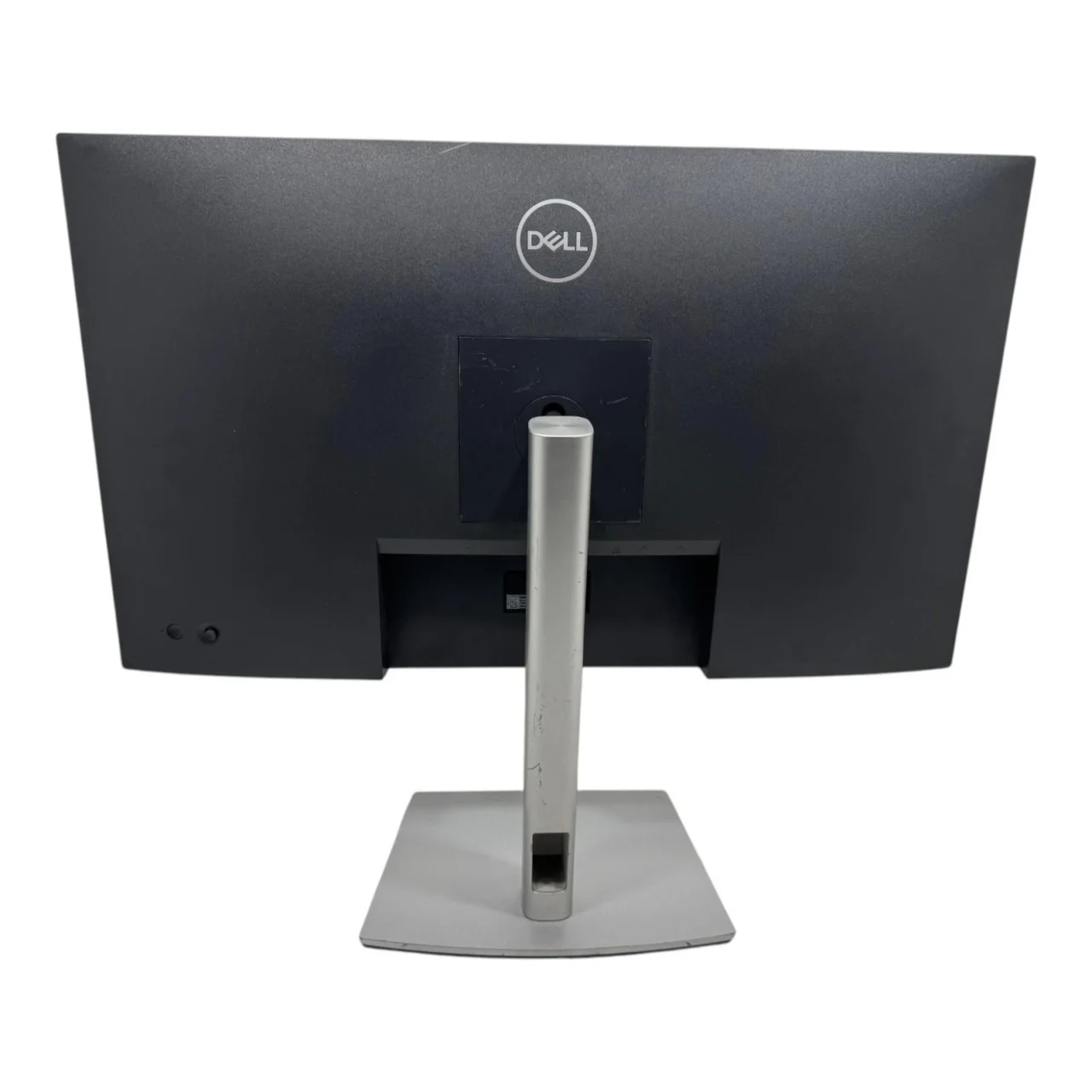
The monitor includes an adjustable stand that supports height adjustment, tilt, swivel, and pivot rotation. Users can raise or lower the screen, change its viewing angle, rotate it horizontally, or switch to portrait orientation.
Portrait mode is useful for reviewing long documents, source code, reports, and vertically arranged content.
The P2721Q also supports VESA 100 × 100 mm mounting, allowing installation on a compatible monitor arm or mounting bracket.
The Dell P2721Q features an anti-glare screen coating with 3H hardness to help reduce reflections and provide a durable display surface.
Its narrow-bezel design and integrated cable-management features support an organised workstation. The understated appearance is suitable for corporate offices, home offices, and professional desktop environments.
The Dell P2721Q combines high-resolution visuals, flexible connectivity, and ergonomic adjustments in a professional monitor.
Its main benefits include:
These features make the P2721Q a practical choice for users who value resolution and connectivity over gaming-focused performance.
Software developers often work with code editors, terminals, browser windows, debugging tools, and technical documentation simultaneously. The Dell P2721Q’s 4K resolution provides a detailed workspace for arranging these applications.
Its 163 pixels-per-inch density helps render text and interface elements sharply. Developers can also use display scaling to balance readability with the amount of information visible on screen.
The adjustable stand supports comfortable positioning, while portrait rotation can be useful for reviewing long source files, logs, and documentation.
USB-C connectivity makes the monitor convenient for compatible laptop-based development environments. The integrated USB hub provides connections for peripherals without requiring every accessory to be plugged directly into the computer.
For developers who prioritise detailed visuals, workspace organisation, and practical connectivity, the P2721Q is a capable productivity monitor.
Organisations need monitors that support efficient workflows, straightforward connectivity, and comfortable daily use. The Dell P2721Q offers a useful combination of features for offices, educational institutions, corporate departments, and professional workspaces.
Its 4K resolution is beneficial for spreadsheets, reports, presentations, business dashboards, and document management. The IPS panel supports shared viewing, while the ergonomic stand allows employees to customise the screen position.
USB-C connectivity can simplify compatible laptop setups, reducing the number of cables required at each workstation. The integrated USB hub also provides convenient connections for supported peripherals.
For organisations purchasing multiple displays, it is important to verify laptop compatibility, power delivery requirements, warranty terms, and local availability. Businesses should also consider whether their computers can drive 4K resolution at 60Hz.
The Dell P2721Q is suitable for several categories of users:
Users who require a refresh rate above 60Hz, built-in speakers, or higher USB-C charging power may prefer a different monitor model.
Setting up the Dell P2721Q is straightforward when using compatible equipment.
For the best experience, ensure that the computer’s graphics hardware and selected cable support 4K output at 60Hz. The monitor does not include built-in speakers, so separate speakers or headphones may be required for audio.
The Dell P2721Q 27-Inch 4K USB-C Monitor is a professional display that combines 4K UHD resolution, IPS technology, 99% sRGB colour coverage, and USB-C power delivery of up to 65W.
Its integrated USB hub, ergonomic stand, and HDMI and DisplayPort connectivity make it suitable for developers, office professionals, data analysts, and remote workers. Although it does not include built-in speakers or high-refresh-rate gaming features, it offers a practical combination of image detail and everyday workstation functionality.
Overall, the Dell P2721Q is worth considering for productivity-focused environments where high resolution, flexible positioning, and convenient laptop connectivity are priorities.
No account yet?
Create an Account







 ASUS
ASUS






