






 Laptop Computers
 Desktop Computers
 Printers
 Network
 Software
 Laptop Accessories
 Laptop Components
 Office
 Desktop peripherals

Hurry and get discounts on all Apple devices up to 20%
Sale_coupon_15
KSh20,000.00 excl. VAT
Payment Methods:

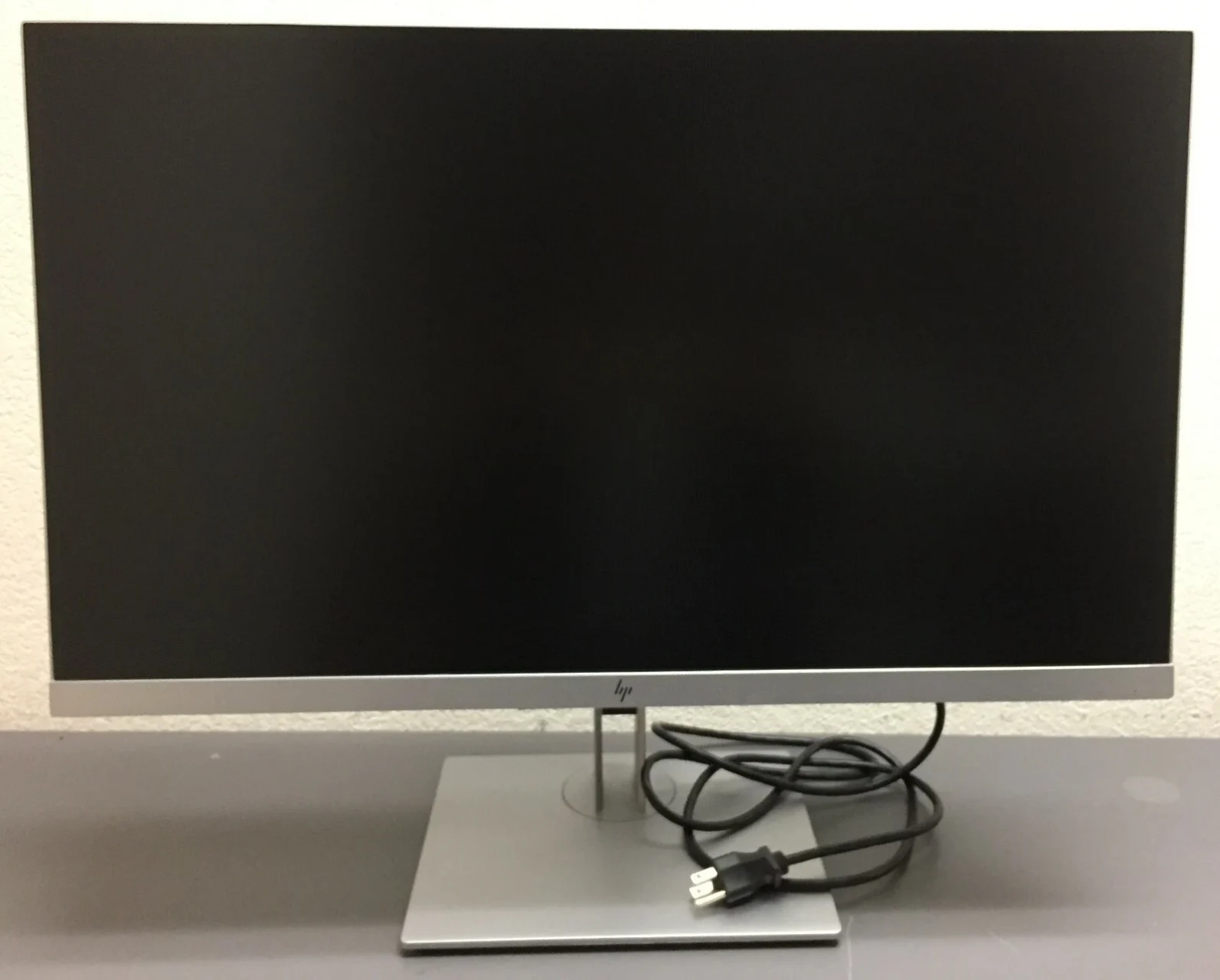
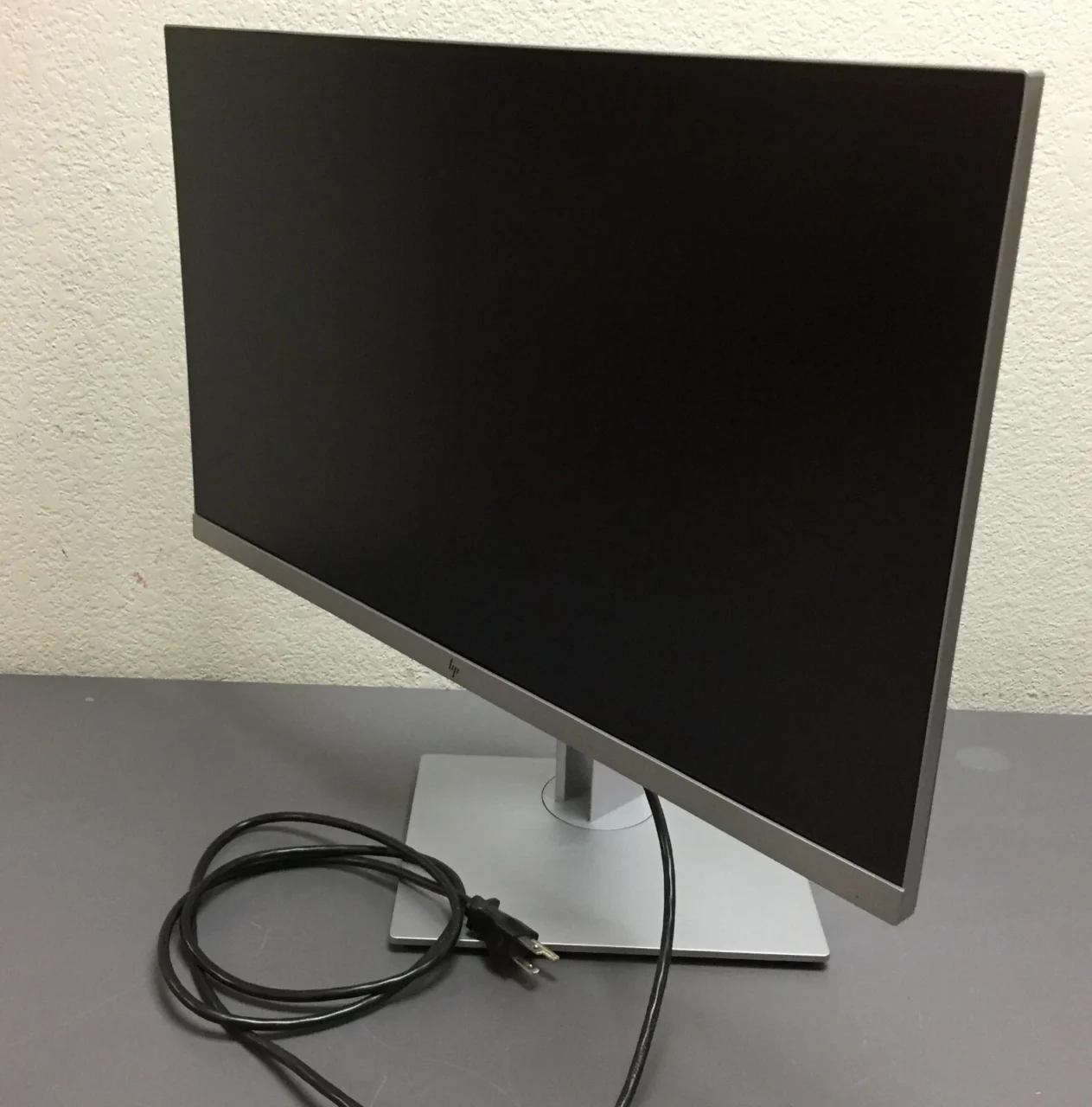
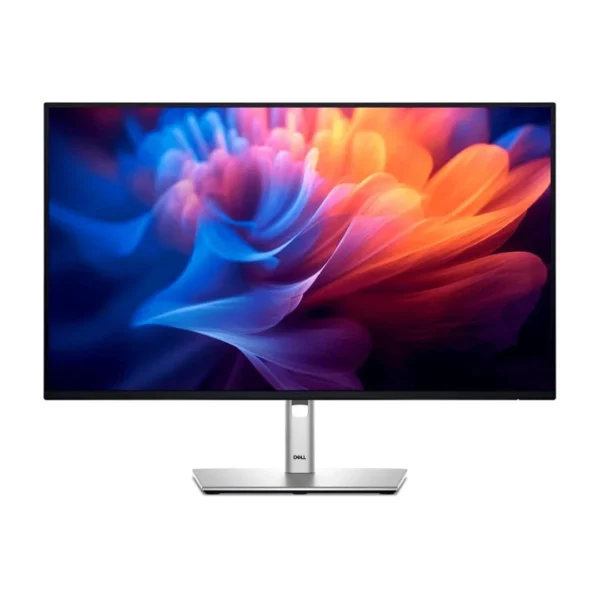
The HP EliteDisplay E273q 27-inch QHD IPS Monitor is a business-oriented display designed for professional offices, home workstations, educational environments, and everyday computing. With its Quad HD resolution, IPS panel technology, ergonomic stand, and multiple connectivity options, this monitor provides a practical solution for users who need a larger workspace and comfortable viewing experience.
The HP EliteDisplay E273q features a 2560 × 1440 resolution, delivering more screen space than a standard Full HD monitor. Its 27-inch display is suitable for working with documents, spreadsheets, presentations, web applications, and multiple windows simultaneously. The monitor also includes HDMI, DisplayPort, VGA, USB-C, and USB connectivity, making it adaptable to a variety of desktop and laptop setups.
The HP EliteDisplay E273q features a 27-inch screen with a native Quad HD resolution of 2560 × 1440 pixels. This resolution provides detailed images, clear text, and additional workspace for multitasking.
Users can arrange multiple applications side by side, review large spreadsheets, edit documents, and manage browser tabs without constantly switching between windows. The 16:9 widescreen aspect ratio also makes it suitable for presentations, video playback, and general office work.
The monitor uses an In-Plane Switching (IPS) panel that delivers consistent colours and wide viewing angles of up to 178 degrees horizontally and vertically.
This makes the display useful in office environments where colleagues may need to view information from different positions. IPS technology also supports clear text and consistent image presentation for routine productivity tasks.
With a typical brightness rating of 350 cd/m² and a static contrast ratio of 1000:1, the HP EliteDisplay E273q is designed to deliver clear images in typical indoor working environments.
Its anti-glare screen helps reduce reflections from surrounding light sources, making it more comfortable to use in offices and home workspaces. The monitor also supports up to 16.7 million colours and approximately 99.6% sRGB colour coverage according to HP product documentation.
The HP EliteDisplay E273q provides several connection options for compatible computers and peripherals, including HDMI, DisplayPort, VGA, and USB-C.
The USB-C upstream connection supports video input and power delivery of up to 15 W. This can be useful for compatible laptops, although it may not provide enough power to charge some modern laptops fully during use.
The monitor also includes USB downstream ports for connecting compatible peripherals, such as a keyboard, mouse, or other USB accessories. These connections can help keep a workstation organised and reduce the need to reach for the computer’s USB ports.
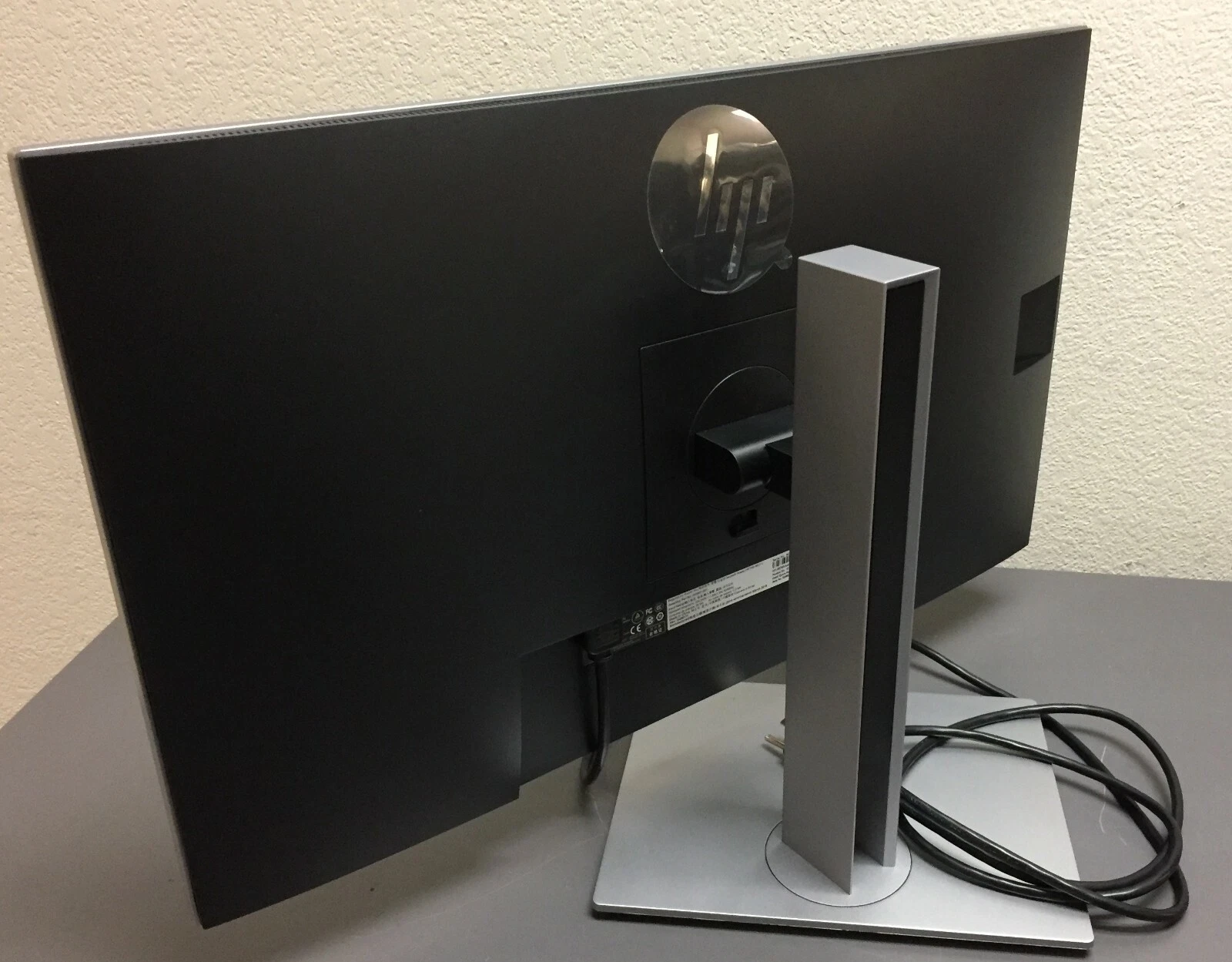
The monitor comes with an adjustable stand designed to support comfortable working positions. Users can adjust the height, tilt, swivel, and screen orientation to suit their desk setup.
The display supports approximately 150 mm of height adjustment and 90-degree pivot rotation. Portrait orientation can be particularly useful when reading long documents, reviewing code, or working with vertically arranged content.
The anti-glare screen helps minimise distracting reflections, while the monitor’s flicker-free design is intended to support a more comfortable viewing experience during routine work.
These features can be useful for users who spend extended periods reading, writing, or working with business applications. Appropriate screen brightness, regular breaks, and a comfortable viewing position remain important for overall comfort.
The QHD resolution provides more desktop space than Full HD, allowing users to display more information at once. This can make everyday tasks such as editing documents, comparing spreadsheets, researching online, and managing business applications more efficient.
The adjustable stand allows users to position the monitor according to their desk height and viewing preferences. Its pivot function also makes it easier to switch between landscape and portrait layouts when required.
The combination of HDMI, DisplayPort, VGA, and USB-C allows the monitor to work with many compatible desktop computers and laptops. This flexibility is particularly valuable in organisations that use different computer models or gradually upgrade their equipment.
The integrated USB ports provide convenient access for compatible accessories. When the monitor is connected to a computer using the appropriate upstream connection, supported peripherals can be connected through the monitor instead of directly to the computer.
The HP EliteDisplay E273q is designed around office productivity, ergonomic adjustment, and practical connectivity. These features make it suitable for professional workstations where reliability and usability are more important than gaming-specific functions.
The HP EliteDisplay E273q can be a useful monitor for software developers, programmers, and IT professionals who need additional screen space for technical work.
Its 2560 × 1440 resolution allows developers to display code editors, terminal windows, documentation, browser previews, and debugging tools side by side. The additional vertical and horizontal workspace can reduce the need to switch repeatedly between applications.
The IPS panel provides wide viewing angles and consistent image presentation, while the adjustable stand allows the display to be raised, tilted, or rotated into portrait orientation. Portrait mode can be particularly useful for reviewing long source-code files, configuration files, and technical documentation.
The monitor’s HDMI, DisplayPort, and USB-C connections also provide flexibility when connecting compatible desktop computers and laptops. However, users should note that the USB-C power delivery rating is limited to 15 W, so a separate laptop charger may still be necessary.
For developers working with standard programming environments, business software, and web applications, the HP EliteDisplay E273q offers a practical balance of resolution, connectivity, and ergonomic flexibility.
The HP EliteDisplay E273q is suitable for organisations that need practical displays for office productivity, administration, customer service, education, and general business operations.
Its 27-inch QHD screen provides sufficient workspace for employees working with spreadsheets, databases, documents, presentations, and web-based business systems. The IPS panel and anti-glare coating also support clear viewing in typical office environments.
The monitor’s range of video connections makes it easier to integrate into workplaces with different computer configurations. Its adjustable stand allows employees to customise the screen position, while USB connectivity offers convenient access to compatible peripherals.
For IT departments and procurement teams, the HP EliteDisplay E273q may be a useful option for standard office workstations, provided the monitor’s specifications and condition meet the organisation’s requirements. Since this is an older monitor model, buyers should check availability, warranty coverage, physical condition, and compatibility before purchasing.
The HP EliteDisplay E273q is worth considering for:
It is less suitable for users specifically seeking a high-refresh-rate gaming monitor, HDR-focused entertainment display, or a USB-C monitor with high-wattage laptop charging.
The HP EliteDisplay E273q can connect to compatible computers using HDMI, DisplayPort, VGA, or USB-C. For the full native QHD resolution of 2560 × 1440 at 60 Hz, the computer’s graphics hardware and selected connection must support the required display mode.
To install the monitor, place it on a stable desk or attach it to a compatible VESA mounting solution. Connect the appropriate video cable, connect the power cable, and select the correct input source using the monitor’s on-screen controls.
For USB peripheral connectivity, connect the monitor’s USB upstream connection to the computer using the appropriate cable. USB-C power delivery is limited to 15 W, so users should not assume it replaces a laptop’s normal power adapter.
The monitor’s stand supports height, tilt, swivel, and pivot adjustments. Users should position the display at a comfortable viewing height and adjust its angle to reduce reflections and maintain a natural posture.
No account yet?
Create an Account







 ASUS
ASUS






