














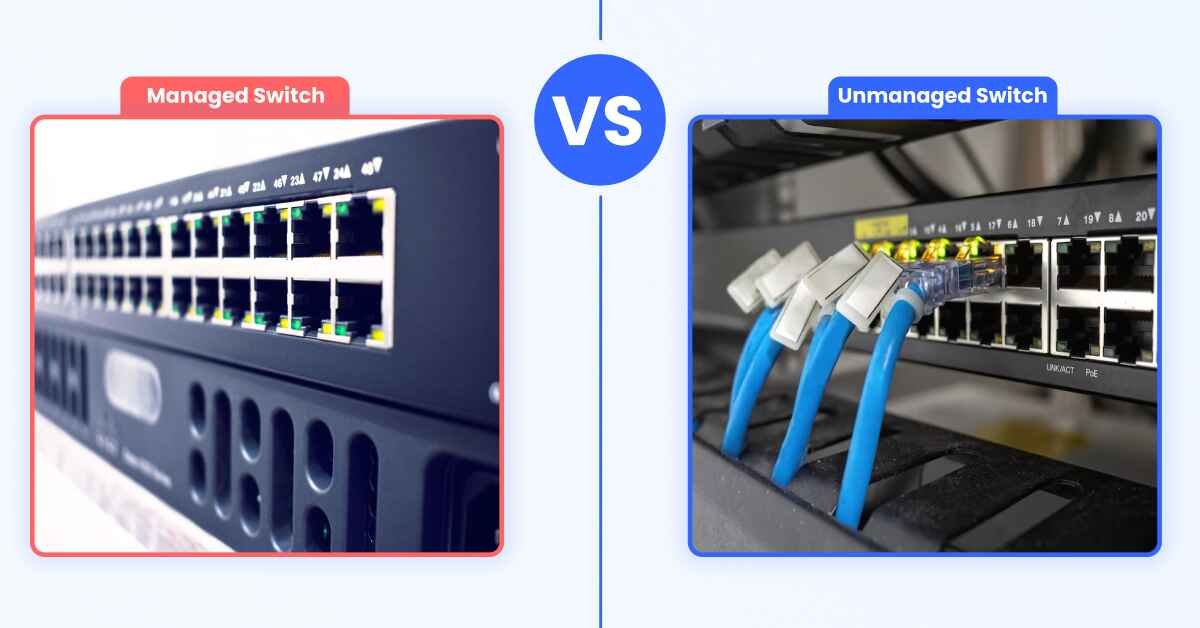
Whether you’re setting up a home network, expanding a small office, or building an enterprise IT infrastructure, choosing the right network switch is essential for fast, reliable, and secure connectivity.
One of the most common questions buyers ask is:
Should I buy a managed or an unmanaged network switch?
While both devices connect multiple computers, printers, IP phones, access points, and other network devices, they serve different purposes. Selecting the wrong switch can lead to unnecessary costs or limit your network as your business grows.
This guide explains the differences between managed and unmanaged switches, their advantages, and how to choose the right one for your networking needs.
What Is a Network Switch?
A network switch is a device that connects multiple devices within a Local Area Network (LAN), allowing them to communicate efficiently.
Unlike older network hubs that broadcast data to every connected device, a switch intelligently sends data only to the intended destination. This reduces congestion, improves speed, and enhances overall network performance.
Common devices connected to a switch include:
Why Do You Need a Network Switch?
Most routers include only 4 to 8 Ethernet ports. If your network grows beyond that, a switch provides additional ports and better traffic management.
A network switch is ideal if you:
-Need more wired connections
-Run a business network
-Install CCTV systems
-Connect multiple access points
-Manage servers or storage devices
-Require faster and more reliable data transfers
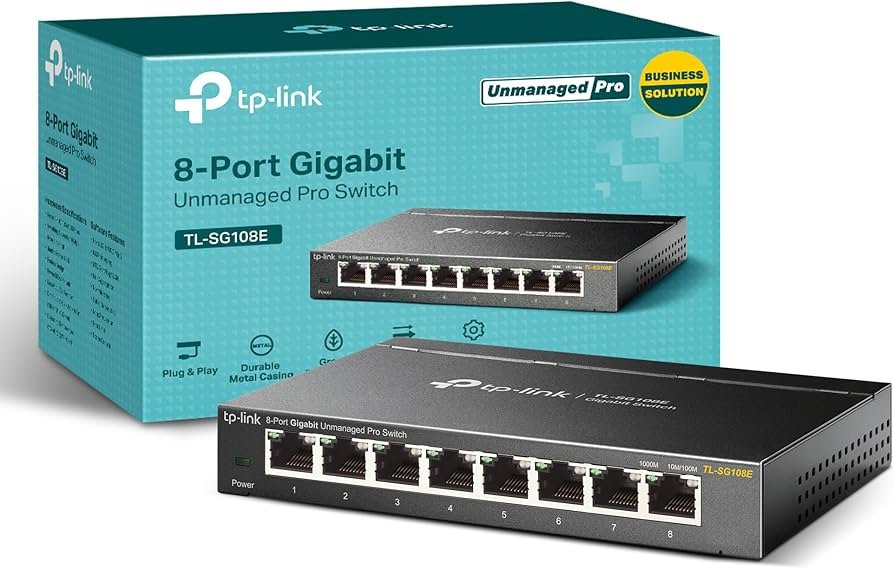
What Is an Unmanaged Network Switch?
An unmanaged switch is the simplest type of network switch. It works immediately after you connect it—no setup, configuration, or technical knowledge required. These switches automatically detect connected devices and begin forwarding network traffic.
Advantages of Unmanaged Switches
- Plug-and-play installation
- Affordable pricing
- No configuration required
- Reliable for basic networking
- Low maintenance
Best For
- Homes
- Small offices
- Internet cafés
- Retail shops
- Small businesses
- Basic CCTV installations
If your network only needs to connect a few devices without advanced control, an unmanaged switch is often the most cost-effective option.
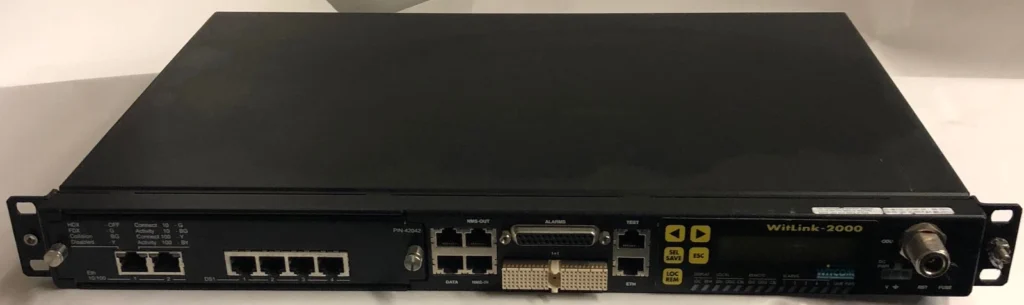
What Is a Managed Network Switch?
A managed switch provides advanced control over your network. It allows administrators to configure, monitor, and optimize network performance through a web interface or command-line management.
Managed switches are designed for environments where security, performance, and scalability are priorities.
Features of Managed Switches
- VLAN support
- Quality of Service (QoS)
- Traffic monitoring
- Port management
- Network security settings
- Link aggregation
- Remote management
- Bandwidth control
- SNMP monitoring
- Network diagnostics
These features make managed switches ideal for growing businesses and enterprise environments.
Managed vs Unmanaged Switches
| Feature | Managed Switch | Unmanaged Switch |
|---|---|---|
| Installation | Requires configuration | Plug and play |
| Price | Higher | Lower |
| Network Monitoring | Yes | No |
| VLAN Support | Yes | No |
| Quality of Service (QoS) | Yes | No |
| Remote Management | Yes | No |
| Security Features | Advanced | Basic |
| Business Growth | Excellent | Limited |
| Home Use | Sometimes | Excellent |
| Enterprise Networks | Ideal | Not recommended |
When Should You Choose an Unmanaged Switch?
An unmanaged switch is the right choice if:
- You need a simple wired network.
- You don’t require network monitoring.
- You have fewer than 20 devices.
- You want the lowest cost.
- Your network rarely changes.
Examples include:
Small surveillance systems
Home internet setup
Small office
Retail POS systems
When Should You Choose a Managed Switch?
A managed switch is recommended if:
- Your business is growing.
- You need secure network segmentation.
- You operate multiple departments.
- You use VoIP phones.
- You have many access points.
- You manage servers.
- You need to prioritize network traffic.
- You require remote troubleshooting.
Examples include:
Large CCTV systems
Corporate offices
Schools
Hotels
Hospitals
Universities
Data centres
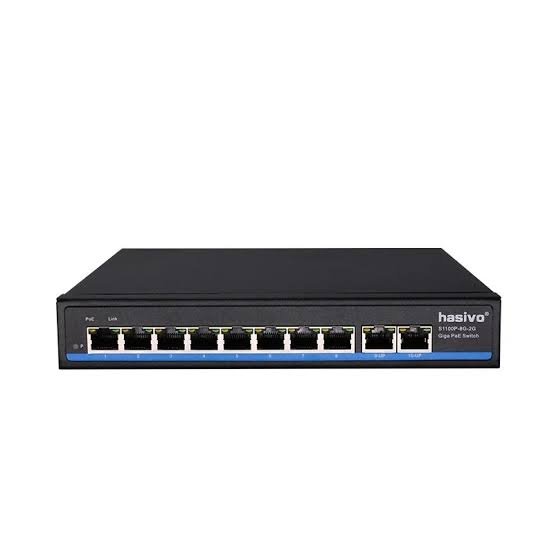
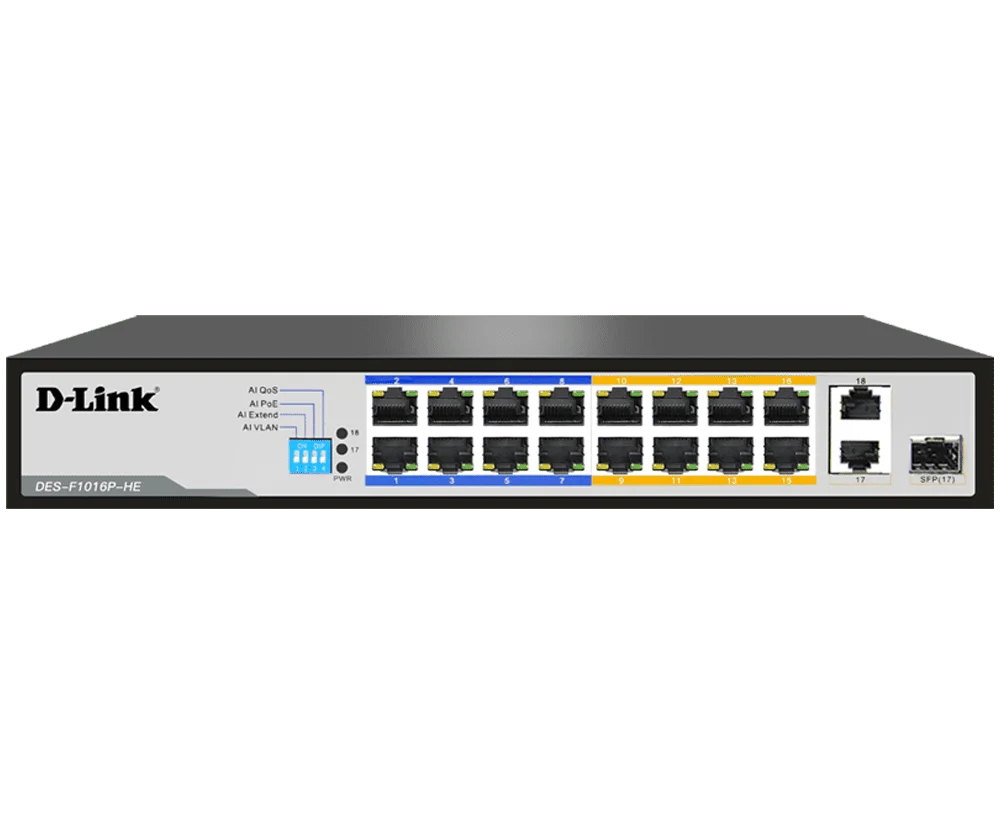
Another important feature to consider is Power over Ethernet (PoE).
PoE switches deliver both power and data through a single Ethernet cable, eliminating the need for separate power adapters.
PoE is commonly used for:
- IP security cameras
- WiFi access points
- VoIP phones
- Smart access control systems
If you’re installing CCTV or enterprise WiFi, a PoE switch can simplify installation and reduce cabling costs.
How Many Ports Do You Need?
Choosing the right number of ports depends on your current and future requirements.
| Number of Ports | Recommended For |
| 5 Ports | Home office |
| 8 Ports | Small office |
| 16 Ports | Growing business |
| 24 Ports | Medium-sized office |
| 48 Ports | Enterprise network |
It’s a good idea to leave extra ports available for future expansion.
Contact Lansotech Solutions today:
Email: sales@lansotechsolutions.co.ke
Call/WhatsApp 0791-833-529 Start WhatsApp Chat>>








 ASUS
ASUS






