






 Laptop Computers
 Desktop Computers
 Printers
 Network
 Software
 Laptop Accessories
 Laptop Components
 Office
 Desktop peripherals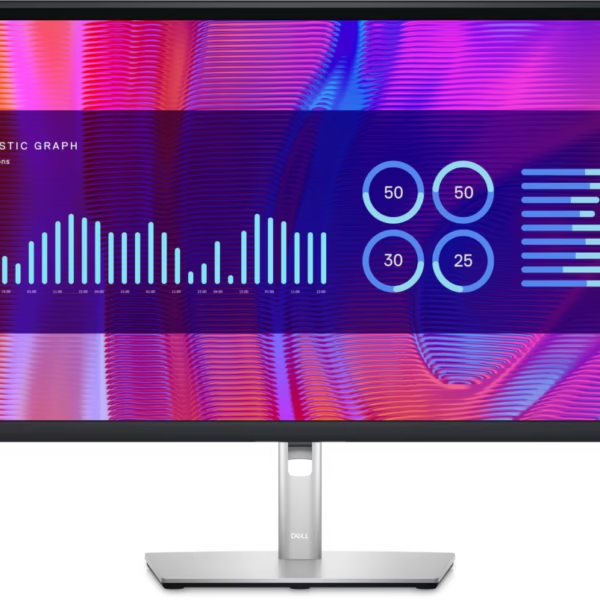

Hurry and get discounts on all Apple devices up to 20%
Sale_coupon_15
KSh44,000.00 excl. VAT
Payment Methods:

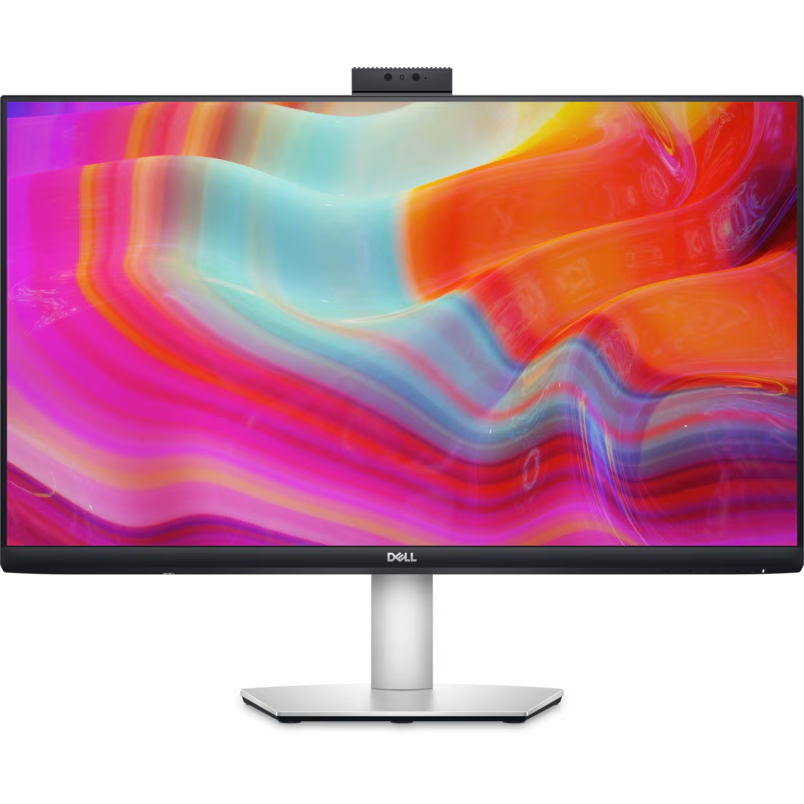
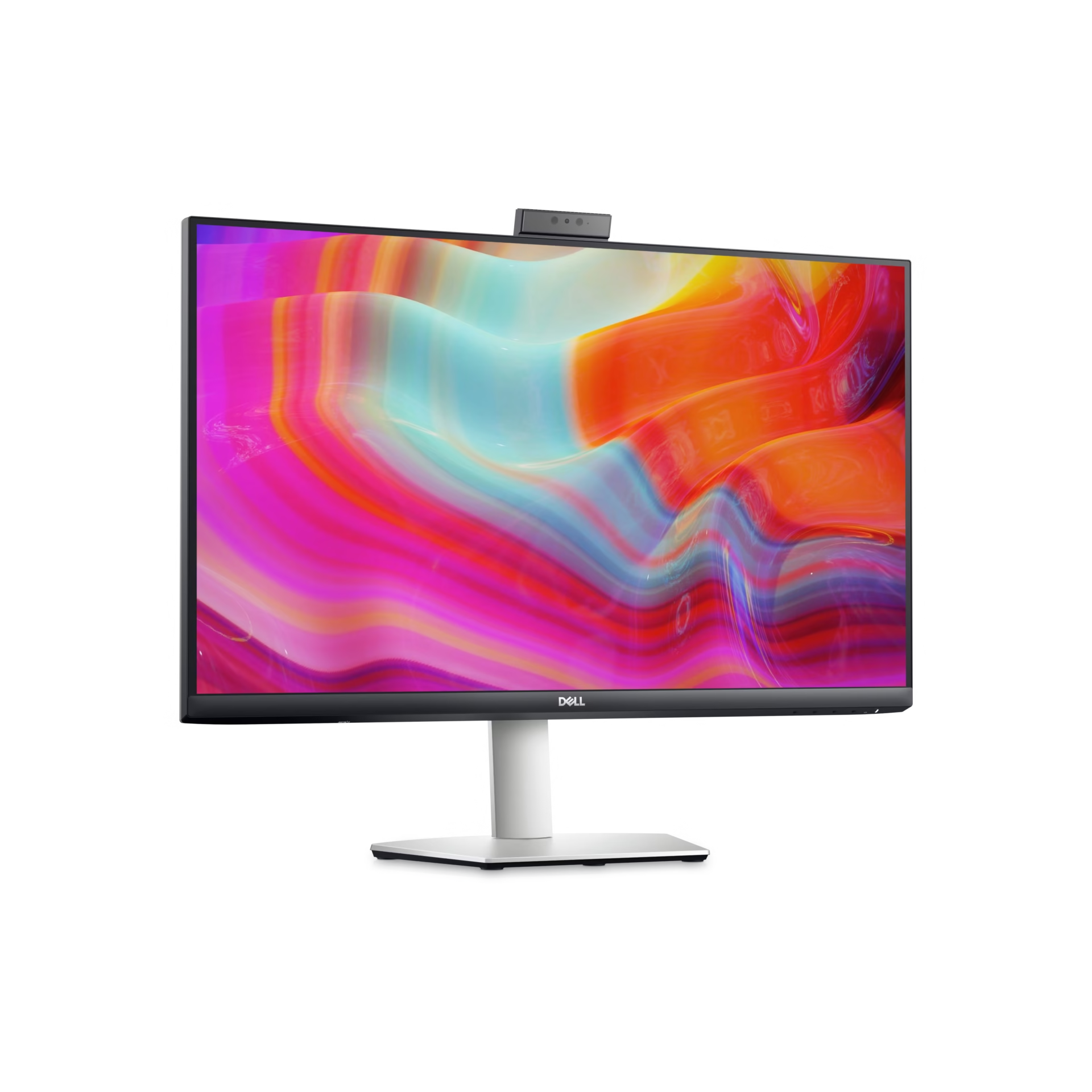
The Dell S2722DZ 27-inch QHD Video Conferencing Monitor is a versatile display designed for professional productivity, software development, remote work and virtual meetings. It combines a 2560 × 1440 QHD resolution with IPS panel technology, an integrated 5MP webcam, noise-cancelling microphones and dual 5W speakers.
With USB-C connectivity and up to 65W power delivery, the Dell S2722DZ helps simplify workstation setups for compatible laptops. Its ergonomic stand, 75Hz refresh rate and integrated conferencing features make it a practical choice for developers, business professionals and organisations seeking a display that supports both focused work and online collaboration.
The Dell S2722DZ features a 27-inch screen with a native resolution of 2560 × 1440 pixels. This QHD resolution provides more desktop space than Full HD, allowing users to organise multiple applications, documents and browser windows side by side.
The additional workspace is particularly useful for programming, spreadsheets, video meetings and business applications. Its three-sided narrow-border design also creates a modern appearance suitable for professional workstations.
The monitor uses In-Plane Switching (IPS) technology to deliver consistent image quality and viewing angles of up to 178 degrees horizontally and vertically.
With a brightness of 350 cd/m², a 1000:1 contrast ratio and 99% sRGB colour coverage, the display is suitable for office applications, web design, presentations and general multimedia use.
Its anti-glare screen helps minimise reflections, while the 75Hz refresh rate provides smoother scrolling and desktop movement than a typical 60Hz display.
A major feature of the Dell S2722DZ is its integrated 5MP infrared webcam. It is designed for video conferencing and supports Windows Hello facial recognition on compatible systems.
The integrated camera reduces the need for a separate webcam, helping create a cleaner desk setup. Its retractable design also allows users to conceal the camera when it is not needed.
The monitor includes two noise-cancelling microphones and dual 5W speakers. These features provide an integrated audio solution for online meetings, remote collaboration, virtual training and everyday communication.
By combining the camera, microphones and speakers in one device, the S2722DZ reduces the number of separate peripherals required for a typical video-conferencing workstation.
The Dell S2722DZ supports USB-C connectivity with DisplayPort video and power delivery of up to 65W to compatible laptops.
A single USB-C cable can carry video and USB data while charging a supported laptop. This can reduce cable clutter and simplify moving between a mobile computer and a desktop workstation.
The monitor also includes HDMI 1.4, DisplayPort 1.2, USB downstream ports and an audio line-out connection. Its integrated USB hub provides convenient access to compatible peripherals.
Dell ComfortView Plus is designed to reduce blue-light emissions while maintaining colour performance. The monitor also supports flicker-free technology to help provide a more comfortable viewing experience.
These features are useful for professionals who spend extended periods working at a computer. Appropriate brightness settings, comfortable screen positioning and regular breaks remain important.
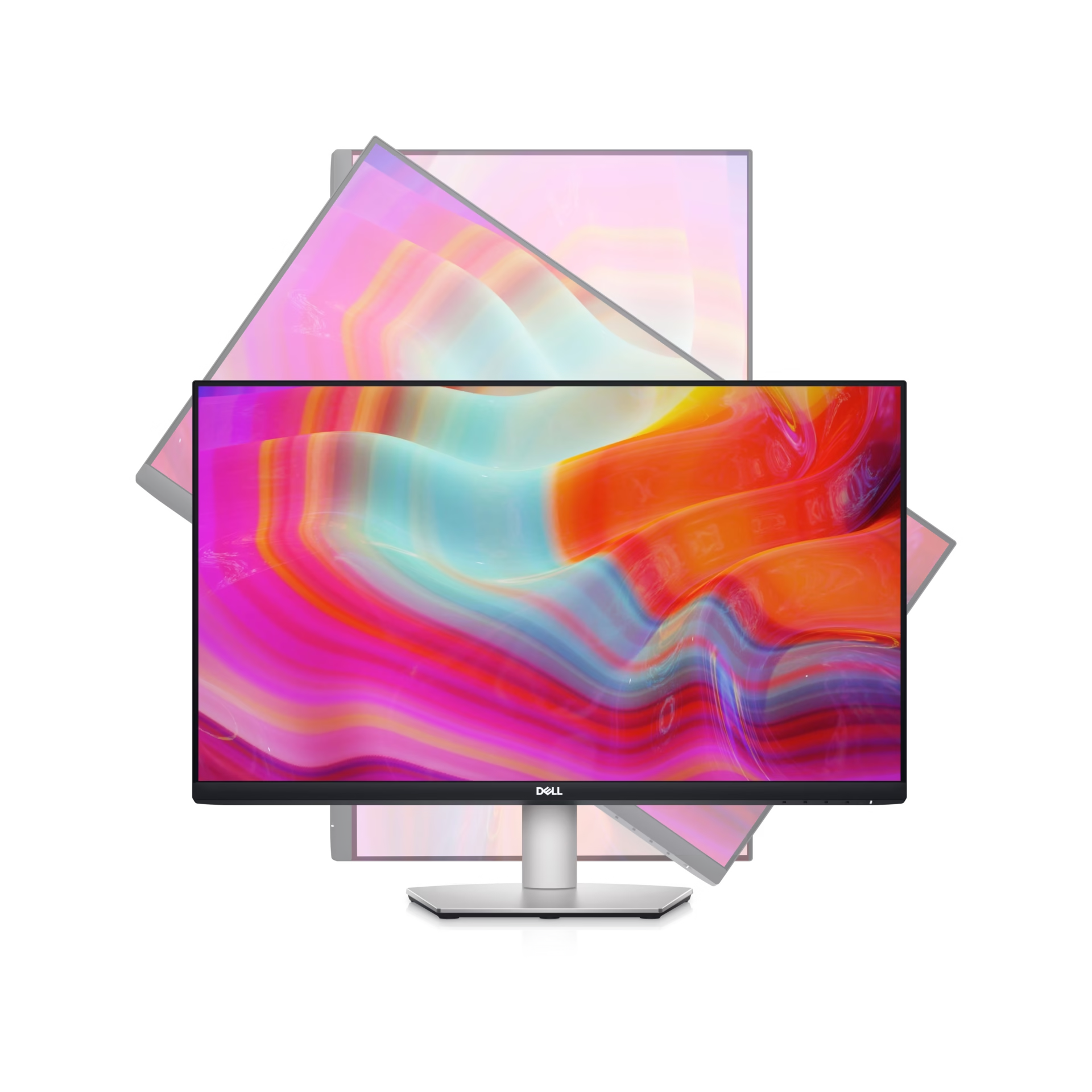
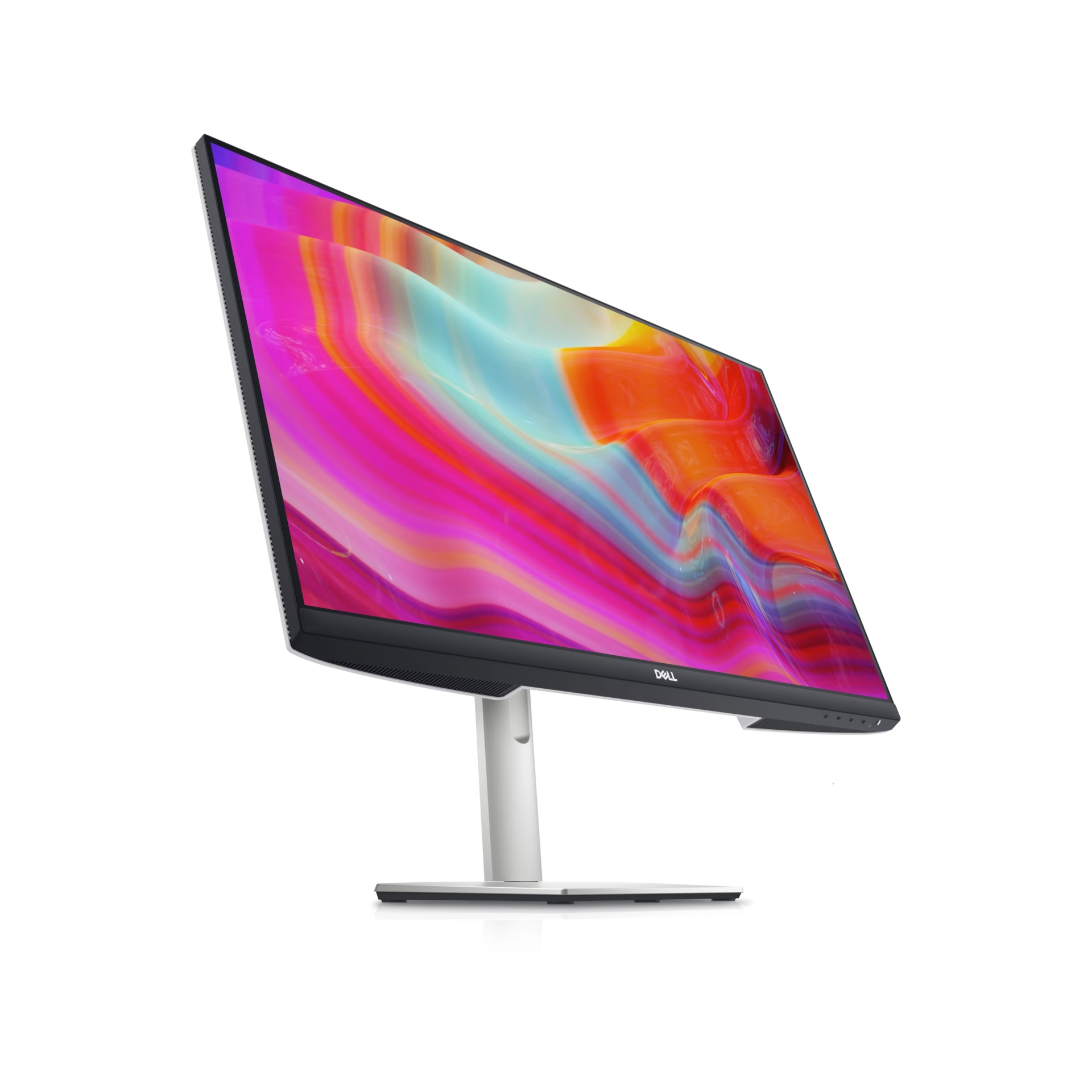
The monitor’s stand supports height adjustment, tilt, swivel and pivot rotation. This allows users to customise screen positioning according to their desk arrangement and working preferences.
VESA 100 × 100mm mounting compatibility also allows installation on a suitable monitor arm or wall mount, offering flexibility for home offices and corporate workstations.
The Dell S2722DZ is a good monitor for developers because its 27-inch QHD display provides a practical workspace for managing code editors, terminals, browser previews, debugging tools and technical documentation simultaneously.
The additional resolution makes it easier to arrange development applications side by side, while the IPS panel supports clear text and consistent visuals. Its 75Hz refresh rate also makes scrolling through source code and web pages feel smoother than on a standard 60Hz monitor.
USB-C connectivity is especially useful for developers working with compatible laptops. Connecting through one cable can provide display output, USB data and laptop charging of up to 65W, helping reduce desk clutter.
The integrated webcam, microphones and speakers are valuable for remote code reviews, team stand-ups, client demonstrations and online technical meetings. Developers can participate in video calls without needing to purchase and configure separate conferencing peripherals.
For developers who also create web interfaces, the monitor’s 99% sRGB colour coverage supports general web-oriented design work. However, its 75Hz refresh rate and standard QHD resolution are aimed at productivity rather than specialised high-refresh-rate gaming or advanced HDR production.
The Dell S2722DZ is a good monitor for organisations that need a versatile display for office productivity, remote collaboration and hybrid working. Its QHD resolution provides room for business applications, reports, spreadsheets and communication tools, helping employees manage multiple tasks on one screen.
The integrated webcam, noise-cancelling microphones and dual speakers make it suitable for video meetings, virtual training and online presentations. Organisations can reduce the need to purchase separate conferencing accessories for every workstation.
USB-C connectivity with up to 65W power delivery also simplifies desk arrangements for employees using compatible laptops. The integrated USB hub provides additional connections for everyday peripherals, while the adjustable stand supports a more adaptable workstation setup.
For IT departments, the combination of display, conferencing and connectivity features makes the S2722DZ a useful option for meeting rooms, individual workstations and home-office deployments. Organisations should confirm compatibility with their laptop fleet, particularly USB-C video output, charging requirements and Windows Hello support.
The Dell S2722DZ is suitable for:
Users who need 4K resolution, higher refresh rates, specialised colour calibration or more than 65W of laptop charging may prefer a different monitor.
The Dell S2722DZ connects to compatible computers through USB-C, HDMI 1.4 or DisplayPort 1.2. To use USB-C for video, data and charging, the computer must support the appropriate USB-C video and power-delivery functions.
For optimal display quality, configure the monitor to its native resolution of 2560 × 1440 at up to 75Hz, where supported by the computer and connection.
The integrated webcam and microphones may require operating-system permissions and compatible video-conferencing software. Windows Hello functionality requires a supported Windows system and compatible configuration.
The USB hub requires an appropriate upstream connection to the computer. Users should also verify that their laptop’s power requirements are compatible with the monitor’s maximum 65W USB-C power delivery.
No account yet?
Create an Account







 ASUS
ASUS






