







 Laptop Computers
 Desktop Computers
 Printers
 Network
 Software
 Laptop Accessories
 Laptop Components
 Office
 Desktop peripherals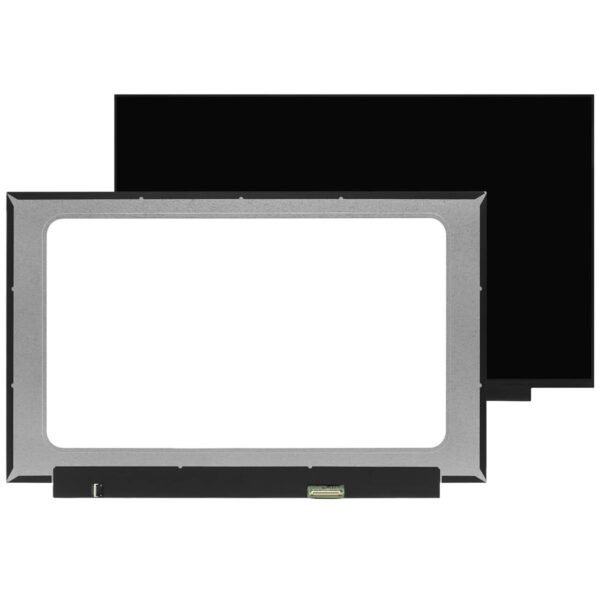

Hurry and get discounts on all Apple devices up to 20%
Sale_coupon_15
KSh18,000.00 excl. VAT
Payment Methods:

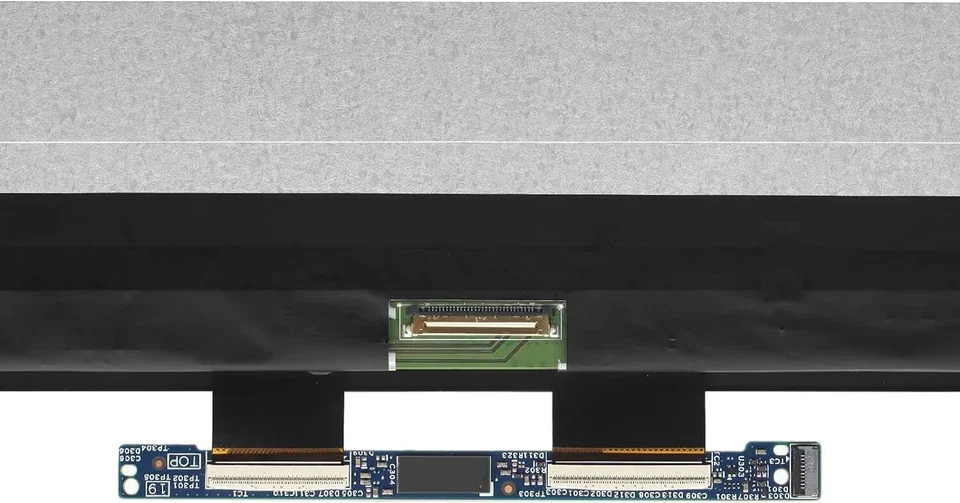
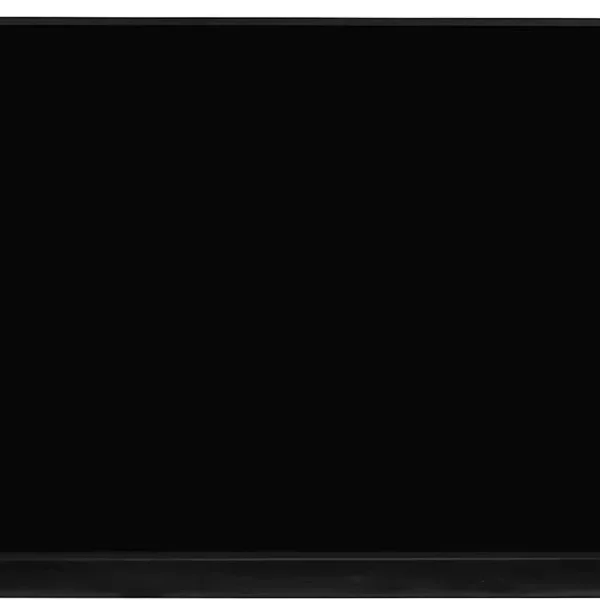
The HP Envy 17 is a high-end laptop featuring a touchscreen display designed for productivity and entertainment. Over time, accidents, spills, or general wear can damage the touch screen, affecting usability. A genuine replacement restores full touch functionality and display clarity.
At Lansotech Solutions, Nairobi’s leading laptop repair specialists, we provide authentic HP Envy 17 touch screen replacements, installed professionally with warranty coverage and excellent customer service.
Cracked or shattered screen due to drops or pressure
Unresponsive touch or lagging touch inputs
Lines, flickers, or dead pixels
Black or blank display despite powering on
Dim or washed-out colors
These issues can compromise productivity and the overall laptop experience, making replacement necessary.
Accidental drops or impact
Pressure from heavy objects on the laptop lid
Liquid spills affecting internal circuits
Normal wear and tear on hinges and connectors
Display Size: 17.3 inches
Resolution: Full HD (1920×1080) or 4K UHD depending on model
Panel Type: IPS with multi-touch capability
Connector: eDP ribbon cable, specific to touch-enabled panels
Touch Type: Capacitive touch supporting multi-finger gestures
Matching these specifications is critical to ensure compatibility.
Full HD (1920×1080): Standard clarity, more affordable
4K UHD (3840×2160): Ultra-sharp display, ideal for graphics or video work
Glossy: Often the standard on touchscreens for enhanced color
Matte: Anti-glare options are less common but reduce reflections
Genuine HP touchscreens guarantee optimal touch response, color accuracy, and longevity
Aftermarket panels may be cheaper but often suffer from poor color, lag, or lower durability
Phillips screwdriver
Plastic pry tools / spudger
Tweezers for delicate cables
Anti-static wrist strap (recommended)
Replacement HP Envy 17 touch screen
Shut down the laptop, unplug it from power, and remove the battery if possible.
Use a plastic pry tool to carefully unclip the bezel around the screen.
Unscrew hinges, tilt the old screen forward, and detach the ribbon cable connecting the touchscreen and LCD panel.
Position the new screen, connect the touch cable and display cable, and secure it with screws.
Replace the bezel, reconnect power, and test both display and touch functionality to ensure responsiveness.
Using a non-touch replacement on a touch-enabled model
Pulling or bending the touch ribbon cable
Over-tightening screws
Skipping post-installation testing
Using non-genuine parts that may fail quickly
Safety & Accuracy: Technicians handle delicate touch panels and connectors carefully
Warranty & Support: Professional installation ensures a reliable warranty
Time-Saving: Faster, precise, and avoids common DIY mistakes
Correct Part Matching: Professionals source the correct OEM panel
Certified Technicians in Nairobi trained on HP Envy 17 repairs
Genuine HP Touch Screens for optimal color and responsiveness
Fast Service & Affordable Prices with most replacements completed in 45–60 minutes
Warranty & Customer Support on both parts and labor
Use a padded laptop bag
Avoid placing heavy objects on the lid
Handle the laptop carefully when opening and closing
Keep liquids away and clean the screen with a microfiber cloth
Avoid sharp or hard objects touching the panel
1. Can I replace the HP Envy 17 touch screen myself?
Yes, but professional installation is recommended to avoid damaging delicate cables and connectors.
2. How much does a touch screen replacement cost?
Full HD OEM replacement ranges from KSh 12,000–15,000, while 4K panels are KSh 18,000–22,000.
3. Do you provide a warranty?
Yes, both parts and labor are covered after installation.
4. Will my touch functionality work immediately after replacement?
Yes, if a genuine OEM screen is installed properly by a certified technician.
5. Can I upgrade my HP Envy 17 to a 4K touch screen?
Yes, as long as your model supports 4K resolution; professional installation is required.
Replacing the HP Envy 17 touch screen with an authentic HP panel ensures full functionality, accurate colors, and a responsive touchscreen experience. Choosing Lansotech Solutions in Nairobi guarantees expert installation, genuine OEM parts, fast service, and reliable warranty coverage — ensuring your laptop performs like new.
No account yet?
Create an Account







 ASUS
ASUS






