






 Laptop Computers
 Desktop Computers
 Printers
 Network
 Software
 Laptop Accessories
 Laptop Components
 Office
 Desktop peripherals

Hurry and get discounts on all Apple devices up to 20%
Sale_coupon_15
KSh7,000.00 excl. VAT
Payment Methods:

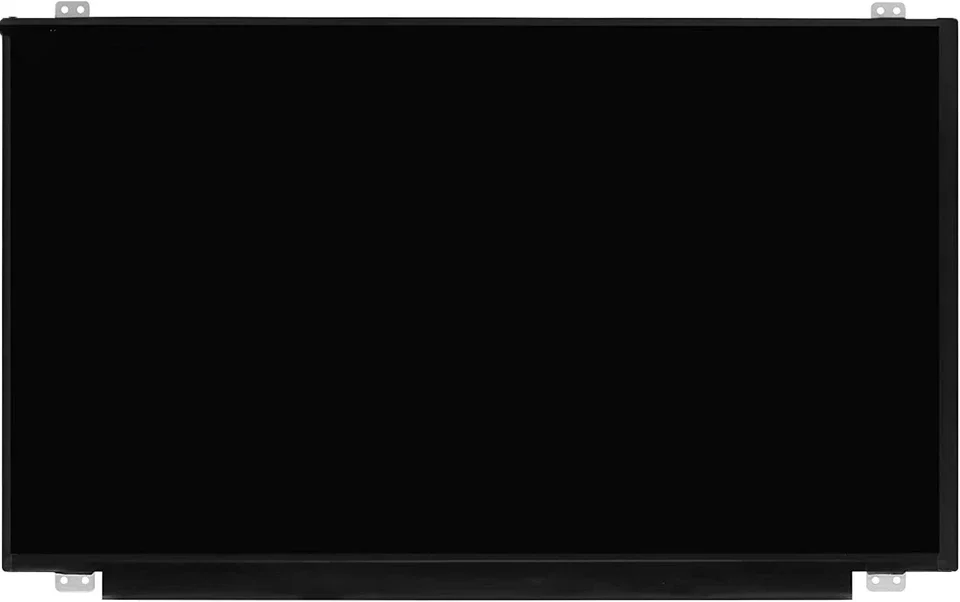
The HP Envy M6 is a reliable laptop for work, entertainment, and general use. A cracked or damaged non-touch screen can disrupt your workflow, making a replacement necessary.
At Lansotech Solutions, Nairobi’s leading laptop repair center, we offer genuine HP Envy M6 non-touch screen replacements, providing professional installation, fast turnaround, and warranty coverage.
Cracked or broken screen from drops or impacts
Black or blank screen despite powering on
Lines, flickers, or distorted images
Dim or washed-out colors due to backlight failure
Replacing the damaged screen restores full display functionality and visual clarity.
Accidental drops or knocks
Pressure or weight on the laptop lid
Liquid spills causing internal damage
Wear and tear over time
Understanding the cause helps prevent future damage.
HD (1366×768): Standard clarity and affordable
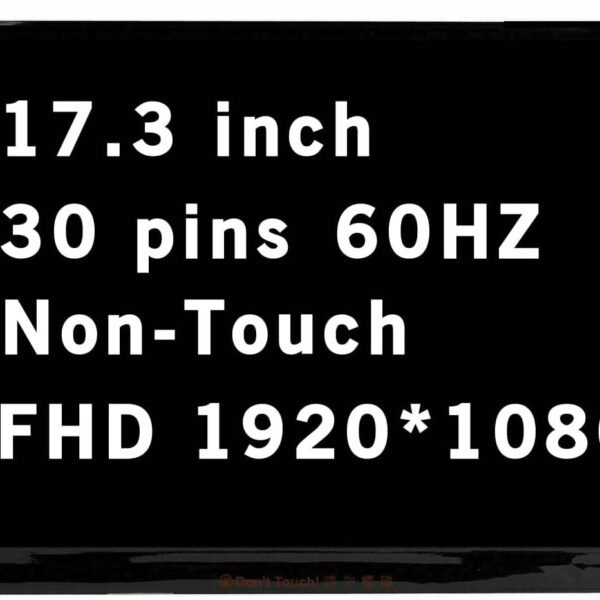
Full HD (1920×1080): Sharper images and better viewing experience
Matte: Anti-glare, reduces reflections
Glossy: Brighter and more vibrant colors
Genuine HP: Offers long lifespan, color accuracy, and durability
Aftermarket: May be cheaper but often has reduced performance and longevity
Phillips screwdriver
Plastic pry tools / spudger
Tweezers for cables
Anti-static wrist strap (recommended)
Compatible HP Envy M6 non-touch screen
Turn off the laptop, unplug from power, and remove the battery if possible.
Carefully pry off the bezel using plastic tools to avoid cracking it.
Unscrew hinges, tilt the screen forward, and detach the eDP cable carefully.
Align the new screen, reconnect the cable, screw in the hinges, and secure it properly.
Replace the bezel, reconnect the battery, power on the laptop, and check for brightness, clarity, and proper display function.
Using the wrong resolution screen
Mishandling the display cable
Over-tightening screws, which may crack the new panel
Skipping testing before full reassembly
Accuracy & Safety: Professionals handle delicate components properly
Warranty & Support: Ensures parts and labor coverage
Correct Part Matching: Guarantees compatibility
Faster Repair: Saves time and prevents mistakes
Certified Technicians in Nairobi
Genuine HP Envy M6 Non-Touch Panels
Fast Service & Affordable Prices
Warranty & Reliable Customer Support
HD OEM screen: KSh 6,000–8,500
Full HD OEM screen: KSh 9,500–12,000
Labor / installation: KSh 500–1,000
Prices may vary depending on availability and sourcing.
Professional replacement typically takes 30–45 minutes, including testing and reassembly.
Use a padded laptop bag
Avoid placing objects on top of the lid
Handle carefully when opening/closing the laptop
Keep liquids away from the laptop
Clean gently with a microfiber cloth
Replacing the HP Envy M6 non-touch screen with a genuine HP panel restores your laptop’s display performance and longevity. Choosing Lansotech Solutions in Nairobi ensures professional installation, fast service, and reliable warranty coverage, giving you peace of mind.
No account yet?
Create an Account







 ASUS
ASUS






