














If your computer takes several minutes to start, applications freeze during use, or file transfers seem painfully slow, the problem may not be your processor or memory it could be your hard disk drive (HDD).
In 2026, Solid State Drives (SSDs) have become the standard storage solution for laptops, desktops, workstations, and servers. While traditional hard drives still have a place in large-scale backup environments, relying on an HDD as your primary storage device is increasingly becoming a productivity bottleneck.
This guide explains why upgrading from an HDD to an SSD is one of the most cost-effective computer upgrades available today.
What Is the Difference Between an HDD and an SSD?
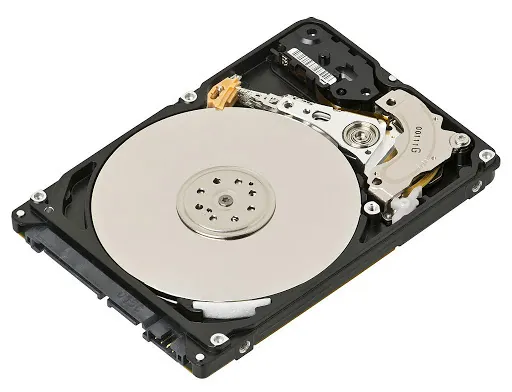
A Hard Disk Drive (HDD) stores data on spinning magnetic platters. Mechanical arms read and write data as the disks rotate.
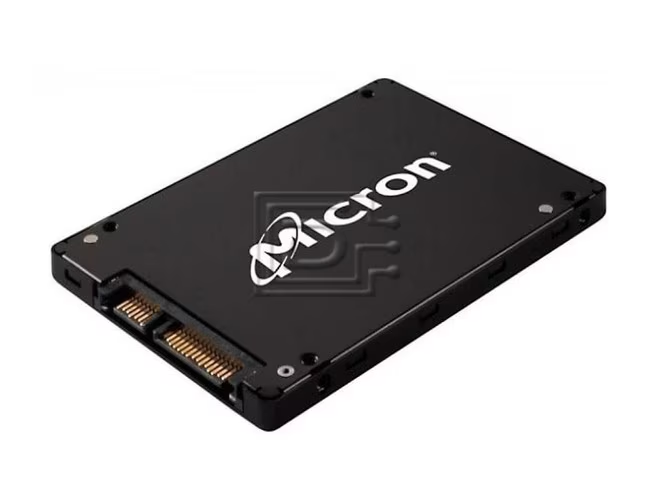
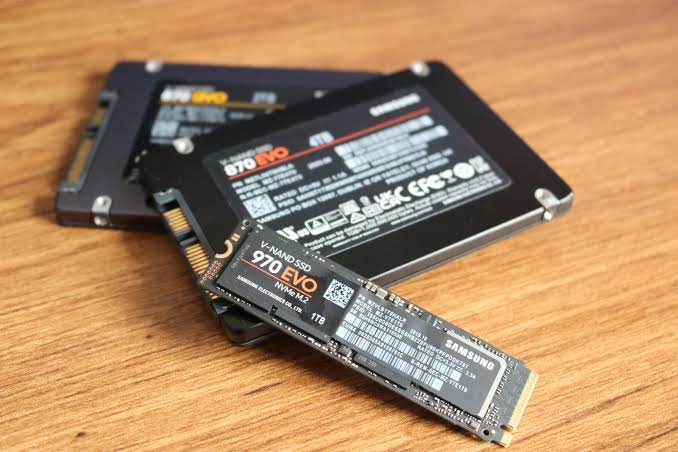
A Solid State Drive (SSD), on the other hand, uses flash memory with no moving parts. Data is accessed electronically, resulting in significantly faster performance and greater reliability.
1.One of the most noticeable improvements after upgrading to an SSD is startup speed.
A computer running Windows 11 on a traditional hard drive may take several minutes to become fully usable. The same system equipped with an SSD can boot in seconds.
For businesses, this translates into less downtime and more productive work hours throughout the day.
Benefits:
Reduced waiting periods
Faster startup times
Faster shutdown times
Immediate system responsiveness
2. Applications Load Instantly
Modern software applications require quick access to large amounts of data. HDDs often struggle to keep up, causing delays when opening programs.
SSDs allow applications such as:
- Microsoft Office
- Adobe Creative Cloud
- AutoCAD
- QuickBooks
- Database applications
- Business management systems
to launch significantly faster.
For professionals who use multiple applications simultaneously, SSDs deliver a noticeable productivity boost.
When Does an HDD Still Make Sense?
Hard drives are not completely obsolete.
They remain useful for:
- Long-term backups
- Archive storage
- Video surveillance storage
- Large file repositories
- Secondary storage drives
Many businesses now use a hybrid approach:
- SSDs for operating systems and applications
- HDDs for backup and bulk storage
This combination delivers both speed and cost efficiency.
Data security
Although no storage device is completely immune to failure, SSDs generally provide a more stable storage environment than traditional hard drives. Businesses and individuals who upgrade to SSDs often experience fewer hardware-related disruptions and reduced downtime. When combined with a reliable backup strategy, SSDs help create a stronger foundation for protecting critical information and maintaining business continuity.
Conclusion
IIn 2026, continuing to use an HDD as your primary storage device means accepting slower performance, longer wait times, and increased risk of hardware failure.
An SSD upgrade is no longer a luxury—it’s a necessity for anyone seeking a faster, more reliable computing experience.
Whether you’re upgrading a personal laptop or modernizing an entire office environment, moving from HDD to SSD remains one of the smartest technology investments you can make..
👉 The smartest approach is to align your server choice with your growth trajectory, not just your current budget.








 ASUS
ASUS






