














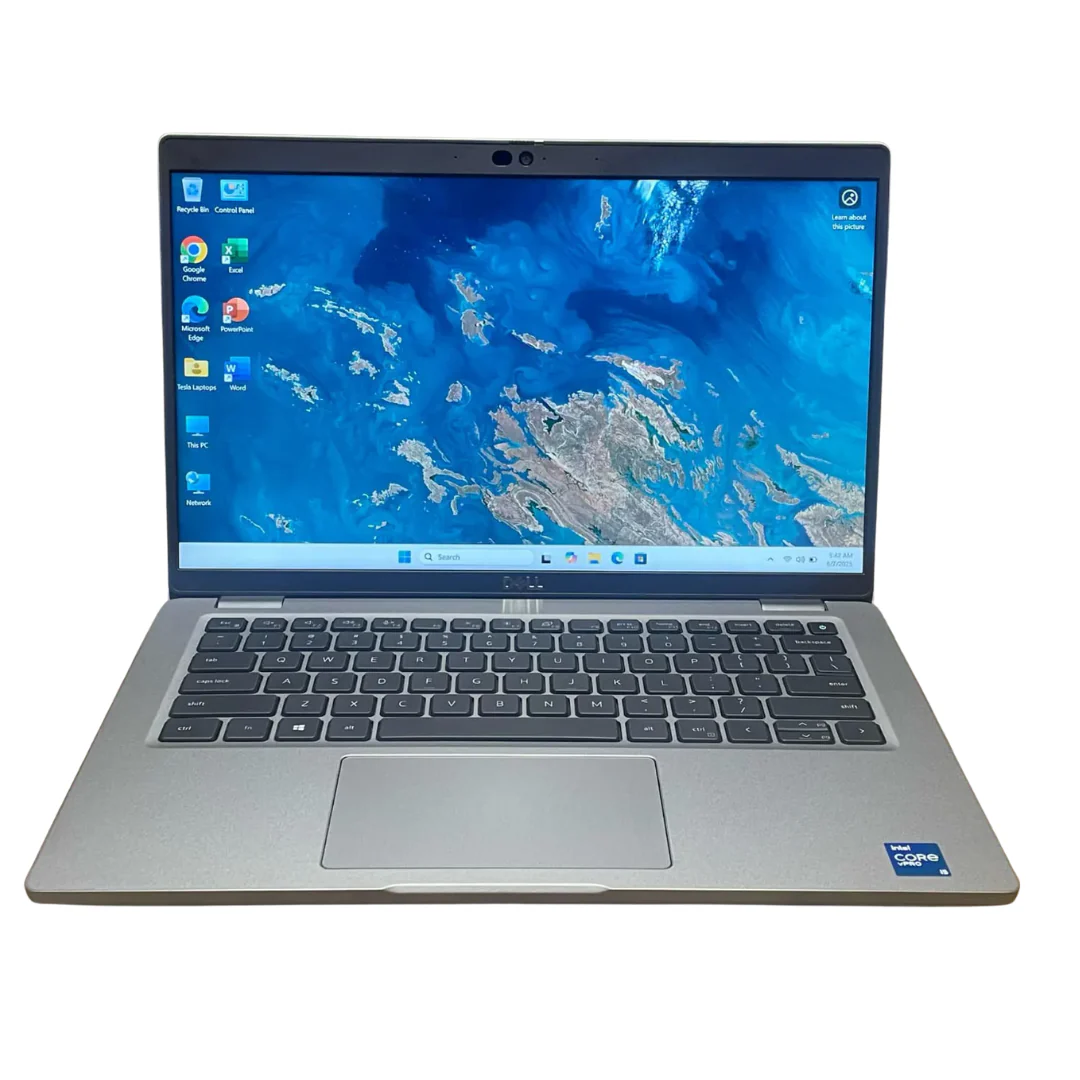
IIf you’re shopping for a laptop, you’ve probably wondered:
“Do I really need the latest model, or can an older laptop still do the job?”
It’s a fair question. Every year, manufacturers release new laptops with faster processors, AI features, better displays, and improved battery life. Marketing often makes it seem as though last year’s laptops—or even those from a few years ago—are obsolete.
But is that really true?
Not always.
In fact, many older business-class laptops still outperform brand-new budget laptops thanks to their superior build quality, better cooling systems, upgradeability, and premium components.
The key isn’t the laptop’s age—it’s how well its specifications match your workload.
In this guide, we’ll explain when an older laptop is still a smart buy, when it’s time to choose a newer model, and how to make the right decision.
Age Doesn’t Tell the Whole Story
Many buyers assume a newer laptop is automatically faster.
Think of laptops like cars.
Would you rather own:
- A 2020 Mercedes-Benz E-Class, or
- A 2026 entry-level compact sedan?
The newer car may have the latest infotainment system, but the Mercedes was built with higher-quality materials, a stronger engine, and better engineering.
Laptops work the same way.
A premium business laptop from a few years ago can easily outperform a brand-new entry-level consumer laptop in everyday
What Really Determines Laptop Performance?
Instead of focusing on the manufacturing year, evaluate these components:
- Processor (CPU)
- Processor generation
- RAM capacity
- SSD storage
- Graphics processor (GPU)
- Display quality
- Cooling system
- Build quality
These specifications have a far greater impact on performance than the laptop’s age alone.
Real-World Comparison
| Older Business Laptop | New Budget Laptop |
|---|---|
| Intel Core i7 11th Gen | Intel Core i3 13th Gen |
| 16GB RAM | 8GB RAM |
| 512GB NVMe SSD | 256GB SSD |
| Full HD IPS Display | Basic TN Display |
| Aluminium/Magnesium Chassis | Plastic Chassis |
| Better Cooling | Basic Cooling |
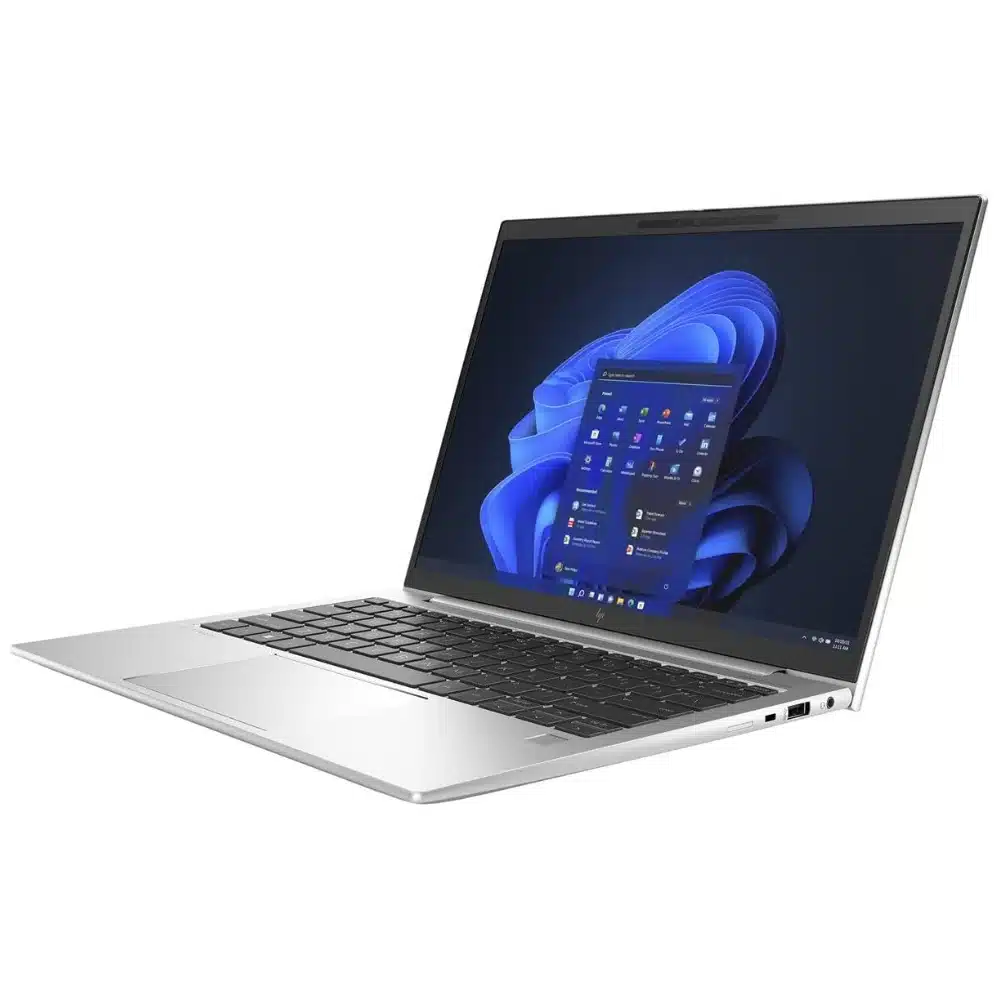
Which One Wins?
For most professionals, students, programmers, and business users, the older business laptop delivers:
Longer lifespanndidates for refurbishment.rives.
Better multitasking
Higher build quality
More comfortable keyboard
Better display
More upgrade options
When an Older Laptop Is Still an Excellent Choice
An older laptop can still compete if it has:
– An Intel Core i5 or i7 (10th Gen or newer)
– AMD Ryzen 5 or Ryzen 7 equivalent
– At least 16GB RAM
– NVMe SSD storage
– Full HD IPS display
– Good battery health
– Business-grade construction
These specifications remain highly capable for productivity, remote work, programming, and study.t sacrificing quality..
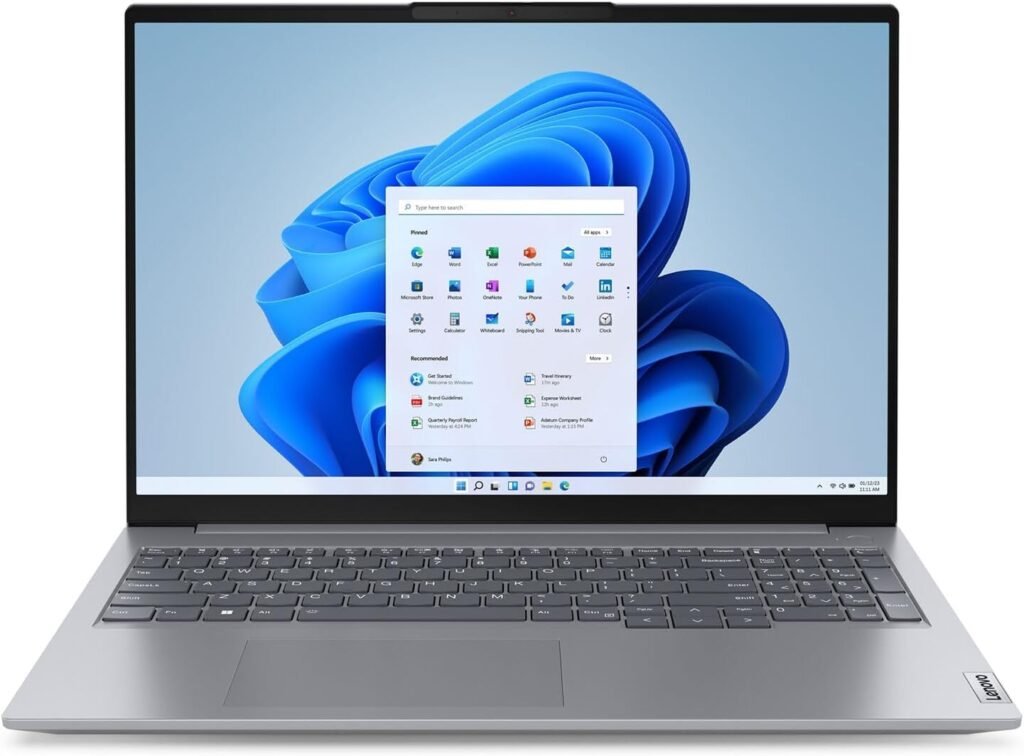
Why Business Laptops Age Better
Business laptops are designed for daily professional use.
Popular examples include:
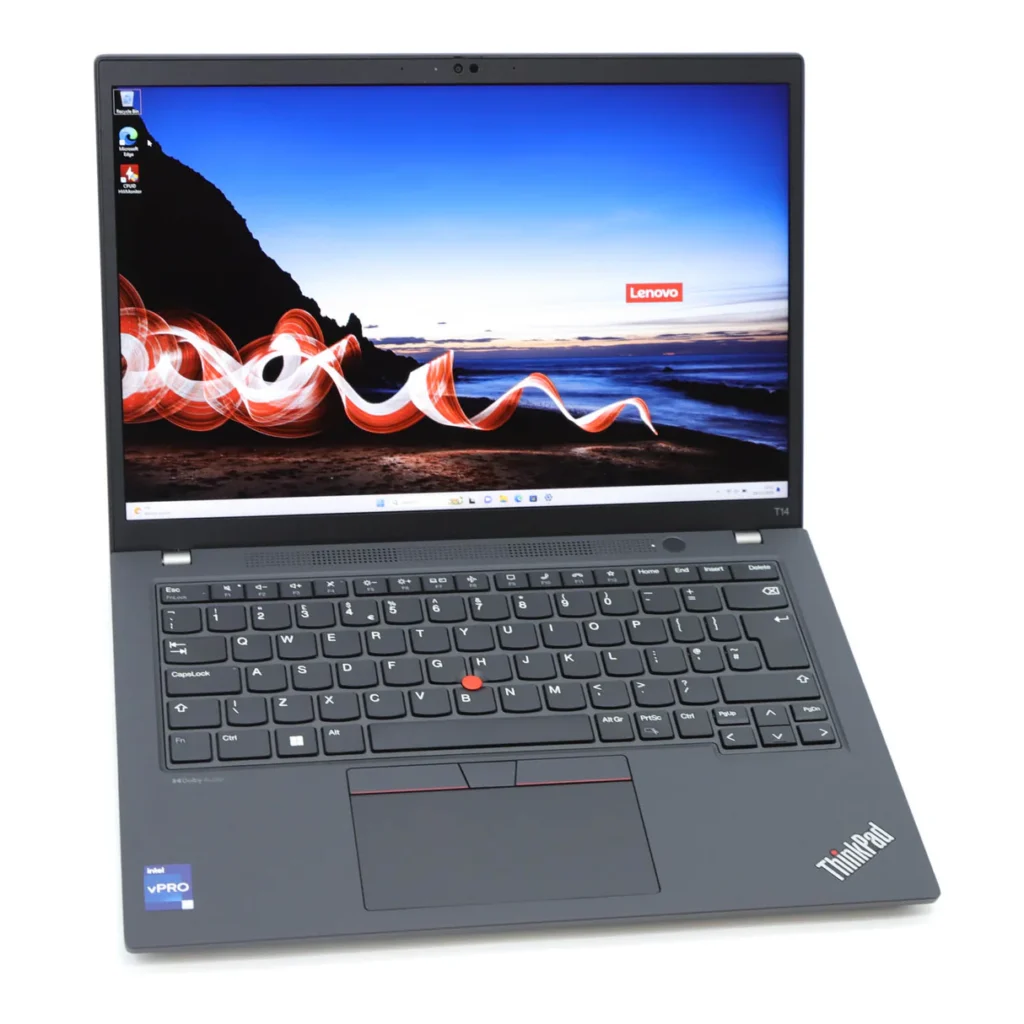
- Lenovo ThinkPad
- HP EliteBook
- Dell Latitude
Compared to many consumer laptops, they typically offer:
- Stronger chassis
- Better keyboards
- More reliable hinges
- Superior cooling
- Easier maintenance
- Longer product support
That’s why refurbished business laptops often remain excellent investments.ic waste and extends the life of quality hardware.
When an Older Laptop Is NOT Worth Buying
Avoid older laptops if they have:
❌ Mechanical HDD storage
❌ Less than 8GB RAM
❌ Intel processors older than 8th Generation (for most modern Windows workloads)
❌ Poor battery health
❌ Cracked hinges or damaged chassis
❌ Low-resolution displays
These limitations can significantly affect performance and usability.
Quick Buying Checklist
| Specification | Recommended Minimum |
| Processor | Intel Core i5 10th Gen or newer |
| RAM | 16GB |
| Storage | 512GB NVMe SSD |
| Display | Full HD IPS |
| Battery | Good health |
| Build Quality | Business-class preferred |
Final Verdict
Yes, an older laptop can absolutely compete with newer models—provided it has the right specifications and has been properly maintained.
In many cases, a refurbished Lenovo ThinkPad, HP EliteBook, or Dell Latitude with an Intel Core i5 or i7 processor, 16GB RAM, and an NVMe SSD delivers a better user experience than a brand-new entry-level laptop.
The smartest buyers don’t ask, “How old is this laptop?” They ask, “Does this laptop have the specifications I need?”
At Lansotech Solutions, we help customers compare laptops based on real-world performance, ensuring they get the best value whether they’re buying new or refurbished.
Contact Lansotech Solutions today:
Email: sales@lansotechsolutions.co.ke
Call/WhatsApp 0791-833-529 Start WhatsApp Chat>>











 ASUS
ASUS






