















Buying a laptop today is more complicated than simply choosing a well-known brand like Lenovo, HP, Dell, ASUS, or Apple. Two laptops from the same brand can have vastly different performance depending on their internal specifications.
Many buyers make the mistake of focusing only on the processor or the amount of RAM, overlooking other critical components that affect speed, reliability, battery life, and long-term usability.
Think of a laptop like building a football team. A world-class striker alone won’t guarantee success—you also need a strong midfield, solid defenders, and a reliable goalkeeper. Likewise, a powerful processor won’t deliver the best experience if it’s paired with slow storage, insufficient RAM, or a poor display.
In this guide, we’ll break down the 10 laptop specifications you should evaluate before making your purchase.
1. Processor (CPU): The Brain of Your Laptop
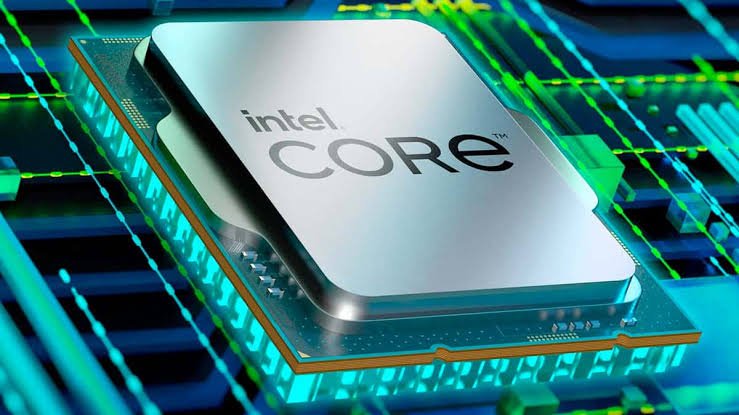
The processor is responsible for executing instructions and managing all computing tasks. It has the greatest influence on your laptop’s overall performance.
When comparing processors, don’t just look at the Intel Core or AMD Ryzen branding. Consider:
- Processor family (Intel Core i3, i5, i7, i9, Core Ultra or AMD Ryzen 3, 5, 7, 9)
- Generation (e.g., Intel 13th Gen or AMD Ryzen 8000 Series)
- Number of cores and threads
- Clock speed
- Cache memory
Best for most users: Intel Core i5 (12th Gen or newer), Intel Core Ultra 5, or AMD Ryzen 5.
2. RAM: Your Laptop’s Working Memory
RAM determines how many applications your laptop can run smoothly at the same time.
Think of RAM as your office desk. A larger desk lets you spread out more documents and tools, making multitasking easier.
| RAM | Best For |
|---|---|
| 8GB | Everyday tasks, web browsing, Office applications |
| 16GB | Students, professionals, multitasking |
| 32GB | Video editing, engineering, AI, virtualization |
For most buyers, 16GB RAM offers the best balance between price and performance.
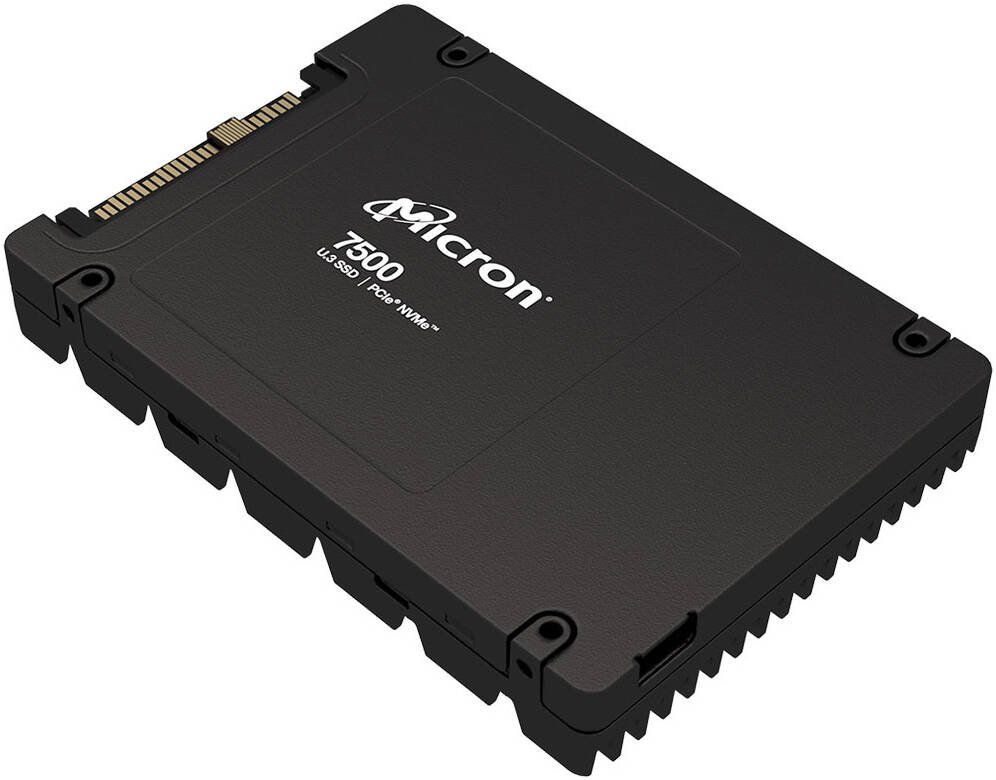
3. Storage: SSD Beats HDD Every Time
Storage affects how quickly your laptop starts, opens applications, and transfers files.
SSD Advantages
- Faster boot times
- Quicker application launches
- Silent operation
- Better durability
- Lower power consumption
An NVMe SSD provides the best performance and is highly recommended over traditional hard drives.
4. Display Quality
You’ll spend hours looking at your laptop’s screen, so don’t overlook display quality.
Consider:
- Resolution (Full HD or higher)
- IPS panel for better colours and viewing angles
- Brightness (300 nits or more)
- Refresh rate if you game or edit videos
A high-quality display reduces eye strain and improves your overall experience.
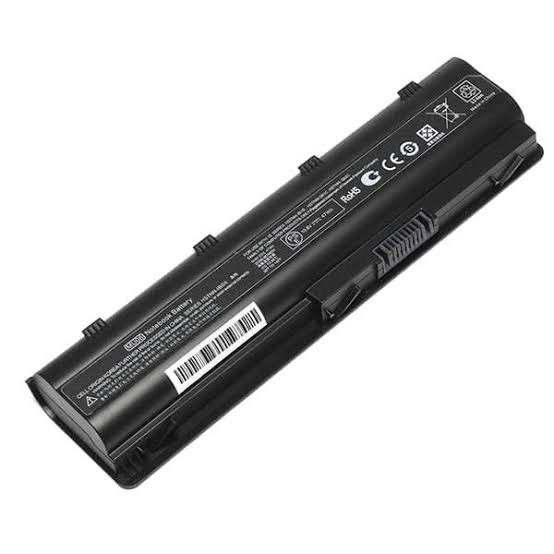
5. Battery Life
A fast laptop isn’t much use if it runs out of power after a few hours.
Look for:
- 8–12 hours of real-world battery life
- Fast-charging support
- Efficient processors such as Intel Core Ultra or AMD Ryzen AI
Battery performance depends on both hardware and your usage habit
6. Graphics (GPU)
Not everyone needs a dedicated graphics card.
Integrated Graphics are suitable for:
- Office work
- Streaming
- Browsing
- Everyday productivity
Dedicated Graphics are recommended for:
- Gaming
- Video editing
- 3D rendering
- CAD software
- Machine learning
Choose a GPU that matches your workload rather than paying for power you won’t use.
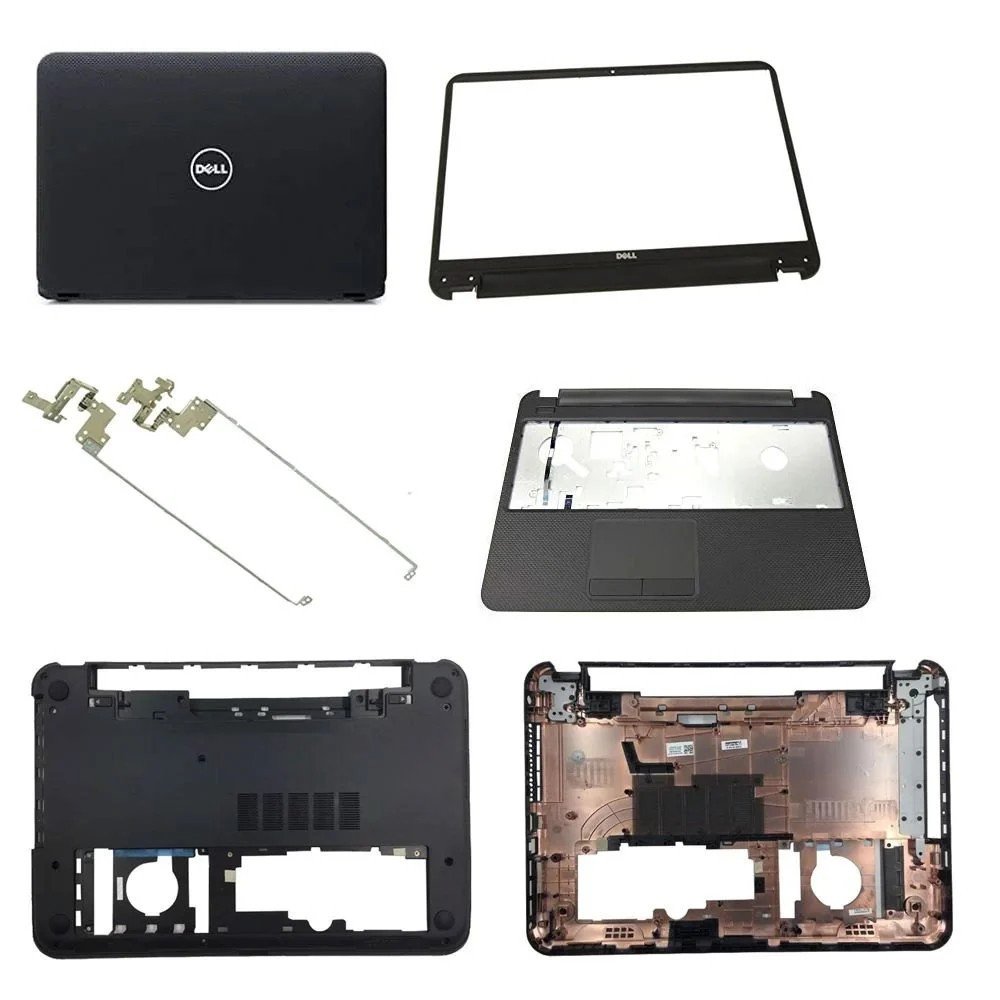
7. Build Quality
A well-built laptop lasts longer and withstands daily use better.
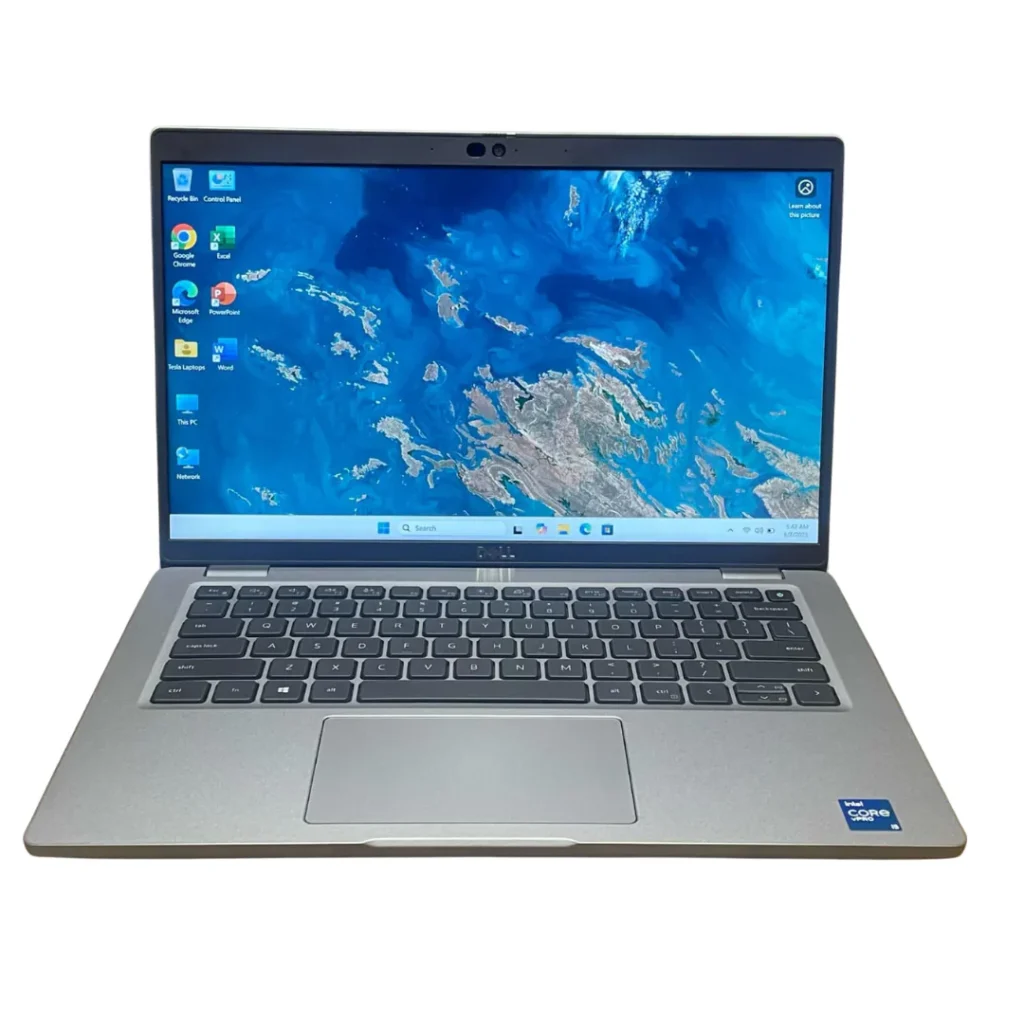
Business-class laptops such as the Lenovo ThinkPad, HP EliteBook, and Dell Latitude are known for:
- Durable chassis
- Spill-resistant keyboards
- Better hinges
- Easier maintenance
- Enhanced security features
If you travel frequently or use your laptop daily, build quality is just as important as performance..
8. Ports and Connectivity
Make sure your laptop includes the ports you’ll need.
Essential options include:
- USB-A
- USB-C
- HDMI
- Thunderbolt (on supported models)
- Ethernet (if required)
- Wi-Fi 6 or Wi-Fi 6E
- Bluetooth 5.2 or newer
Having the right ports saves you from buying extra adapters later.
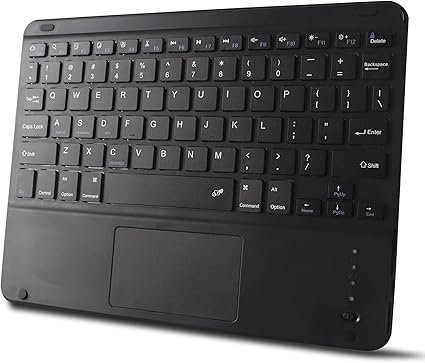
9. Keyboard and Trackpad
A comfortable keyboard and responsive trackpad improve productivity, especially if you type for long hours.
Look for:
- Backlit keyboard
- Comfortable key travel
- Precision touchpad
- Fingerprint reader for quick, secure logins
These features make everyday use more enjoyable.
10. Upgradeability and Future-Proofing
Before buying, check whether you can upgrade:
- RAM
- SSD storage
- Wi-Fi card
- Battery (on some models)
A laptop that supports upgrades can stay useful for many more years.
Common Mistakes Buyers Make
Avoid these pitfalls:
- Choosing a laptop based only on the processor.
- Buying 8GB RAM when 16GB fits your budget.
- Selecting an HDD instead of an SSD.
- Ignoring display quality.
- Overlooking battery life.
- Buying more graphics power than you actually need.
- Forgetting to check available ports.
- Ignoring upgrade options.
Quick Checklist Before You Buy
| Specification | Recommended |
| Processor | Intel Core i5 (12th Gen+) or AMD Ryzen 5+ |
| RAM | 16GB |
| Storage | 512GB NVMe SSD |
| Display | 14–15.6″ Full HD IPS |
| Battery | 8+ hours |
| Graphics | Integrated or dedicated, based on your needs |
| Connectivity | Wi-Fi 6, USB-C, HDMI |
Final Verdict
The best laptop isn’t defined by a single specification it’s the combination of processor, RAM, storage, display, graphics, battery life, and build quality that determines the overall experience.
Before making a purchase, think about how you’ll use your laptop and choose a balanced configuration rather than focusing on just one feature.
At Lansotech Solutions, we help customers compare laptop specifications, understand the differences between models, and choose the right laptop for work, school, business, or creative projects. Whether you’re looking for a new or refurbished laptop, our team can guide you toward the best option for your budget.
Frequently Asked Questions
What is the most important laptop specification?
The processor is one of the most important components, but it should be paired with enough RAM, a fast SSD, and a quality display for the best overall performance.
Is 8GB RAM enough?
Yes, for basic tasks. However, 16GB is recommended for smoother multitasking and better long-term value.
Should I choose an SSD or HDD?
An SSD is the better choice because it offers significantly faster boot times, quicker file access, and greater durability than a traditional hard drive.
Can I upgrade my laptop later?
Some laptops allow RAM and SSD upgrades, while others have components soldered to the motherboard. Always check the upgrade options before buying.
Contact Lansotech Solutions today:
Email: sales@lansotechsolutions.co.ke
Call/WhatsApp 0791-833-529 Start WhatsApp Chat>>








 ASUS
ASUS






