






 Laptop Computers
 Desktop Computers
 Printers
 Network
 Software
 Laptop Accessories
 Laptop Components
 Office
 Desktop peripherals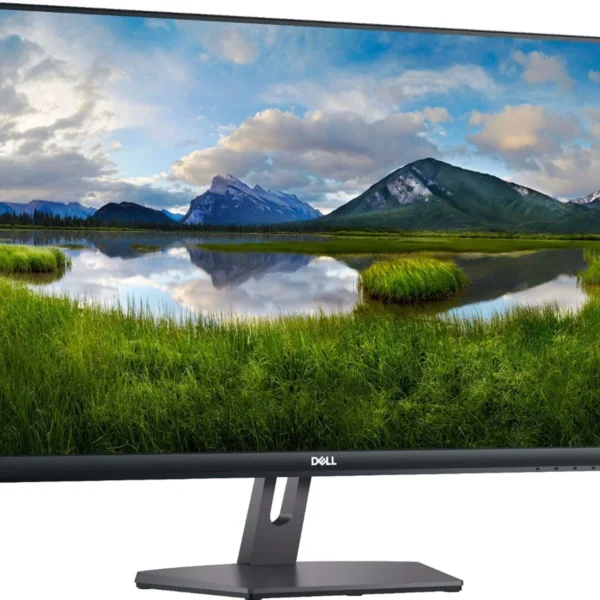

Hurry and get discounts on all Apple devices up to 20%
Sale_coupon_15
KSh17,000.00 excl. VAT
Payment Methods:

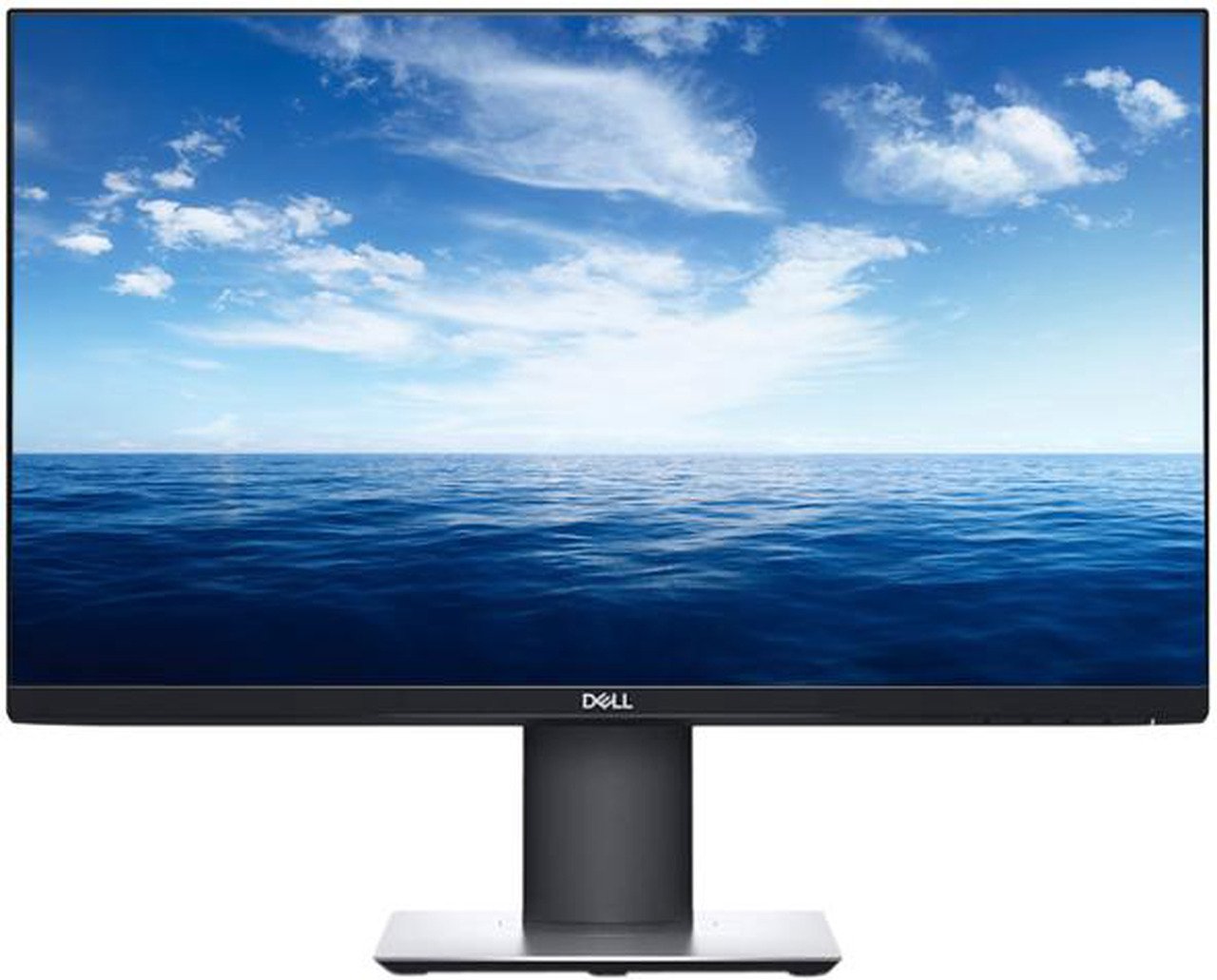
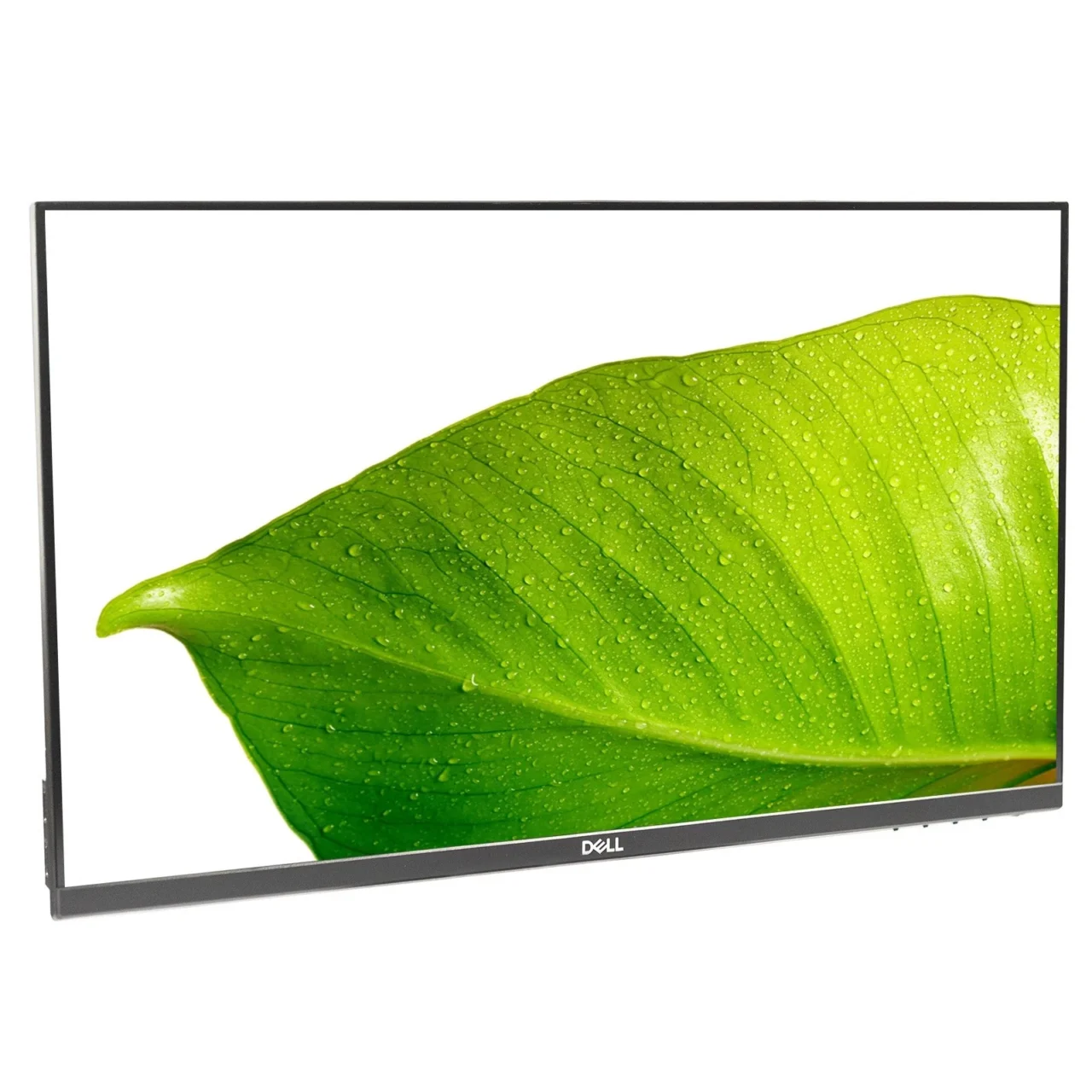
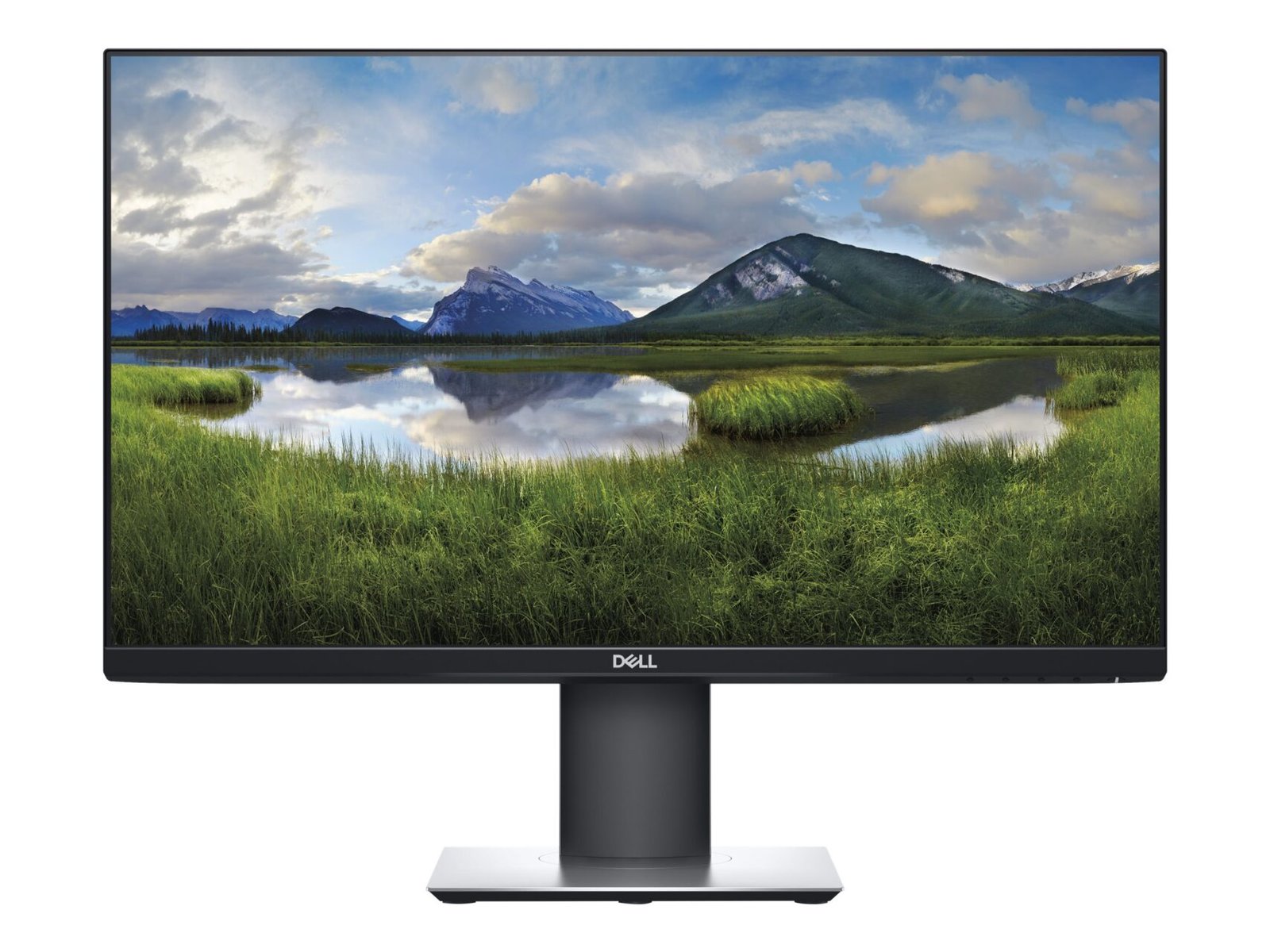
The Dell P2421D 23.8-inch Quad HD LCD Monitor is a business-oriented display designed for professionals who need clear visuals, efficient multitasking, and flexible workstation ergonomics. With a 2560 × 1440 Quad HD resolution, IPS panel technology, and a range of connectivity options, this monitor offers a practical solution for office productivity, administrative tasks, business applications, and home-office setups.
Its 23.8-inch screen combines a compact footprint with a higher resolution than Full HD displays of the same size. This allows users to view detailed documents, spreadsheets, presentations, and application windows with greater clarity. The monitor also features an adjustable stand, a USB hub, and HDMI and DisplayPort connections, making it suitable for a variety of professional environments.
Whether you are upgrading an office workstation, setting up a home office, or equipping a team with dependable displays, the Dell P2421D offers a useful combination of resolution, connectivity, and ergonomic flexibility.
One of the main advantages of the Dell P2421D is its Quad HD resolution of 2560 × 1440 pixels. This provides substantially more pixels than a standard 1920 × 1080 Full HD display, allowing more information to fit on the screen while maintaining clear detail.
The increased resolution is particularly useful when working with spreadsheets, large documents, reports, presentations, and multiple application windows. Users can view more rows and columns in compatible applications without constantly scrolling through content.
For professionals who regularly work with detailed information, this resolution provides a useful balance between screen clarity and desktop space. It is also suitable for web browsing, video playback, and general multimedia use.
The Dell P2421D uses an In-Plane Switching (IPS) panel that supports 178-degree horizontal and vertical viewing angles. This helps maintain consistent-looking images when viewing the display from different positions.
IPS technology is valuable in professional environments where users may share information with colleagues or view presentations together. It also supports a consistent visual experience for everyday office applications.
The monitor supports 16.7 million colours and covers 99% of the sRGB colour space, making it suitable for general office graphics, presentations, web content, and routine image viewing. While it can handle many visual tasks, users who require advanced colour-critical performance should consider a specialist professional display.
The P2421D supports a maximum resolution of 2560 × 1440 at 60Hz. This refresh rate is suitable for standard business computing, office software, web browsing, document editing, and video playback.
For business users, a higher refresh rate is not always essential. Resolution, text clarity, connectivity, and ergonomic adjustment can be more important when selecting a monitor for administrative work and productivity applications.
The P2421D is therefore well suited to conventional office workloads, although users seeking high-refresh-rate gaming or particularly smooth motion should consider a monitor designed for those purposes.
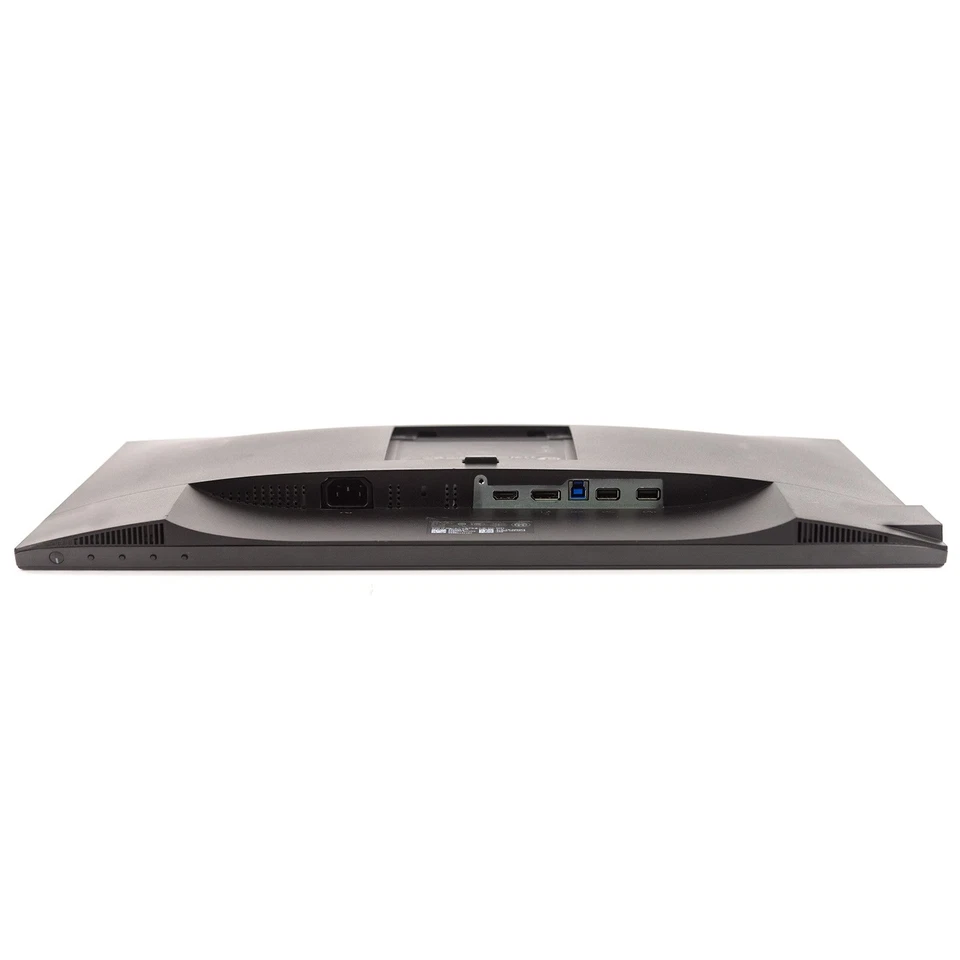
The Dell P2421D includes HDMI 1.4 and DisplayPort 1.2 inputs, providing flexible options for connecting compatible desktop computers, laptops, and other video sources.
Its integrated USB hub adds further convenience by allowing supported peripherals to connect through the monitor. The available USB connections include one USB 3.0 upstream port, two USB 3.0 downstream ports on the side, and two USB 2.0 downstream ports on the bottom.
These ports can be useful for connecting a keyboard, mouse, USB storage device, or other compatible accessories. The upstream USB connection must be linked to the computer for the monitor’s USB hub to operate.
This combination of video and USB connectivity helps simplify the arrangement of compatible desktop peripherals.
The Dell P2421D comes with an adjustable stand designed to help users position the screen according to their desk and seating arrangement.
Its ergonomic adjustments include:
These adjustments allow users to raise, lower, angle, or rotate the monitor as required. Portrait orientation can be especially useful for reading lengthy documents, viewing code, and working with vertically arranged information.
The ability to adjust the screen helps accommodate different workstation configurations. Users should still position the display at a comfortable viewing distance and height, with suitable lighting and regular breaks during extended computer use.
The monitor includes Dell ComfortView technology, which is designed to reduce blue-light emissions, and a flicker-free screen intended to support viewing comfort.
These features are useful for people who spend extended periods reading text, reviewing reports, or working with business applications. The anti-glare screen also helps reduce distracting reflections in typical office lighting.
Display comfort depends on several factors, including brightness, ambient lighting, screen placement, and viewing habits. Adjusting the monitor to suit the environment can help create a more comfortable workstation.
The 23.8-inch screen size makes the Dell P2421D a practical option for desks where space is limited but detailed visuals are still important.
Its professional design fits into corporate offices, reception areas, administrative departments, educational settings, and home workstations. The adjustable stand adds flexibility without requiring a separate mounting solution.
The monitor also supports compatible VESA mounting arrangements, allowing users to explore monitor arms and alternative mounting options where appropriate.
Organisations need displays that support employee productivity, integrate with existing computers, and offer practical features for daily use. The Dell P2421D addresses several of these requirements through its Quad HD resolution, IPS panel, USB hub, and adjustable stand.
The Quad HD resolution gives employees a detailed workspace for spreadsheets, business reports, presentations, accounting applications, and document editing.
Compared with Full HD at the same screen size, the additional pixels can provide more usable desktop space. This is particularly beneficial for employees who regularly compare information across documents or work with complex spreadsheets.
HDMI and DisplayPort inputs allow the monitor to connect to a wide range of compatible computers. The integrated USB hub also helps users connect supported accessories without needing to reach the computer’s USB ports for every connection.
For organisations operating different workstation configurations, these features can simplify desk setup. IT teams should confirm that the monitor’s inputs and USB requirements match the computers and docking equipment being used.
The adjustable stand helps employees position the screen to suit their seating and desk arrangement. Height, tilt, swivel, and pivot functions make the monitor adaptable to different working preferences and tasks.
This is useful for shared offices, administrative departments, and workspaces where employees use their displays for different types of content.
The combination of Quad HD resolution, IPS technology, and a 60Hz refresh rate is well suited to conventional office work. Employees can use the display for email, web applications, presentations, online research, and document management.
The monitor is not intended to replace specialised displays for advanced video production, high-refresh-rate gaming, or colour-critical creative work. However, for many standard business workflows, its feature set is practical and balanced.
The USB hub and flexible mounting options can help businesses organise their workstations. When used with compatible monitor arms and suitable cable management, the P2421D can contribute to a cleaner desktop arrangement.
Organisations purchasing monitors in quantity should also compare warranty terms, supplier availability, condition, and pricing to determine the best overall value.
The Dell P2421D is suitable for several types of users and work environments:
Users who primarily need basic Full HD functionality may find a lower-resolution display sufficient. Conversely, professionals who require USB-C docking, built-in speakers, or higher refresh rates should compare the P2421D with alternatives that offer those features.
Before purchasing the Dell P2421D, check that your computer supports a resolution of 2560 × 1440 at 60Hz through its HDMI or DisplayPort connection. The available resolution and refresh rate can depend on the computer’s graphics hardware, output specifications, cables, and adapters.
The monitor does not provide native USB-C video input or laptop charging, so laptop users may need a compatible video adapter or docking station. It also does not list built-in speakers, meaning external audio equipment may be required for sound.
For organisations, it is advisable to confirm the included cables, warranty coverage, mounting requirements, and compatibility with existing docking stations before ordering multiple units.
The Dell P2421D 23.8-inch Quad HD LCD Monitor is a practical display for professionals who want sharper visuals, useful connectivity, and an adjustable workstation setup. Its 2560 × 1440 resolution provides additional desktop space compared with Full HD, while the IPS panel supports wide viewing angles and 99% sRGB colour coverage.
The inclusion of HDMI, DisplayPort, a USB hub, and ergonomic stand adjustments makes it a useful option for offices, administrative departments, education environments, and home workstations.
For organisations seeking a monitor that supports everyday productivity without occupying excessive desk space, the Dell P2421D is worth considering. Its main limitations are the 60Hz refresh rate and lack of native USB-C connectivity and built-in speakers, which may matter for certain users.
Overall, the Dell P2421D combines Quad HD clarity, practical connectivity, and ergonomic flexibility in a compact professional display.
No account yet?
Create an Account







 ASUS
ASUS






