







 Laptop Computers
 Desktop Computers
 Printers
 Network
 Software
 Laptop Accessories
 Laptop Components
 Office
 Desktop peripherals

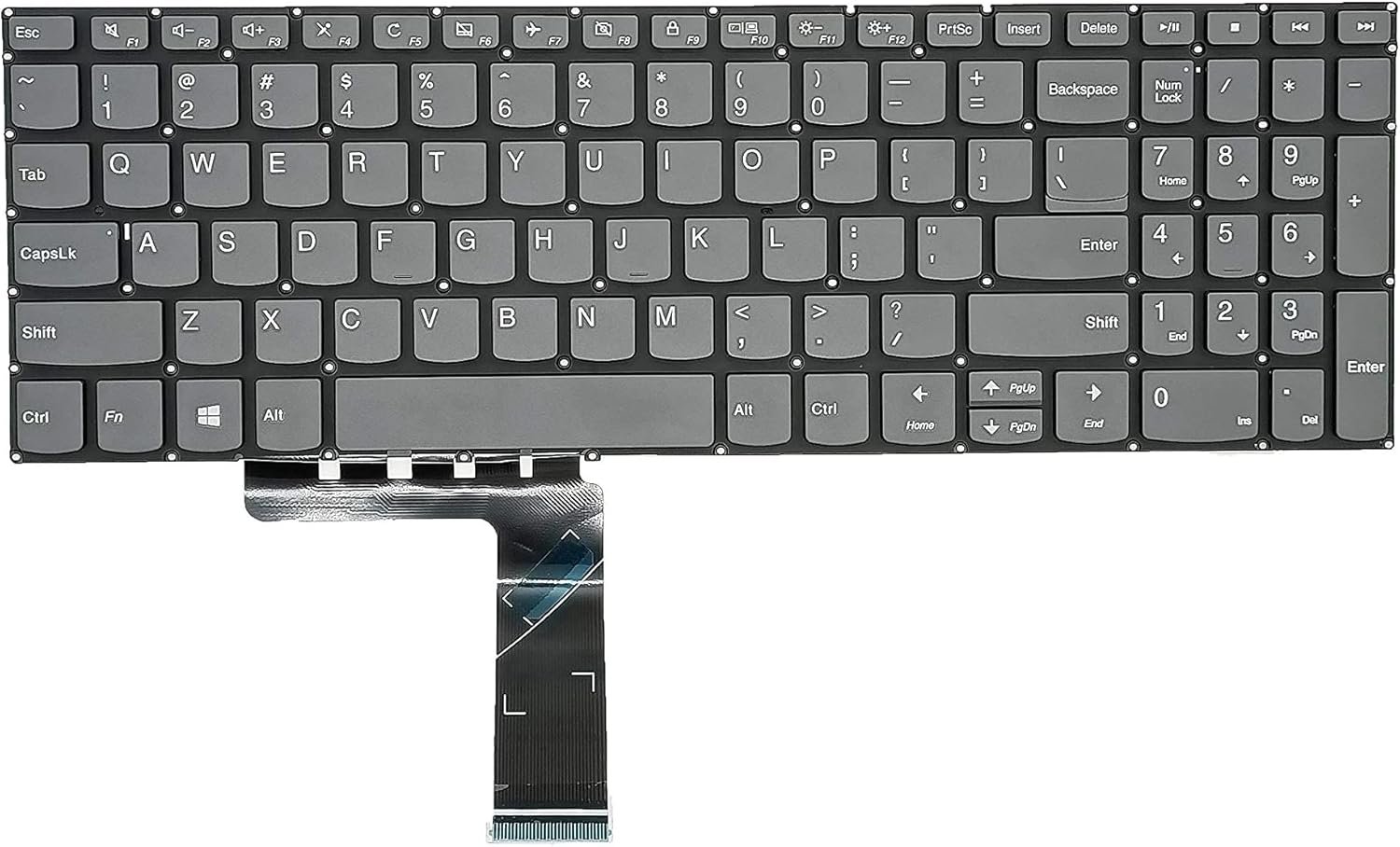
Condition: Brand new, 100% original Lenovo OEM part
Compatibility: Lenovo IdeaPad 3 15ADA05
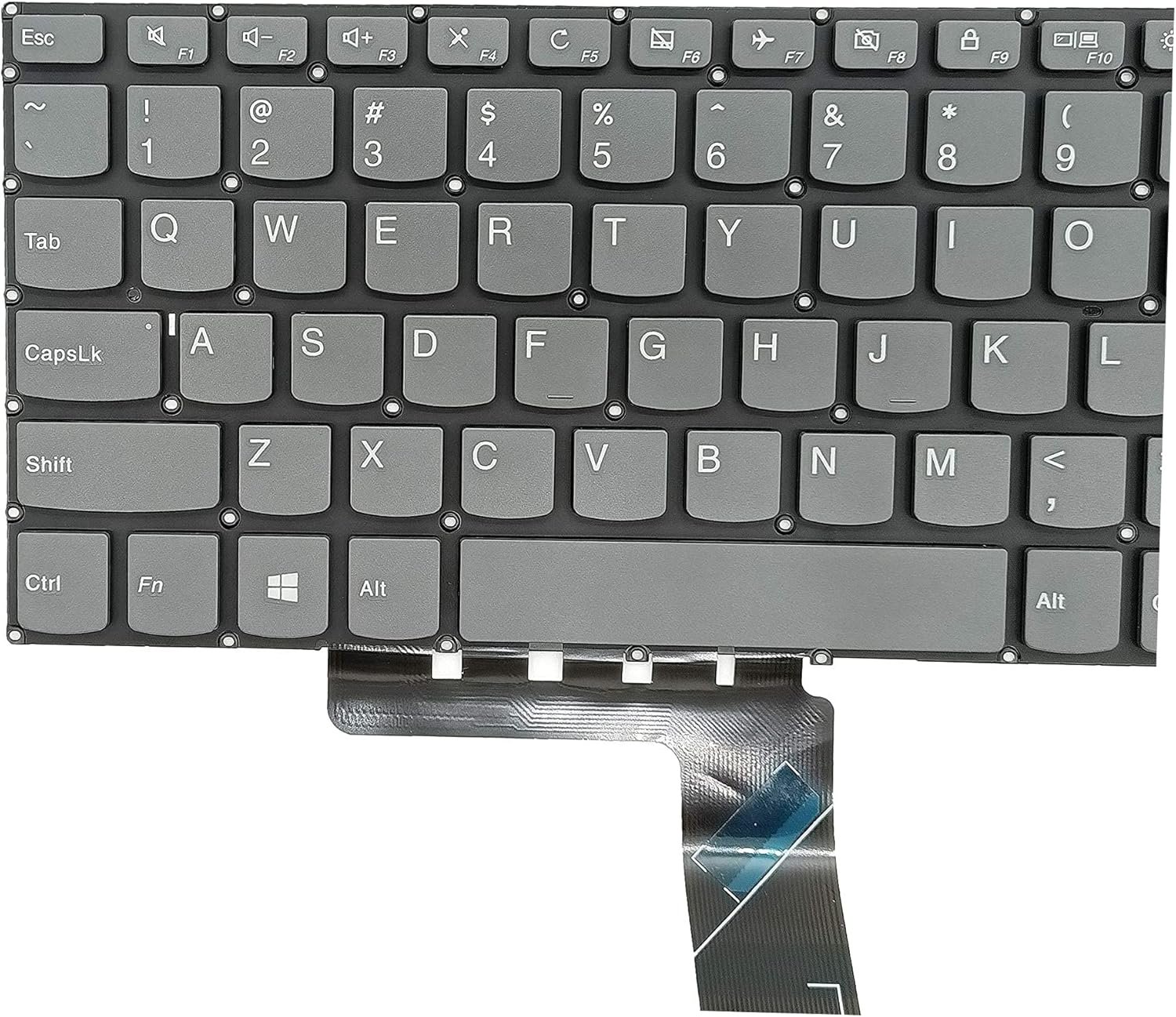
Layout: English QWERTY with full numeric keypad
Backlight: Non‑backlit configuration
Connector: Flat ribbon cable with ZIF interface
Mounting: Integrated palmrest design, secured by screws and rivets

Hurry and get discounts on all Apple devices up to 20%
Sale_coupon_15
KSh4,500.00 excl. VAT
Payment Methods:

At Lansotech Solutions, we specialize in supplying and installing genuine Lenovo keyboards with professional precision. As one of the best laptop keyboard shops in Nairobi CBD, we ensure that every replacement service restores your laptop’s functionality to factory standards. If your Lenovo IdeaPad 3 15ADA05 keyboard is faulty, unresponsive, or physically damaged, follow this comprehensive guide for a perfect replacement.
The replacement keyboard is specifically designed for:
Lenovo IdeaPad 3 15ADA05
It may also be cross‑compatible with other IdeaPad 3 series variants, but always confirm the part number and layout before purchase.
Keyboard Layout: Full‑size island-style keyboard with integrated numeric keypad
Key Mechanism: Precision scissor-switch keys for smooth actuation and durability
Travel Distance: Approximately 1.3–1.5 mm with firm tactile feedback
Backlight: Standard configuration is non-backlit (check your variant)
Interface: Flat Flexible Cable (FFC) with ZIF (Zero Insertion Force) locking system
Mounting Design: Integrated into the top case/palmrest with screws and plastic rivets
Special Features: Spill-resistant membrane layer and full support for Fn keys and multimedia shortcuts
Original Lenovo IdeaPad 3 15ADA05 keyboard
Precision Phillips screwdrivers (#0/#00)
Torx T5 screwdriver
Plastic pry tools or spudgers
Tweezers for handling cables
Anti-static wrist strap to protect components
Shut down the laptop and unplug the AC adapter.
Remove all external devices.
Press and hold the power button for 10 seconds to discharge static energy.
Turn the laptop upside down on a soft, clean surface.
Remove all screws using a T5 screwdriver.
Gently pry along the edges with a plastic tool to lift off the bottom cover.
Locate the internal battery connector on the motherboard.
Unplug it carefully to prevent any accidental shorts during disassembly.
Identify the keyboard ribbon cable leading to the motherboard.
Unlock the ZIF connector by lifting its latch and slide the cable out.
From the inner frame, remove screws and carefully push the old keyboard out through the top.
Position the new Lenovo IdeaPad 3 15ADA05 keyboard into the frame.
Secure it using the screws and ensure all retaining clips are aligned.
Reinsert the ribbon cable and lock the ZIF connector.
Reconnect the battery.
Reinstall the bottom cover and fasten all screws securely.
Power on the laptop and test every key, numeric pad, and Fn functions to ensure full functionality.
We stock genuine Lenovo keyboards with warranty and guarantee.
Our technicians follow industry-standard ESD safety and repair protocols.
Quick service turnaround and reliable after-sales support.
Rated among the best laptop keyboard shops in Nairobi CBD for original spares and professional installation.

 Laptop Computers
 Desktop Computers
 Desktop peripherals
 Laptop Accessories
 Laptop Components
 Network
 Printers
 Server
 Software
No account yet?
Create an Account






