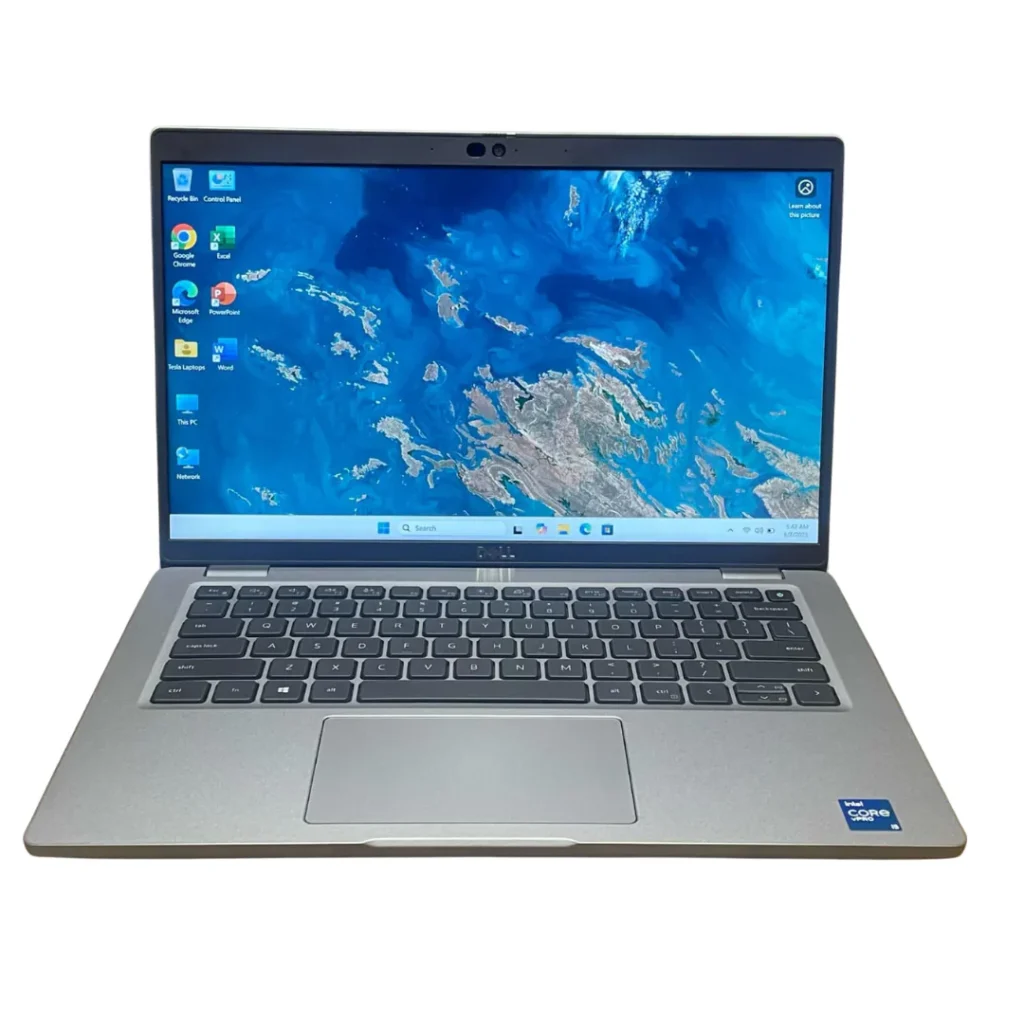
When shopping for a laptop, you’ll often see specifications like the processor is Intel Core i5 8th Gen, Intel Core i7 11th Gen. For many buyers, these numbers can be confusing.
A common question is:
Should you focus on the Intel Core (i3, i5, i7, i9) or the processor generation?
The answer is both matter, but if you have to choose between a higher Core and a newer generation, the processor generation often has a bigger impact than most people realize.
In this guide, we’ll explain what Intel Core and processor generations mean, how they affect performance, and how to choose the right laptop for your needs.
What Does “Intel Core” Mean?
The Intel Core designation refers to the processor family and its performance tier.
| ntel Core Processor | Best For | Typical Workloads |
|---|
| Intel Core i3 | Entry-level users | Web browsing, Microsoft Office, online learning, email, basic multitasking |
| Intel Core i5 | Students, professionals, and everyday users | Office work, business applications, light photo editing, video conferencing, everyday multitasking |
| Intel Core i7 | Power users and professionals | Video editing, programming, graphic design, engineering software, virtualization, heavy multitasking |
| Intel Core i9 | Creators, engineers, and enthusiasts | Professional content creation, 3D rendering, AI workloads, scientific computing, high-end gaming, advanced simulations |
Analogy 1: A Car Model (Best Analogy)
Think of buying a car.
- Intel Core (i3, i5, i7, i9) is like the model of the car.
- Processor Generation is like the model year.
For example:
- Toyota Corolla 2015
- Toyota Corolla 2025
Both are Corollas, but the 2025 model has a newer engine, better fuel economy, improved safety features, and updated technology.
The same applies to laptops.
An Intel Core i5 13th Gen is like a 2025 Corolla, while an Intel Core i7 8th Gen is like a 2018 Corolla. Although the older car was a higher trim when it launched, the newer model benefits from years of technological improvements.
Lesson: A newer generation often provides better overall performance and efficiency than an older, higher-tier processor.
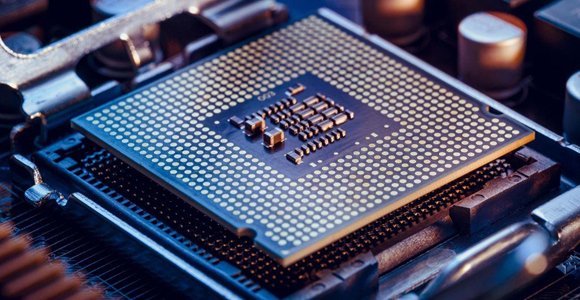
Understanding Intel’s Naming System
Take this processor:
Intel Core i7-1165G7
Every part of the name tells you something important.
- Core i7 = Performance class.
- 11 = 11th Generation.
- 65 = Processor model within that generation.
- G7 = Graphics tier.
Another example:
Intel Core i5-1335U
- Core i5 = Mid-range family.
- 13 = 13th Generation.
- 35 = Specific model.
- U = Ultra-low-power processor designed for thin laptops.
Once you understand this naming convention, comparing processors becomes much easier.
What Is Processor Generation?
The generation refers to when the processor architecture was released.
Intel redesigns its processors every generation.
These improvements can include:
- Smaller manufacturing process
- Better efficiency
- More Instructions Per Clock (IPC)
- Faster memory support
- Improved integrated graphics
- Better AI acceleration
- Better thermal management
This is why a newer generation often performs significantly better than an older processor with a similar name
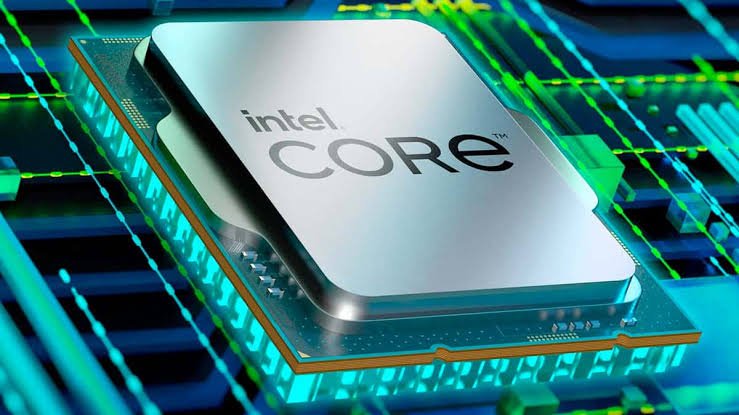
Architecture Matters More Than Most People Think
Imagine two factories.
Factory A has 500 workers using machines from 2016.
Factory B has 450 workers using highly automated equipment from 2025.
Although Factory A has more workers, Factory B may produce more output because its technology is far more efficient.
Processor architecture works the same way.
Each new Intel generation improves how efficiently work gets done not just how fast the processor runs.
Core Count Is No Longer the Whole Story
Older Intel processors typically used identical cores.
Modern Intel processors (12th Gen onwards) introduced a hybrid architecture with:
- Performance (P) Cores for demanding tasks.
- Efficiency (E) Cores for background processes.
For example:
An Intel Core i5-1340P combines P-cores and E-cores, allowing it to outperform many older Core i7 processors in multitasking while using less power.
This architectural change is one reason why comparing only the “i5” or “i7” label can be misleading.
| Comparison | Recommended Choice | Why? | Best For |
|---|---|---|---|
| Intel Core i7 8th Gen vs Intel Core i5 13th Gen | Intel Core i5 13th Gen | Newer architecture, better responsiveness, lower power consumption, improved integrated graphics, DDR5 support, PCIe 4.0, Wi-Fi 6E, and longer battery life | Office work, web browsing, programming, business, and everyday productivity |
| Intel Core i7 11th Gen vs Intel Core i5 12th Gen | Depends on the workload | The i7 may perform better in sustained CPU-intensive tasks, while the 12th Gen i5 benefits from Intel’s hybrid architecture, making it excellent for multitasking and efficiency | Choose based on your software requirements and benchmark comparisons |
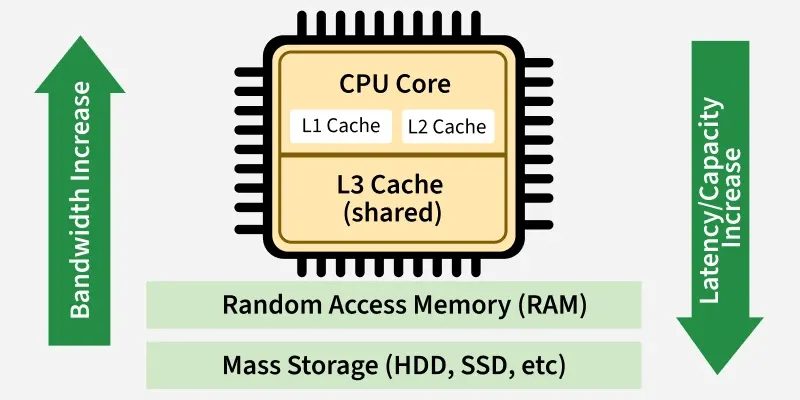
Why Cache Memory Matters
Many buyers ignore cache.
Cache is ultra-fast memory built into the processor.
Think of it as your desk.
A larger desk lets you keep more documents within reach instead of walking to a filing cabinet every few minutes.
Similarly, a larger CPU cache allows the processor to access frequently used data more quickly, improving performance in many applications.
Clock Speed Isn’t Everything
A processor running at 5.0 GHz isn’t automatically faster than one at 4.5 GHz.
Modern CPUs perform different amounts of work per clock cycle (IPC).
A newer processor with better IPC can outperform an older CPU despite having a lower clock speed.
The Importance of RAM and SSDs
Even the fastest processor can feel slow if paired with insufficient memory or a mechanical hard drive.
For a balanced system:
- RAM: 16GB is recommended for most users.
- Storage: NVMe SSDs offer much faster performance than HDDs or SATA SSDs.
These components have a significant impact on the overall user experience.
Which Processor Should You Choose?
Choose based on your workload:
| Use Case | Recommended Processor |
| Students | Core i5 (12th Gen or newer) |
| Office Work | Core i5 or Core Ultra 5 |
| Programming | Core i7 or Core Ultra 7 |
| Video Editing | Core i7, Core Ultra 7, or higher |
| CAD & Engineering | Core i7, Core Ultra 7, or Core i9 |
| Gaming | Core i7, Core Ultra 7, or Core i9 with a dedicated GPU |
Final Verdict
The best laptop isn’t determined by the Core label or the generation alone. Instead, evaluate the complete processor model, architecture, core configuration, cache, supported technologies, and how the laptop will be used.
A newer-generation Core i5 can outperform an older Core i7 in many everyday workloads, while a newer-generation Core i7 or Core Ultra processor is generally the better choice for demanding professional tasks.
When comparing laptops, don’t rely on marketing labels compare the full specifications and choose the system that best matches your workload and budget. That’s the smartest way to invest in a laptop that will perform well today and remain capable for years to come.
Contact Lansotech Solutions today:
Email: sales@lansotechsolutions.co.ke
Call/WhatsApp 0791-833-529 Start WhatsApp Chat>>